
ChatGPT Lite is a feature-rich, self-hostable ChatGPT app. Built with Next.js. ChatGPT Lite 是一个功能完整、支持私有化部署的 ChatGPT 应用。基于 Next.js,开箱即用。
ChatGPT Lite
English | 简体中文
ChatGPT Lite is a feature-rich, self-hostable ChatGPT app. Built with Next.js. Ready to deploy and use.
Demo
Try the ChatGPT Lite Demo Site.
| Light Theme | Dark Theme | |:-----------:|:----------:| | 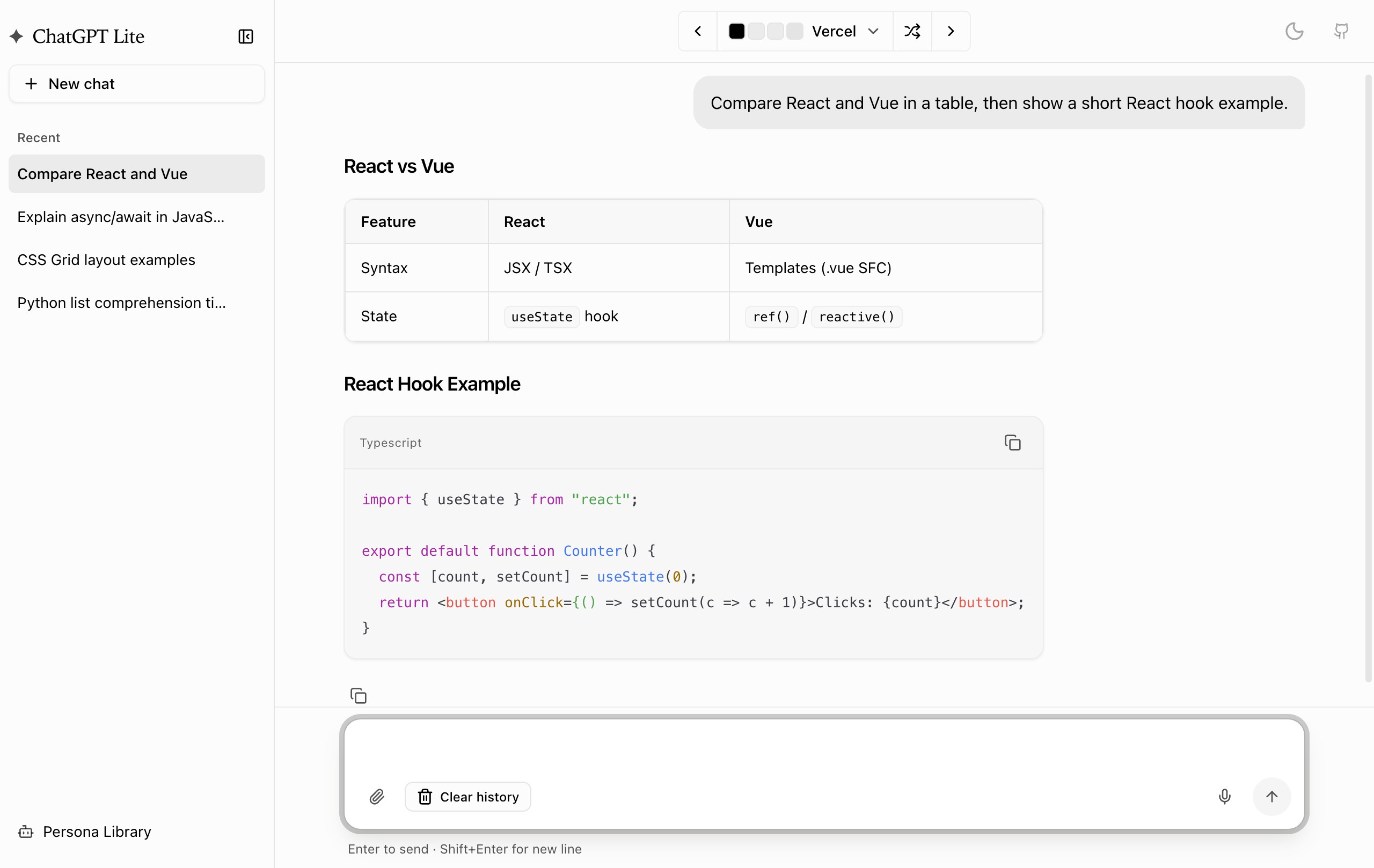 |
| 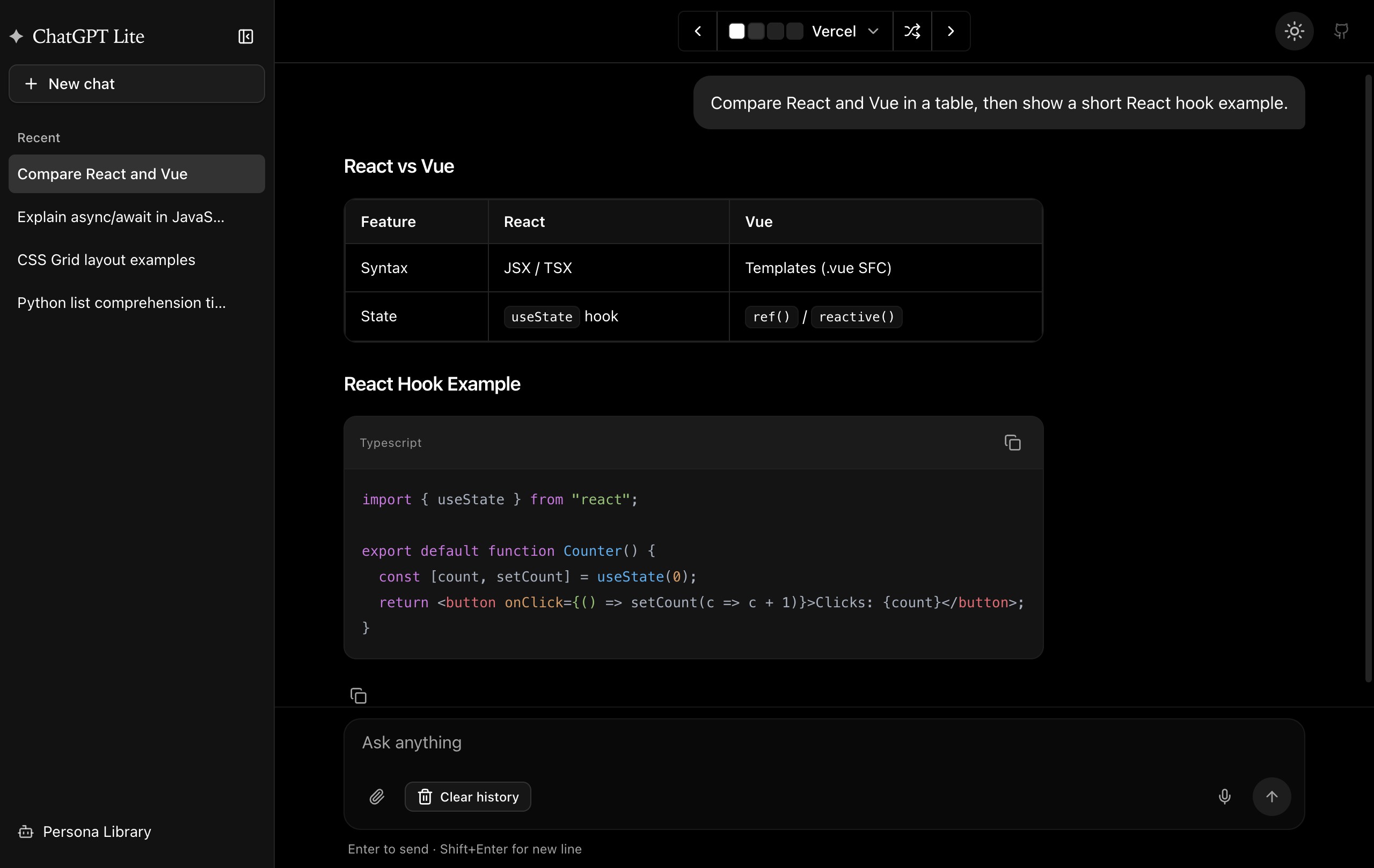 |
|
Features
Features:
- Real-time Streaming Responses - Instant token-by-token output via Server-Sent Events
- Rich Markdown Rendering - Full markdown support with syntax highlighting
- Persona System - Create and switch between custom AI personalities with different system prompts
- Multi-conversation Management - Organize and switch between multiple chat threads
- Persistent Chat History - All conversations saved locally with no server-side database required
- File Attachments - Upload images, PDFs, spreadsheets (XLSX/CSV), and text files directly in chat
- Voice Input - Dictate messages using Web Speech API
- Web Search Integration - Models can search the web when needed, with source citations
- Supports OpenAI, Azure OpenAI, and OpenAI-compatible providers
- 40+ UI Themes
- Responsive Design - Desktop and mobile friendly with collapsible sidebar
Deployment
For required environment variables, see Environment Variables.
Deploy to Vercel
Deploy instantly by clicking the button below:
Deploy with Docker
For OpenAI account users:
docker run -d -p 3000:3000 \
   -e OPENAIAPIKEY="<YOUROPENAIAPI_KEY>" \
   blrchen/chatgpt-lite
For Azure OpenAI account users:
docker run -d -p 3000:3000 \
   -e AZUREOPENAIRESOURCENAME="<YOURAZURERESOURCENAME>" \
   -e AZUREOPENAIAPIKEY="<YOURAZUREOPENAIAPI_KEY>" \
   -e AZUREOPENAIDEPLOYMENT="<YOURAZUREOPENAIDEPLOYMENTNAME>" \
   blrchen/chatgpt-lite
Development
Run Locally
- Install Node.js 22+.
- Clone this repository.
- Install dependencies using
npm install. - Copy
.env.exampleto.env.localand update environment variables. - Start the application with
npm run dev. - Open
http://localhost:3000in your browser.
Environment Variables
The following environment variables are required:
For OpenAI account:
| Name | Description | Default Value | | ------------------- | ------------------------------------------------------------------------------------------------ | ------------------------ | | OPENAIAPIBASE_URL | (Optional) Use this if you plan to use a reverse proxy for api.openai.com. | https://api.openai.com | | OPENAIAPIKEY | Secret key obtained from the OpenAI API website. | | | OPENAI_MODEL | (Optional) GPT model to use | gpt-4o-mini |
For Azure OpenAI account:
| Name | Description | | -------------------------- | ---------------------------------------------- | | AZUREOPENAIRESOURCE_NAME | Azure resource name (e.g., "my-openai-resource"). | | AZUREOPENAIAPI_KEY | API Key. | | AZUREOPENAIDEPLOYMENT | Model deployment name (not the model name). |
Acknowledgments
- Theme code from tweakcn
Contribution
PRs of all sizes are welcome.


