
A highly customizable Flowchart component for Vue 3. Features seamless zoom & pan 🔎, additional components like a Minimap 🗺 and utilities to interact with state and graph.
Vue Flow 🌊
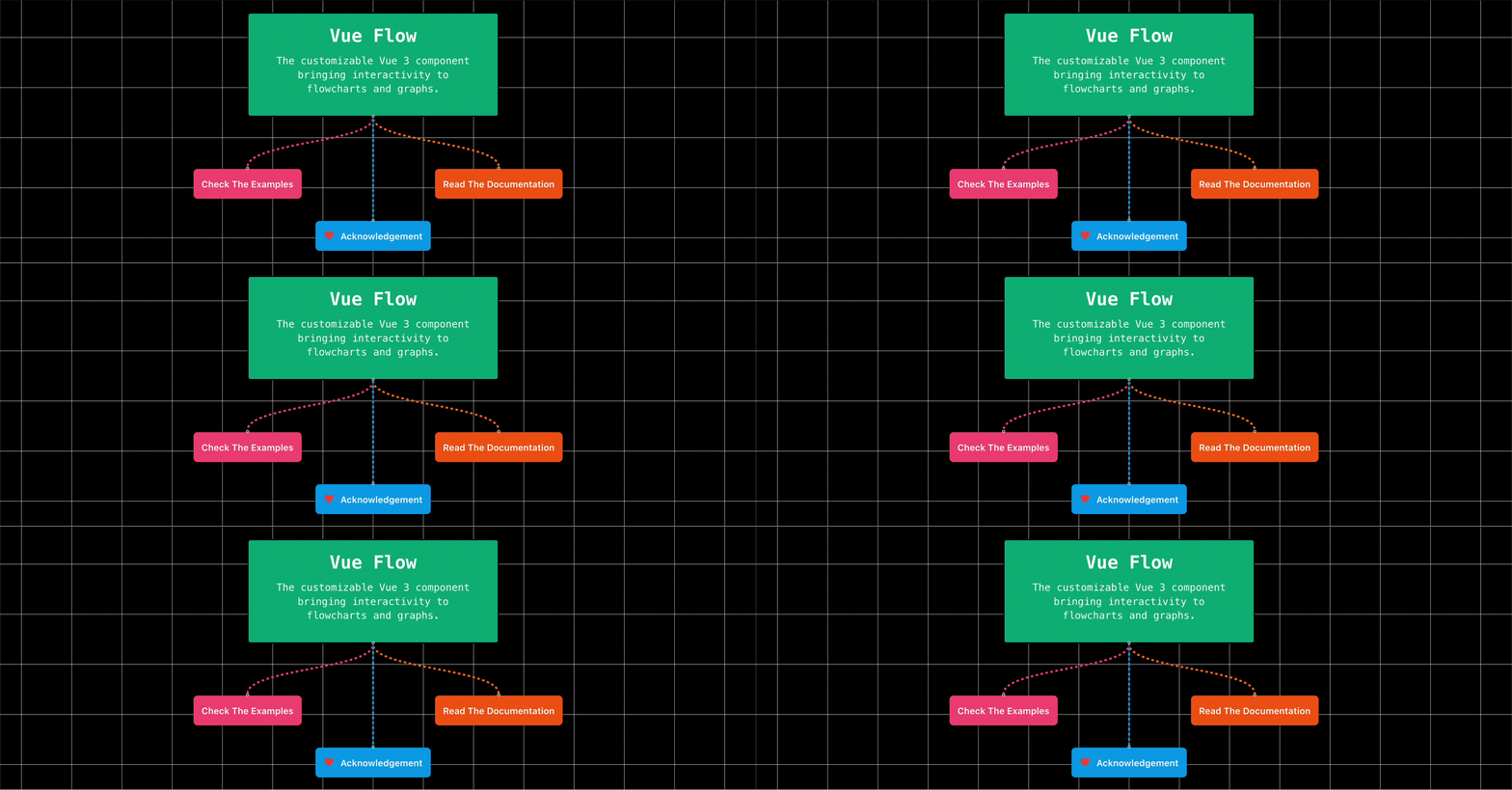



Vue Flow: A highly customizable Vue 3 Flowchart component.
You can find a detailed explanation on how to get started here or jump right into the examples.
Table of contents
+ 🪴 Vue 2 + 🐳 Dev Container⭐️ Features
- 👶 Easy setup: Get started hassle-free - Built-in zoom- & pan features, element dragging, selection and much more
- 🎨 Customizable: Use your custom nodes, edges and connection lines and expand on Vue Flows' functionality
- 🚀 Fast: Tracks changes reactively and only re-renders the appropriate elements
- 🧲 Utils & Composition: Comes with graph helper and state composable functions for advanced uses
- 📦 Additional Components:
- 🧭 Minimap: Shows current nodes in a small map shape in the bottom right corner
- 🕹 Controls: Control zoom behavior from a panel on the bottom left
- 🤖 And (many) more to come...
- 🦾 Reliable: Fully written in TypeScript
🛠 Setup
$ npm i @vue-flow/core
or
$ pnpm i @vue-flow/core
or
$ yarn add @vue-flow/core
🎮 Quickstart
In Vue Flow, an application structure consists of nodes and edges, all of which are categorised as elements.
Each element requires a unique id.
Nodes additionally need an XY-position, while edges require a source and a target, both represented by node ids.
<!-- Flowchart.vue -->
<template>   <VueFlow v-model:nodes="nodes" v-model:edges="edges"></VueFlow> </template>
⚠️ Make sure to import the necessary styles:
/ import the required styles /
@import "@vue-flow/core/dist/style.css";
/ import the default theme (optional) / @import "@vue-flow/core/dist/theme-default.css";
Do not scope these styles with scoped in your component.
🪴 Vue 2
This library doesn't work with Vue 2.
Vue Flow uses features that are exclusive to Vue 3, therefore there is no support for Vue 2, nor will there be any support in the future, sorry.
🧪 Development
Prerequisites
# install pnpm if you haven't already
$ npm i -g pnpm
start examples
$ pnpm dev
build all packages
$ pnpm build
🐳 Dev Container
To start using development containers, install the Docker extension for VSCode. After installing the extension, open the connection menu either on the bottom left or open it via the commands tab. Select the Open Folder in Container option to mount the project.
The development container will spin up all packages example apps and forward the ports to your machine.
 Discord
Join the Vue Flow Discord server!
Here you can ask questions to the community, propose ideas for new features or share your work that you have built with Vue Flow.
💝 Special Thanks
This project is built with
- Vue flow is heavily based on webkids' ReactFlow. I wholeheartedly thank them for their amazing work! Without them VueFlow would not exist. Please consider donating or subscribing to ReactFlow Pro. - D3 makes all the zoom and pan actions in Vue Flow possible. - VueUse is a collection of essential vue composition utilities⭐ Stargazers
Many thanks to the kind individuals who leave a star. Your support is much appreciated!


