
An interactive framework to visualize and analyze your AutoML process in real-time.

DeepCAVE
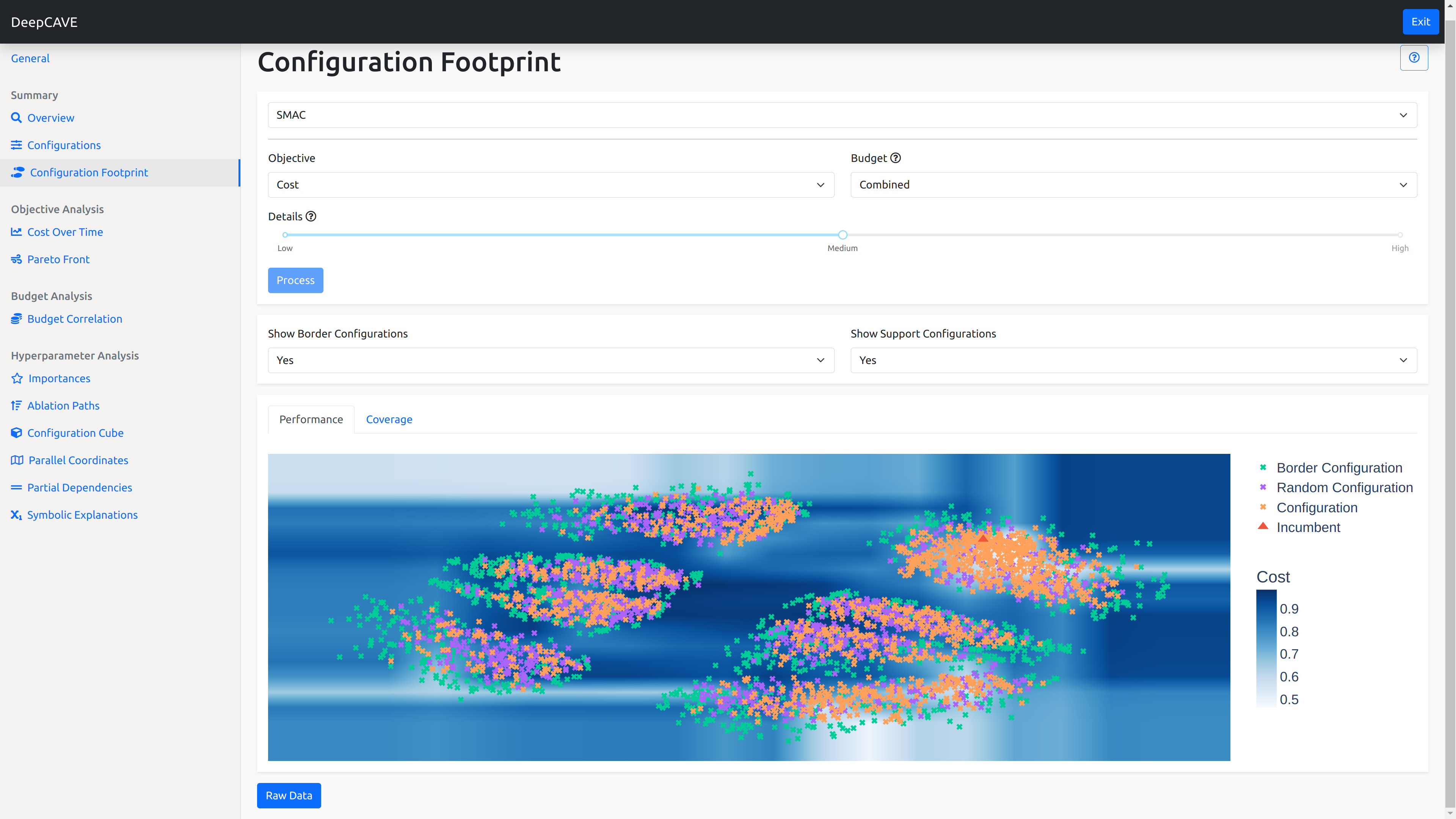
DeepCAVE is a visualization and analysis tool for AutoML, with a particular focus on hyperparameter optimization (HPO). Built on the Dash framework, it offers a fully interactive experience. The tool features a variety of plugins that enable efficient insight generation, aiding in understanding and debugging the application of HPO. Additionally, the powerful run interface and the modularized plugin structure allow extending the tool at any time effortlessly.
Installation
First, make sure you have redis-server installed on your computer.
Afterwards, follow the instructions to install DeepCAVE:
conda create -n DeepCAVE python=3.9 conda activate DeepCAVE conda install -c anaconda swig pip install DeepCAVETo load runs created with Optuna, the BOHB optimizer or RayTune, you need to install the respective packages by running:
pip install deepcave[optuna] pip install deepcave[bohb] pip install deepcave[raytune]To try the examples for recording your results in DeepCAVE format, run this after installing:
pip install deepcave[examples]If you want to contribute to DeepCAVE, use the following steps instead:
git clone https://github.com/automl/DeepCAVE.git cd DeepCAVE conda create -n DeepCAVE python=3.9 conda activate DeepCAVE conda install -c anaconda swig make install-devPlease visit the documentation to get further help (e.g. if you cannot install redis server or if you are on MacOS).
Visualizing and Evaluating
The webserver as well as the queue/workers can be started by simply running:
deepcave --openIf you specify --open your webbrowser automatically opens at http://127.0.0.1:8050/. You can find more arguments and information (like using custom configurations) in the documentation.
Example runs
DeepCAVE comes with some pre-evaluated runs to get a feeling for what DeepCAVE can do.
If you cloned the repository from GitHub via git clone https://github.com/automl/DeepCAVE.git, you can try out some examples by exploring the logs directory inside the DeepCAVE dashboard. For example, if you navigate to logs/DeepCAVE/mnist_pytorch, you can view its runs if you hit the + button left to them.
Features
Interactive Interface
- Interactive Dashboard:
- Run Selection Interface:
- Integrated Help and Documentation:
Comprehensive Analysis Tools
- Extensive Plugin Collection:
- Analysis of Running Processes:
- Group Analysis:
Flexible and Modular Architecture
- Modular Plugin Architecture:
- Asynchronous Execution:
Broad Optimizer Support
- Optimizer Support:
- Native Format Saving:
- Flexible Data Loading:
Developer and API Features
- API Mode:
Citation
If you use DeepCAVE in one of your research projects, please cite our ReALML@ICML'22 workshop paper:
@misc{sass-realml2022, title = {DeepCAVE: An Interactive Analysis Tool for Automated Machine Learning}, author = {Sass, René and Bergman, Eddie and Biedenkapp, André and Hutter, Frank and Lindauer, Marius}, doi = {10.48550/ARXIV.2206.03493}, url = {https://arxiv.org/abs/2206.03493}, publisher = {arXiv}, year = {2022}, copyright = {arXiv.org perpetual, non-exclusive license} }Copyright (C) 2021-2024 The DeepCAVE Authors


