
Terminal image viewer with native support for iTerm and Kitty
Description
A small command-line application to view images from the terminal written in Rust. It is basically the front-end ofviuer. It uses either iTerm
or Kitty graphics protocol, if supported.
If not, lower half blocks (▄ or \u2584) are displayed instead.
Based on the value of $TERM, viuer decides which protocol to use. For half blocks, $COLORTERM is inspected. If it contains either truecolor or 24bit, truecolor (16 million colors) will be used. If not, it will fallback to using only ansi256. A nice explanation can be found in this gist.
Features
- Native iTerm and Kitty support
- Animated GIF support
- Accept media through stdin
- Custom dimensions
- Transparency
- Experimental Sixel support (behind either
sixeloricy_sixelfeature flags)
Installation
From source (recommended)
Installation from source requires a local Rust environment.
git clone https://github.com/atanunq/viu.git
Build & Install
cd viu/
cargo install --path .
Use
viu img/giphy.gifcargo install viuBinary
A precompiled binary can be downloaded from the release page. GPG fingerprint is B195BADA40BEF20E4907A5AC628280A0217A7B0F.Packages
MacOS
Available inbrew.
brew install viuArch Linux
Available inextra/viu.
pacman -S viuNetBSD
Available ingraphics/viu.
Usage
Examples
On a Kitty terminal: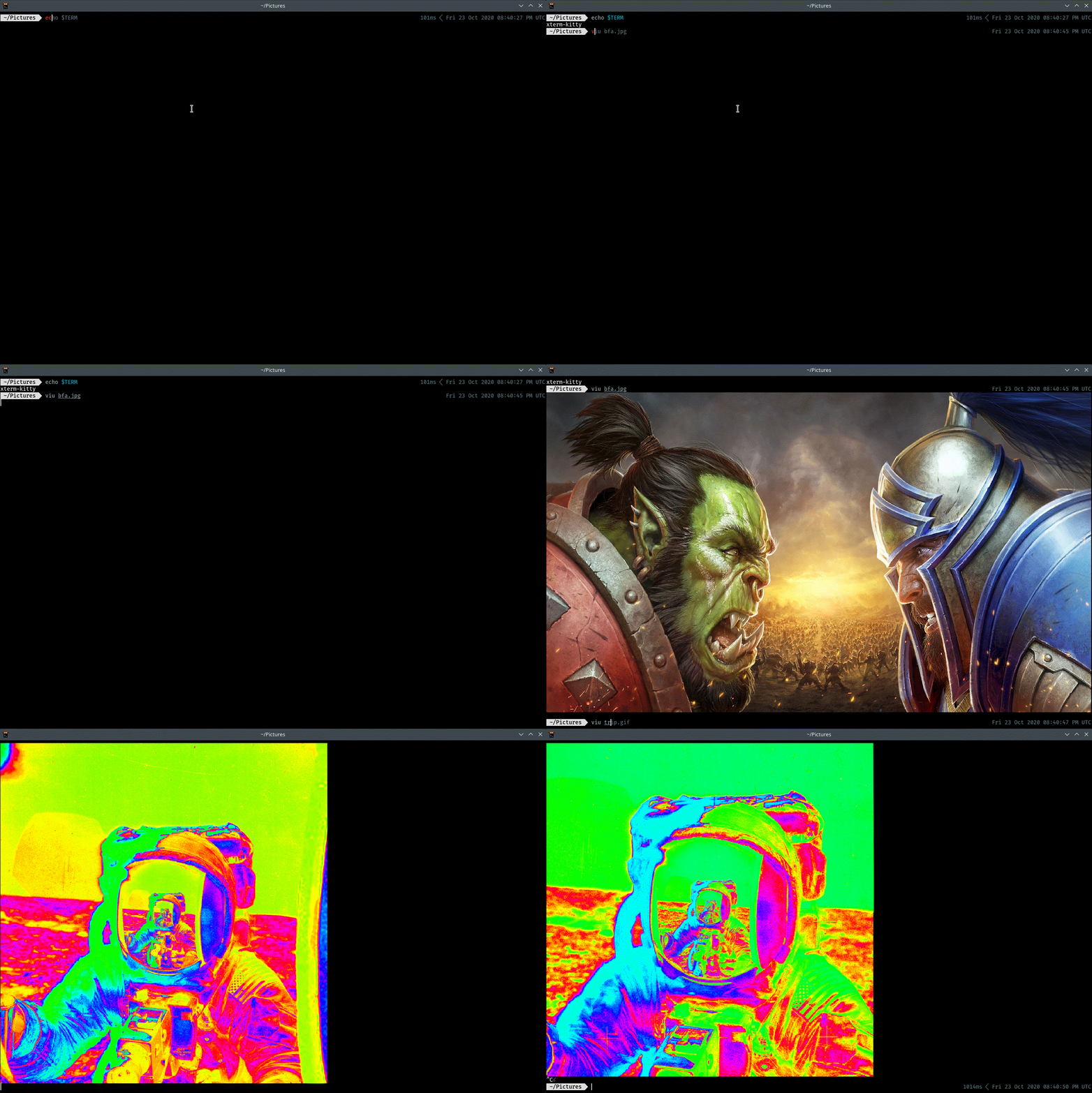
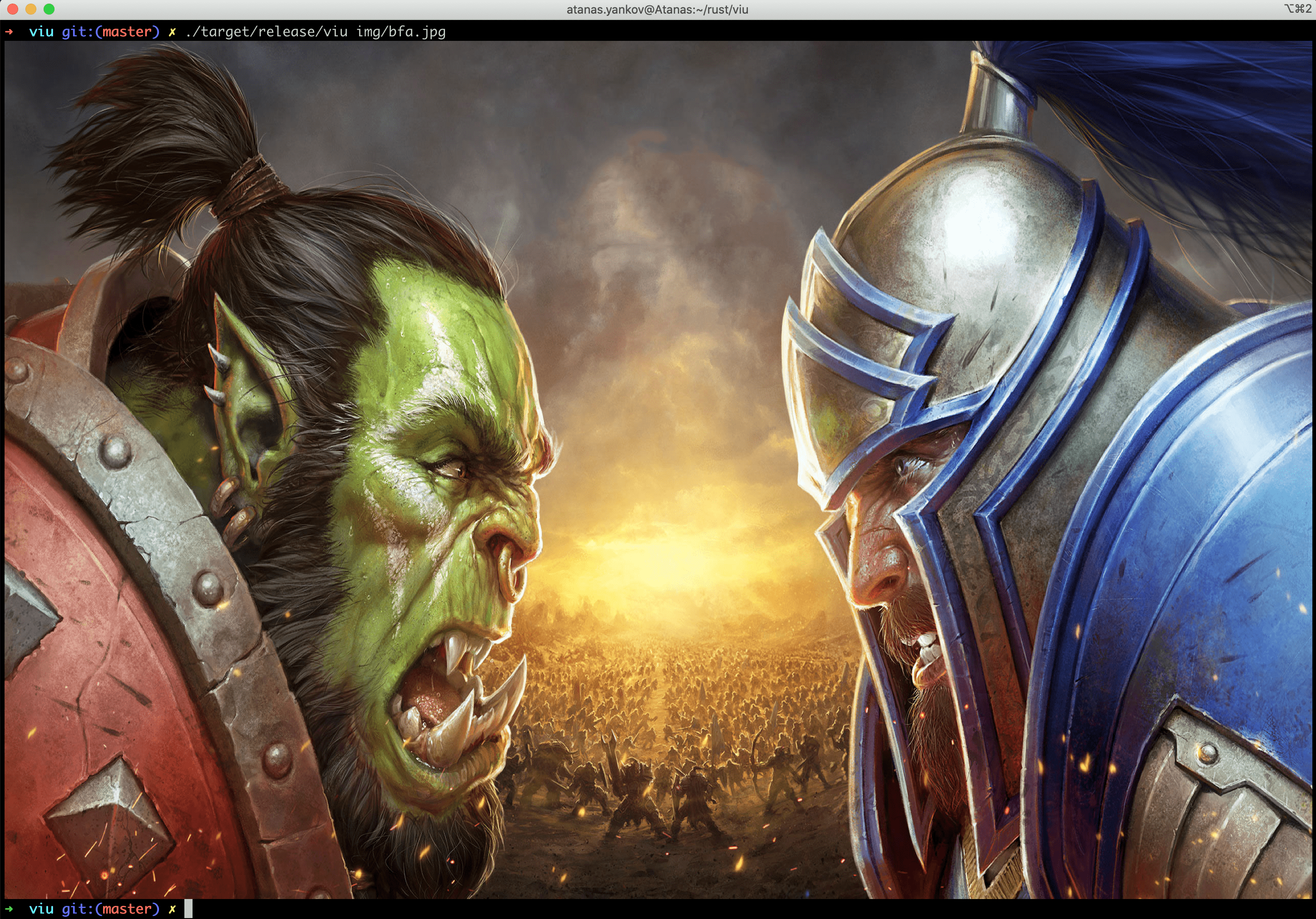
On a Mac with iTerm:
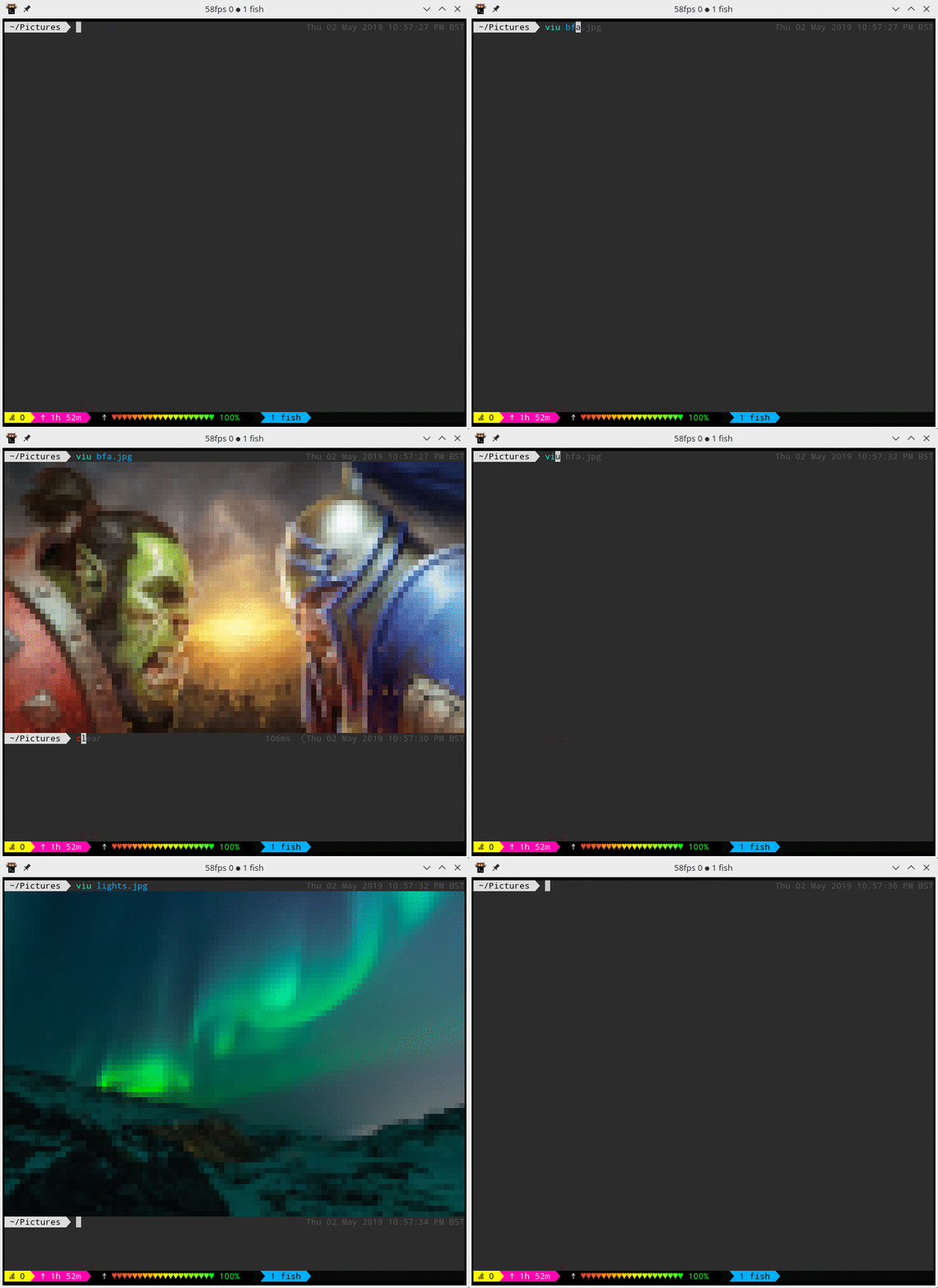
Using half blocks (Kitty protocol and tmux do not get along):
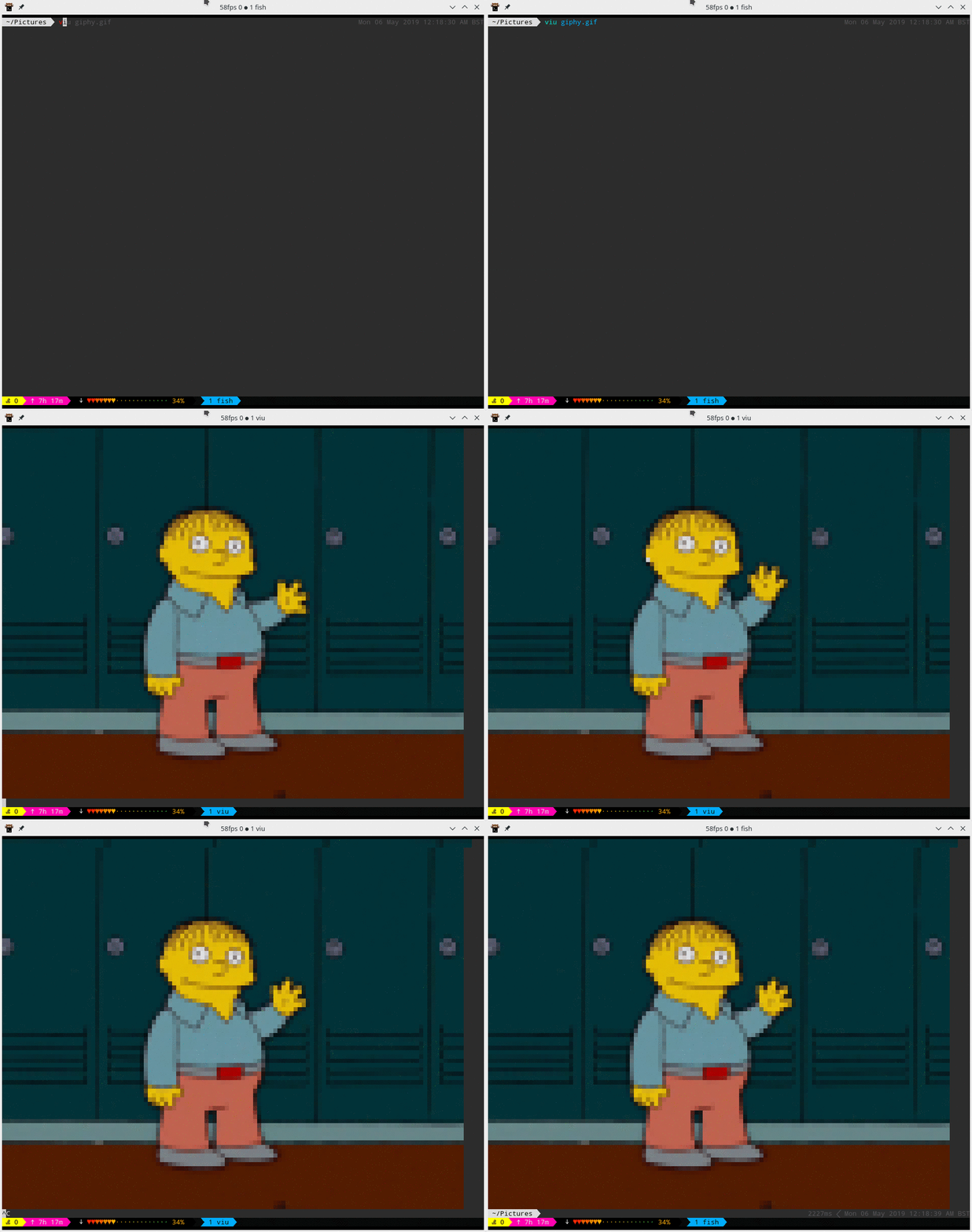
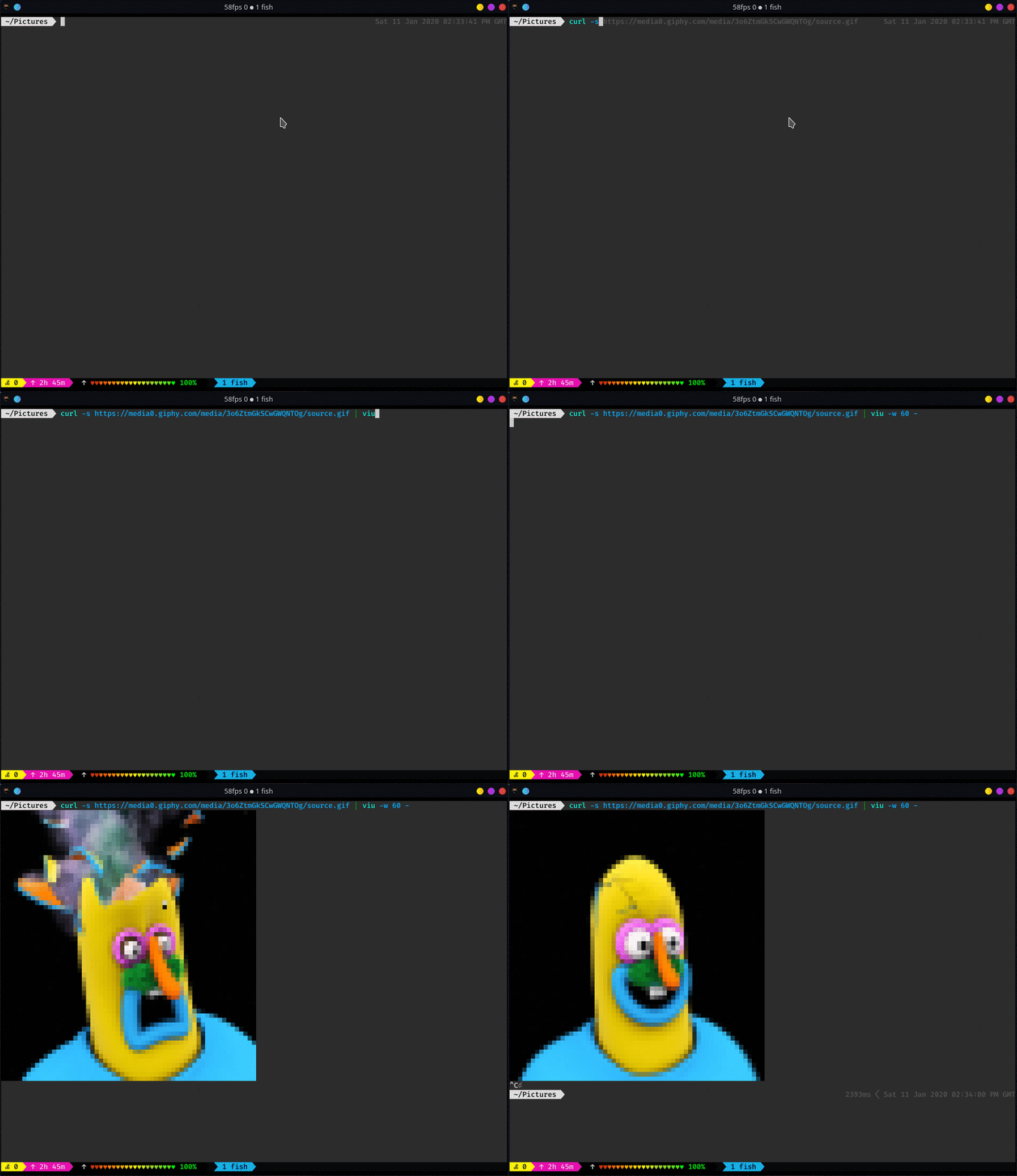
Ctrl-C was pressed to stop the GIFs.
When viu receives only one file and it is GIF, it will be displayed over and over until Ctrl-C is pressed. However, when couple of files are up for display the GIF will be displayed only once.
iTerm note
iTerm can handle GIFs by itself with better performance, but configuration through--once
and --frame-rate will have no effect there.
Aspect Ratio
If no flags are supplied toviu it will try to get the size of the terminal where it was invoked.
If it succeeds it will fit the image and preserve the aspect ratio. The aspect ratio will be changed
only if both options -w and -h are used together.
Command line options
View images right from the terminal.
Usage: viu [OPTIONS] [file]...
Arguments:   [file]...  The images to be displayed. Set to - for standard input.
Options:   -w, --width <width>           Resize the image to a provided width   -h, --height <height>           Resize the image to a provided height   -x <x>           X offset [default: 0]   -y <y>           Y offset [default: 0]   -a, --absolute-offset           Make the x and y offset be relative to the top left terminal corner. If not set, they are relative to the cursor's position.   -r, --recursive           Recurse down directories if passed one   -b, --blocks           Force block output   -n, --name           Output the name of the file before displaying   -c, --caption           Output the name of the file after displaying   -t, --transparent           Display transparent images with transparent background   -f, --frame-rate <frames-per-second>           Play the gif at a given frame rate   -1, --once           Loop only once through the gif   -s, --static           Show only the first frame of the gif   -H, --help           Print help information   -V, --version           Print version information


