
Image processing algorithms in pure Go
bild



A collection of parallel image processing algorithms in pure Go.
The aim of this project is simplicity in use and development over absolute high performance, but most algorithms are designed to be efficient and make use of parallelism when available.
It uses packages from the standard library whenever possible to reduce dependency use and development abstractions.
All operations return image types from the standard library.
Documentation
The documentation for the various packages is available here.CLI usage
Download and compile from sources:
go get github.com/anthonynsimon/bildOr get the pre-compiled binaries for your platform on the releases page
bild
A collection of parallel image processing algorithms in pure Go
Usage:   bild [command]
Available Commands:   adjust      adjust basic image features like brightness or contrast   blend       blend two images together   blur        blur an image using the specified method   channel     channel operations on images   effect      apply effects on images   help        Help about any command   histogram   histogram operations on images   imgio       i/o operations on images   noise       noise generators   segment     segment an image using the specified method   transform   apply geometric transformations to images
Flags:   -h, --help      help for bild       --version   version for bild
Use "bild [command] --help" for more information about a command.
For example, to apply a median effect with a radius of 1.5 on the image input.png, writing the result into a new file called output.png:
bild effect median --radius 1.5 input.png output.pngTo resize an image to 800x600 using the lanczos filter:
bild transform resize --width 800 --height 600 --filter lanczos input.png output.pngTo rotate an image 90 degrees clockwise, expanding bounds to fit:
bild transform rotate --angle 90 --resize-bounds input.png output.pngTo crop an image to a specific region:
bild transform crop --rect 0x0+512x256 input.png output.pngTo convert an image to another format (the encoder is chosen from the output extension):
bild imgio encode input.png output.webpInstall package
bild requires Go version 1.25 or greater.
go get github.com/anthonynsimon/bild/...Basic package usage example:
package main
import (     "github.com/anthonynsimon/bild/effect"     "github.com/anthonynsimon/bild/imgio"     "github.com/anthonynsimon/bild/transform" )
func main() {     img, err := imgio.Open("input.jpg")     if err != nil {         fmt.Println(err)         return     }
inverted := effect.Invert(img)     resized := transform.Resize(inverted, 800, 800, transform.Linear)     rotated := transform.Rotate(resized, 45, nil)
if err := imgio.Save("output.png", rotated, imgio.PNGEncoder()); err != nil {         fmt.Println(err)         return     } }
Supported formats
imgio.Open decodes PNG, JPEG, BMP and WebP images. The following encoders are available:
imgio.PNGEncoder()imgio.JPEGEncoder(quality)imgio.BMPEncoder()imgio.WEBPEncoder(options)— passnilfor defaults
.png, .jpg/.jpeg, .bmp, .webp).
Output examples
Adjustment
import "github.com/anthonynsimon/bild/adjust"Brightness
result := adjust.Brightness(img, 0.25)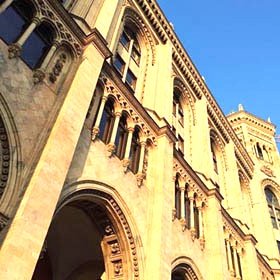
Contrast
result := adjust.Contrast(img, -0.5)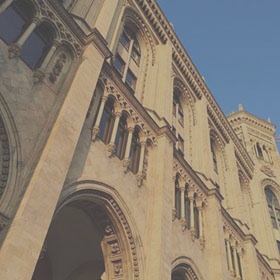
Gamma
result := adjust.Gamma(img, 2.2)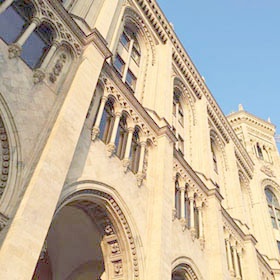
Hue
result := adjust.Hue(img, -42)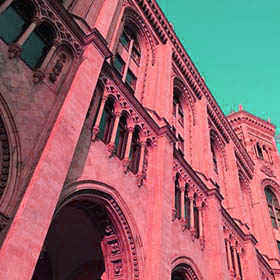
Saturation
result := adjust.Saturation(img, 0.5)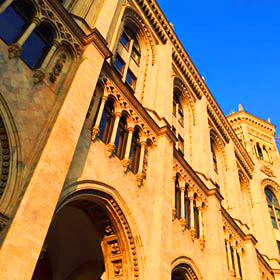
Blend modes
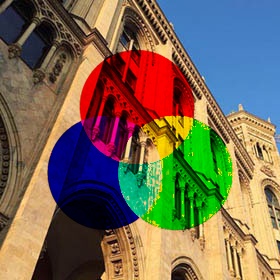
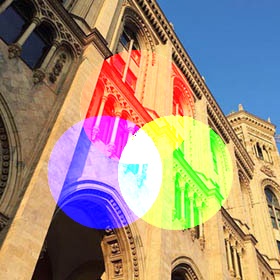
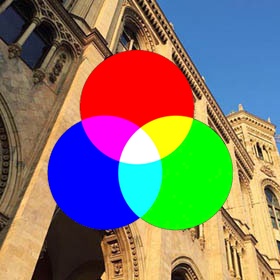
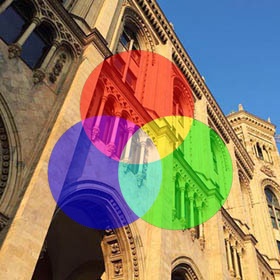
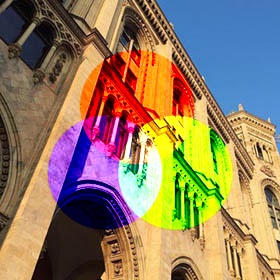
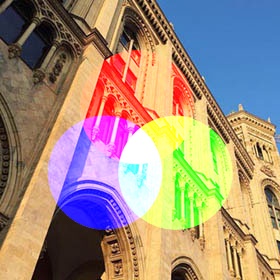
import "github.com/anthonynsimon/bild/blend"result := blend.Multiply(bg, fg)
| Add | Color Burn | Color Dodge | | :----------: | :---------: | :------: | | 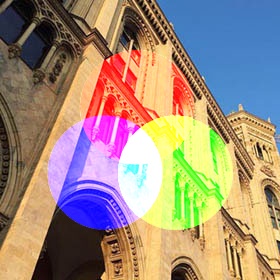 |
|  |
|  | | Darken | Difference | Divide | |
 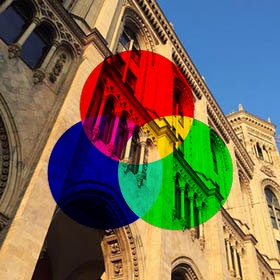 |
| 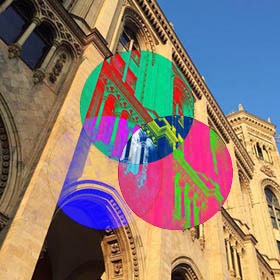 |
| 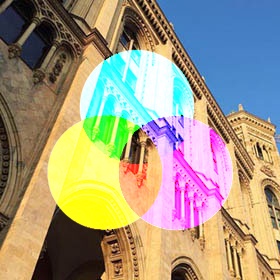 | | Exclusion | Lighten | Linear Burn | |
 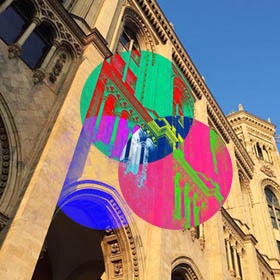 |
| 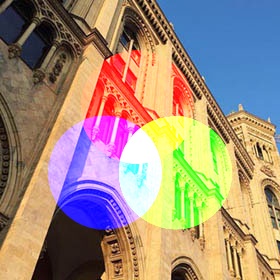 |
| 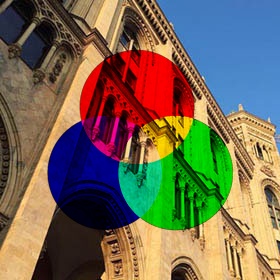 | | Linear Light | Multiply | Normal | |
 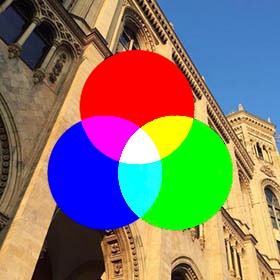 |
| 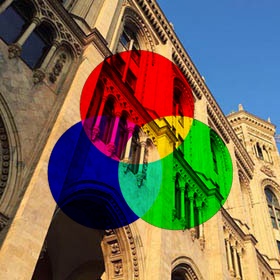 |
|  | | Opacity | Overlay | Screen | |
  |
|  |
|  | | Soft Light | Subtract | | |
 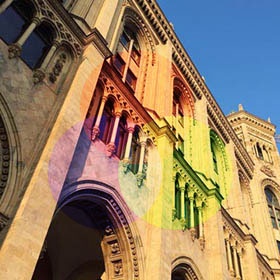 |
| 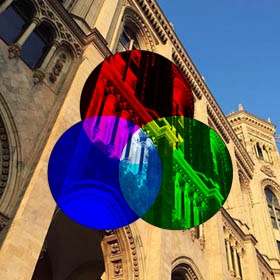 | |
| |
Blur
import "github.com/anthonynsimon/bild/blur"Box Blur
result := blur.Box(img, 3.0)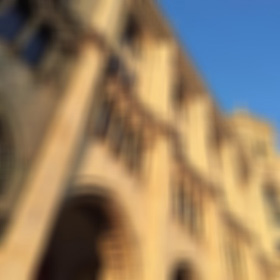
Gaussian Blur
result := blur.Gaussian(img, 3.0)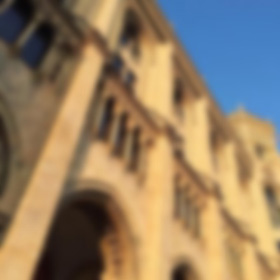
Channel
import "github.com/anthonynsimon/bild/channel"Extract Channels
result := channel.Extract(img, channel.Alpha)
Extract Multiple Channels
result := channel.ExtractMultiple(img, channel.Red, channel.Alpha)Effect
import "github.com/anthonynsimon/bild/effect"Dilate
result := effect.Dilate(img, 3)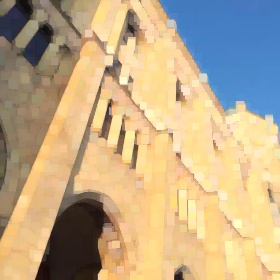
Edge Detection
result := effect.EdgeDetection(img, 1.0)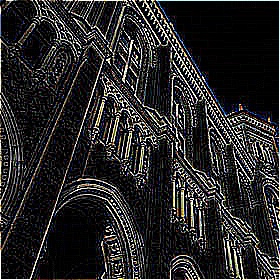
Emboss
result := effect.Emboss(img)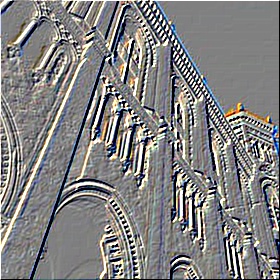
Erode
result := effect.Erode(img, 3)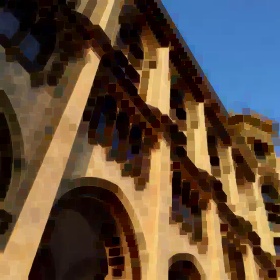
Grayscale
result := effect.Grayscale(img)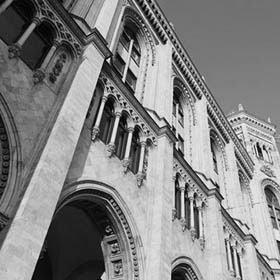
Invert
result := effect.Invert(img)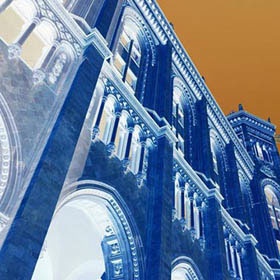
Median
result := effect.Median(img, 10.0)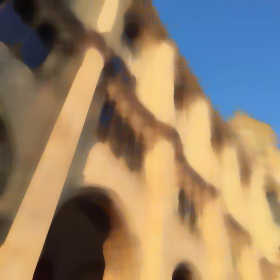
Sepia
result := effect.Sepia(img)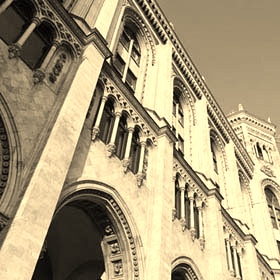
Sharpen
result := effect.Sharpen(img)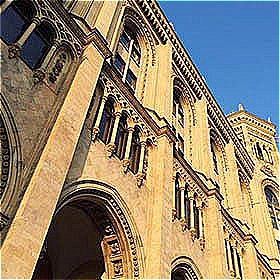
Sobel
result := effect.Sobel(img)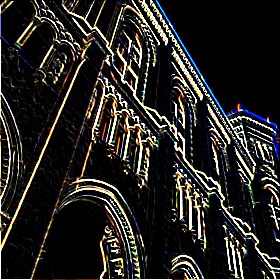
Unsharp Mask
result := effect.UnsharpMask(img, 0.6, 1.2)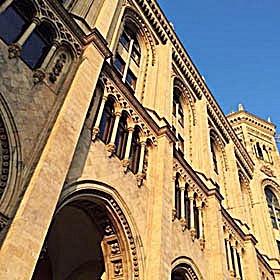
Histogram
import "github.com/anthonynsimon/bild/histogram"RGBA Histogram
hist := histogram.NewRGBAHistogram(img) result := hist.Image()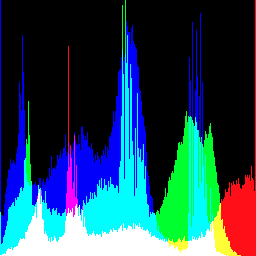
Noise
import "github.com/anthonynsimon/bild/noise"Uniform colored
result := noise.Generate(280, 280, &noise.Options{Monochrome: false, NoiseFn: noise.Uniform})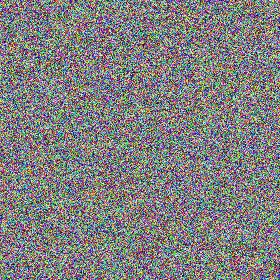
Binary monochrome
result := noise.Generate(280, 280, &noise.Options{Monochrome: true, NoiseFn: noise.Binary})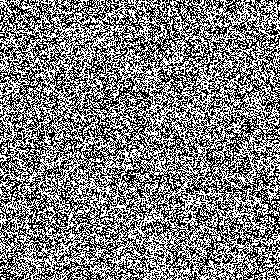
Gaussian monochrome
result := noise.Generate(280, 280, &noise.Options{Monochrome: true, NoiseFn: noise.Gaussian})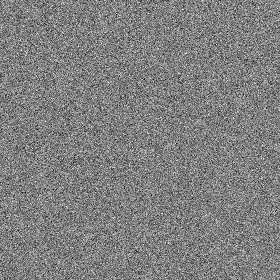
Perlin Noise
result := noise.GeneratePerlin(280, 280, 0.25)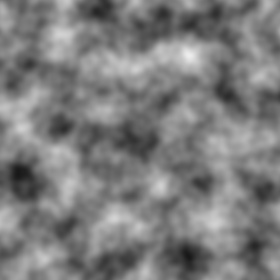
Paint
import "github.com/anthonynsimon/bild/paint"Flood Fill
// Fuzz is the percentage of maximum color distance that is tolerated result := paint.FloodFill(img, image.Point{240, 0}, color.RGBA{255, 0, 0, 255}, 15)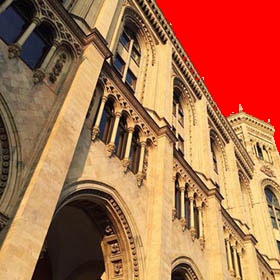
Segmentation
import "github.com/anthonynsimon/bild/segment"Threshold
result := segment.Threshold(img, 128)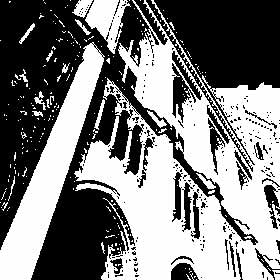
Transform
import "github.com/anthonynsimon/bild/transform"Crop
// Source image is 280x280 result := transform.Crop(img, image.Rect(70,70,210,210))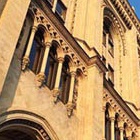
FlipH
result := transform.FlipH(img)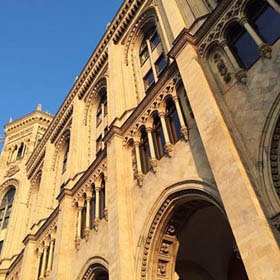
FlipV
result := transform.FlipV(img)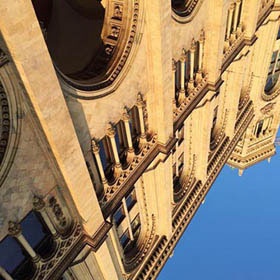
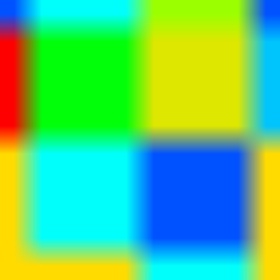
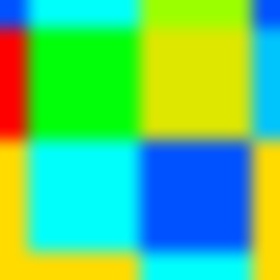
Resize Resampling Filters
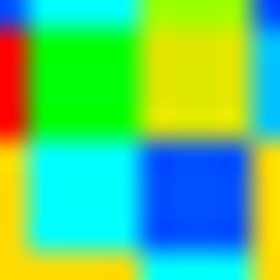
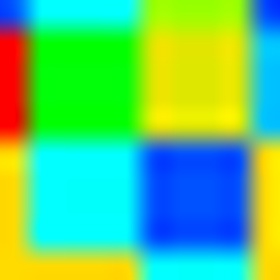
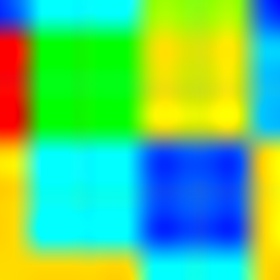
result := transform.Resize(img, 280, 280, transform.Linear)| Nearest Neighbor | Linear | Gaussian | |:----------: | :---------: | :------: | | 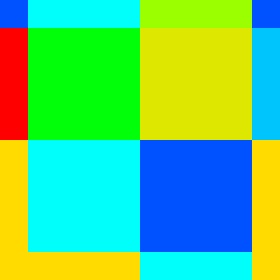 |
|  |
|  | | Mitchell Netravali | Catmull Rom | Lanczos | |
  |
|  |
|  |
|
Rotate
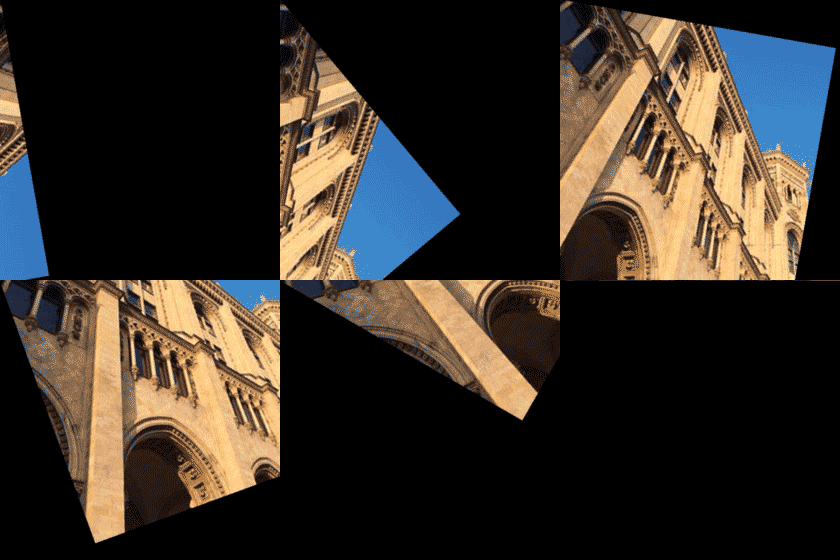
// Options set to nil will use defaults (ResizeBounds set to false, Pivot at center) result := transform.Rotate(img, -45.0, nil)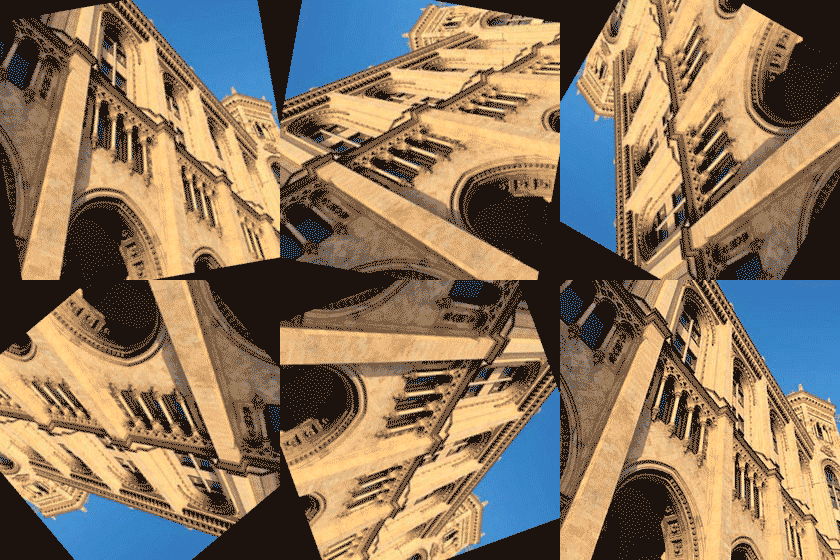
// If ResizeBounds is set to true, the full rotation bounding area is used result := transform.Rotate(img, -45.0, &transform.RotationOptions{ResizeBounds: true})
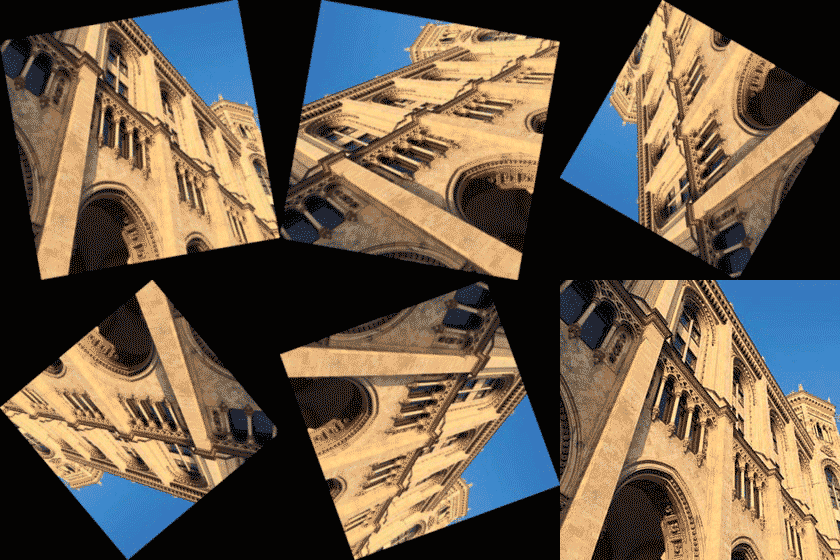
// Pivot coordinates are set from the top-left corner // Notice ResizeBounds being set to default (false) result := transform.Rotate(img, -45.0, &transform.RotationOptions{Pivot: &image.Point{0, 0}})
Shear Horizontal
result := transform.ShearH(img, 30)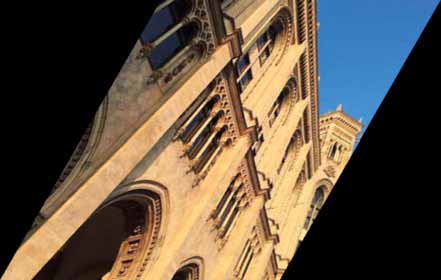
Shear Vertical
result := transform.ShearV(img, 30)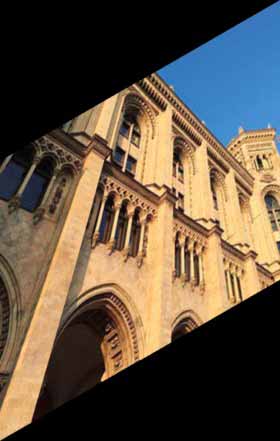
Translate
result := transform.Translate(img, 80, 0)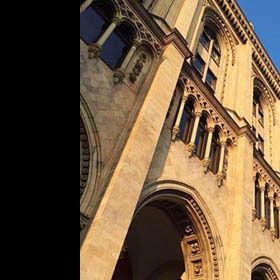
Zoom
// Zoom in 2x, preserving the image size (out-of-bounds pixels are cropped) result := transform.Zoom(img, 2.0, nil)// Zoom in 2x, expanding the canvas to fit the full zoomed image result := transform.Zoom(img, 2.0, &transform.ZoomOptions{ResizeBounds: true})
// Zoom with a custom pivot point result := transform.Zoom(img, 2.0, &transform.ZoomOptions{Pivot: &image.Point{0, 0}})
Contribute
Want to hack on the project? Any kind of contribution is welcome! Simply follow the next steps:
- Fork the project.
- Create a new branch.
- Make your changes and write tests when practical.
- Commit your changes to the new branch.
- Send a pull request, it will be reviewed shortly.
Changelog
Please see the changelog for more details.
License
This project is licensed under the MIT license. Please read the LICENSE file.


