
sc-im - Spreadsheet Calculator Improvised -- An ncurses spreadsheet program for terminal
NOTE 05/21/2025:
New release v0.8.5 - This project needs your help! This is a one person project and have very little sponsoring. I want to still maintain and develop sc-im, but I am the only income in my family and its becoming difficult to work as much as I would want. If you can make a donation (see at the bottom), please do. Your help would be really appreciated!! Thanks.sc-im
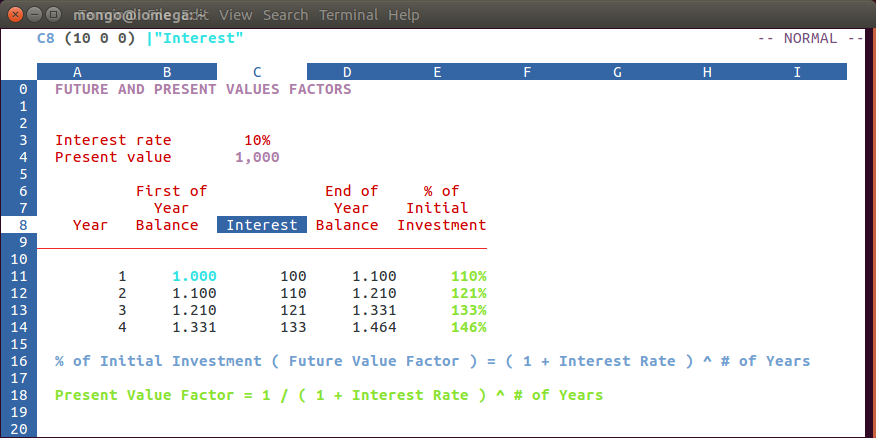
Spreadsheet Calculator Improvised, aka sc-im, is an ncurses based, vim-like spreadsheet calculator.sc-im is based on sc), whose original authors are James Gosling and Mark Weiser, and mods were later added by Chuck Martin.
Some of the features of sc-im
- Vim movements commands for editing cell content.
- UNDO / REDO.
- 65.536 rows and 702 columns supported. (The number of rows can be expanded to 1.048.576 if wished).
- CSV / TAB delimited / XLSX file import and export. ODS import. Markdown export.
- Key-mappings.
- Autobackup.
- Direct color support - specifing the RGB values, screen colors can be customized by user, even at runtime.
- Colorize cells or give them format such as bold, italic or underline.
- Wide character support. The following alphabets are supported: English, Spanish, French, Italian, German, Portuguese, Russian, Ukrainian, Greek, Turkish, Czech, Japanese, Chinese.
- Sort of rows.
- Filter of rows.
- Subtotals.
- Cell shifting.
- Clipboard support.
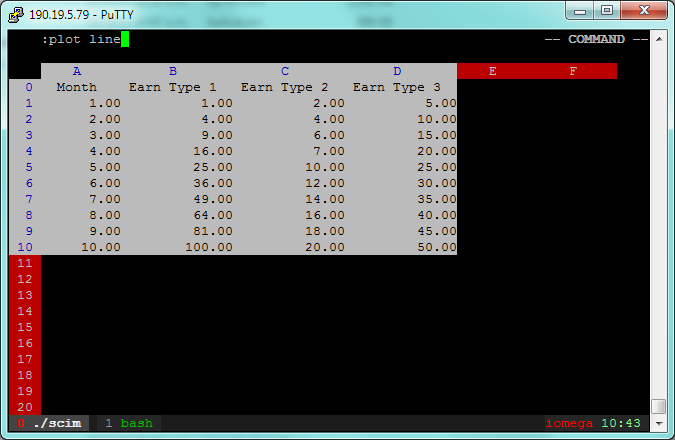
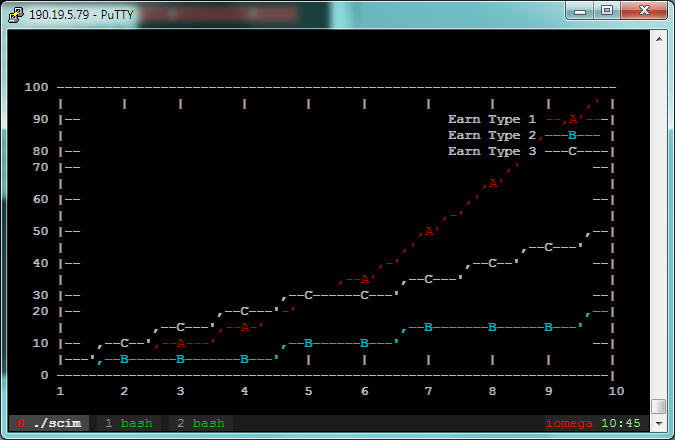
- GNUPlot interaction.
- Scripting support with LUA. Also with triggers and c dynamic linked modules.
- Implement external functions in the language you prefer and use them in SC-IM.
- Use SC-IM as a non-interactive calculator, reading its input from an external script.
Quick start
| Key | Purpose | |------------------|-----------------------------------------| | = | Insert a numeric value | | \ | Insert a text value | | e | Edit a numeric value | | E | Edit a string value | | x | Delete current cell content | | :q | Quit the app | | :h | See help | | :w filename.sc | Save current spreadsheet in sc format | | j | Move down | | k | Move up | | h | Move left | | l | Move right | | goab12 | go to cell AB12 | | u | undo last change | | C-r | redo last change undone | | yy | Copy current cell | | v | select a range using cursor/hjkl keys | | p | paste a previously yanked cell or range | | ir | insert row | | ic | insert column | | dr | delete row | | dc | delete column |
Screenshots
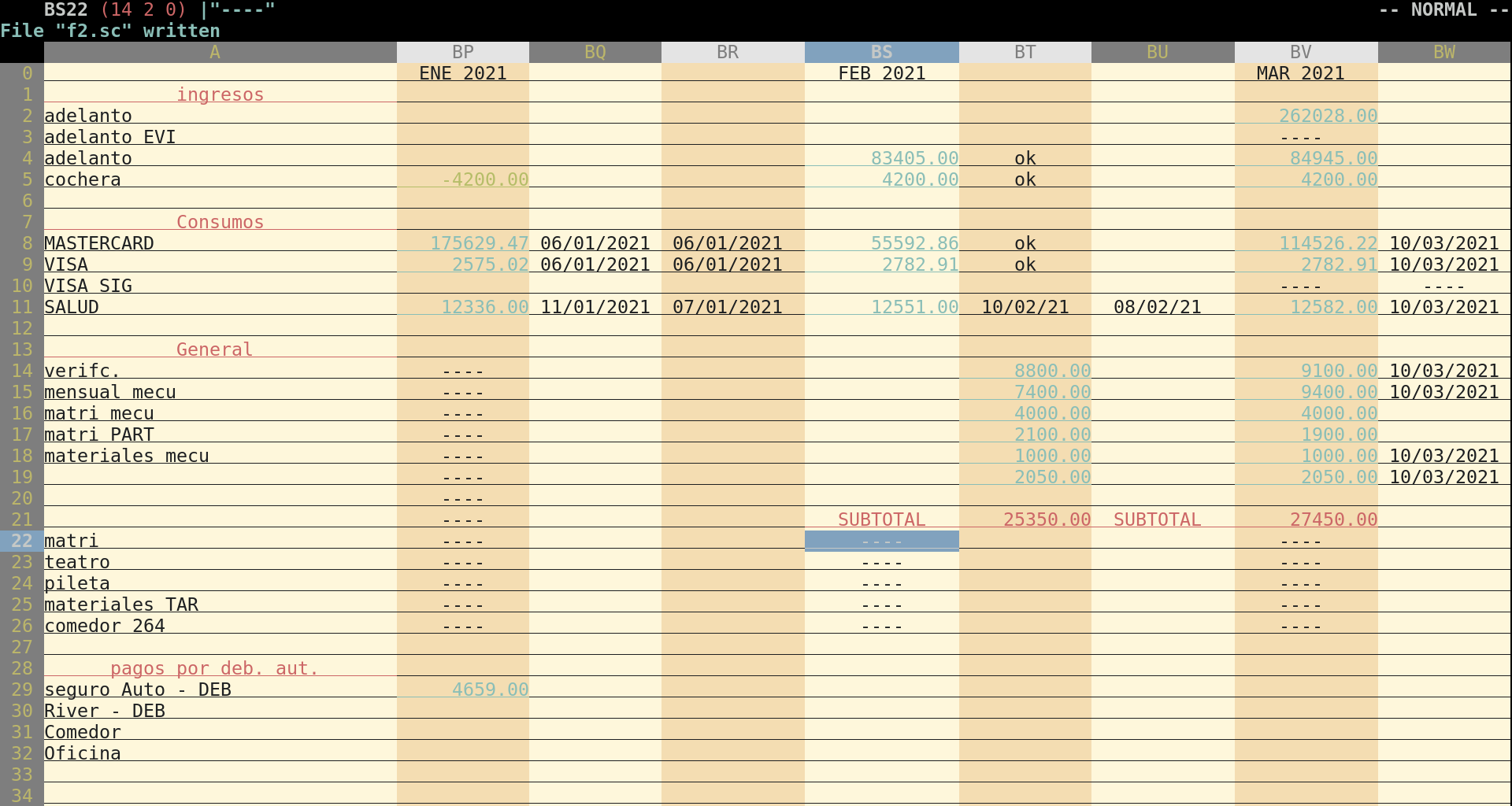
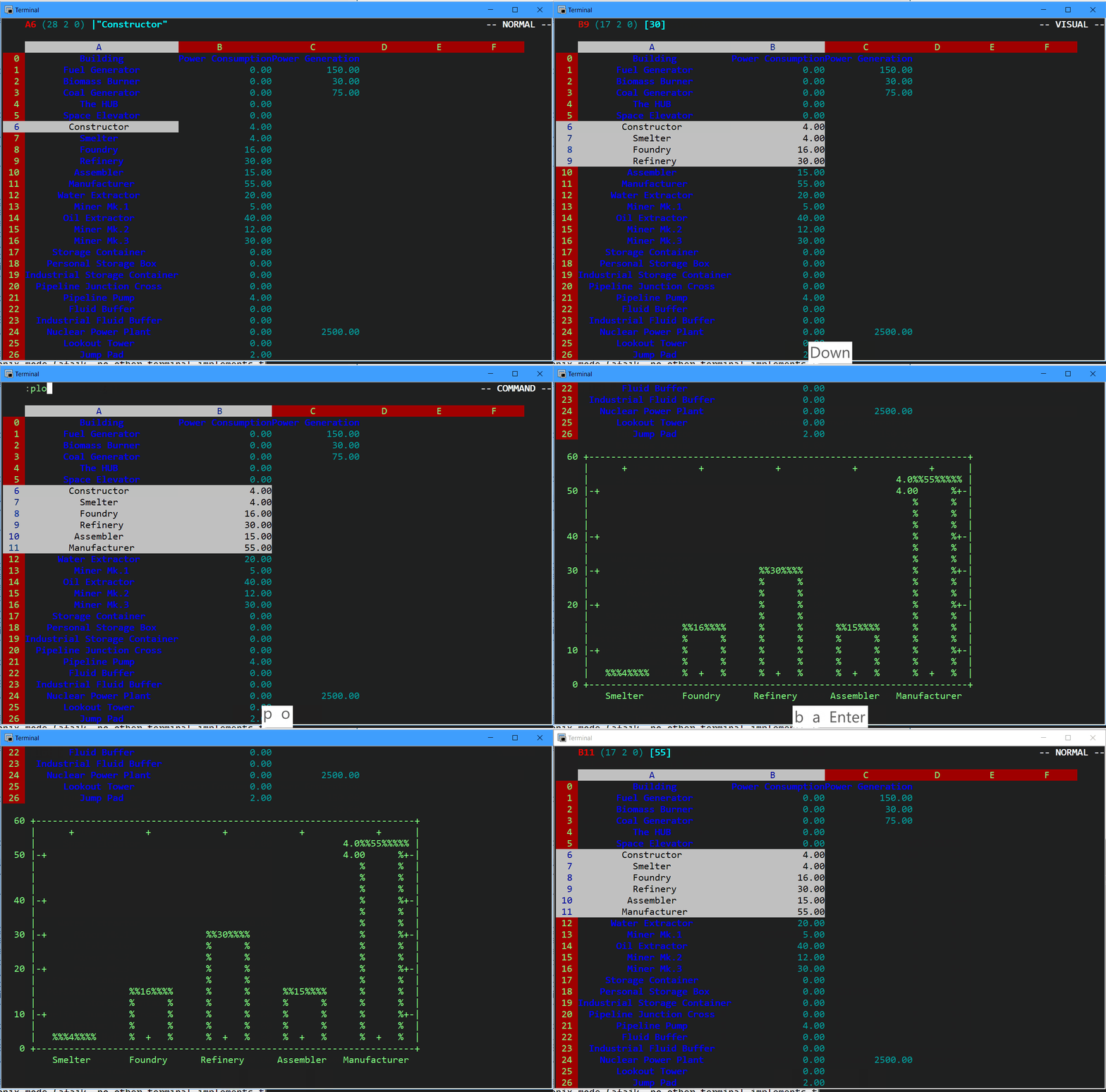
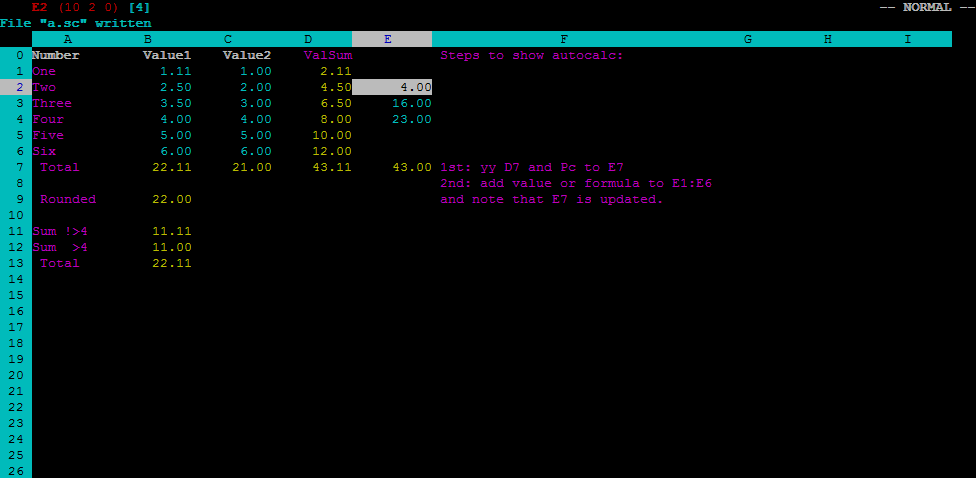
Installation
Dependencies
- Requirements:
ncurses (best if compiled with wide chars support)
- bison or yacc
- gcc
- make
- pkg-config and which (for make to do its job)
- Optionals:
tmux / xclip / pbpaste (for clipboard copy/paste)
- gnuplot (for plots)
- libxlsxreader (for xls support)
- xlsxwriter (for xlsx export support)
- libxml-2.0 and libzip (for xlsx/ods import support)
- lua (for Lua scripting)
- threads support (in case you want to test this in Minix, just disable autobackup and HAVE_PTHREAD)
Manual
- Edit
src/Makefileaccording to your system and needs:
vim src/Makefile- Run
make:
make -C src- Optional: You can install the binary
sc-imin your system by typing with a privileged user:
make -C src installBuilding on OS X
You can follow the instructions as above, but if you would like Lua scripting support, you will need to install Lua 5.1, which you can do with,
brew install lua@5.1And then follow the instructions as above.
Homebrew for OSX users
brew install sc-imUbuntu with XLSX import & export
See this wiki page.
Other distros / OS
Please check wiki pages
Configuration
The scimrc file can be used to configure sc-im. The file should be placed in the ~/.config/sc-im directory.
Here is an example ~/.config/sc-im/scimrc :
set autocalc set numeric set numeric_decimal=0 set overlap set xlsx_readformulas
Other configuration variables are listed in the help file.
Issues and questions
Please open an issue if you find a bug. If you are now sure if its a bug, please take a look at the discussions and/or ask there. If you have a question please check out current discussions and if you still are in doubt, open a discussion as well. If you want to ask for a feature request, the same, check out current discussions. Thank you!Tutorial
Related projects
- vim-scimark - Vim plugin, edit embedded markdown tables with sc-im in vim terminal.
Helping us
Want to help? You can help us with one or more of the following:
- giving sc-im a star on GitHub
- taking screenshots / creating screencasts showing sc-im
- making a donation (see below).
- telling if you use it / like it. I really don't have a clue if this app is used by someone.
Donations
If you like sc-im please support its development by making a DONATION with Patreon or PayPal. It would really help a lot.

If you wish to make a donation, please click the above button or just send money to scim.spreadsheet@gmail.com via PayPal, choosing "Goods and Services". or with Patreon.
Thank you!


