
:tomato: A pomodoro app for your menubar/tray.
A pomodoro app for your menubar/tray.




Featured in The 9 Best Open Source Pomodoro Apps for Productivity on MakeUseOf.com
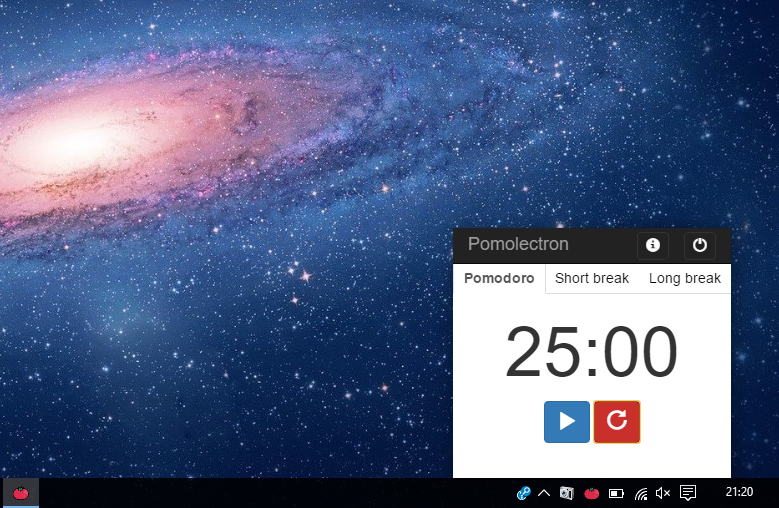
| macOS | Windows | |---------------------|----------------------| | |
|  |
|
Key Features
- Pomodoro, Short break and Long break timers
- Notifies via a system notification when time is up
- Lives in a tray/menubar
- Cross platform
Buy Me a Coffee if you like this app!
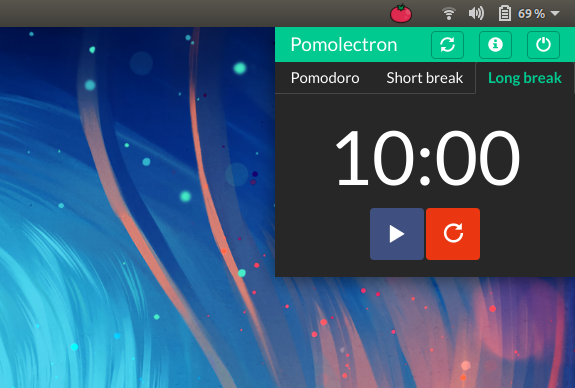
Dark Mode
How To Use
To clone and run this application, you'll need Git and Node.js (which comes with npm) installed on your computer. From your command line:
# Clone this repository
$ git clone https://github.com/amitmerchant1990/pomolectron
Go into the repository
$ cd pomolectron
Install dependencies
$ npm install
Run the app
$ npm start
On macOS, you can install Pomolectron via cask.
$ brew install --cask pomolectronOn Windows, you can install Pomolectron via chocolatey as well.
C:\> choco install pomolectronNote: If you're using Linux Bash for Windows, see this guide or use node from the command prompt.
Download
You can download the latest installable version of Pomolectron for Windows, Linux and macOS.
You can also get the Windows binaries from Softpedia.
Try on web
You can try an online version of this: Pomodoro Timer
News
Pomolectron was trending on the Hacker News and on GitHub during the day of its launch.You may also like..
- Markdownify - Markdown Editor desktop app
License
MIT
amitmerchant.com ·
GitHub @amitmerchant1990 ·
Twitter @amit_merchant


