
A Chrome extension that replaces new tab page with a live counter of your age.
Mortality
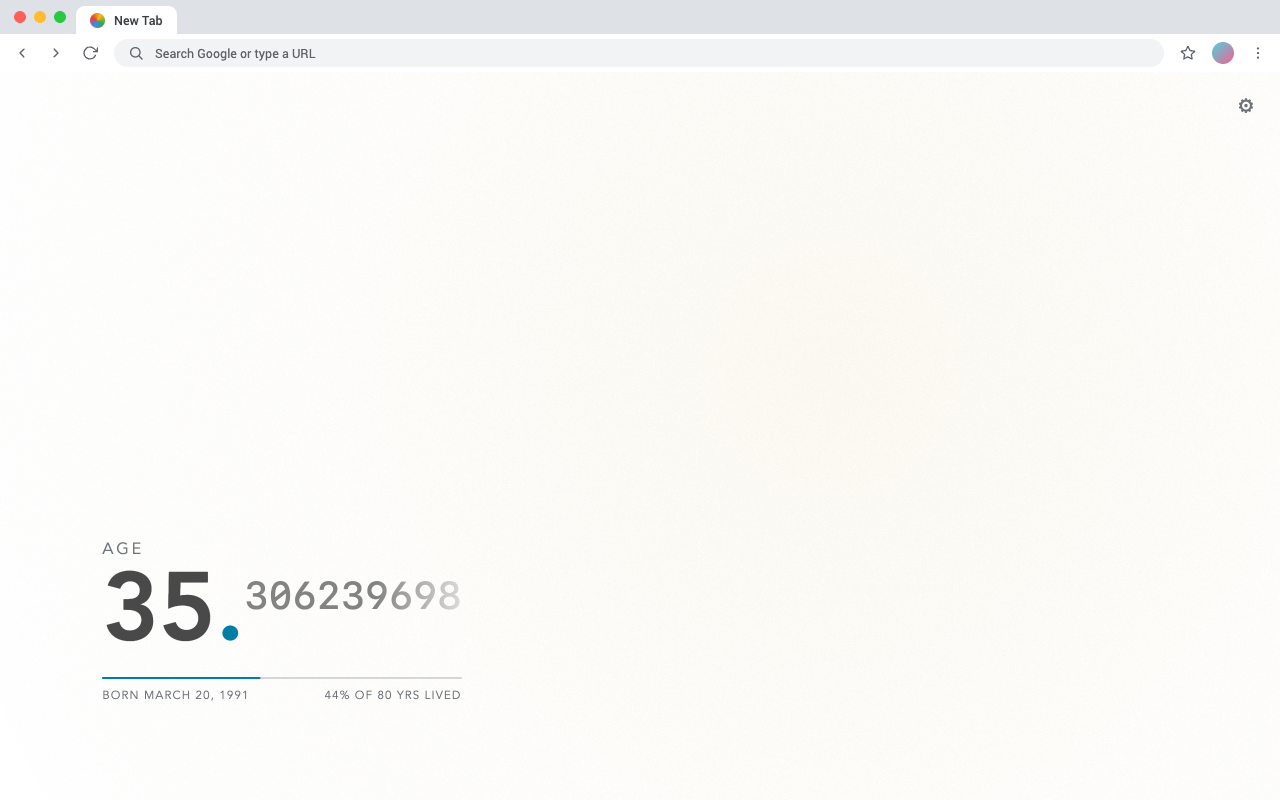
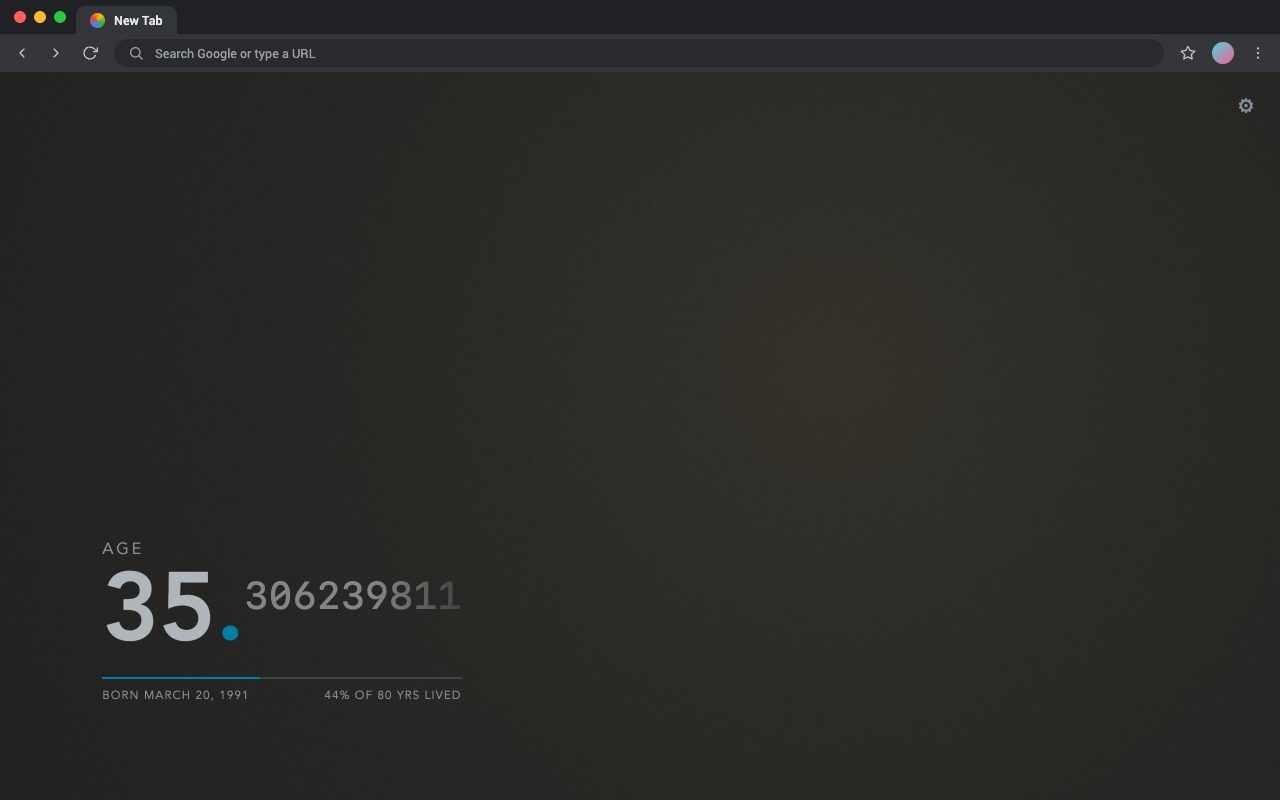
A browser extension that replaces your new tab page with a live counter of your age — a quiet, recurring reminder that time is passing.
Features
- Live age counter — ticks in real time, down to fractional years.
- Multiple units — switch between age, calendar age, a live next-birthday
- Actuarial estimate — conditions expected lifespan on your current age, using an
- Personalization — light and dark themes that follow your system, color presets
- Automatic localization — follows your browser language across all 55 official
- Accessible and calm — WCAG 2.1 AA, a
prefers-reduced-motionpath, and full
Languages
Mortality follows the browser/OS locale automatically and falls back to English; no in-extension language setting is needed. It ships every Chrome-supported extension locale: ar, am, bg, bn, ca, cs, da, de, el, en, enAU, enGB, enUS, es, es419, et, fa, fi, fil, fr, gu, he, hi, hr, hu, id, it, ja, kn, ko, lt, lv, ml, mr, ms, nl, no, pl, ptBR, ptPT, ro, ru, sk, sl, sr, sv, sw, ta, te, th, tr, uk, vi, zhCN, and zhTW.
Privacy
Mortality has no accounts, servers, or analytics. It requests a single permission — storage — to save your settings locally, and collects no data. Everything stays in your browser.
Install
 Add to Chrome
 Add to Firefox
 Add to Edge
Development
The shipped extension has no build step and no runtime dependencies — the files in src/ are_ the extension. Development tooling (formatting and tests) runs through npm and never ships; npm run zip only packages src/.
Run it locally
Load the src/ folder as an unpacked extension:
- Chrome / Edge: open
chrome://extensions, enable Developer mode, click
src/ folder.
- Firefox: open
about:debugging→ This Firefox → Load Temporary Add-on
src/manifest.json.
Edit a file, then reload the extension to see the change.
Tests
The src/ modules are covered by a Vitest suite that runs against a jsdom DOM (unit tests for storage/theming and the view renderers, plus integration tests that drive the full setup → counter → settings flow). Install the dev dependencies once with npm install, then:
npm test              # run the suite once
npm run test:watch    # re-run on change
npm run test:coverage # run with a coverage report
CI runs formatting, the test suite, and a packaging smoke test on every pull request via the ci workflow, which the release pipelines reuse so nothing ships without a green run.
Package for the stores
npm run zipProduces artifacts/mortality-v<version>.zip, with the version read from src/manifest.json.
Publish to the stores
Pushing a v* tag runs the release workflow: it runs the CI gate, packages the extension once, publishes a GitHub Release, and submits that exact asset to the Chrome, Edge, and Firefox stores. It authenticates entirely with scoped store API keys kept in repo secrets — never a login. Manual and subset publishes go through publish-stores. Setup, the full secret list, and manual runs are documented in the publish-to-stores skill.
Credits
- Inspired by Motivation Chrome extension
- Icon: original mark — a life-elapsed gauge closing on the counter's signature accent dot
License
MIT © alphabt


