
Automated Reddit Youtube Video Bot
Automated Reddit to Youtube Bot
- Description
- Example Videos
- Reddit Youtube Channels
- Install Prerequisite Components
- Git clone repository
- Generate Reddit Tokens
- Copy auth config
- Python Pip Install Dependencies
- Install Playwright
- Run Python Script
- Generate a Video for a Specific Post
- Generate Only Thumbnails
- Enable a Newscaster
- Settings.py File
Description
Scrape posts from Reddit and automatically generate Youtube Videos and Thumbnails
Example Videos
Checkout my Youtube Channel for example videos made by this repo :
What crime are you okay with people committing? 
What show has no likable characters? 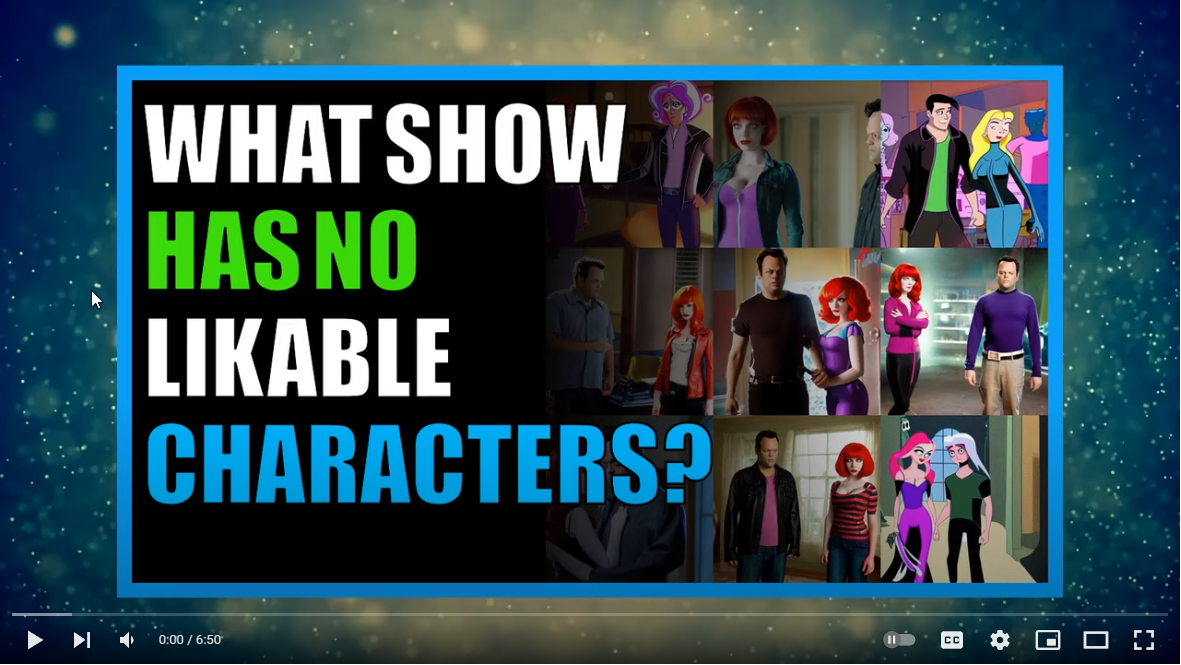
Reddit Youtube Channels
Youtube Channels generated using this repo :
If your Youtube Channel is generated using this repository and you would like it listed above please comment on this issue https://github.com/alexlaverty/python-reddit-youtube-bot/issues/91 with your youtube channel url and channel name and mention you'd like it listed in the main README file.Quickstart Guide
Windows
Watch the Python Reddit Youtube Bot Tutorial Video : 
Install Prerequisite Components
Install these prerequisite components first :
- Git - https://git-scm.com/download/win
- Python 3.10 - https://www.python.org/ftp/python/3.10.0/python-3.10.0-amd64.exe
- Microsoft C++ Build Tools - https://visualstudio.microsoft.com/visual-cpp-build-tools/
- ImageMagick - https://imagemagick.org/script/download.php#windows
Git clone repository
git clone git@github.com:alexlaverty/python-reddit-youtube-bot.git
cd python-reddit-youtube-bot
Generate Reddit Tokens
Generate Reddit PRAW Tokens - https://www.reddit.com/prefs/apps/
Copy auth config
Create a copy of the auth-example.py file and name it auth.py :
copy config/auth-example.py config/auth.pyUpdate the auth.py file to contain the Reddit Auth tokens you generated in the previous step.
Python Pip Install Dependencies
pip install -r requirements.txtInstall Playwright
Install and configure playwright by running :
playwright installRun Python Script
Run the python script :
python app.pywhen it completes the video will be generated into the videos folder and will be named final.mp4
Downloading video backgrounds using yt-dlp :
If you want to add a video background then install yt-dlp :
then create a backgrounds folder and run the following command :
mkdir -p assets/backgrounds
cd assets/backgrounds
yt-dlp --playlist-items 1:10 -f 22 --output "%(uploader)s_%(id)s.%(ext)s" https://www.youtube.com/playlist?list=PLGmxyVGSCDKvmLInHxJ9VdiwEb82Lxd2E
Help
You can view available parameters by passing in --help :
python app.py --help
YOUTUBE REDDIT BOT #####
usage: app.py [-h] [-l VIDEO_LENGTH] [-o] [-s] [-t] [-u URL]
options:   -h, --help            show this help message and exit   -l VIDEOLENGTH, --video-length VIDEOLENGTH                         Set how long you want the video to be   -o, --disable-overlay                         Disable video overlay   -s, --story-mode      Generate video for post title and selftext only, disables user comments   -t, --thumbnail-only  Generate thumbnail image only   -u URL, --url URL     Specify Reddit post url, seperate with a comma for multiple posts.
Generate a Video for a Specific Post
or if you want to generate a video for a specific reddit post you can specify it via the --url param :
python app.py --url https://www.reddit.com/r/AskReddit/comments/hvsxty/whichlegendaryredditpostcommentcanyou_still/or you can do multiple url's by seperating with a comma, ie :
python app.py --url https://www.reddit.com/r/post1,https://www.reddit.com/r/post2,https://www.reddit.com/r/post3Generate Only Thumbnails
if you want to generate only thumbnails you can specify --thumbnail-only mode, this will skip video compilation process :
python app.py --thumbnail-onlyEnable a Newscaster
If you want to enable a Newscaster, edit settings.py and set :
enable_newscaster = True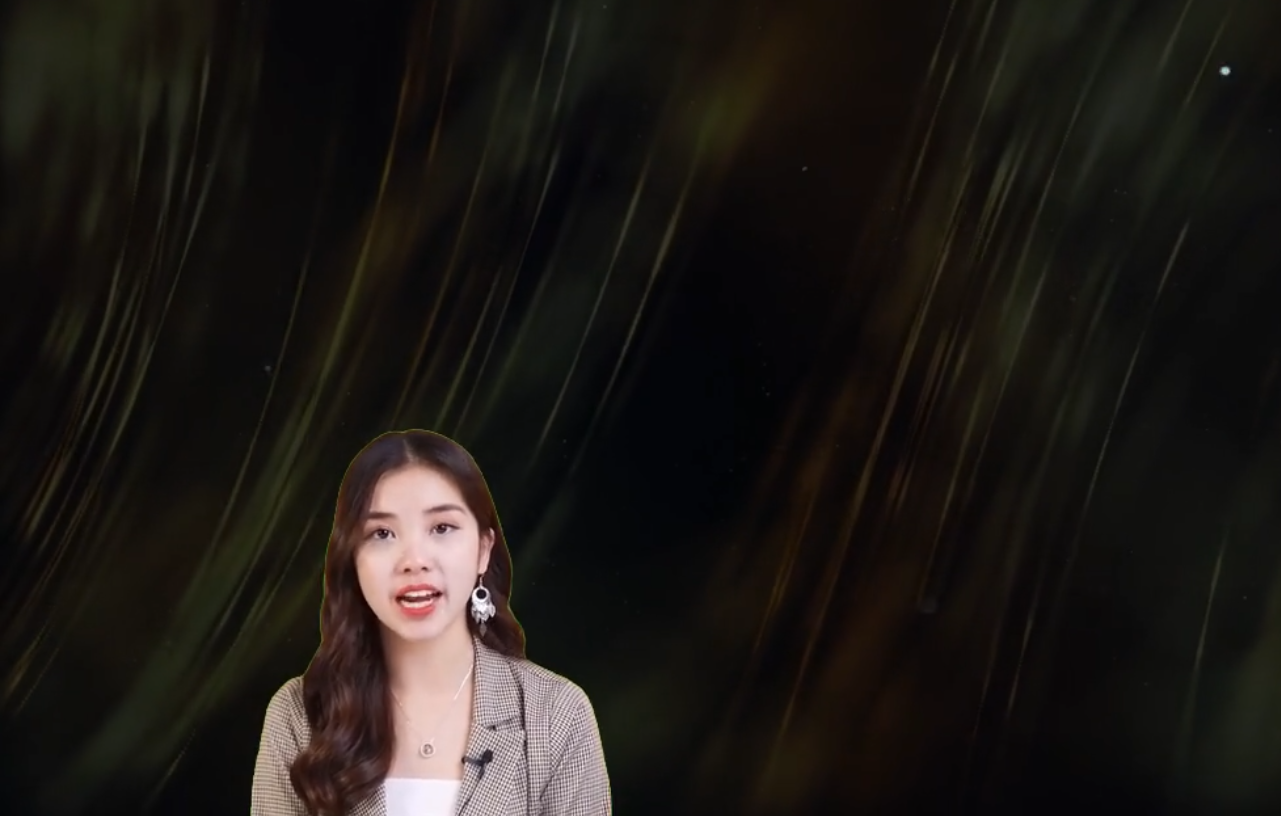
If the newcaster video has a green screen you can remove it with the following settings, use an eye dropper to get the RGB colour of the greenscreen and set it to have it removed :
newscasterremovegreenscreen = True
newscastergreenscreencolor = [1, 255, 17] # Enter the Green Screen RGB Colour
newscastergreenscreenremove_threshold = 100
Settings.py File
Theres quite a few options you can customise in the settings.py file :
Specify which subreddits you want to scrape :
subreddits = [
    "AmItheAsshole",
    "antiwork",
    "AskMen",
    "ChoosingBeggars",
    "hatemyjob",
    "NoStupidQuestions",
    "pettyrevenge",
    "Showerthoughts",
    "TooAfraidToAsk",
    "TwoXChromosomes",
    "unpopularopinion",
    "confessions",
    "confession"
    ]
Subreddits to exclude :
subreddits_excluded = [
    "r/CFB",
]
Filter out reddit posts via specified keywords
banned_keywords =["my", "nasty", "keywords"]Change the Text to Speech engine you want to use, note AWS Polly requires and AWS account and auth tokens and can incur costs :
Supports Speech Engines :
# choices "polly","balcon","gtts"
voice_engine = "polly"
Total number of reddit Videos to generate
totalpoststo_process = 5The next settings are to automatically filter out posts
Skip reddit posts that less than this amount of updates
minimumsubmissionscore = 5000Filtering out reddit posts based on the reddit post title length
titlelengthminimum = 20
titlelengthmaximum = 100
Filter out posts that exceed the maximum self text length
maximumlengthself_text = 5000Filter out reddit posts that don't have enough comments
minimumnumcomments = 200Only attempt to process a maximum amount of reddit posts
submission_limit = 1000Specify how many thumbnail images you want to generate
numberofthumbnails = 3Specify the maximum video length
maxvideolength = 600 # SecondsSpecify maximum amount of comments to generate in the video
comment_limit = 600Specifying various folder paths
assets_directory = "assets"
temp_directory = "temp"
audio_directory = str(Path("temp"))
fontsdirectory = str(Path(assetsdirectory,"fonts"))
imagebackgroundsdirectory = str(Path(assetsdirectory,"imagebackgrounds"))
imagesdirectory = str(Path(assetsdirectory,"images"))
thumbnailsdirectory = str(Path(assetsdirectory,"images"))
backgrounddirectory = str(Path(assetsdirectory,"backgrounds"))
videooverlayfilepath = str(Path(assets_directory,"particles.mp4"))
videos_directory = "videos"
Specify video height and width
video_height = 720
video_width = 1280
clipsize = (videowidth, video_height)
Skip compiling the video and just exit instead
enable_compilation = TrueSkip uploading to youtube
enable_upload = FalseAdd a video overlay to the video, for example snow falling effect
enable_overlay = TrueAdd in a newscaster reader to the video
enable_newscaster = TrueIf newcaster video is a green screen attempt to remove the green screen
newscasterremovegreenscreen = TrueSpecify the color of the green screen in RGB
newscastergreenscreencolor = [1, 255, 17] # Enter the Green Screen RGB ColourThe higher the greenscreen threshold number the more it will attempt to remove
newscastergreenscreenremove_threshold = 100Path to newcaster file
newscasterfilepath = str(Path(assetsdirectory,"newscaster.mp4").resolve())Position on the screen of the newscaster
newscaster_position = ("left","bottom")The size of the newscaster
newcastersize = (videowidth 0.5, video_height 0.5)Add a pause after each text to speech audio file
pause = 1 # Pause after speechText style settings
textbgcolor = "#1A1A1B"
textbgopacity = 1
text_color = "white"
text_font = "Verdana-Bold"
text_fontsize = 32
Download images from lexica or skip trying to download
lexicadownloadenabled = True


