
glTF 2.0 file viewer written in Rust using Vulkan
gltf-viewer-rs
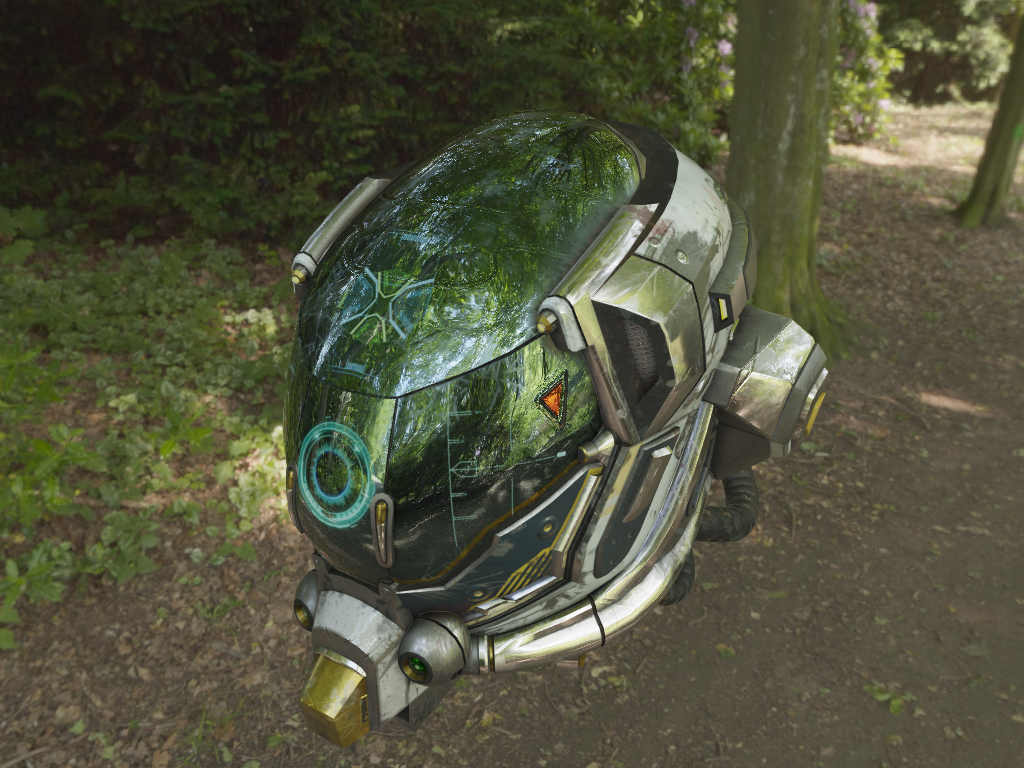
This project is a [glTF 2.0][0] viewer written in Rust. Rendering is done using the [Vulkan API][1] using [Ash][2]. It runs on Window, Linux and MacOS.
Features
- [x] Mesh vertices, normals, colors and two uv channels
- [x] Tangents generation
- [x] Material
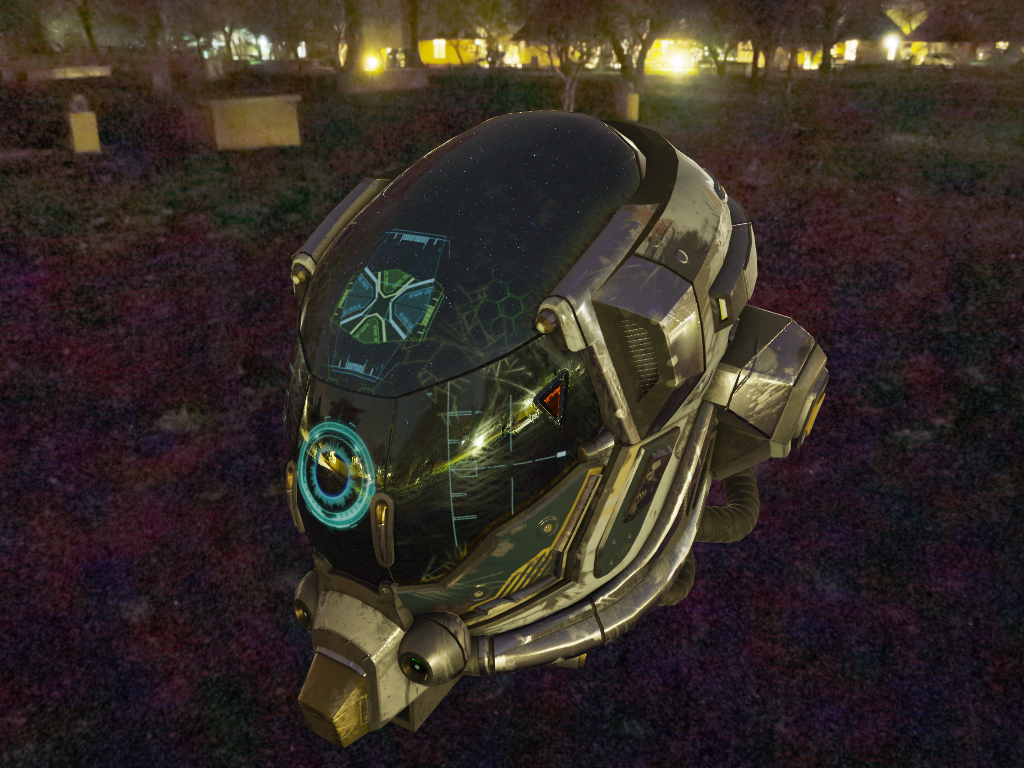
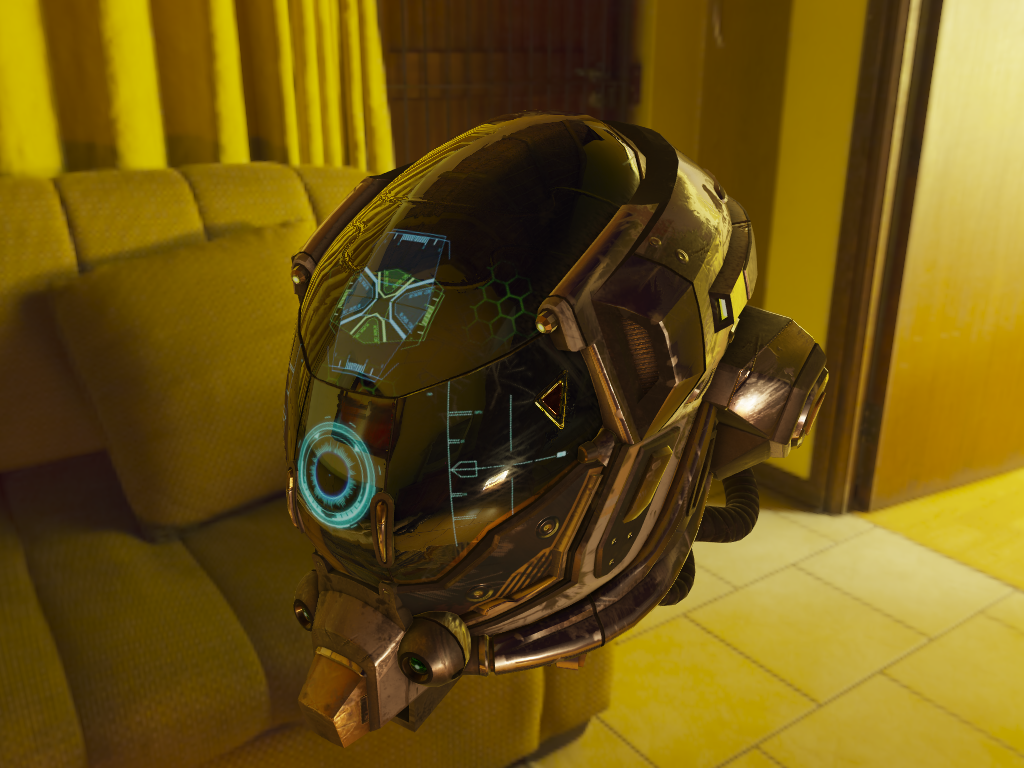
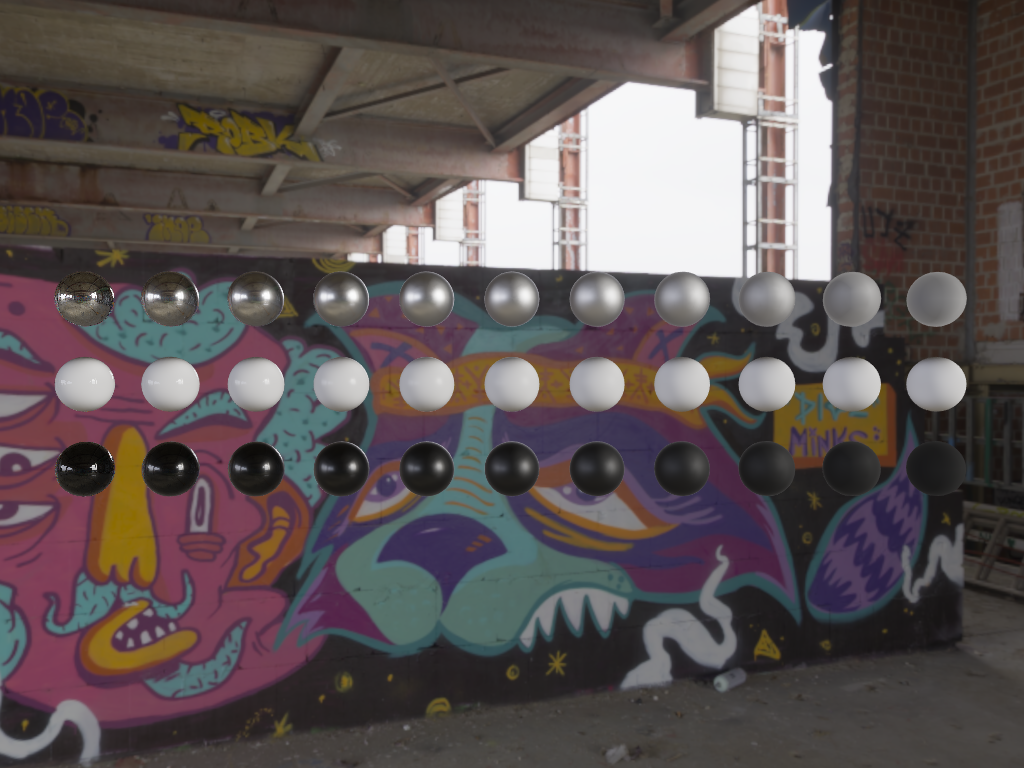
- [x] IBL
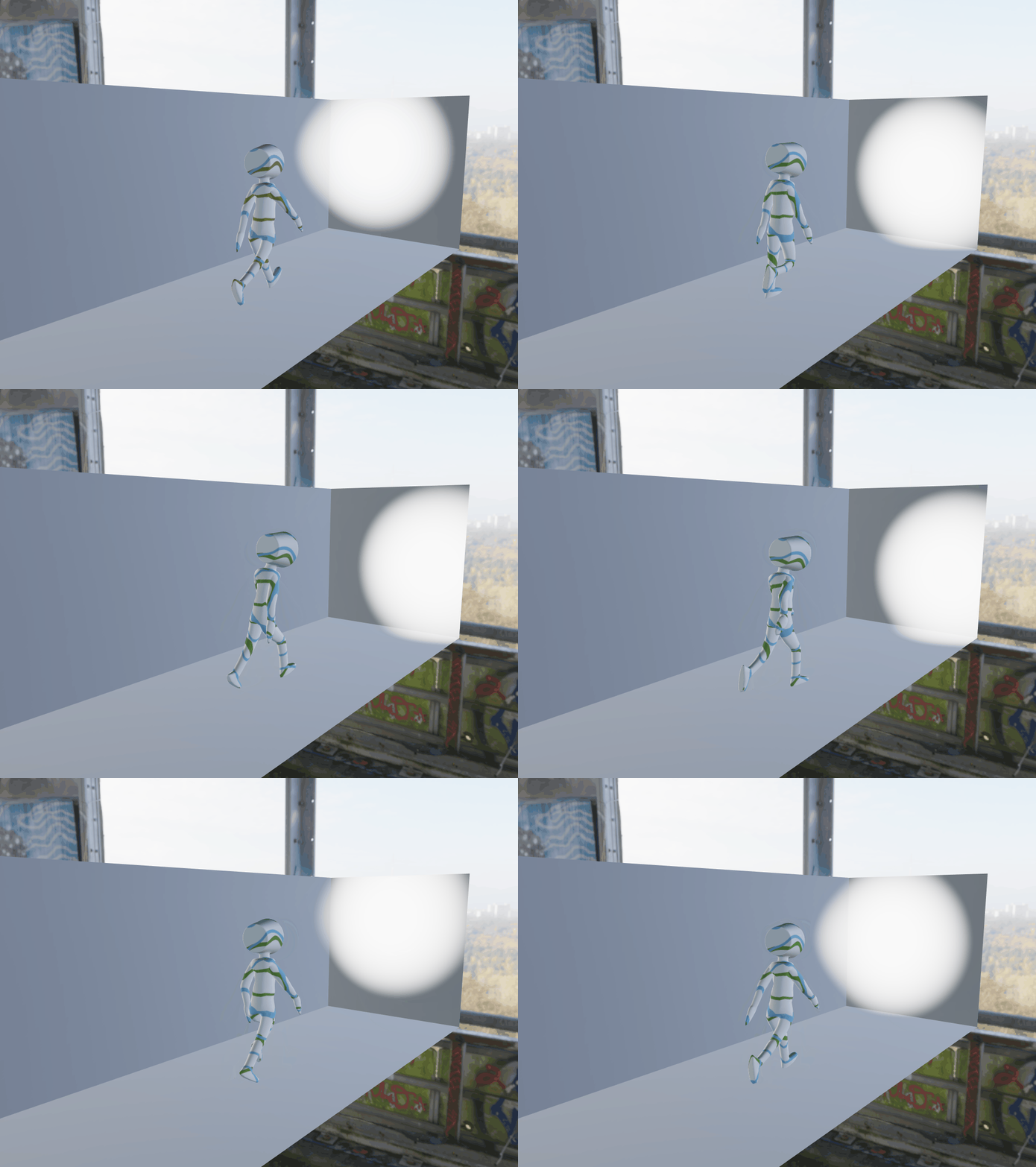
- [x] Animations
- [ ] Extensions
- [x] Camera controls
- [x] Drag and drop
- [x] Background loading
- [ ] Post processing
- [x] egui integration
- [x] HDR display
Requirements
- Vulkan 1.0
- VKKHRdynamic_rendering
You can check your Vulkan feature set using Sascha Willems' [Vulkan Caps Viewer][6]
Controls
- 'H' to toggle UI
- Left click and move to rotate camera around origin
- Right click and move to move camera
- Mouse wheel to un/zoom
- WASD to move
- Left Ctrl to go down
- Space to go up
- Left click to rotate
Build it
cargo buildBy default, building the project will trigger shader compilation for all shaders in ./assets/shaders. You can either skip this step altogether by setting the environnement variable SKIPSHADERCOMPILATION to true, or you can change the default by setting SHADERS_DIR. Compiled shaders will be generated at the same location as the shader source, with the same name suffixed by .spv.
To compile the shaders you'll need to have glslangValidator on your PATH.
Run it
Just type the following command and drag and drop and gltf/glb file in the window.
RUSTLOG=gltfviewer_rs=warn cargo runYou can provide a yaml configuration file with --config (or -c). Check this example file. And you can specify a file to load at startup with --file (or -f)
RUSTLOG=gltfviewer_rs=warn,vulkan=warn cargo run -- --config config.yml --file C:\\dev\\assets\\glTF-Sample-Models\\2.0\\Triangle\\glTF\\Triangle.gltfValidation layers
You can set up validation layers by running the following commands.
export VKLAYERPATH=$VULKAN_SDK/Bin
export VKINSTANCELAYERS=VKLAYERKHRONOS_validation
Then running the app with the --debug (-d) flag.
RUSTLOG=gltfviewer_rs=warn cargo run -- --debug
You can also use the run.sh and debug.sh scripts
Known issues
On linux, enabling v-sync causes the system to freeze with some hardware configuration (tested on a laptop running Pop_os 19.04, with a GTX 1050Ti). It seems to be an issue related with PRIME sync.
Credits
Most of the shader code for BRDF lookup and pre-filtered map generation come from the excellent [Sasha Willems' vulkan samples repository][3].
Cubemap faces have been generated using [matheowis' HDRi to cubemap tool][4].
HDRi textures have been downloaded from [hdriheaven][5].
SSAO tutorial from John Chapman's [blog][7].
Bloom tutorial on [Learn OpenGL][8]
[0]: https://github.com/KhronosGroup/glTF [1]: https://www.khronos.org/vulkan/ [2]: https://github.com/MaikKlein/ash [3]: https://github.com/SaschaWillems/Vulkan [4]: https://github.com/matheowis/HDRI-to-CubeMap [5]: https://hdrihaven.com/ [6]: https://vulkan.gpuinfo.org/download.php [7]: http://john-chapman-graphics.blogspot.com/2013/01/ssao-tutorial.html [8]: https://learnopengl.com/Guest-Articles/2022/Phys.-Based-Bloom
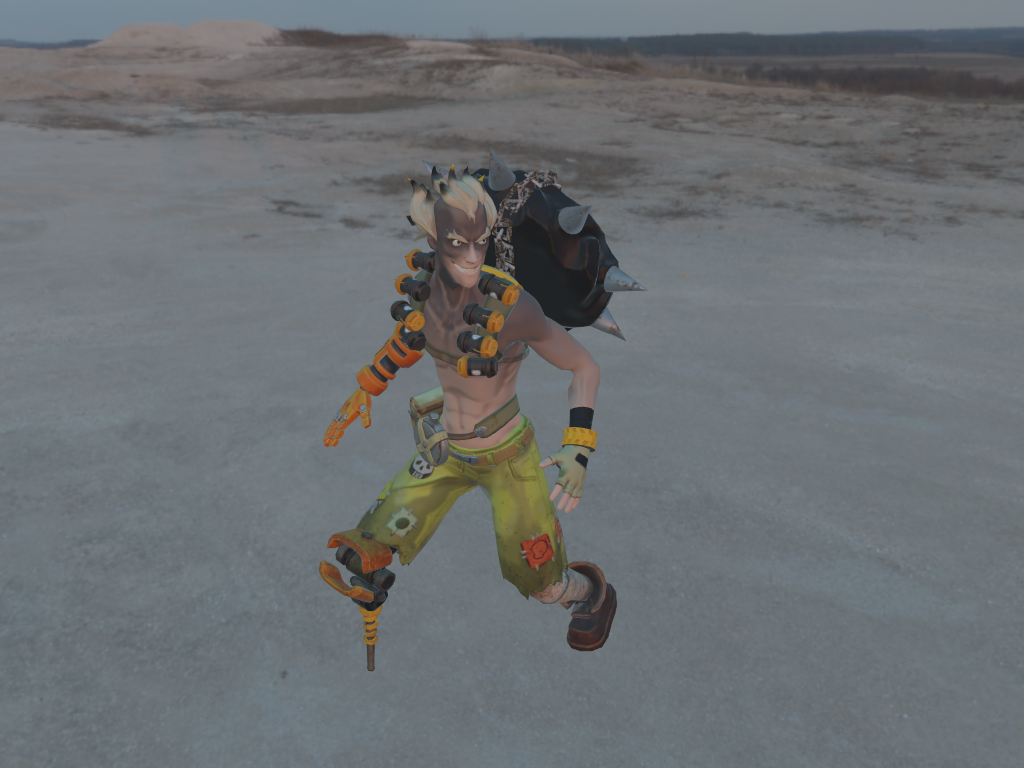
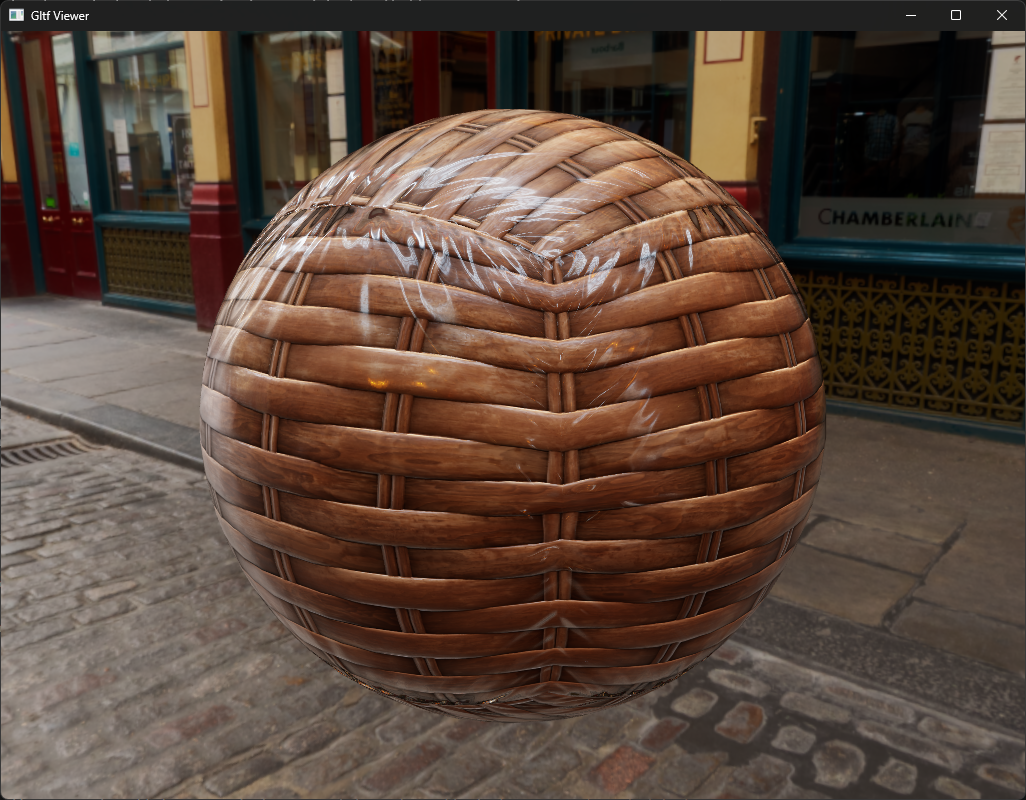
Screenshots
| |
| |
| | |---|---|---| |
 |
| |
| | |
| | |
| |
| | |
| | |||
|||


