
AI Exercise Rep Counter based on Google's Human Pose Estimation Library (Posenet)
RepCounter
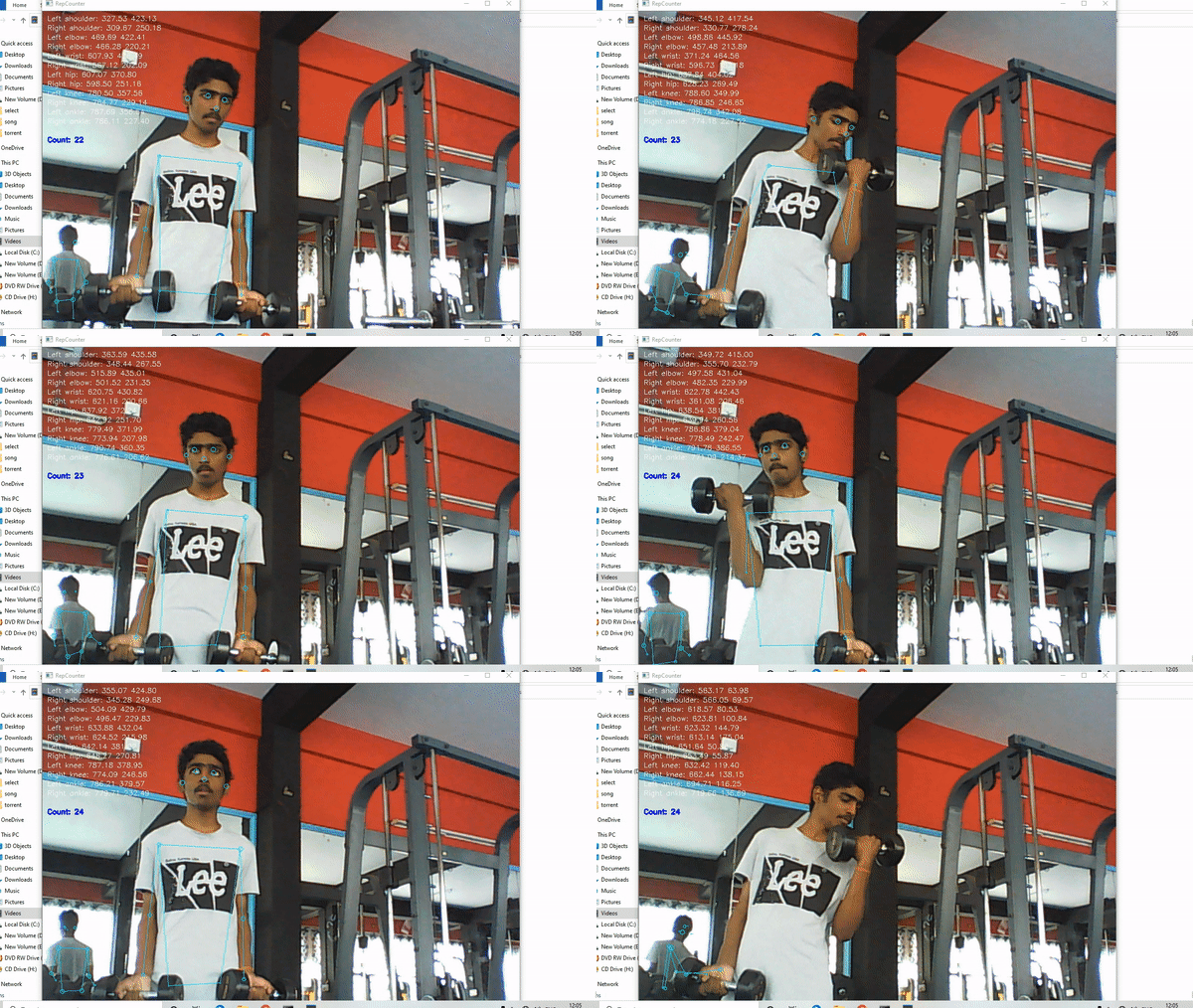
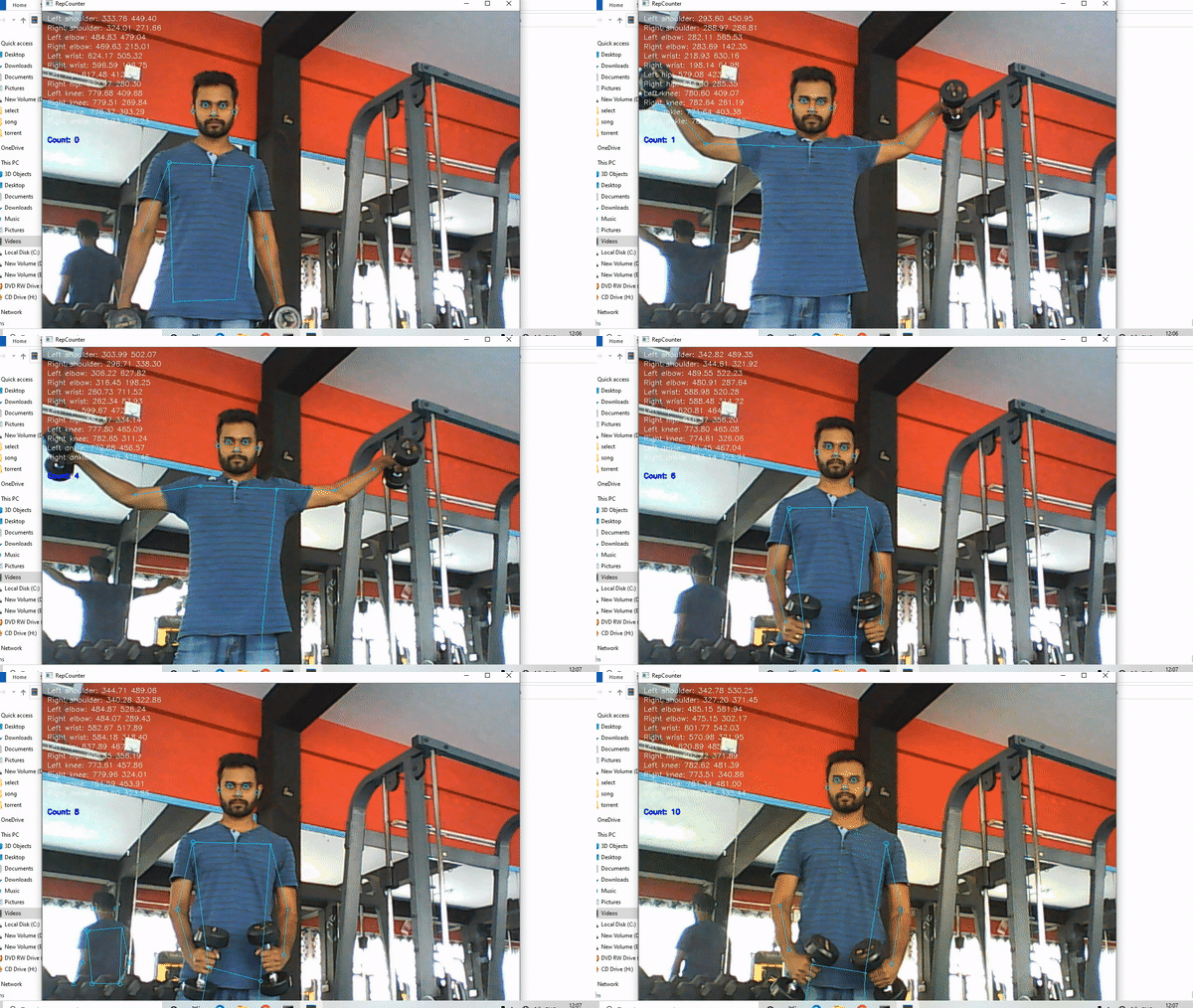
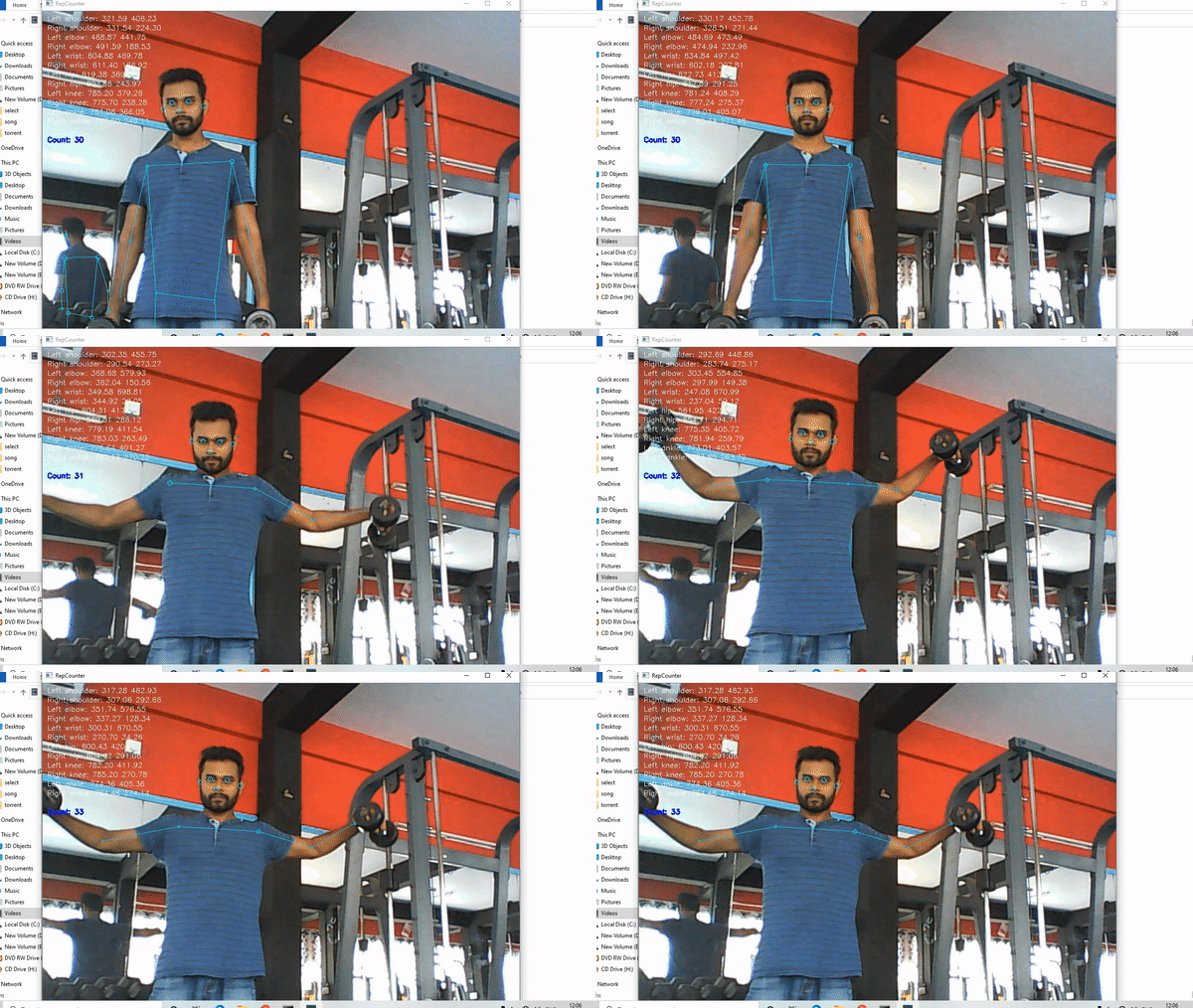
This repository is a fork of posenet-python(https://github.com/rwightman/posenet-python) RepCounter uses posenet to analyse different points and count repetitions. This is highly skilled in counting no of reps of exercises.
Working demos
Install
A suitable Python 3.x environment with a recent version of Tensorflow is required. Development and testing was done with Conda Python 3.6.8 and Tensorflow 1.12.0 on Linux. All prerequisitites can be found in the requirements.txt file. It is adviced that you install them in a virtual environment.
- Installation in Virtual Environment
virtualenv and virtualenvwrapper to maintain a clean Python 3 environment. Create a virtualenv and install the requirements:
$ mkvirtualenv -p python3 repCounter
  (badgeyay) $ deactivate         			# To deactivate the virtual environment
  $ workon repCounter             			# To activate it again
(badgeyay) $ pip3 install -r requirements.txt # Install the requirements- System Wide Installation
pip3 install -r requirements.txtUsage
Run the app in eye candy mode with:
python3 run.pyusage: run.py [-h] [--variance VARIANCE] [--model MODEL] [--camid CAMID] [--camwidth CAMWIDTH] [--camheight CAMHEIGHT] [--scalefactor SCALEFACTOR] [--file FILE]
optional arguments: -h, --help show this help message and exit --variance VARIANCE The tolerance for the model in integers --model MODEL The model to use, available versions are 101 (def.), 102, 103 etc --camid CAMID The respective cam id to use (default 0) --camwidth CAMWIDTH The width of the webcam in pixels (def. 1280) --camheight CAMHEIGHT The height of the webcam in pixels (def. 780) --scalefactor SCALEFACTOR The scale factor to use (default: .7125) --file FILE Use the video file at specified path instead of live cam
The model can be specified with the '--model argument by using its ordinal id (0-3) or integer depth multiplier (50, 75, 100, 101). The default is the 101 model.
Count can be reset by pressing r or R on the keyboard. Exit the app by pressing the q or Q` on the keyboard.
Credits
This repository is a fork of posenet-python (https://github.com/rwightman/posenet-python)
The original model, weights, code, etc. was created by Google and can be found at https://github.com/tensorflow/tfjs-models/tree/master/posenet
This work is in no way related to Google.


