
Cloudflared-web is a docker image that packages both cloudflared cli and a simple Web UI to easily start or stop remotely-managed Cloudflare tunnel.
Cloudflared-web
Cloudflared-web is a docker image that packages both cloudflared cli and a simple Web UI to easily start or stop remotely-managed Cloudflare tunnel._




✅ Easy run-and-forget setup.
✅ Manage cloudflared token from a simple and user-friendly Web UI.
✅ Start and stop cloudflare tunnel anytime with a single click.
---
Application Setup
When manually setting up this image, it is crucial to always set thenetworking mode into host as without it, the cloudflared service won't be able to access the services running on the host:
docker run --network host wisdomsky/cloudflared-web:latest
or if using docker-compose.yml:
services:
  cloudflared:
    image: wisdomsky/cloudflared-web:latest
    restart: unless-stopped
    network_mode: host
The Web UI where you can setup the Cloudflared token can be accessed from port 14333:
http://localhost:14333
Github Containers
If for some reason you are unable to pull images from Docker's Official Image Registry (docker.io), Cloudflared-web is also synced to Github Container Registry (ghcr.io).
Just prefix the image with ghcr.io/ in order to use the mirrored image in Github.
services: cloudflared: image: ghcr.io/wisdomsky/cloudflared-web:latest restart: unless-stopped network_mode: hostAdditional Parameters
Environment
| Variable Name | Default value | Required or Optional | Description | |-------------------|---------------|---|-------------------------------------------------------------------------------------------------------------------------------------------------------------------------------------------------------------------------------------------------------------------------------------------------------------------------------------| | WEBUIHOST | 0.0.0.0 | Optional_ | This will work if you want the WebUI to listen on a different host address | | WEBUIPORT | 14333 | Optional_ | The port on the host where the WebUI will be running. Useful when an existing process is running on port14333 and want to assign cloudflared-web into a different available port. |
| BASICAUTHPASS | | Optional | Enable Basic Auth by specifying a password. If BASICAUTHUSER is not specified, the default value for username admin will be used. |
| BASICAUTHUSER | admin | Optional | Specify the username for the Basic Auth. |
| EDGEBINDADDRESS | | Optional | Specifies the outgoing IP address used to establish a connection between cloudflared and the Cloudflare global network.The IP version of
EDGEBINDADDRESS will override EDGEIPVERSION (if provided). For example, if you enter an IPv6 source address, cloudflared will always connect to an IPv6 destination. |
| EDGEIPVERSION | auto | Optional | Specifies the IP address version (IPv4 or IPv6) used to establish a connection between cloudflared and the Cloudflare global network. Available values are auto, 4, and 6. |
| PROTOCOL | auto | Optional | Specifies the protocol used to establish a connection between cloudflared and the Cloudflare global network. Available values are auto, http2, and quic. |
| GRACEPERIOD | 30s | Optional_ | When cloudflared receives SIGINT/SIGTERM it will stop accepting new requests, wait for in-progress requests to terminate, then shut down. Waiting for in-progress requests will timeout after this grace period, or when a second SIGTERM/SIGINT is received. |
| REGION | | Optional | Allows you to choose the regions to which connections are established. Currently the only available value is us, which routes all connections through data centers in the United States. Omit or leave empty to connect to the global region. |
| RETRIES | 5 | Optional | Specifies the maximum number of retries for connection/protocol errors. Retries use exponential backoff (retrying at 1, 2, 4, 8, 16 seconds by default), so it is NOT RECOMMENDED that you increase this value significantly. |
| METRICSENABLE | false | Optional | Enable tunnel metrics server. |
| METRICSPORT | 60123 | Optional | Specify port to run tunnel metrics on. METRICSENABLE must be set to true. |
Based on Cloudflare tunel run parameters documentation.
example docker-compose.yaml:
services: cloudflared: image: wisdomsky/cloudflared-web:latest restart: unless-stopped network_mode: host environment: WEBUI_PORT: 1111 PROTOCOL: http2Volumes
| Container Path | Required or Optional | Description | |---|---|---| | /config | Optional | The path to the directory where theconfig.json file containing the Cloudflare token and start status will be saved. |
example docker-compose.yaml:
services: cloudflared: image: wisdomsky/cloudflared-web:latest restart: unless-stopped network_mode: host volumes: - /mnt/storage/cloudflared/config:/config[!TIP]
Binding a volume is very useful for persisting thetokeneverytime you updatecloudflared-webto a newer version.
Using Networks
You can use docker networks for a more fine-grained control of which containers/services your cloudflared-web container has access to.
services:
  cloudflared:
    image: wisdomsky/cloudflared-web:latest
    restart: unless-stopped
    networks:
      - mynetwork
    environment:
      WEBUI_PORT: 1111
[!NOTE]
For more advanced networking see Docker Compose Networking.
Screenshots
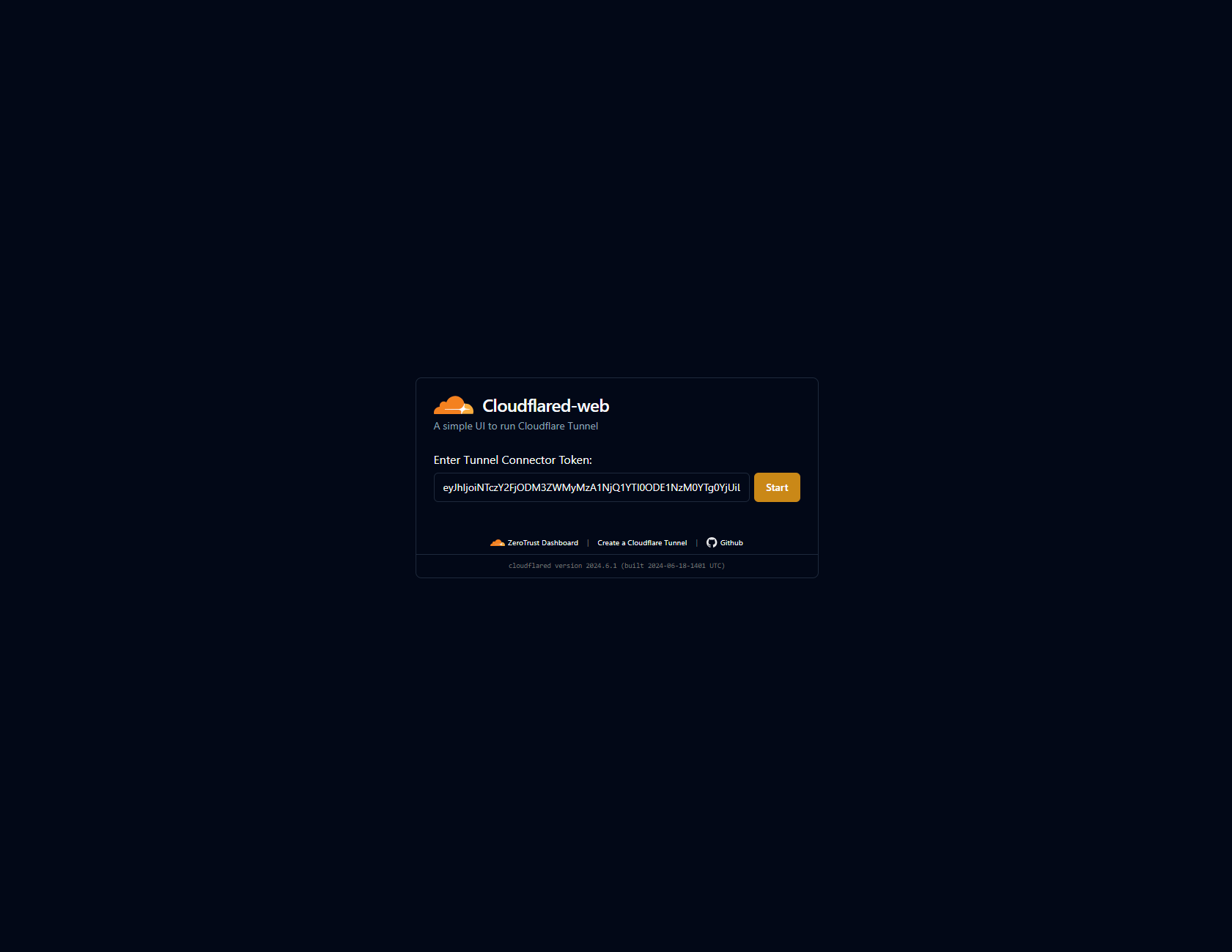
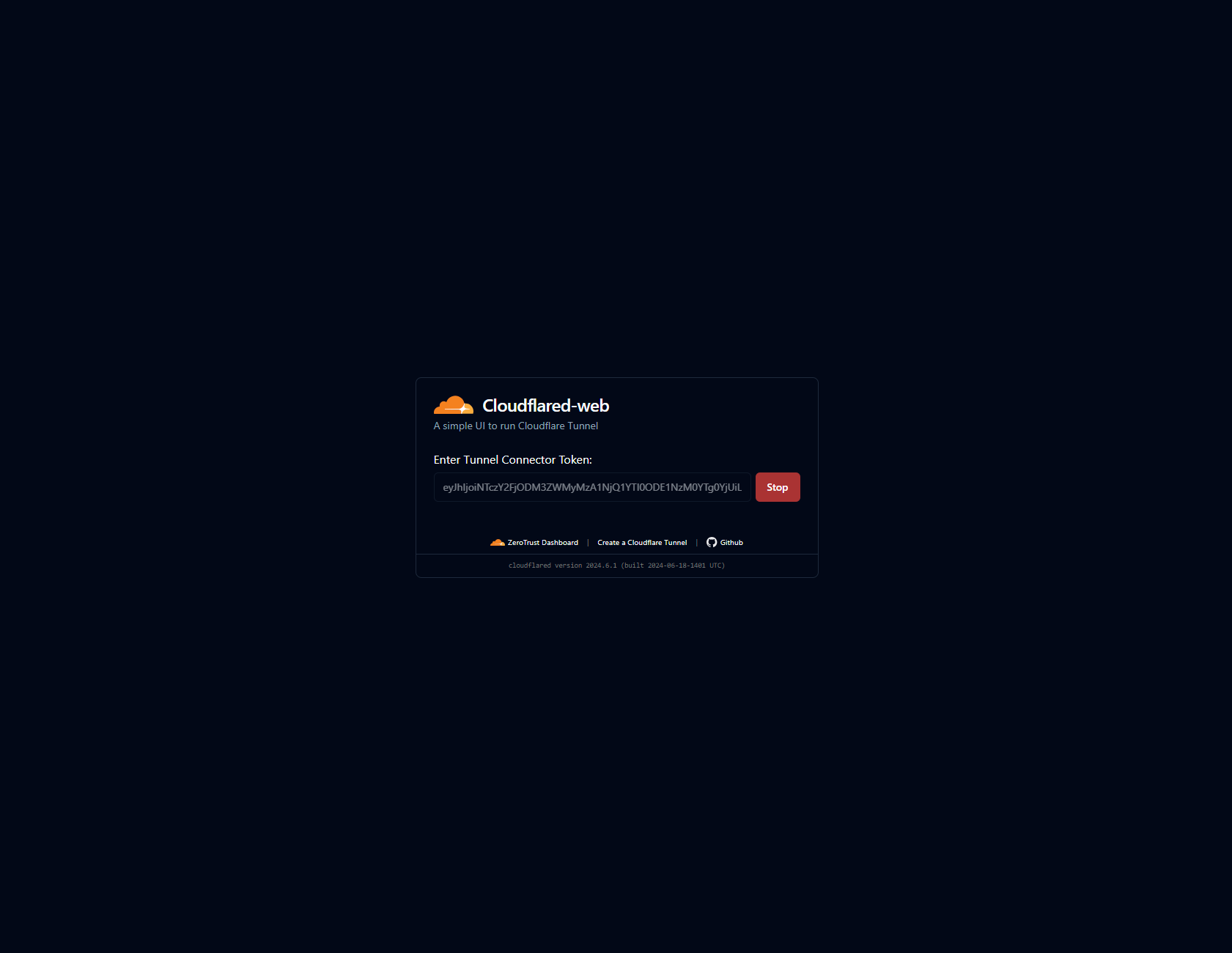
Issues
For any problems experienced while using the docker image, please create a new issue.
---
Contribute
Adding A Language Translation
See Localization.


