
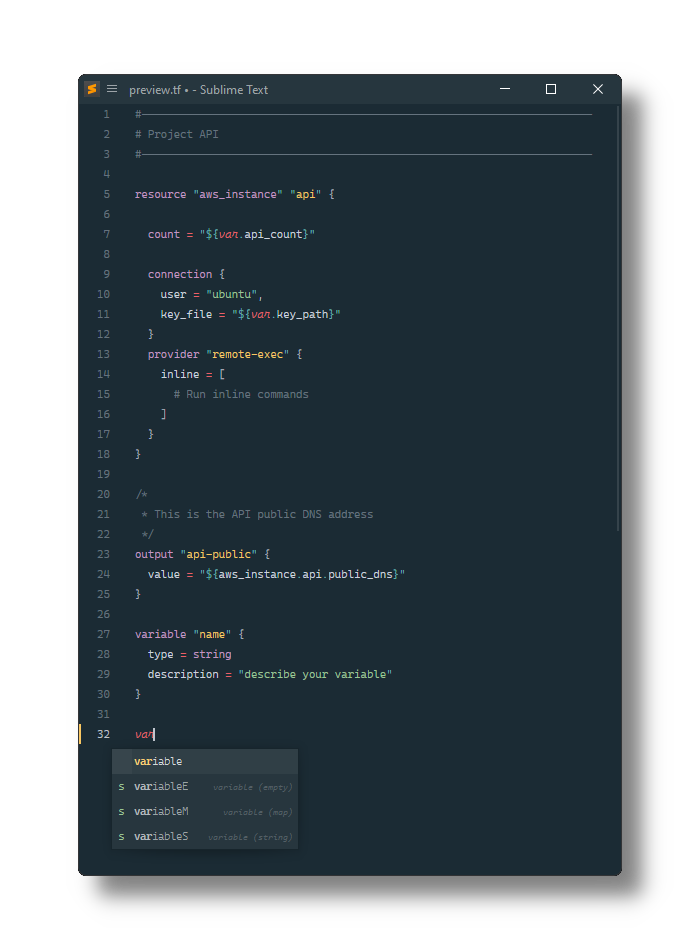
Terraform (HCL) configuration file syntax and snippets for Sublime Text
Last updated Jun 16, 2026
171
Stars
59
Forks
2
Issues
0
Stars/day
Attention Score
74
Language breakdown
HCL 100.0%
▸ Files
click to expand
README
Terraform
[Terraform][.tf] configuration file syntax definitions and snippets for [Sublime Text][].
Installation
Using Package Control
- Install [Package Control][], if needed.
- Open the palette by pressing:
- Select Package Control: Install Package.
- Select Terraform.
Manually
- Open the Sublime Text Packages folder:
~/Library/Application Support/Sublime Text/Packages/
- Windows: %APPDATA%/Sublime Text/Packages/
- Linux (Ubuntu/Debian): ~/.config/sublime-text/Packages/
- Clone this repo.


