
Squeezer Framework - Build serverless dApps
IMPORTANT: This repository is no longer actively maintained and has been archived.
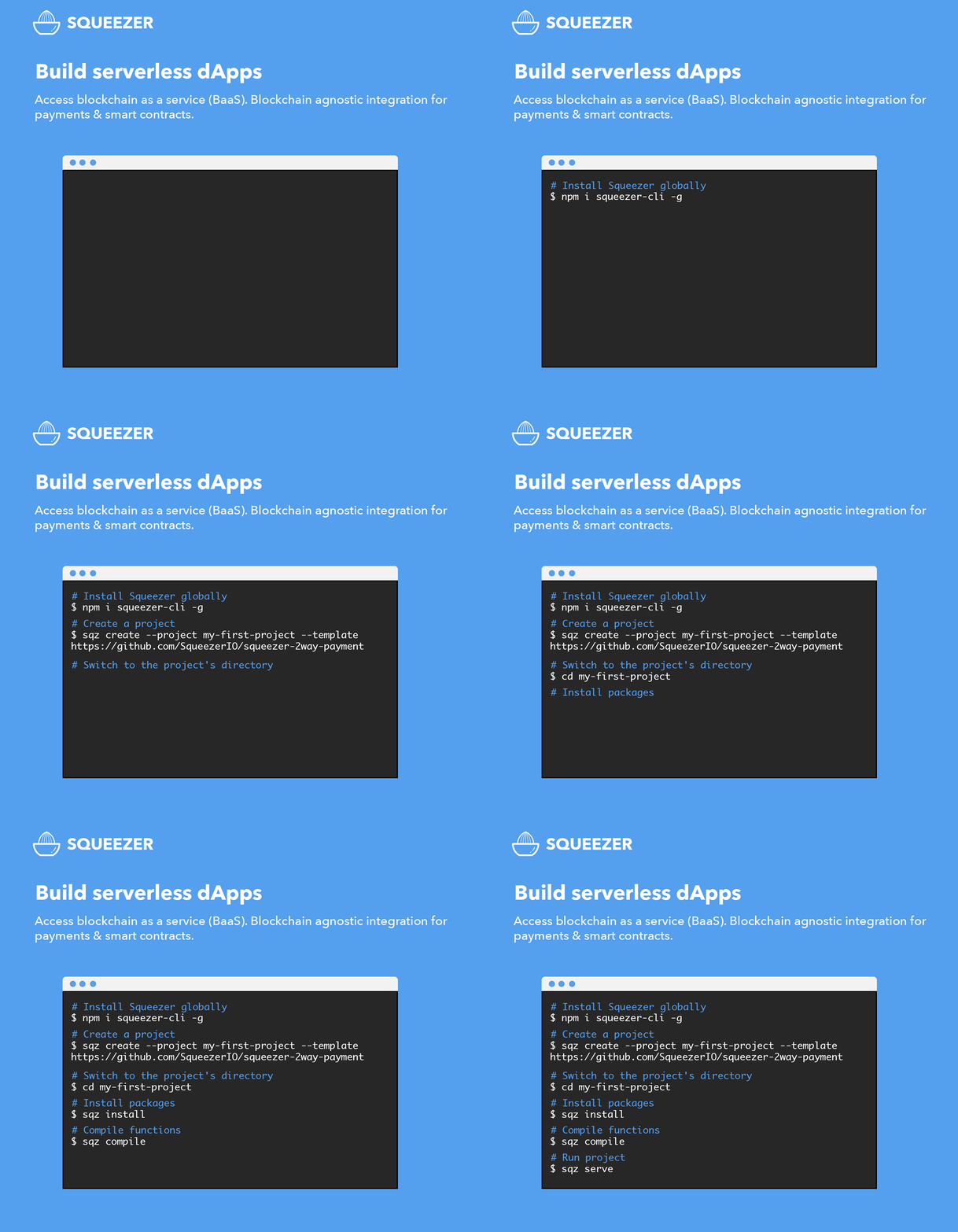
Framework : squeezer.io
Docs : docs.squeezer.io


 [
[ ]()
]()
Contents
What is Squeezer ?
Squeezer is a platform that empowers new-entry blockchain developers to build serverless dApps simply as dead.
ChainKit - Agnostic blockchain integration
The main usage of the ChainKit is to unify top blockchains interfaces into a single normalized API interface , therefore you can build blockchain dApps easily without digging into blockchain complex infrastructure.
Features in short
- create blockchain wallets
- double-encrypt for wallet data
- on-the-fly encryption/decryption
- user choose how to store wallet token
- bi-directional onchain transactions (inbound and outbound)
- create blockchain payment solution
- build dApps connecting to smart contracts using chainkit agnostic connector
- deploy smart contracts
- quick intuitive code deployments by using a special mechanism which will deploy smart contracts and dApp services where code changed
- powered by microservices
- share components between functions, similar to monolytic project
- auto-deployable, auto-scalable , no DevOps requirements
- silent deployments ,no interruption for the current functionality ( really useful on production )
- one single command to simultaneously deploy all available functions on your project
- automatic rollback to the previous working deployment if something goes wrong
- sequential deployments, wait for the current deployments in progress to finish
- self-healing functions
- test your code locally on a simulated functions platform for a faster development cycle
- separate your environments in multiple stages
- extend framework functionality with your own "home-made" plugins
- pay only for the usage ( no monthly subscriptions )
- Swagger UI API documentation support
Roadmap
- decentralize microservices, currently we are using cloud microservices, AWS Lambda, Azure Functions ... we need to get rid of it and store and access the microservices in a decentralized way, IPFS and Ethereum Swarm could be an option
- add 2FA and other security options when using ChainKit
sendTransactionwhich is used on withdraws, transfer and other sensitive actions - add DEX site example using Squeezer
2way-payment-system
Requirements
- Install node.js version
>=6
Squeezer CLI
Squeezer command-line interface
Templates
Create a quick project stub by using templates :
| template | description | |-----|--------------| |Squeezer 2way Payment | https://github.com/SqueezerIO/squeezer-2way-payment |
Plugins
Extend or merge the Squeezer framework functionality with plugins
| Plugin | Author | |-----|--------------| |Serve Plugin
This plugin enables serving support for local development within the Squeezer Framework. | Nick Chisiu | |Swagger Plugin
This plugin enables Swagger API Documentation support within the Squeezer Framework. | Nick Chisiu |
Example Projects
| Project Name | Author | Demo | |-------------|------|---------| | Squeezer 2way Payment
Squeezer Two Way Blockchain Payment System (inbound + outbound) | Nick Chisiu | video |
Getting started
NOTE: Windows users should enable symlinks in order to avoid unwanted symbolic links errors .
Full Video tutorial
- Install Squeezer's command line tool globally on your machine using npm:
npm install squeezer-cli -g
- Create a new project using the squeezer-2way-payment template:
sqz create --project my-first-project --template https://github.com/SqueezerIO/squeezer-2way-payment
- Switch to the project's directory:
cd my-first-project
- Initialize the local directory as a Git repository:
git init
- Add the files in your new local repository. This stages them for the first commit:
git add .
- Open up GitHub in a browser, navigate to the repositories page, and click on the
Newbutton, and enter the name of your project that you've created locally, in our case it will be my-first-project, then create the new repository. - In Terminal, add the URL for the remote repository where your local repository will be pushed:
- Commit the files that you've staged in your local repository:
git commit -m "First commit"
- Push the master branch to GitHub:
git push -u origin master
- Open up a new browser window and navigate to https://platform.squeezer.io, then login to the platform.
- Click on the import project button and import the project you've created from GitHub.
- In the first step of the import process, you have to select the repository from your list.
- In the second step of the import, you have to choose the provider and the stage name, dev or prod.
- After importing the project, the deployment will start automatically.
- When the deploy will be finished, we can check the logs by clicking on it.
- Scroll all the way down in the log window and copy the Swagger URL, then paste in a browser window.
Contributing
See contributing.md for contribution guidelines


