
Netbox Docker Plugin
Netbox Docker Plugin

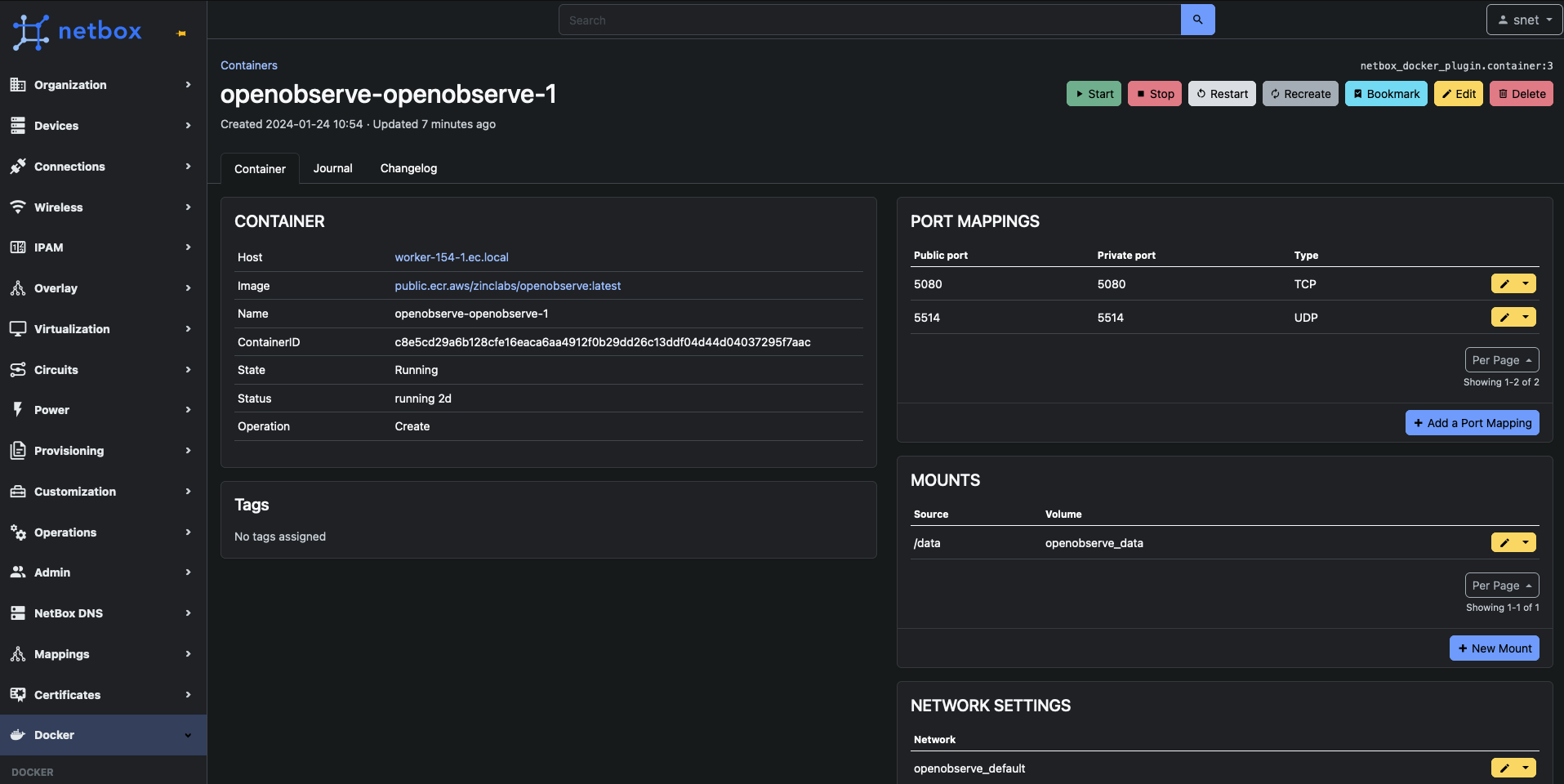
Manage Docker with Netbox & style. Made to work with netbox-docker-agent.
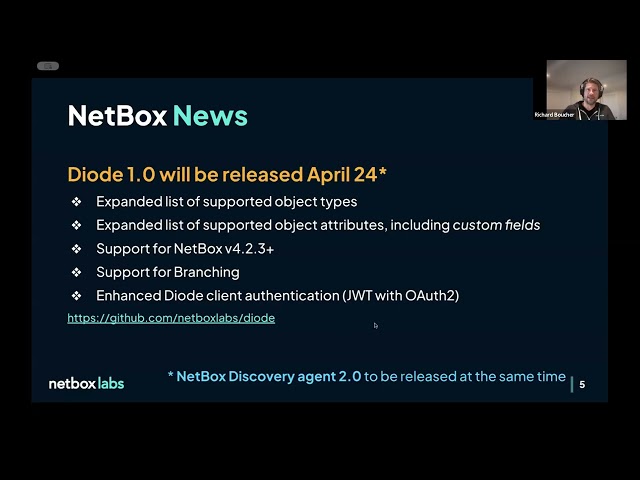
Thanks dzove855 for the presentation of the plugin the 15th April 2025 during the Netbox Community Call.
How does it work?
sequenceDiagram
    Netbox->>Agent: Change (Webhook)
    Agent->>Docker API: Request (HTTP)
    Docker API->>Agent: Response (HTTP)
    Agent->>Netbox: Feedback (Callback)
Once the plugin and webhooks are installed, you can:
- Create hosts that point to
- Retrieve informations from Docker API with the help of the agent
- Create containers on host with an image, expose ports, add env variables and
- Manage the container status, start, stop, restart.
[!NOTE]
Adding a host with curl needs a specific Origin HTTP header to make it working. Example :
>
> -H "Authorization: Token YOUR-NETBOX-APIKEY" \ > -H "Content-Type: application/json" \ > -H "Origin: https://YOUR-NETBOX-HOST" \ > -X POST https://YOUR-NETBOX-HOST/api/plugins/docker/hosts/ \ > -d '{"name": "YOUR-AGENT-NAME", "endpoint": "https://AGENT-USER:PASSWORD@YOUR-AGENT-HOST:PORT"}' >> curl \
Installation
Below the compatibility list of the Netbox Docker PLugin and Netbox. Please chose the right version of the plugin depending of the Netbox version you use:
| Netbox Version | Netbox Docker Plugin Version | | -------------- | ---------------------------- | | 3.\ | 1.\ | | 4.0.\ | 2.\ | | 4.1.\ | 3.\ | | 4.2.\ | 4.\ | | 4.3.\ | 4.\ | | >=4.3.7 <4.5.0 | >=4.5.1 <5.\* | | >=4.5.0 | >=5.\* |
You can follow the official plugins installation instructions.
If needed, source your Netbox's virtual environment and install the plugin like a package. We assume you have already installed Netbox and its source code are in /opt/netbox:
cd /opt/netbox
python3 -m venv venv # if virtual env was not created before
source /opt/netbox/venv/bin/activate
pip install netbox-docker-plugin
Enable the plugin in the /opt/netbox/netbox/netbox/configuration.py file:
PLUGINS = [
    'netboxdockerplugin',
]
Then, run migrations:
cd /opt/netbox
python3 netbox/manage.py migrate
[!IMPORTANT]
In order to the communication between your Netbox instance and the Agent
works, the plugin will check if webhooks to agents are
presents on each migration phase.
If not, then the plugin will automatically install webhooks configuration in
your Netbox instance.
Alternative
Another way to install Netbox is to use the Official netbox-docker project.
With this alternate way, you can customize your Netbox image and migrations will be automatically execute each time you restart the container.
Contribute
Install our development environment
Requirements:
- Python 3.11
- PostgreSQL 15 Official Netbox doc
- Redis 7.2
Set a PROJECT variable :
PROJECT="/project/netbox"Create a project directory $PROJECT:
mkdir $PROJECTGo inside your project directory, clone this repository and the Netbox repository:
cd $PROJECT
git clone git@github.com:SaaShup/netbox-docker-plugin.git
git clone git@github.com:netbox-community/netbox.git
Create your venv and activate it:
python -m venv venv
source venv/bin/activate
Install netbox-docker-plugin dependencies:
cd $PROJECT/netbox-docker-plugin
pip install -e .
Configure Netbox and install Netbox dependencies:
cd $PROJECT/netbox
cp $PROJECT/netbox-docker-plugin/netboxconfiguration/configurationdev.py $PROJECT/netbox/netbox/netbox/configuration.py
pip install -r requirements.txt
Run database migrations:
cd $PROJECT/netbox
python3 netbox/manage.py migrate
Create a Netbox super user:
cd $PROJECT/netbox
python3 netbox/manage.py createsuperuser
Start Netbox instance:
cd $PROJECT/netbox
python3 netbox/manage.py runserver 0.0.0.0:8000 --insecure
Visit http://localhost:8000/
Run tests
After installing your development environment, you can run the tests plugin (you don't need to start the Netbox instance):
cd $PROJECT/netbox
python3 -m pip install requests_mock
python3 netbox/manage.py test netboxdockerplugin.tests --keepdb -v 2
With code coverage, install coverage.py and use it:
cd $PROJECT/netbox
python3 -m pip install coverage
Then run the test with coverage.py and print the report:
cd $PROJECT/netbox
coverage run --include='/netboxdockerplugin/' netbox/manage.py test netboxdockerplugin.tests --keepdb -v 2
coverage report -m
Hosting
Check https://saashup.com for more information.


