
🌌 Colorscheme for vim, terminal, vscode and slack - based on the star Rigel ✨.
Rigel ✨
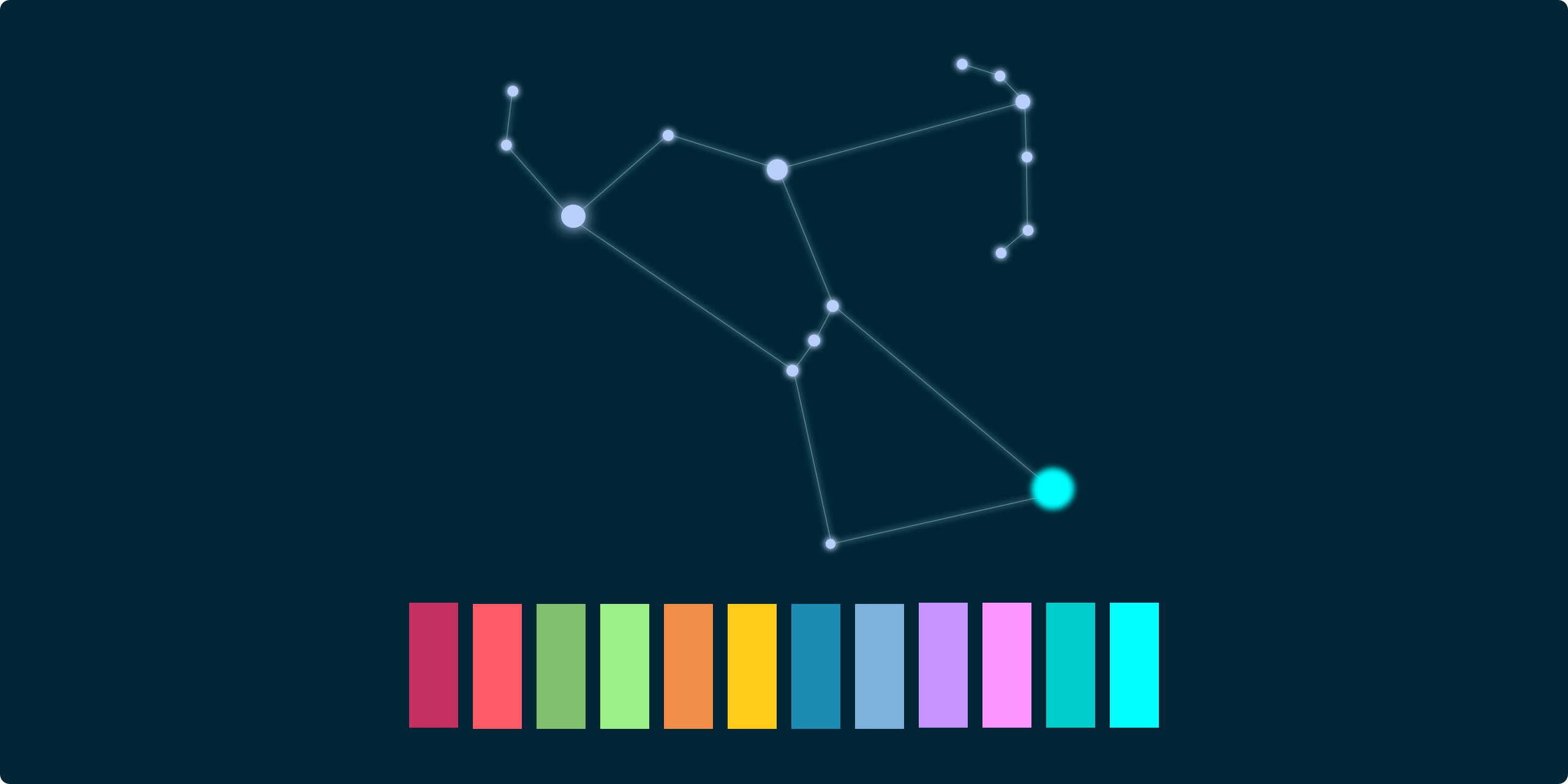
A 24bit colorscheme based on the star Rigel - the bright blue star in the constellation of Orion

Installation
Troubleshooting
Install
Vim
"""" install
" install with vim-plug
Plug 'Rigellute/rigel'
" or with NeoBundle " NeoBundle 'Rigellute/rigel' " or with Vundle " Plugin 'Rigellute/rigel'
"""" enable 24bit true color set termguicolors
"""" enable the theme syntax enable colorscheme rigel
JavaScript and TypeScript
If you are using JavaScript, I recommend adding vim-javascript for improved syntax highlighting.
Plug 'pangloss/vim-javascript'This theme has good support for flow syntax, which you can enable with
" Once vim-javascript is installed you enable flow highlighting
let g:javascriptpluginflow = 1
If you are using React, I recommend adding vim-jsx for better jsx highlighting
Plug 'mxw/vim-jsx'This theme also has good support for Typescript, which is enabled by default. You might just need to add a plugin for Typescript syntax.
I recommend leafgarland/typescript-vim.
Airline

let g:rigel_airline = 1
let g:airline_theme = 'rigel'
Lightline

let g:rigel_lightline = 1
let g:lightline = { 'colorscheme': 'rigel' }
Terminal

The terminal screenshot above is using Pure prompt and Fira Code font (size 16) in Alacritty.
Alacritty
If you are using Alacritty version 0.13.0 or newer:
- Copy alacritty.toml and paste into
~/.config/alacritty/alacritty.toml
- Copy alacritty.yml and paste into
~/.config/alacritty/alacritty.yml
Kitty
- Copy kitty.conf and paste into
~/.config/kitty/kitty.conf
iTerm2
- Download
rigel.itermcolors - In iTerm2 access the Preferences pane on the Profiles tab.
- Under the Colors tab import the
rigel.itermcolorsfile via the Load Presets_ drop-down at the bottom right.
macOS Terminal.app
- Download
rigel.terminal - Terminal > Preferences > Profiles > [+] button to select file and use theme
VS Code
Thanks to mrmartineau, the Rigel theme is ported to VS Code, which can be found here. The theme can be installed via "extensions" from the Visual Studio Marketplace.
Slack
- Go to Slack's
Preferences→Themes - Click on custom themes.
- Scroll to the bottom and paste these colors:
#002635,#00384D,#F08E48,#E6E6DC,#00384D,#B7CFF9,#00FFFF,#FF5A67Troubleshooting
True color
Make sure you are using a terminal emulator that supports truecolor. Read more about this here.
Colours don't look right
If you are running vim within tmux, you may run into some truecolor issues.
To fix, add this to you tmux.conf
set -g terminal-overrides ',xterm-256color:Tc'
set -g default-terminal "tmux-256color"
set -as terminal-overrides ',xterm*:sitm=\E[3m'
And in your .bash_profile || .zshrc
export TERM="xterm-256color"Ensure you tmux kill-server, quit your emulator of choice and startup it all back up again. It should then look 👌.


