Web UI for Docker Registry
Registry UI
A lightweight, fast web interface for browsing and managing Docker Registry and OCI-compatible registries.
Docker image: quiq/registry-ui
Features
- Browse repositories, tags, and nested repository trees at any depth
- View full image details: layers, config, and command history
- Support for Docker and OCI image formats, including multi-platform image indexes
- Event listener to capture registry notifications, stored in SQLite or MySQL
- Built-in CLI for tag retention: purge tags older than X days while keeping at least Y tags
- Auto-discovery of authentication methods (basic auth, token service, keychain, etc.)
- Repository list and tags are cached and refreshed in the background
Note: The UI does not handle TLS or authentication. Place it behind a reverse proxy such as nginx, oauth2_proxy, or similar.
Quick start
Start a Docker registry on your host (if you don't already have one):
docker run -d --network host --name registry registry
Push any image to 127.0.0.1:5000/owner/name:
docker tag alpine:edge 127.0.0.1:5000/owner/name docker push 127.0.0.1:5000/owner/name
Run Registry UI and open http://127.0.0.1:8000 in your browser:
docker run --rm --network host \ -e REGISTRY_HOSTNAME=127.0.0.1:5000 \ -e REGISTRY_INSECURE=true \ --name registry-ui quiq/registry-ui
Configuration
Configuration is stored in config.yml with self-descriptive options. Any option can be overridden via environment variables using SECTIONKEYNAME syntax, e.g. LISTENADDR, PERFORMANCETAGSASYNCREFRESHINTERVAL, REGISTRYHOSTNAME.
To pass a full config file:
docker run -d -p 8000:8000 -v /local/config.yml:/opt/config.yml:ro quiq/registry-ui
To use a custom root CA certificate:
-v /local/rootcacerts.crt:/etc/ssl/certs/ca-certificates.crt:ro
To persist the SQLite database for event data:
-v /local/data:/opt/data
Ensure /local/data is owned by nobody (uid 65534 on Alpine).
The container supports --read-only mode. If you use the event listener, mount the data folder in read-write mode as shown above so the SQLite database remains writable.
To set a custom timezone:
-e TZ=America/Los_Angeles
Event listener
To receive notification events, configure your Docker Registry:
notifications: endpoints: - name: registry-ui url: http://registry-ui.local:8000/event-receiver headers: Authorization: [Bearer abcdefghijklmnopqrstuvwxyz1234567890] timeout: 1s threshold: 5 backoff: 10s ignoredmediatypes: - application/octet-stream
Adjust the URL and token as appropriate. If you run the UI under a non-default base path (e.g. /ui), use /ui/event-receiver as the endpoint path.
Using MySQL instead of SQLite
To use MySQL, update eventdatabasedriver and eventdatabaselocation in the config file. Create the database referenced in the DSN beforehand. Required privileges: SELECT, INSERT, DELETE.
To create the table manually (avoids granting CREATE):
CREATE TABLE events ( id INTEGER PRIMARY KEY AUTO_INCREMENT, action CHAR(4) NULL, repository VARCHAR(100) NULL, tag VARCHAR(100) NULL, ip VARCHAR(45) NULL, user VARCHAR(50) NULL, created DATETIME NULL );
Tag purging
First, enable tag deletion in your Docker Registry config:
storage: delete: enabled: true
Then schedule a cron job to purge old tags (assumes the container is already running):
10 3 * root docker exec -t registry-ui /opt/registry-ui -purge-tags
Preview what would be purged with dry-run mode:
docker exec -t registry-ui /opt/registry-ui -purge-tags -dry-run
Note: Purging tags only removes tag references. To reclaim disk space, run garbage collection on your registry afterwards.
Screenshots
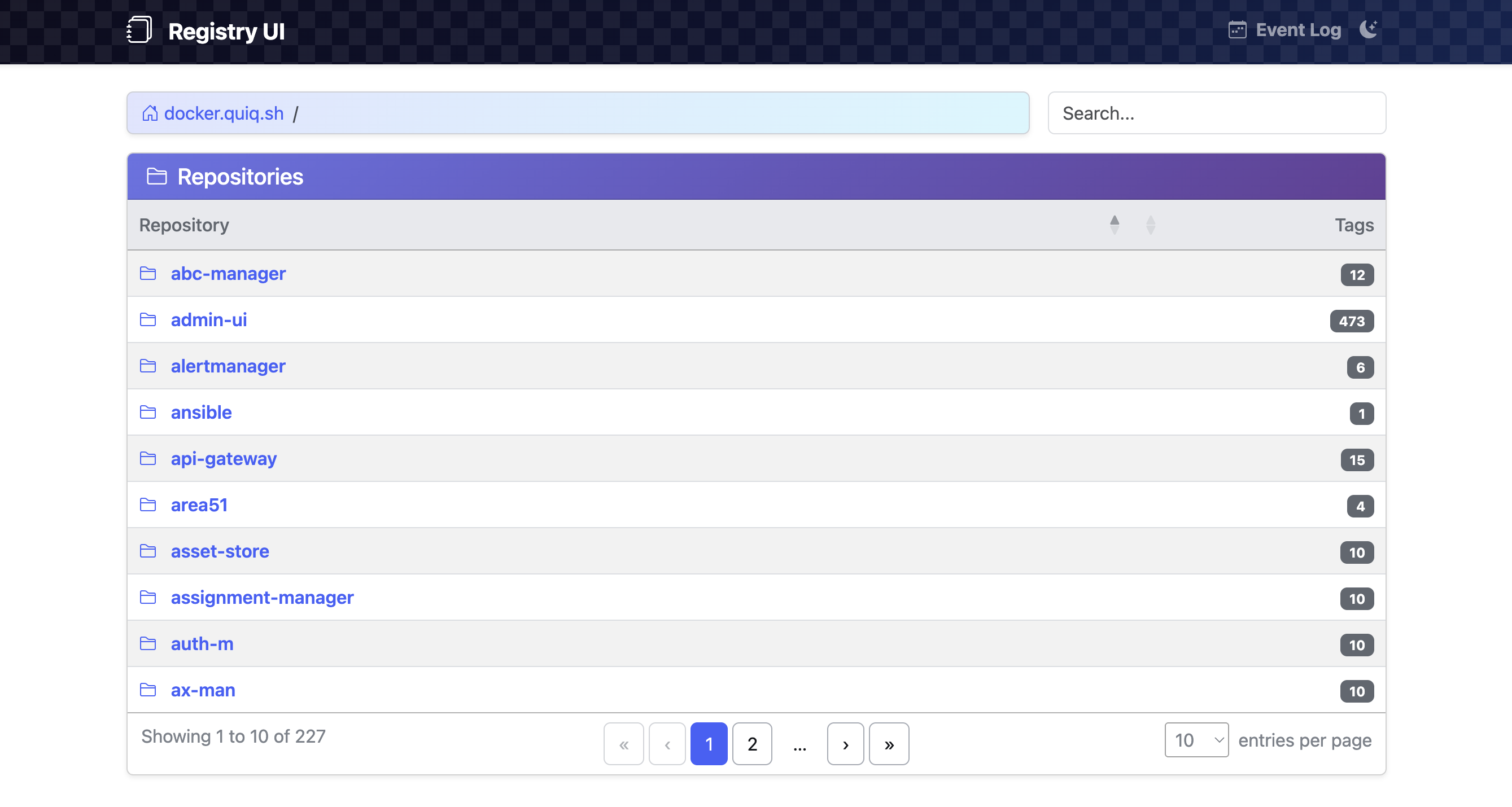
Repository list:
Tag list:
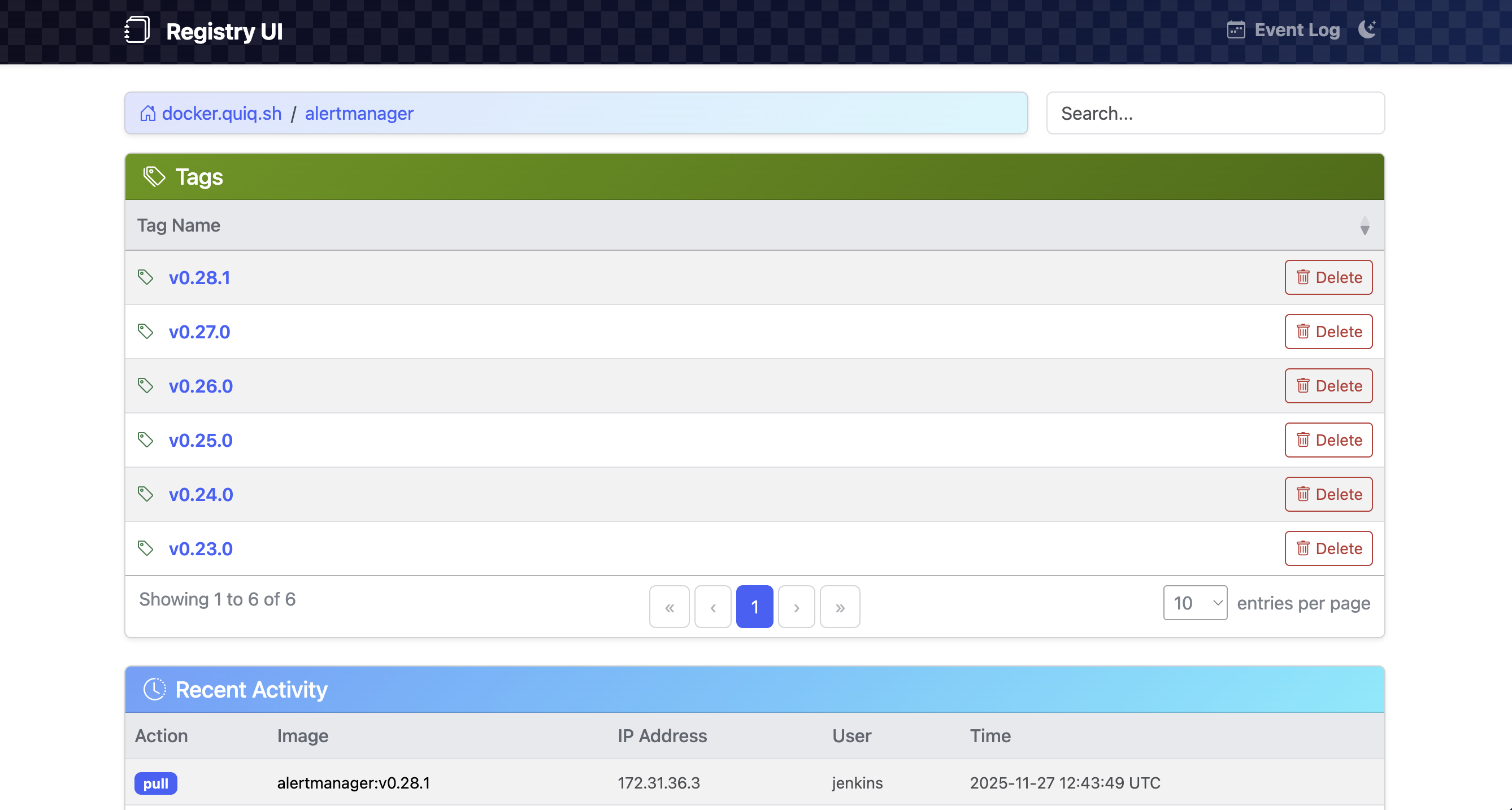
Image Index info:
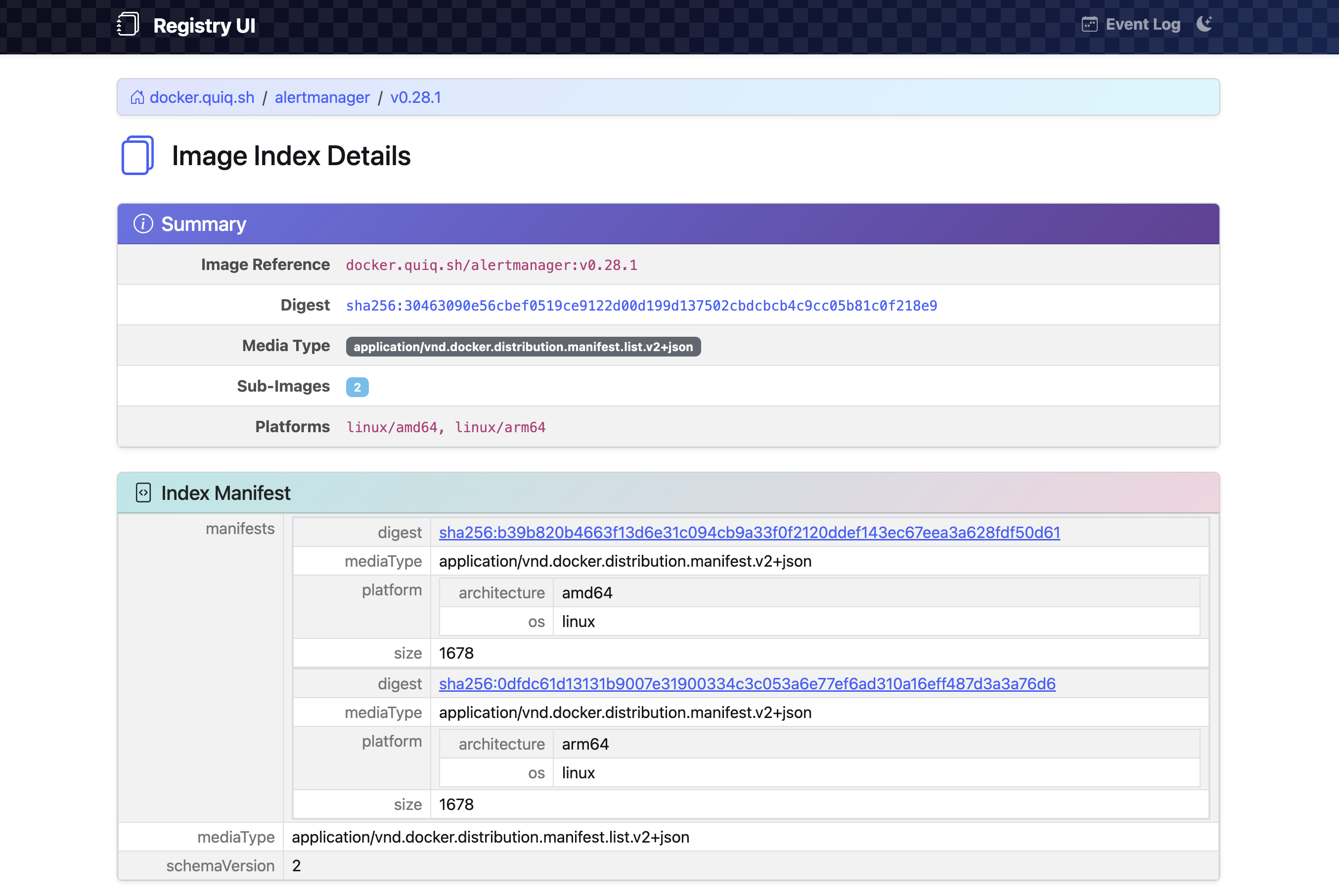
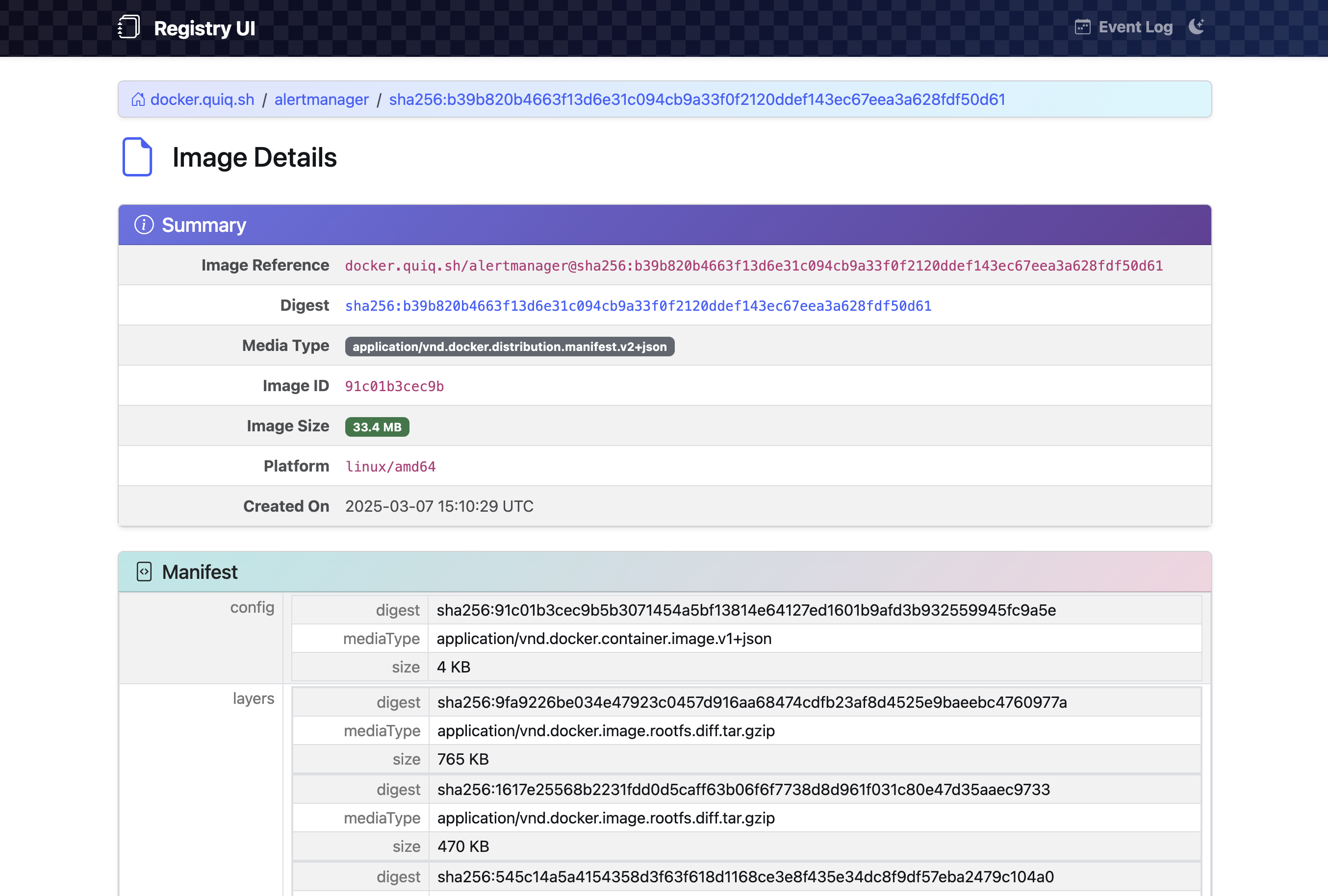
Image info: