My LunarVim configuration
Last updated Apr 11, 2025
35
Stars
2
Forks
1
Issues
0
Stars/day
Attention Score
2
Language breakdown
Lua 96.2%
Vim Script 3.8%
▸ Files
click to expand
README
My LunarVim configuration
- LunarVim? LunarVim is an opinionated, extensible,
- Neovim? Neovim is a project/editor that seeks to aggressively refactor Vim.
- Vim? DuckDuckGo/Google/Bing it!
Usage
I mainly use:
- TypeScript & JavaScript
- C#
- Python 3
- Lua
- HTML & CSS
- Astro
- Markdown & JSON & YAML
- Bash / Zsh / POSIX
- PowerShell
For tmux config details see my dotfiles.
Setup/Dependencies
Installation (macOS)
Installation on macOS v11+ using Homebrew.
Note! You might have some of the applications and/or other dependencies already installed.
# Update Homebrew
---------------
brew update
Install neovim, fnm and Python 3
--------------------------------
brew install neovim fnm python
Install some other dependencies
brew install fzy luarocks ripgrep shellcheck shfmt
FiraCode Nerd Font
brew install font-fira-code-nerd-font
Manually configure terminal emulator to use the installed nerd font
Fast Node Manager & Node & NPM
--------------------------------------
Change the current NodeJS LTS version below
NODE_VERSION="18.12.1"
fnm install $NODE_VERSION
fnm default $NODE_VERSION
fnm use $NODE_VERSION
NPM
---
Neovim dependencies
npm install -g neovim tree-sitter-cli yarn
Linters, formatters etc.
npm install -g eslint_d markdownlint-cli prettier stylelint write-good
PIP
---
Neovim dependency
pip3 install pynvim
Pyhton linters/formatters
pip3 install black isort flake8
Lua linter
----------
luarocks install luacheck
Lua formatter
-------------
STYLUA_VERSION="0.15.3"
cd ~/.local/bin
wget https://github.com/JohnnyMorganz/StyLua/releases/download/${STYLUA_VERSION}/stylua-macos.zip
unzip stylua-macos.zip
rm stylua-macos.zip
chmod +x stylua
LunarVim v1.2
------------------
LV_BRANCH='release-1.2/neovim-0.8' \
  bash <(curl -s https://raw.githubusercontent.com/lunarvim/lunarvim/fc6873809934917b470bff1b072171879899a36b/utils/installer/install.sh)
My LunarVim configuration
-------------------------
cd ~/.config
mv lvim lvim-orig
git clone https://github.com/PasiBergman/lvim.git lvim-my
ln -s lvim-my lvim
LunarVim configuration
Start lvim and issue the following commands:
:PackerSyncCheck and modify installed language servers, debug adapters etc with Mason
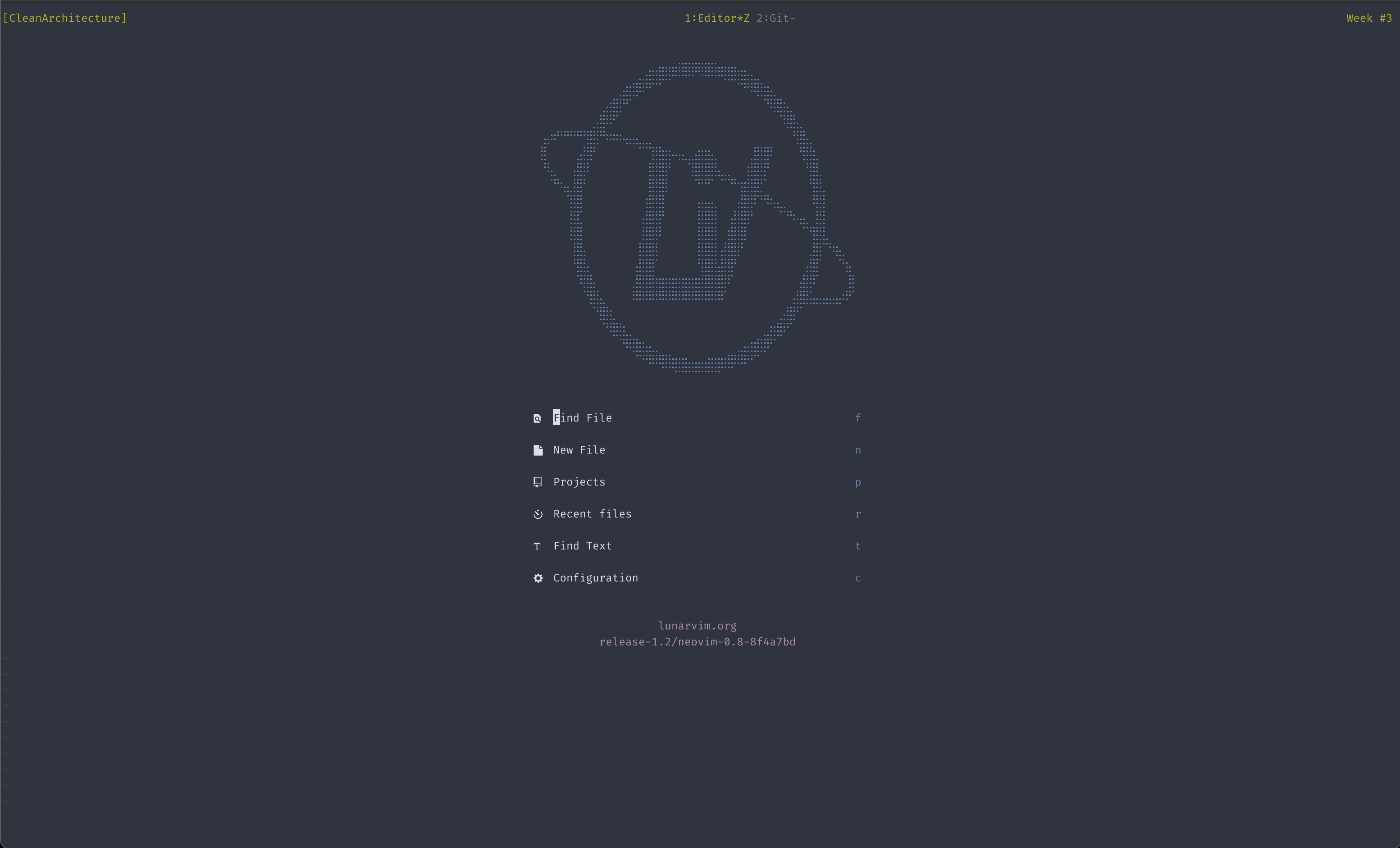
:MasonScreenshots
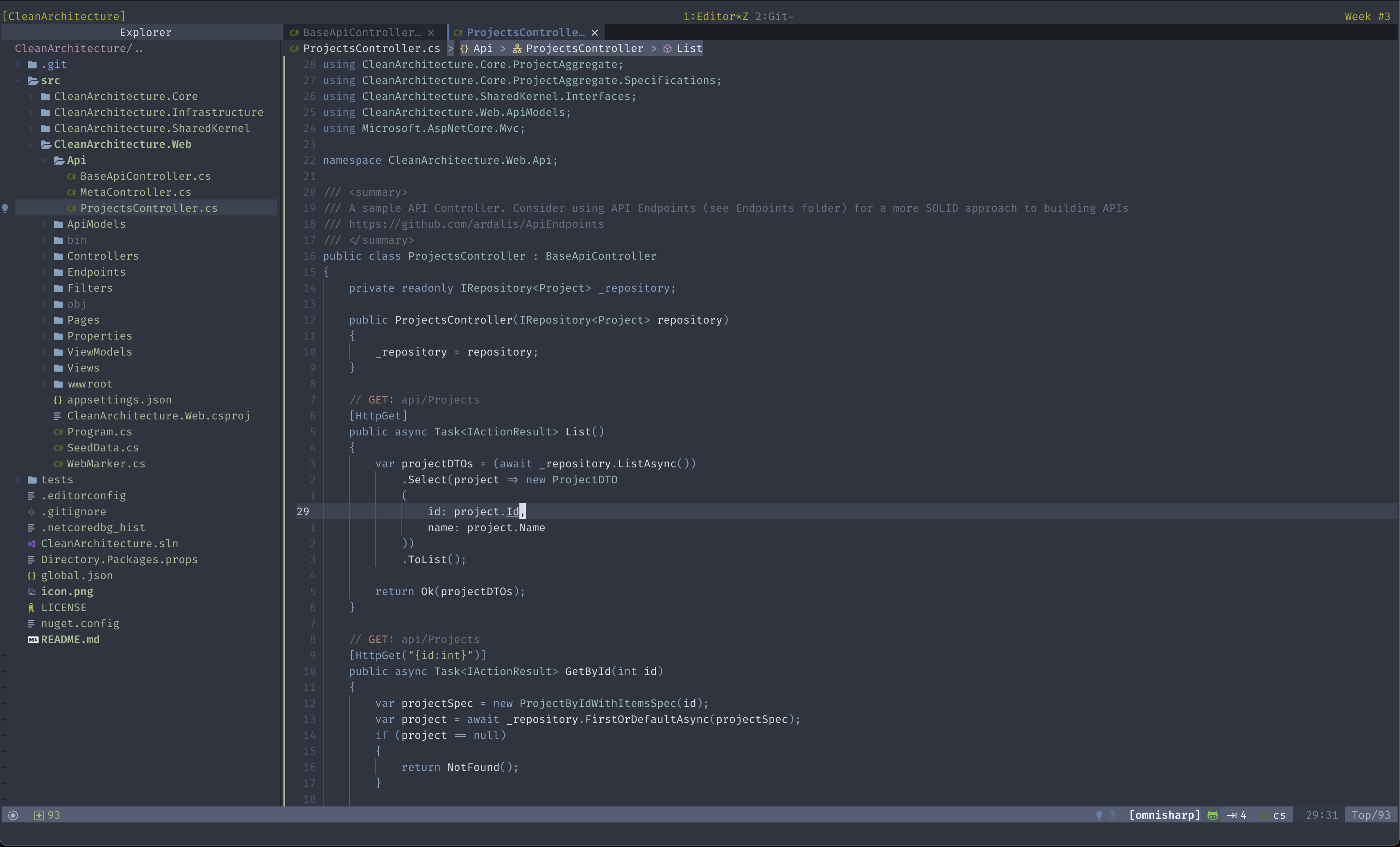
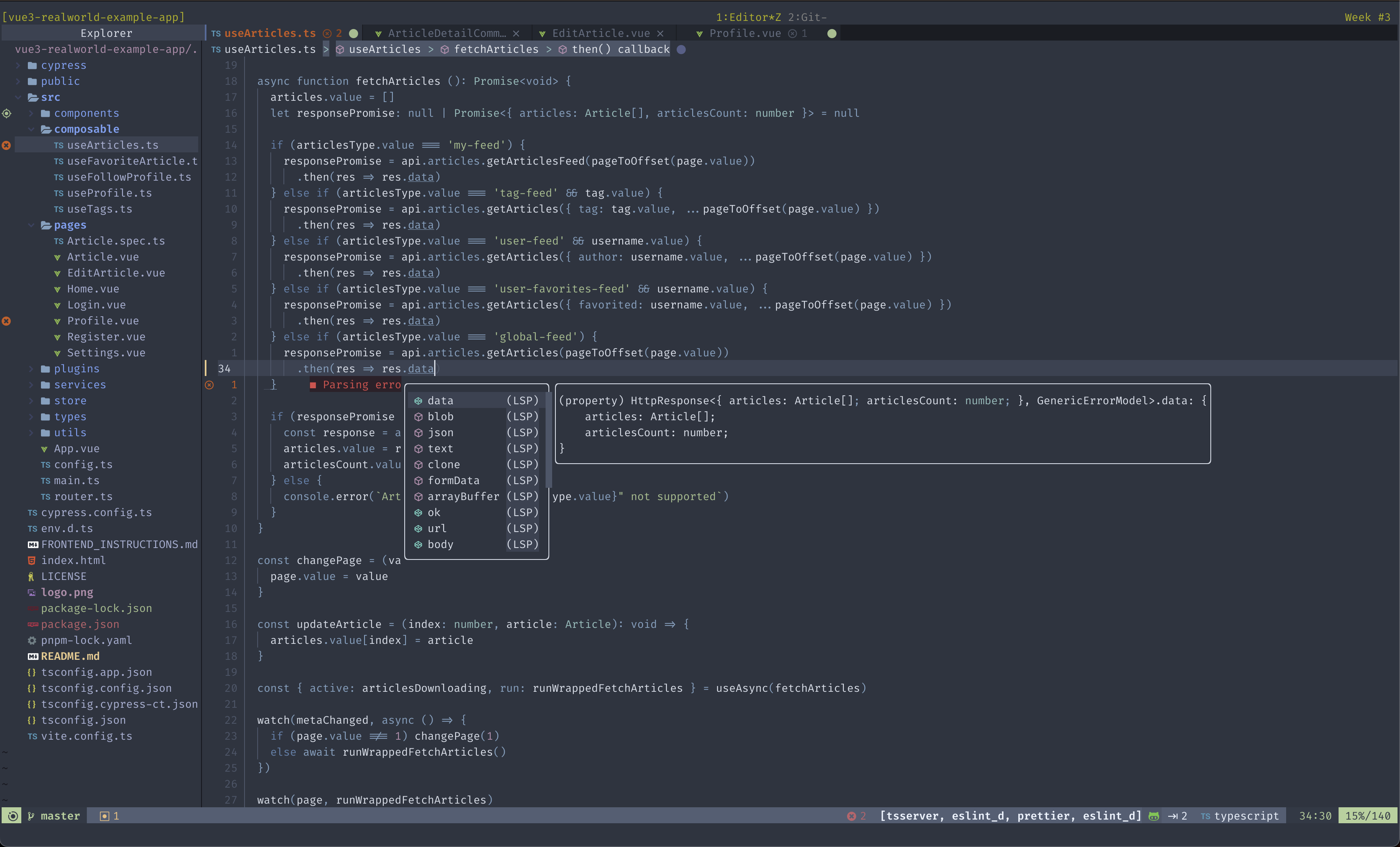
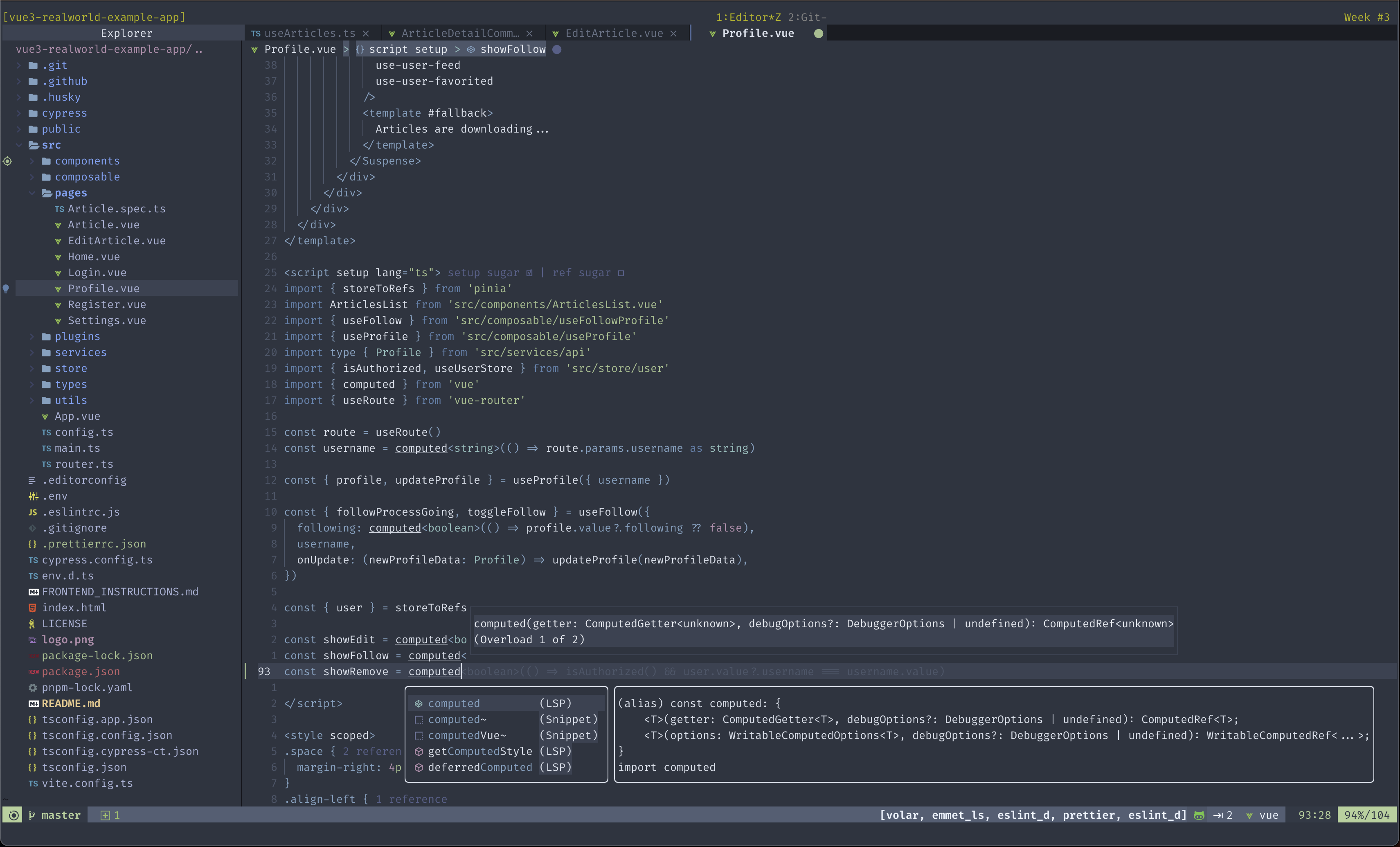
- Kitty terminal emulator.
- Nordic theme
- FiraCode Nerd Font
- tmux
TypeScript
Vue
C#