
A Spotlight-like tool for searching and launching Tmux sessions in your preferred terminal.
Tmuxer
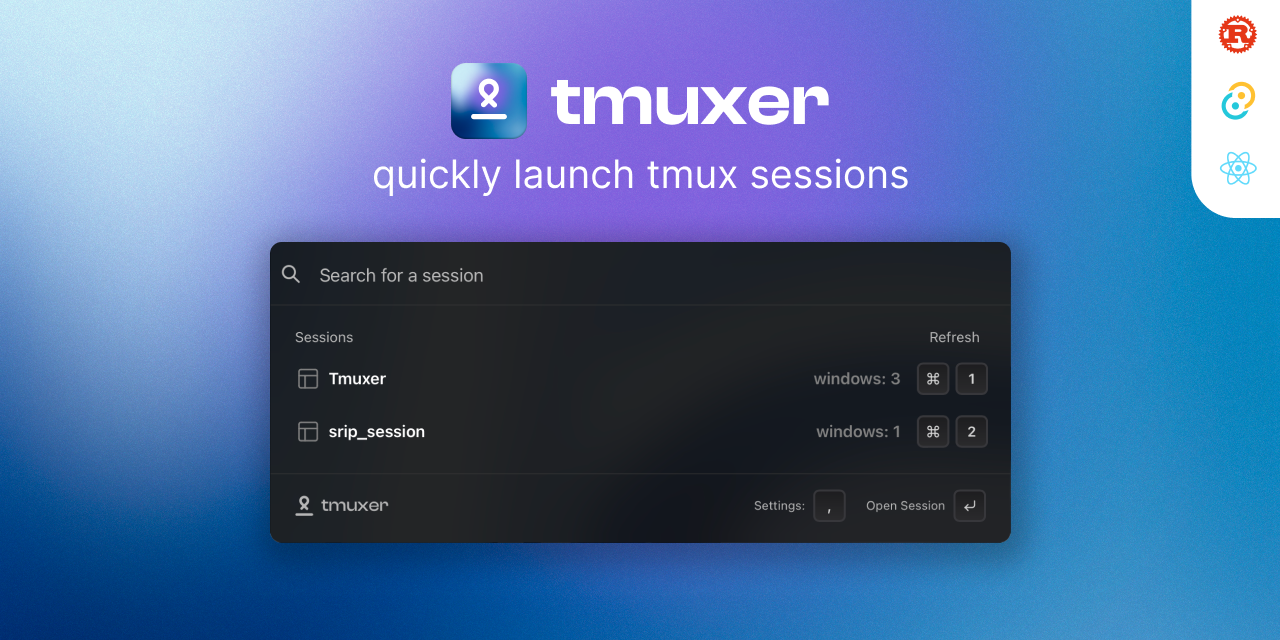
Tmuxer helps you to quickly search and open your Tmux sessions in your desired terminal.
Default shortcut: CMD + SHIFT + G
❇️ Download now
🛠️ Build from source
Feature request / Bug reports
⛰️ Preview
If preview is not loaded, please visit here preview gif.

🤝 Contributing
To get Tmuxer set up on your machine, you'll need to have Rust and NPM installed. Then, follow these steps:
- Clone the project using
git clone https://github.com/ParthJadhav/Tmuxer.git - Change into the project directory:
cd Tmuxer - Install dependencies:
npm install - Run the development server:
npm run tauri dev
yarn tauri build after installing dependencies.
🛠️ Building for Production
Adding Targets
rustup target add aarch64-apple-darwin
rustup target add x86_64-apple-darwin
Building
yarn package-and-buildThis will create a production build of the app both aarch64 & x86_64 systems in the src-tauri/target directory.
All contributions from the open-source community, individuals, and partners are welcomed. Our achievement is a result of your active participation.
Checkout Issues section to find out what needs to be done.
📝 License
Tmuxer is licensed under the GNU AFFERO GENERAL PUBLIC LICENSE. See the LICENSE file for more information.


