
Outerbridge is a low code/no code workflow automation application, focusing on integrating both on-chain and off-chain applications.
Outerbridge - Automate Web3 and Web2 applications
Outerbridge is a low code/no code workflow automation application, focusing on integrating both on-chain and off-chain applications. The project is licensed under Apache License Version 2.0, source available and free to self-host.
💡Why another workflow automation tool?
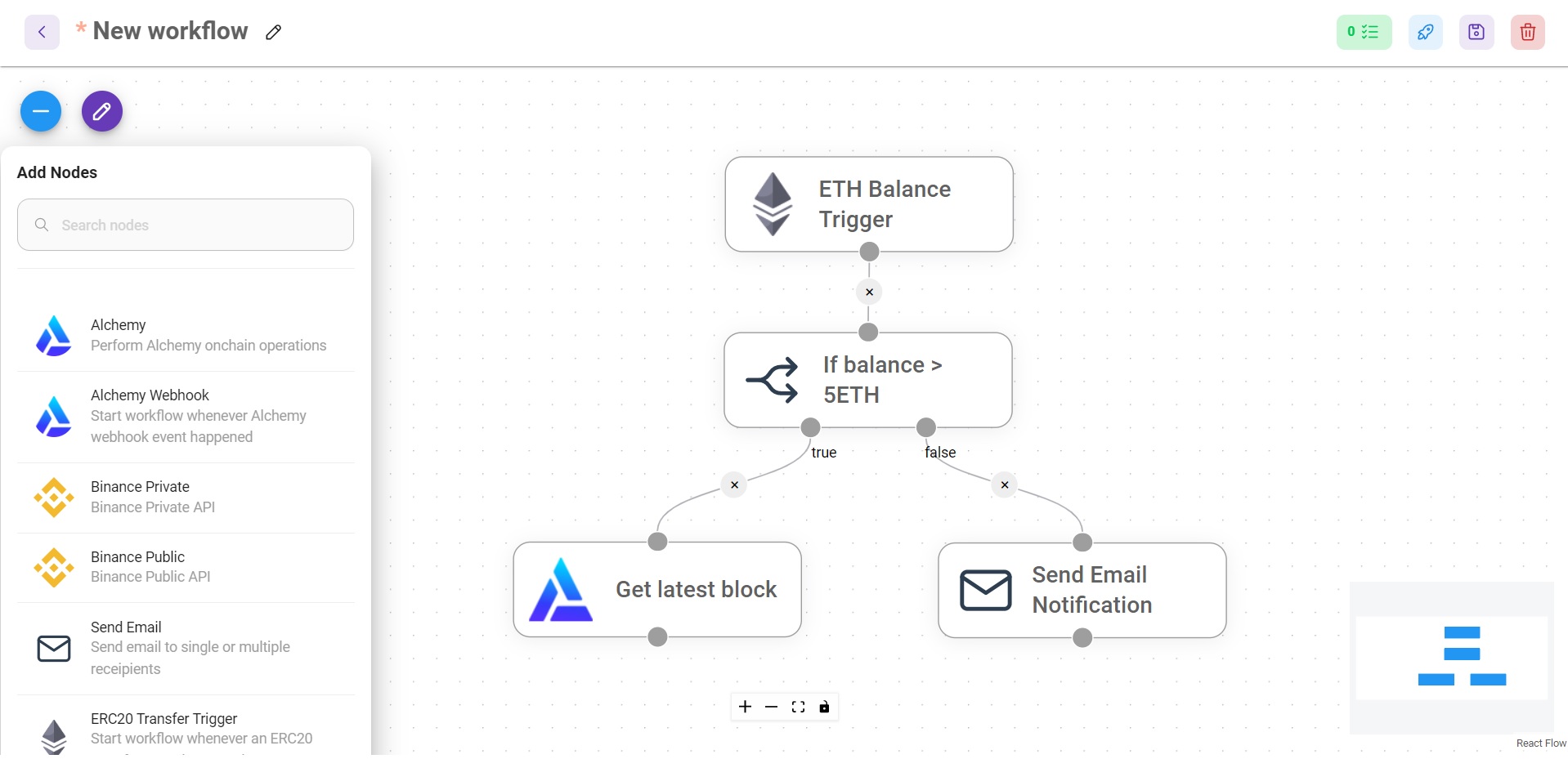
There are many awesome automation tools out there, however there isn't one that has the built-in logic of interacting/consuming information from blockchains. Hence, Outerbridge is created to allow people building workflows involving on-chain and off-chain applications, with simple drag and drop interface.
⚡Quick Start
Watch Outerbridge Quickstart Demo on Youtube (4mins)
npm install -g outerbridge- Start Outerbridge
npx outerbridge startIf using MongoDB Atlas
npx outerbridge start --mongourl=mongodb+srv://<user>:<password>@<your-cluster>.mongodb.net/outerbridge?retryWrites=true&w=majority🐳 Docker
- Go to
dockerfolder at the root of the project docker-compose up -d- This will automatically spins up mongodb and outerbridge containers
- Open http://localhost:3000
- You can bring the containers down by
docker-compose stop - If using MongoDB Atlas, follow the guide here
👨💻 Developers
Outerbridge has 3 different modules in a single mono repository.
-
server: Node backend to serve API logics -
ui: React frontend -
components: Nodes and Credentials of applications
Prerequisite
npm i -g yarnSetup
- Clone the repository
git clone https://github.com/Outerbridgeio/Outerbridge.git- Go into repository folder
cd Outerbridge- Install all dependencies of all modules:
yarn install- Build all the code:
yarn build- Start the app:
yarn startYou can now access the app on http://localhost:3000
- For development build:
yarn devAny code changes will reload the app automatically on http://localhost:8080
📖 Documentation
Official Outerbridge docs can be found under: https://docs.outerbridge.io
💻 Cloud Hosted
- Cloud Hosted version of Outerbridge.
🌐 Self Host
- Digital Ocean Droplet: Setup guide
- AWS EC2: Setup guide
🙋 Support
Feel free to ask any questions, raise problems, and request new features in discussion
🙌 Contributing
See contributing guide. Reach out to us at Discord if you have any questions or issues.
📄 License
Source code in this repository is made available under the Apache License Version 2.0.


