
Application open source pour gérer la vie de famille
OpenFamily
The open-source, self-hosted family organizer
Keep full control of your family's data — run it on your own server.
🇬🇧 English · 🇫🇷 Français






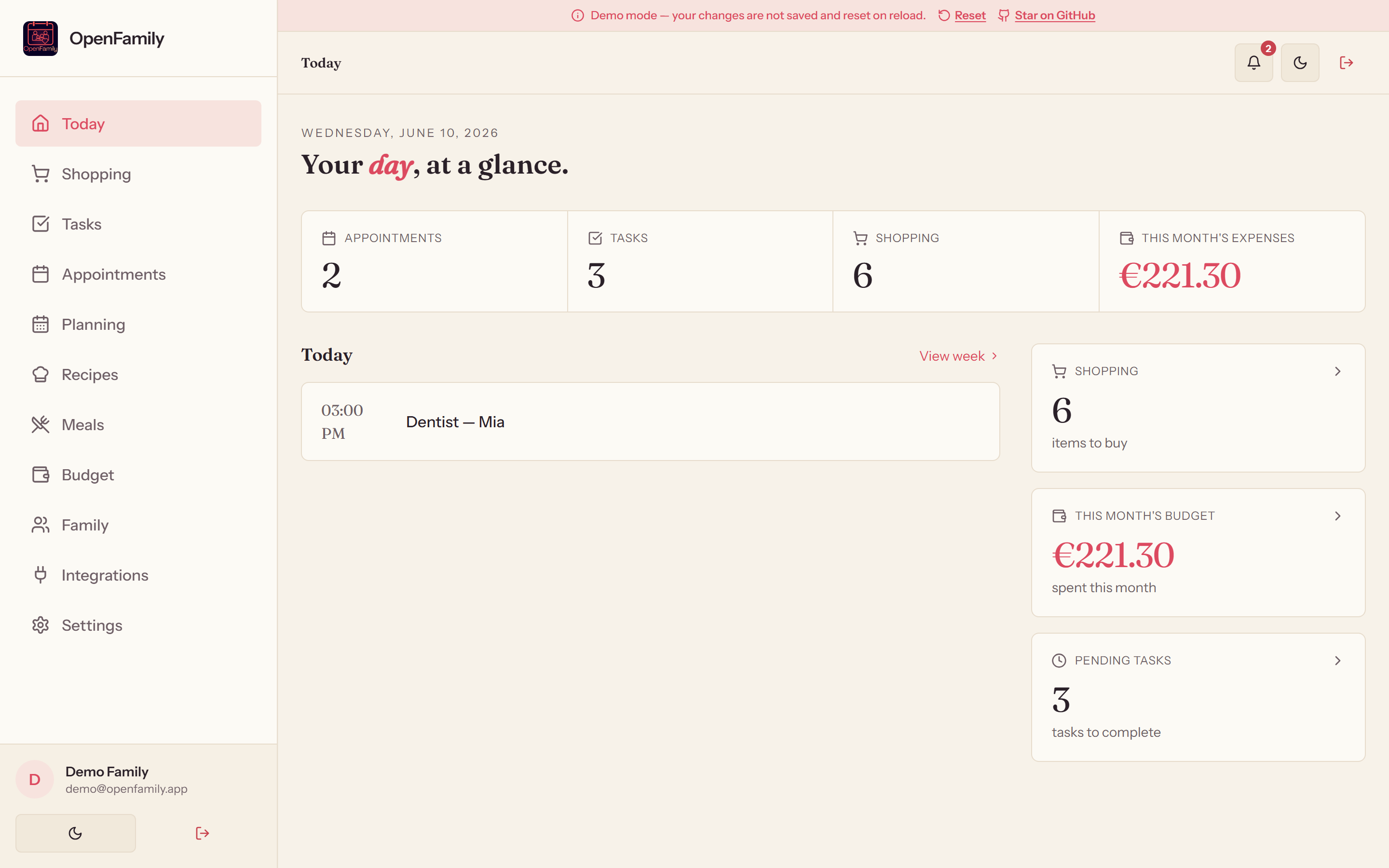
OpenFamily is a self-hosted alternative to apps like Cozi or FamilyWall: shopping lists, tasks, a shared calendar, weekly planning, recipes, meal planning and a household budget — all in one place, on your server, with your data.
✨ Features
| | | |---|---| | 🛒 Shopping list | Categories, prices, quantities, templates, aisle-by-aisle store mode | | ✅ Tasks | Recurring tasks, family assignment, statistics | | 📅 Appointments | Monthly calendar, automatic reminders, color coding, iCal export (.ics / webcal) | | 🗓️ Weekly planning | Work hours and school timetables per family member | | 🍳 Recipes | Family library, advanced filters, prep/cook times | | 🍽️ Meal planner | Weekly view, PDF export, linked recipes | | 💰 Budget | Monthly tracking, charts, per-category limits with alerts, recurring debits | | 👨👩👧👦 Family | Member profiles, health info, emergency contacts | | 🔄 Real-time sync | Instant updates across every device (WebSocket) | | 🔔 Notifications | Appointment reminders, task alerts (Web Push VAPID) + in-app | | 👥 Shared accounts | Invite by link, access requests, ownership transfer | | 🛡️ Roles & permissions | Parent / child accounts — read-only budget for children | | 🌍 Bilingual | English / French interface with automatic detection | | 📴 Offline mode | Browse cached data without a connection (PWA) |
📸 Screenshots
| Shopping (store mode) | Calendar | Budget | |---|---|---| | 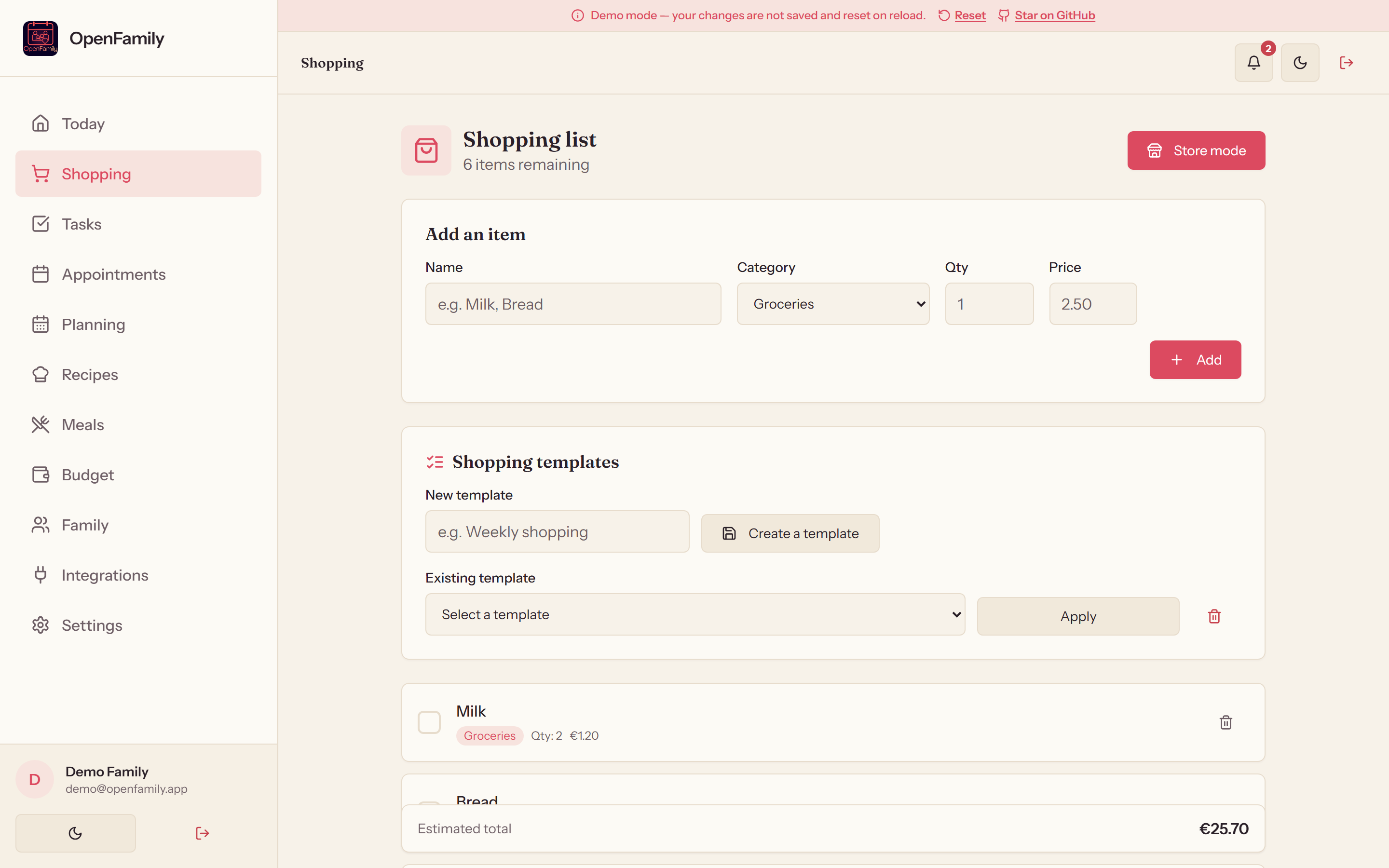 |
| 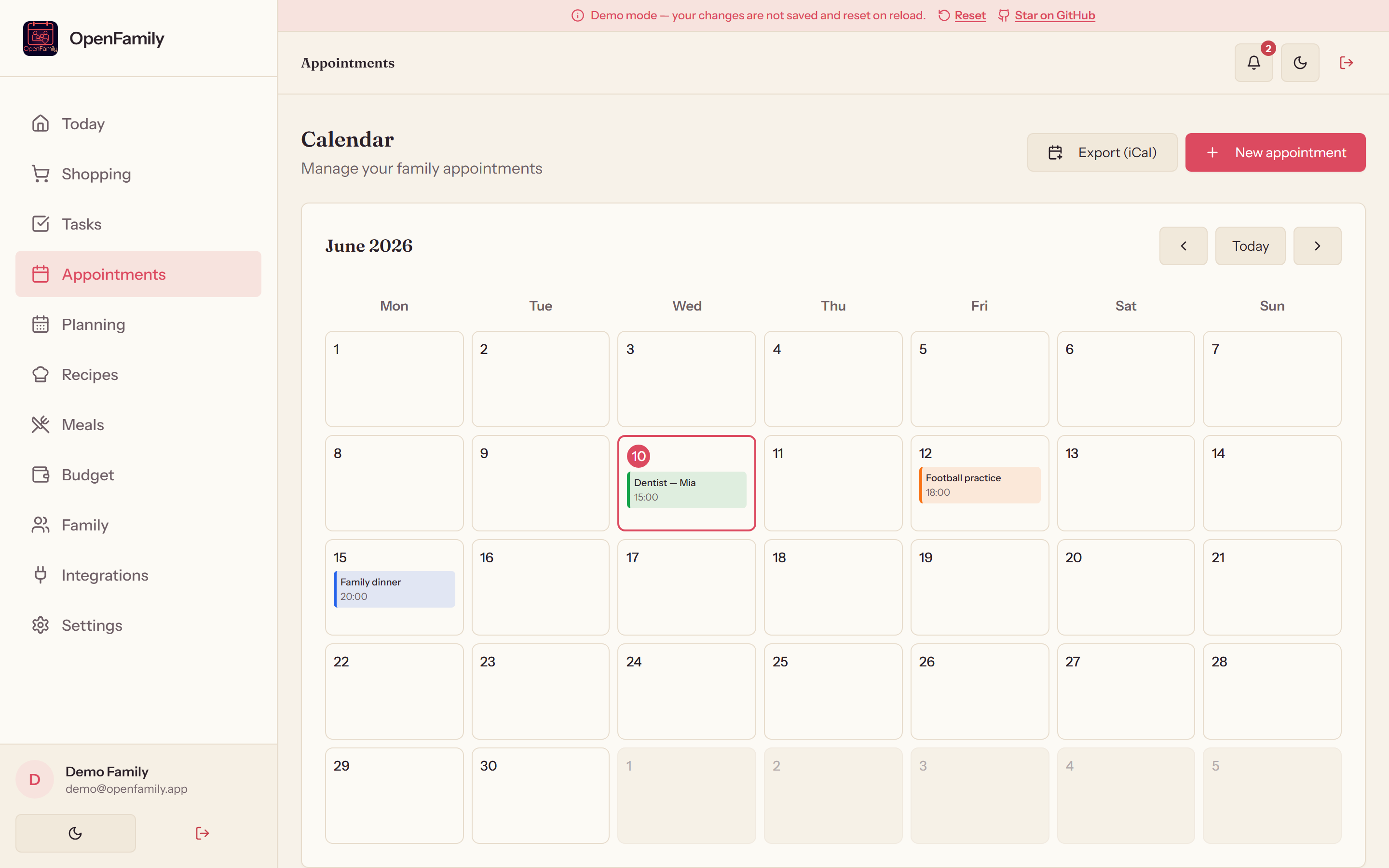 |
| 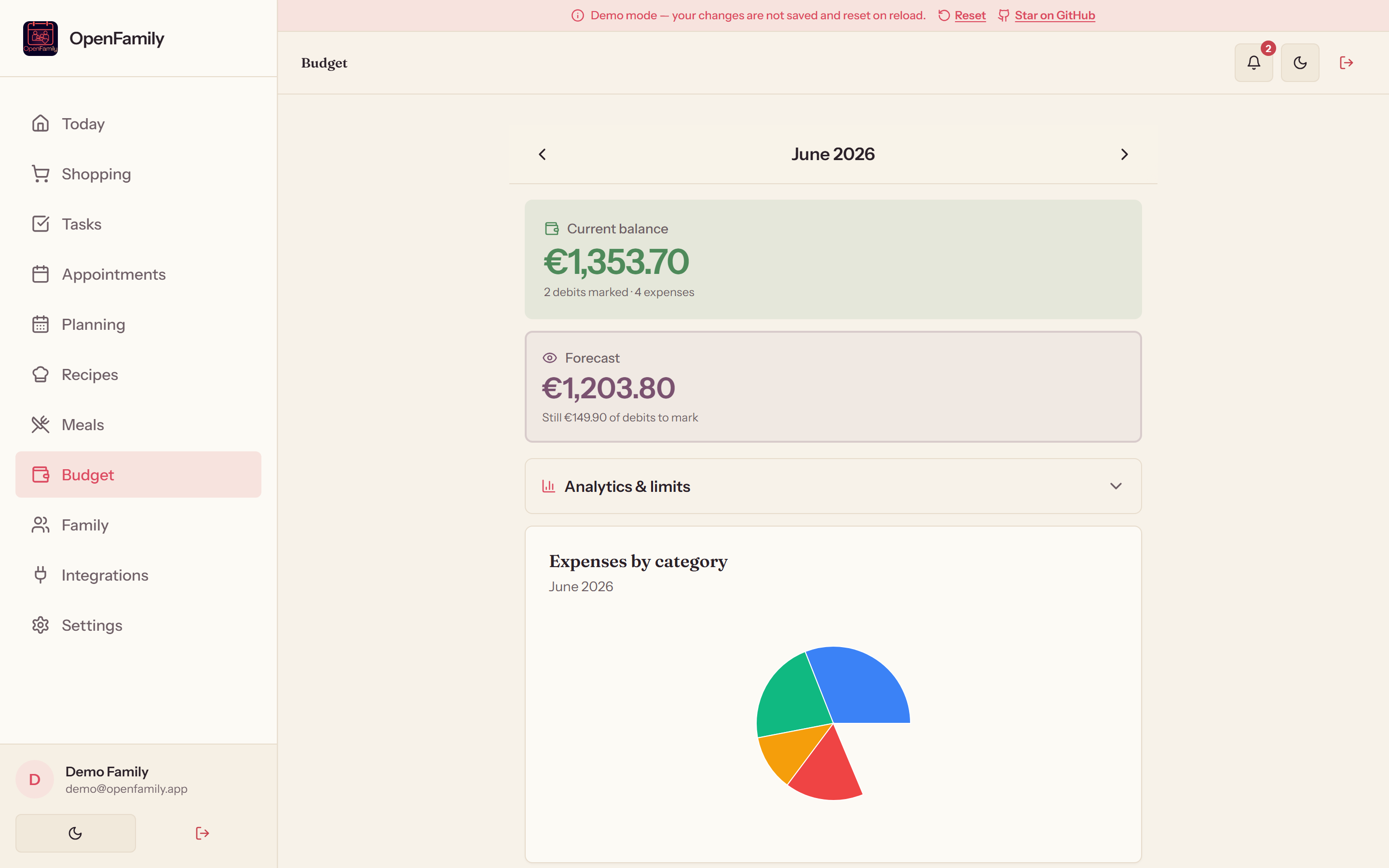 |
|
| Meal planner | Family | Weekly planning | |---|---|---| | 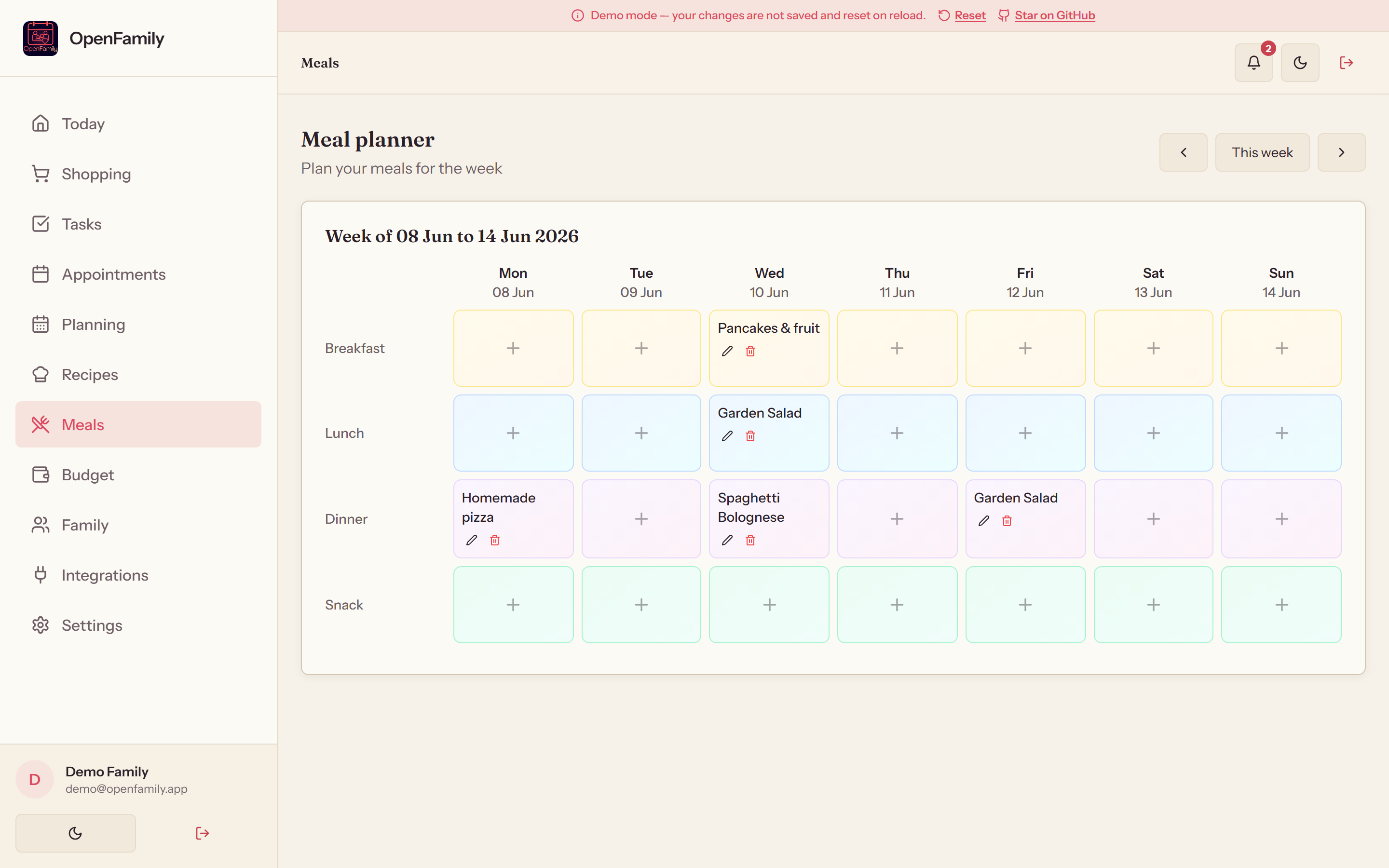 |
| 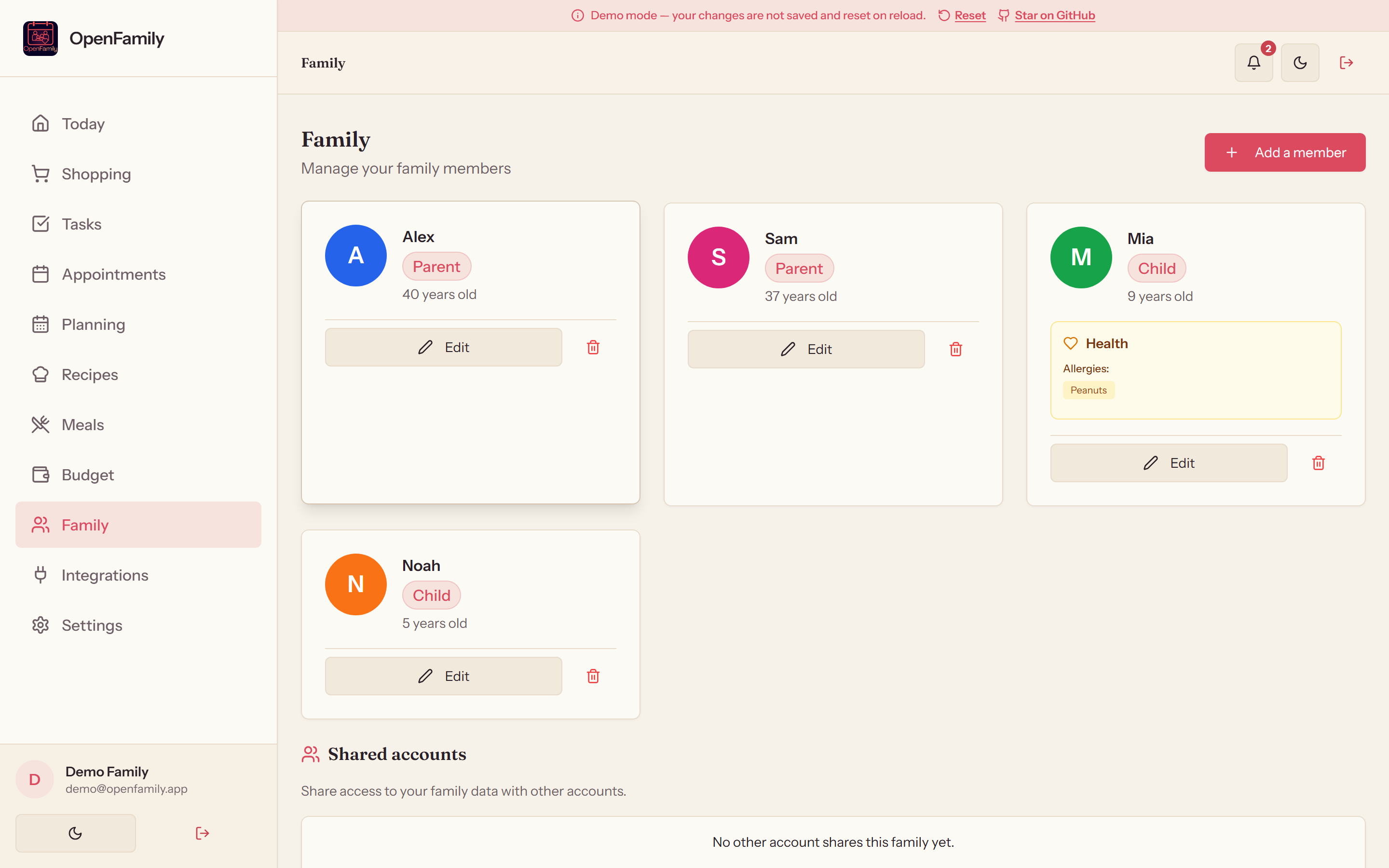 |
| 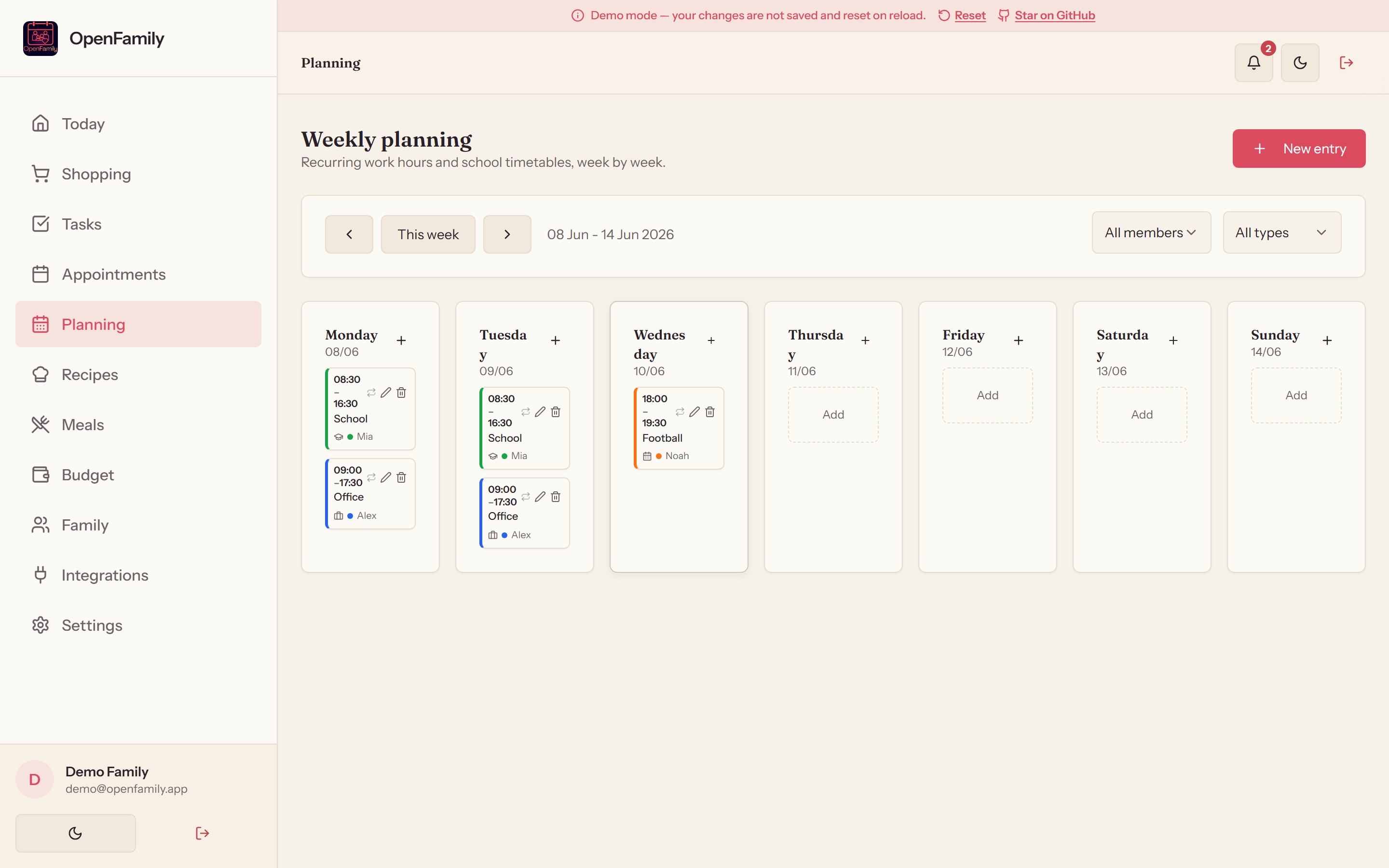 |
|
🔗 Third-party integrations
Connect OpenFamily to your self-hosted ecosystem in one click — no config files to edit.
| App | Type | What is synced | |---|---|---| | Mealie | 🍲 Recipes | Automatic import of all recipes (pagination, API v1 & v2) | | Tandoor | 🌿 Recipes | Import via the Django REST API | | Home Assistant | 🏠 Shopping | Shopping-list sync over WebSocket (modern todo entities + legacy) | | Grocy | 🥦 Shopping & stock | Shopping list and stock synchronization | | Nextcloud | ☁️ Calendar | CalDAV import with auto-discovery and per-UID deduplication |
🎬 Thanks to Makernix — the idea of connecting
OpenFamily to the self-hosted family ecosystem (Mealie, Grocy, Home Assistant, Nextcloud)
emerged from a direct exchange with him.
🚀 Quick start
🪟 Windows installer (.exe) — the easiest path
For Windows users, NexaFlow provides an all-in-one graphical installer: Node.js and PostgreSQL are bundled — no Docker, no configuration required.

Run OpenFamily-Setup.exe, click Start, and the app opens at http://localhost:3000. The window also shows your local network address so you can open it from a phone on the same Wi-Fi, and the Settings tab explains how to set up Tailscale for secure remote access.
📱 Android app (APK)
OpenFamily also has a native Android app — a thin client that connects to your own server (you enter its address on first launch, just like the Nextcloud or Home Assistant apps). It hosts nothing itself.

Install the APK, allow installs from unknown sources when prompted, open the app and enter your server URL (e.g. http://192.168.1.10:3001, or your HTTPS / Tailscale address).
🔄 Stay up to date automatically: add the repo to
Obtainium to receive app updates straight from
GitHub Releases — no app store required.
🐳 Docker (recommended for a server)
cp .env.example .env   # edit your settings
docker-compose up -d --build- Frontend: http://localhost:3000
- Backend API: http://localhost:3001
npm run smoke:api🛠️ Manual install
npm run install:all
psql -U postgres -c "CREATE DATABASE openfamily;"
psql -U postgres -d openfamily -f server/schema.sql
cp .env.example .env
npm run dev- Frontend: http://localhost:5173 · Backend: http://localhost:3001
🆚 Why OpenFamily?
| | OpenFamily | Cozi / FamilyWall | |---|---|---| | Your data on your server | ✅ | ❌ | | Open source (AGPL-3.0) | ✅ | ❌ | | No ads, no tracking | ✅ | ❌ | | Self-hosted integrations (Mealie, Grocy, Home Assistant…) | ✅ | ❌ | | Works offline (PWA) | ✅ | ⚠️ |
🧰 Tech stack
Frontend — React 19 · TypeScript · Vite 7 · TailwindCSS · Radix UI · i18next · PWA (service worker, web push, offline) Backend — Node.js 20 · Express · PostgreSQL 16 (auto-migration) · WebSocket · Web Push (VAPID) · JWT + bcrypt 12 · helmet · rate limiting DevOps — Docker Compose (postgres, server, client/nginx) · GitHub Actions (CI + Docker publish to ghcr.io + GitHub Pages demo)
🔐 Security
JWT auth (7 days, auto refresh) · passwords hashed with bcrypt (cost 12) · secure HTTP headers via helmet · rate limiting on auth endpoints · strict configurable CORS · server-side input validation · structured logs (no sensitive data).
🗺️ Roadmap
Planned features and design decisions live in ROADMAP.md.
🤝 Contributing
Contributions are welcome! Open an issue or a pull request.
📄 License
GNU Affero General Public License v3.0 (AGPL-3.0-only) — see licence.md.
🙏 Credits
Built and maintained by NexaFlow France. This project embraces the open-source philosophy and encourages sharing and community contribution.


