
Bare metal to production ready in mins; your own fly server on your VPS.


Bare metal to production ready in mins; imagine fly.io on your VPS



Features
- 👍 One command VPS setup (docker, traefik, sops, age)
- 💻 deploy any application from a dockerfile
- ✊ Zero downtime deployment
- 🌏 High availability and load balancing
- 🔒 Zero config SSL Certs
- ✅ Connect domains or use sslip.io out of the box
- 🔥 Built in integration with SOPS
- 🛸 Escape the vendorlock forever
Motivation
I'm tired of the complexity involved in hosting my side projects. While some platforms, like Fly.io, stand out in the crowded field of Heroku replacements, I believe a simple VPS can be just as effective. That's why I created Sidekick: to make hosting side projects as straightforward, affordable, and production-ready as possible. You'll be surprised how much traffic a $8/month instance on DigitalOcean can handle.
Installation
Using brew:
brew install sidekickNOTE: Sidekick uses brew later on to handle installing sops on your local. So brew is a requirement at this point. Sidekick will throw an error if brew is not found. You can install brew from here.
Usage
Sidekick helps you along all the steps of deployment on your VPS. From basic setup to zero downtime deploys, we got you! ✊
First you need a VPS with Ubuntu LTS. I recommend DigitalOcean. Hetzner also gets very good reviews. You can host your own silicon too. As long as you have a public IP address you can use Sidekick.
Just make sure the following is true:
- VPS running Ubuntu - LTS recommended
- SSH Key available on your machine to login to VPS.
VPS Setup
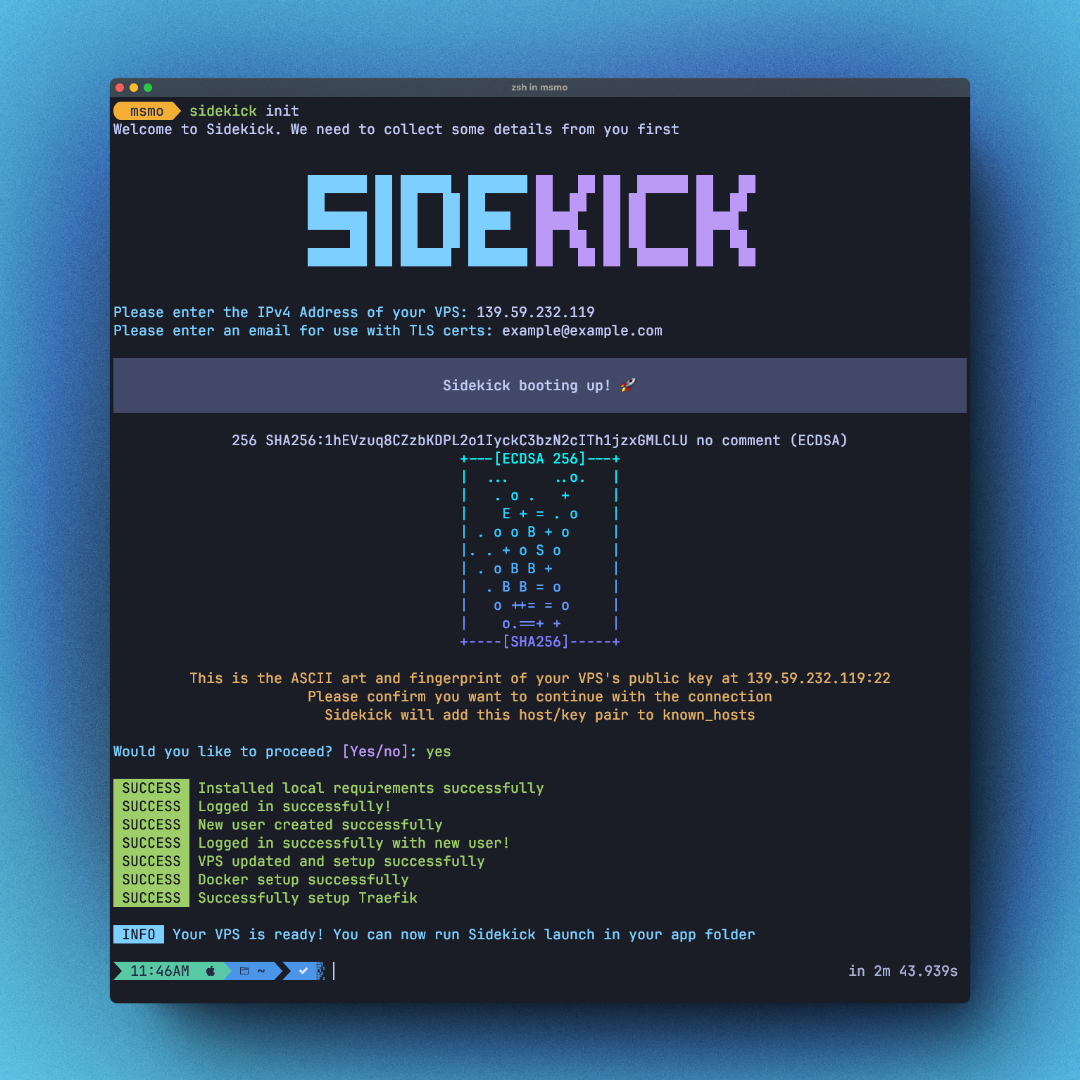
First you need to setup your VPS. To do this you need to run:
sidekick initThen you need to enter the following:
- IP Address of your VPS
- An email address to use for setting up SSL certs
You can use flags instead. Read more in the docs.
What does Sidekick do when I run this command?
root usersidekick and grant sudo accessroot and login with sidekickroot user - security best practicesops and copy over the public key to your sidekick config fileage to make secret and public keys to use later for encrypting env file.
Which SSH key will Sidekick use to login?
Sidekick will look up the default keys in your default .ssh directory in the following order:
- id_rsa.pub
- id_ecdsa.pub
- id_ed25519.pub
ssh-agent and try them as well. If you want to use a custom key and not a default one, you would need to add the to your agent first by running ssh-add KEY_FILE
Read more details about flags and other options for this command on the docs
Launch a new application
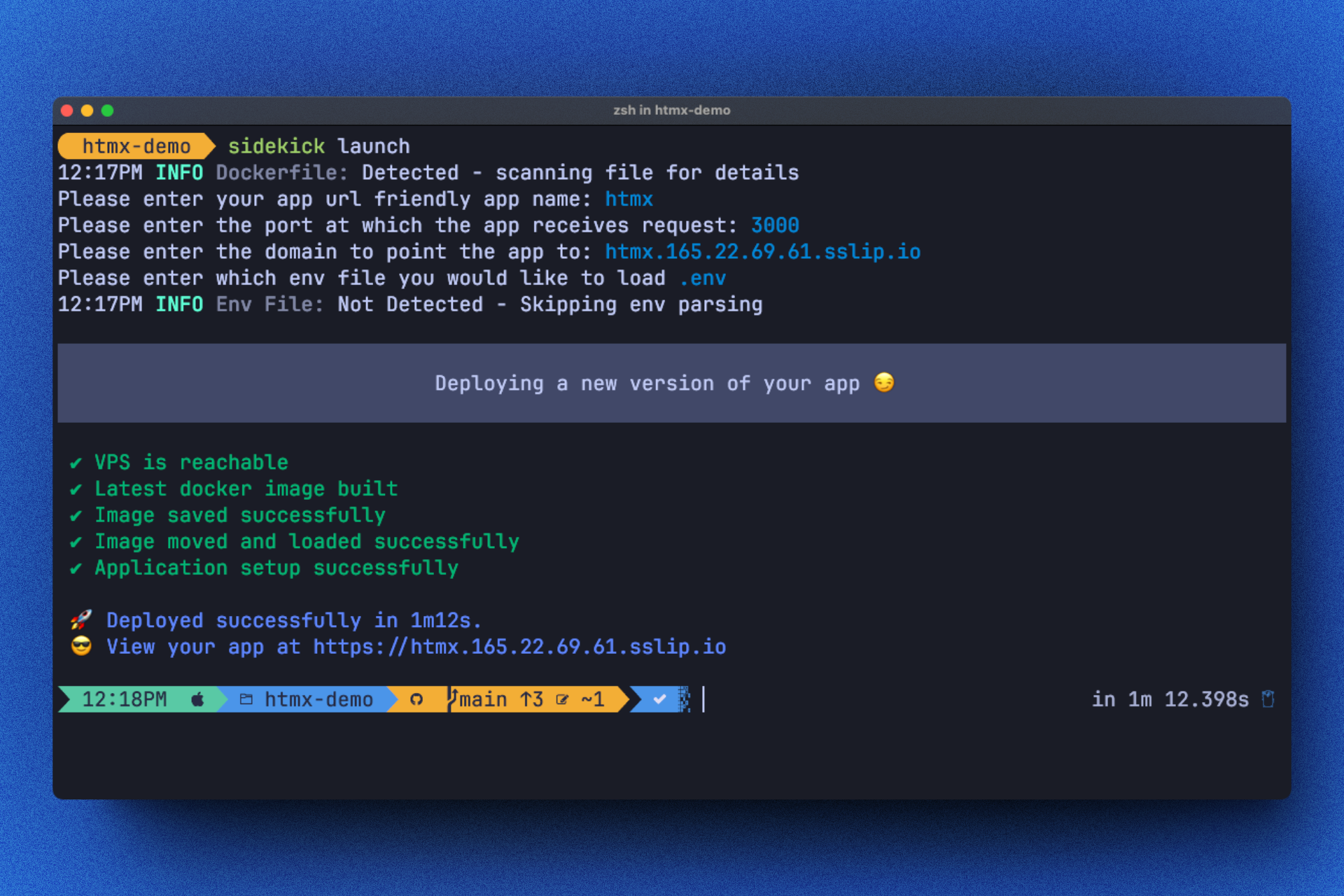
In your application folder, make sure you have a working Dockerfile that you can build and run. Also make sure you know at which port your app is expecting to receive traffic.
Then run:
sidekick launchThen you need to enter the following:
- Url friendly name of your app - if you opt to use
sslip.iodomain for testing this would be your subdomain - HTTP exposed port for your app to get requests - Sidekick will scan your docker file to try to extract this number and default it.
- Domain at which you want this application to be reachable - If you choose your own domain make sure to point the domain to your VPS IP address; otherwise we default to
sslip.iodomain so you can play around. - If you have any
envfile with secrets in it. Sidekick will attempt to find.envfile in the root of your folder. Sidekick will usesopsto encrypt your env file and inject the values securely at run time.
What does Sidekick do when I run this command
Deploy a new version
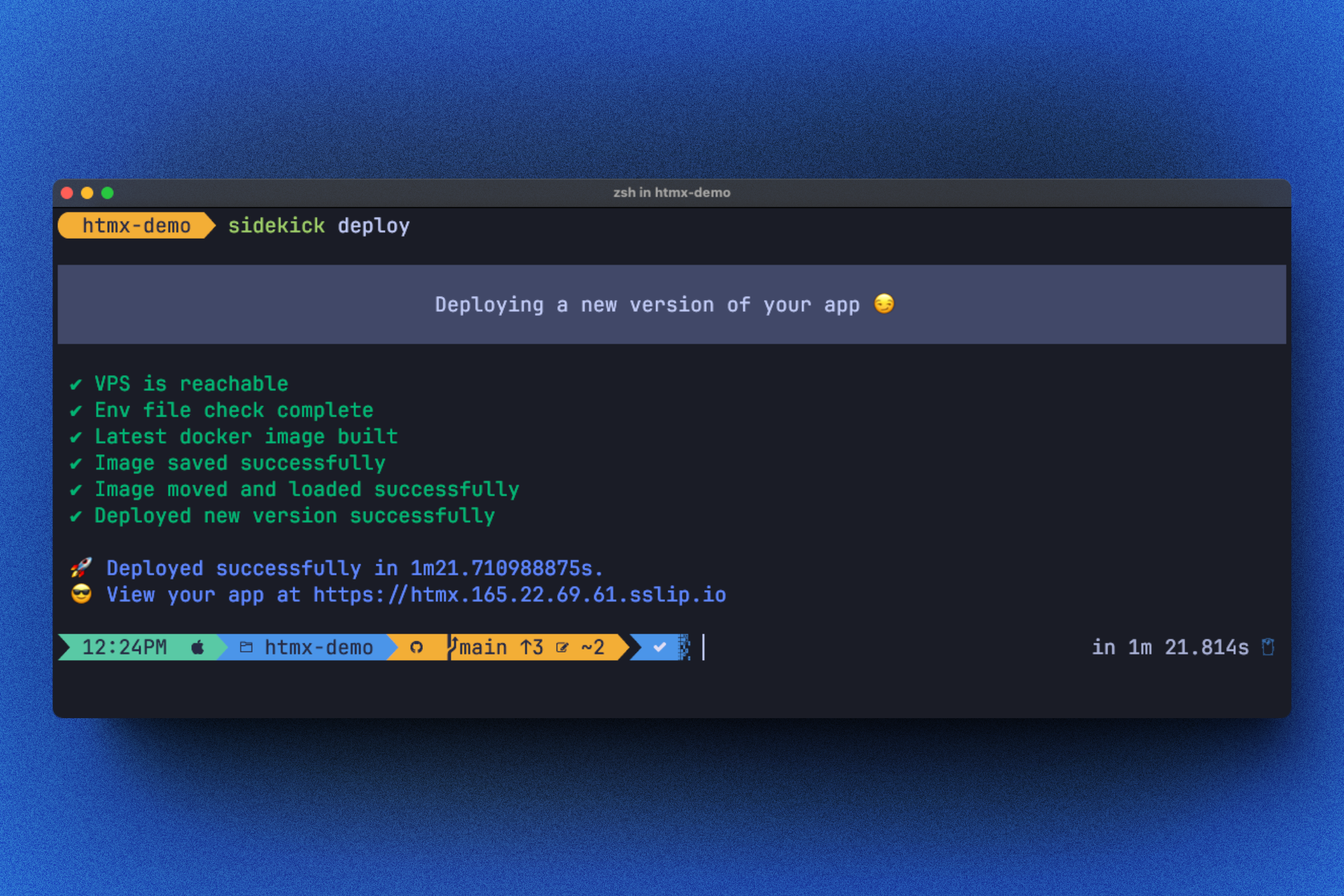
At any point any time you need to only run:
sidekick deployThat's all. It won't take long, we use cache from earlier docker images, your latest version should be up soon. Sidekick will deploy the new version without any downtime - you can see more in the source code. This command will also do a couple of things behind the scenes. You can check that below
What does Sidekick do when I run this command
Deploy a preview environment/app
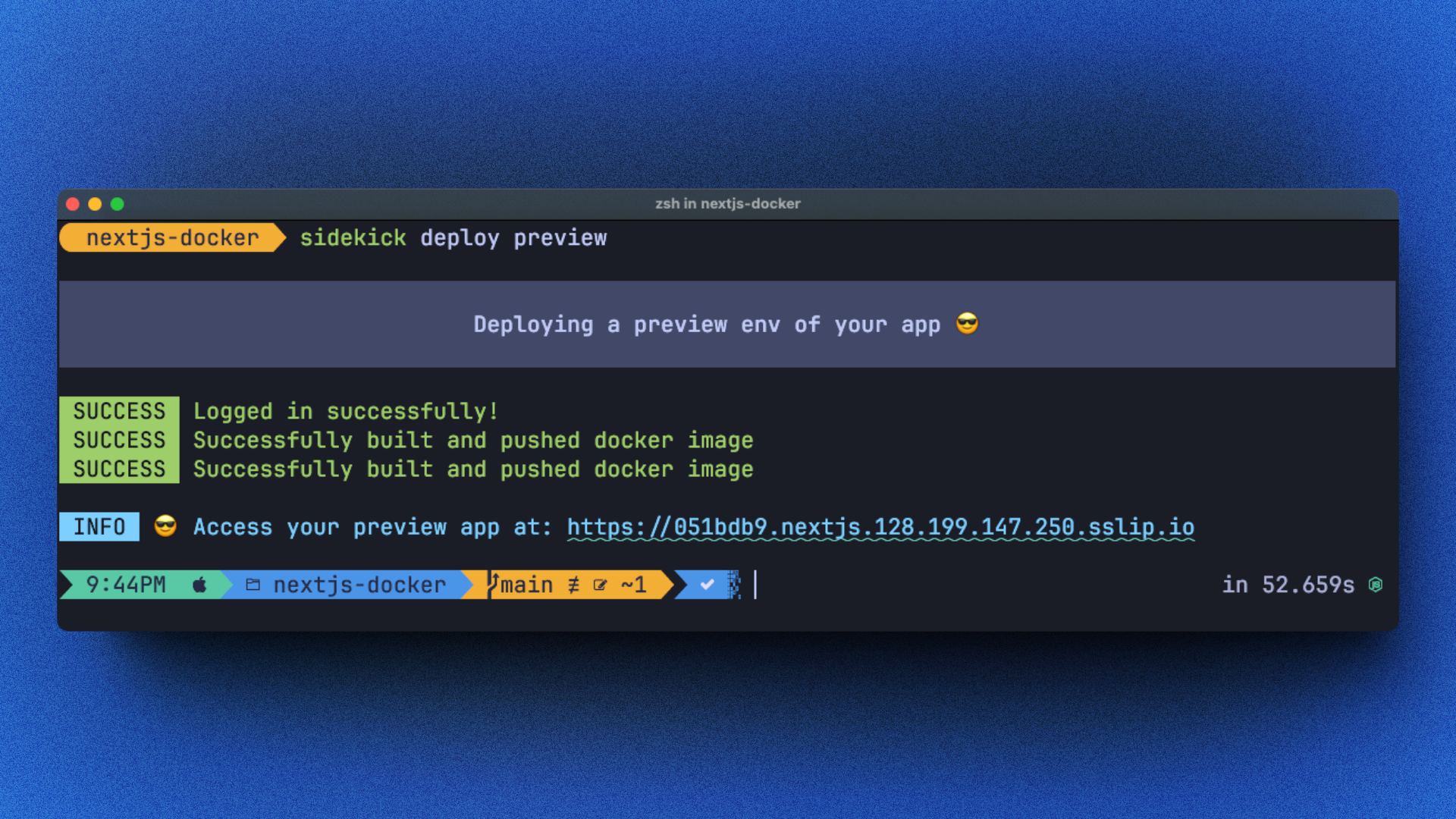
sidekick deploy previewWhat does Sidekick do when I run this command
Inspiration
- https://fly.io/
- https://kamal-deploy.org/
Vision
Simple CLI tool that can help you:
- Setup your VPS
- Deploy all your side projects on a single VPS
- Load balance multiple container per project
- Deploy new versions with Zero downtime
- Deploy preview environments with ease
- Manage env secrets in a secure way
- Connect any number of domains and subdomains to your projects with ease
Remove sidekick
You can easily remove sidekick if you hate it.
brew uninstall sidekickRoadmap
I still have a couple more feature I want to add here. Also considering some of those to be on a paid version.
- ✅ Preview env deployments
- A way to deploy more complicated projects defined in docker compose file
- Better zero downtime deploys with watchtower
- Firewall setup
- Managing multiple VPSs
- Easy way to deploy databases with one command
- TUI for monitoring your VPS
- Streaming down compose logs - ala
fly logs - Auto deploy on image push - to work with CICD better
- Git hooks setup for managing migrations and other concerns


