Linux Systemd administration tool with nice TUI written in C
ServiceMaster 1.8.0
ServiceMaster is a powerful terminal-based tool for managing Systemd units on Linux systems. It provides an intuitive interface for viewing and controlling system and user units, making it easier to manage your units without leaving the command line.
Features
- View all Systemd units or filter by type (services, devices, sockets, etc.)
- Start, stop, restart, enable, disable, mask, and unmask units
- View detailed status information for each unit
- Switch between system and user units
- User-friendly ncurses interface with color-coded information
- Keyboard shortcuts for quick navigation and control
- DBus event loop: Reacts immediately to external changes to units
- Switch between colorschemes, edit or add colorschemes
- Easy configuration with TOML file
- Search for units by name
- Sort units by different columns (unit name, state, active, sub, description)
Requirements
- Linux system with Systemd
- ncurses library
- Systemd development libraries
Usage
After launching ServiceMaster, you can use the following controls:
- Arrow keys (hljk), page up/down: Navigate through the list of units
- Space: Toggle between system and user units
- Enter: Show detailed status of the selected unit
- F1-F8: Perform actions (start, stop, restart, etc.) on the selected unit
- a-z: Quick filter units by type
- q or ESC: Quit the application
- +,-: Switch between colorschemes
- f: Search for units by name
- Tab: Select column header, Return: Sort by selected column
- F12 or ?: Display help / usage message
CLI Options
-v:Display the version information and exit-w:Do not show the welcome message-h:Display help / usage message and exit-c:Set the colorscheme.
-l:List all available colorschemes-p:Print configuration file (with colorschemes)-e:Edit the configuration file
Security Note
For security reasons, only root can manipulate system units, and only user units can be manipulated when running as a regular user.
License
This project is licensed under the MIT License. See the LICENSE file for details.
The TOML library is also licensed under the MIT License. See the toml.h file for details.
Author
Lennart Martens
Version
1.8.0 (2025)
Building & Install
Dependencies
Archlinux
pacman -S cmake meson ncurses systemd-libsUbuntu/Debian
apt install cmake meson libncurses5-dev libsystemd-devBuilding
git clone https://github.com/Lennart1978/servicemaster.git
cd servicemaster/
mkdir builddir
meson setup builddir --buildtype=release --prefix=/usr/local
meson compile -C builddir
If you want to update from a very old version (< 1.6.0), remove the old version first
sudo rm /usr/bin/servicemaster && sudo rm /usr/share/man/man1/servicemaster.1Install
meson install -C builddir' --prefix=/usr/local' as 'meson setup' option will install to the following locations:
- The man page will be installed to
/usr/local/share/man/man1/servicemaster.1
- The binary will be installed to
/usr/local/bin/servicemaster
- The configuration file will be installed to
/etc/servicemaster/servicemaster.toml
Uninstall (if you didn't change the prefix)
sudo rm /usr/local/bin/servicemaster && sudo rm /usr/local/share/man/man1/servicemaster.1 && sudo rm /etc/servicemaster/servicemaster.tomlFor Archlinux users: There is 'servicemaster-git' (recommended) and 'servicemaster-bin' in the AUR
The configuration
The configuration file is located at /etc/servicemaster/servicemaster.toml
You can edit it with:
servicemaster -eThis will open the TOML config file with your standard editor ($EDITOR)
Print the configuration file with:
servicemaster -pThis will just print the config file to stdout, including the size of the file
Colorschemes
You can add your own colorschemes to the configuration file or change the existing ones.
List all available colorschemes with:
servicemaster -lSwitch between colorschemes using the '+' and '-' keys.
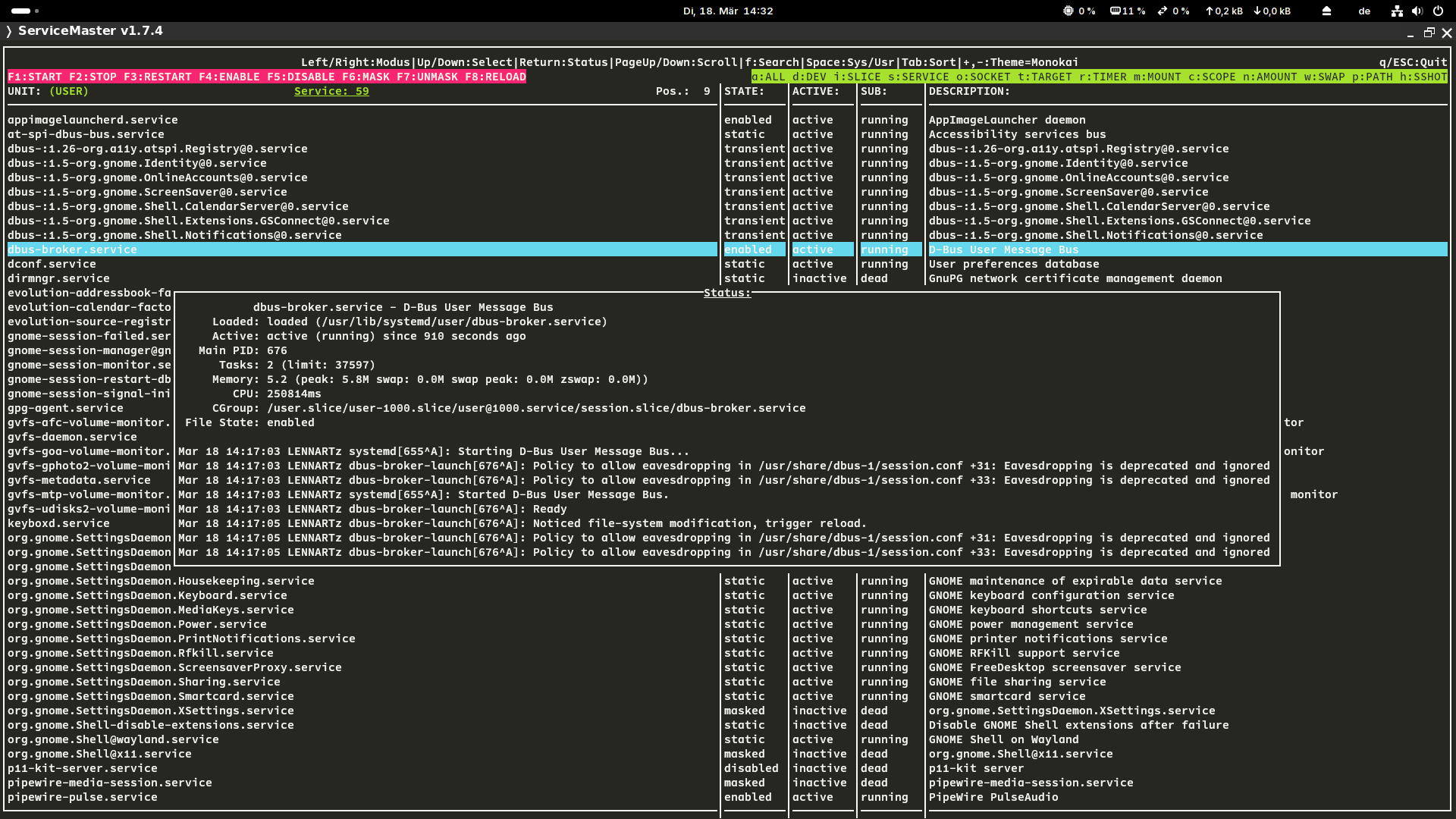
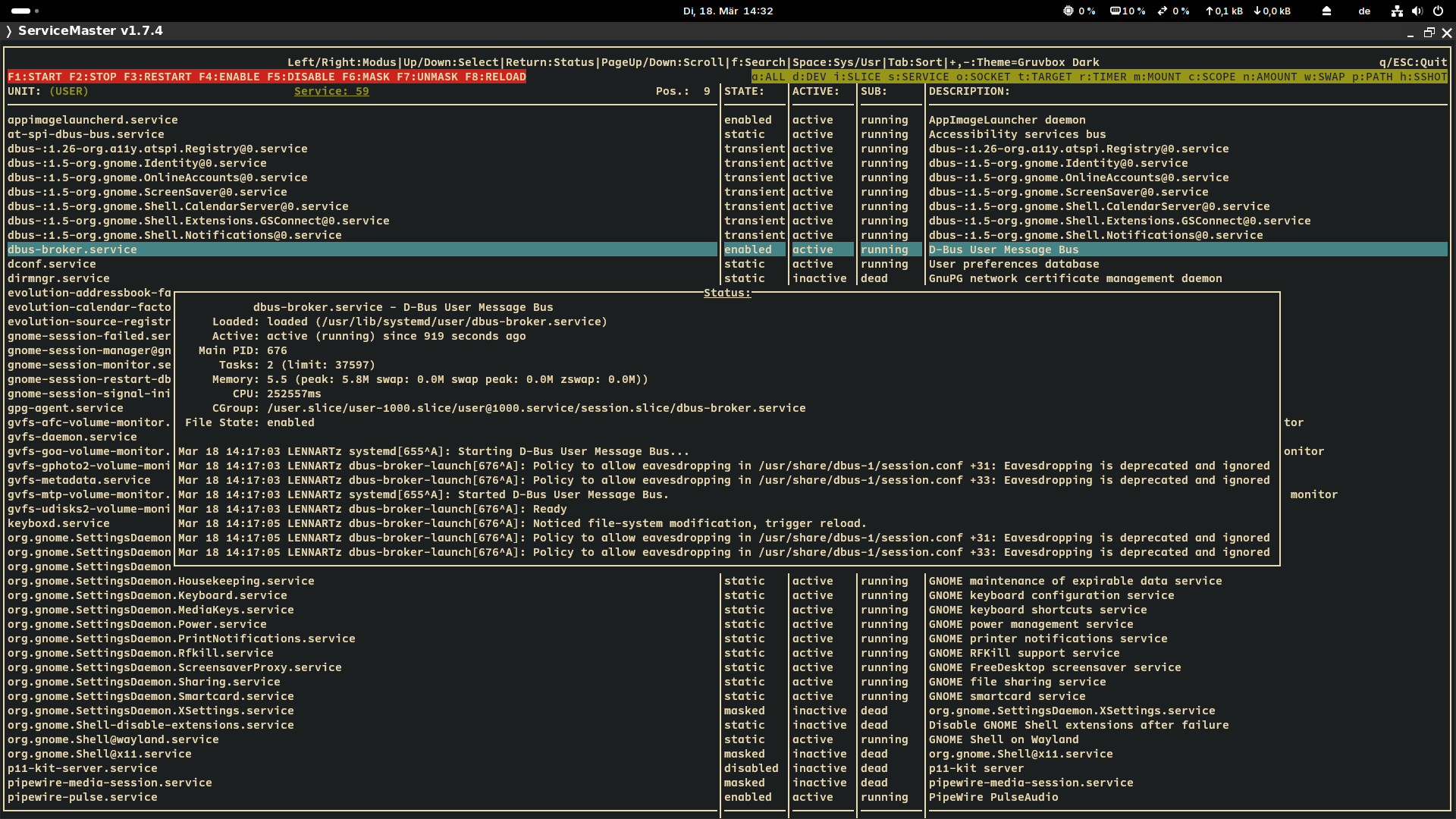
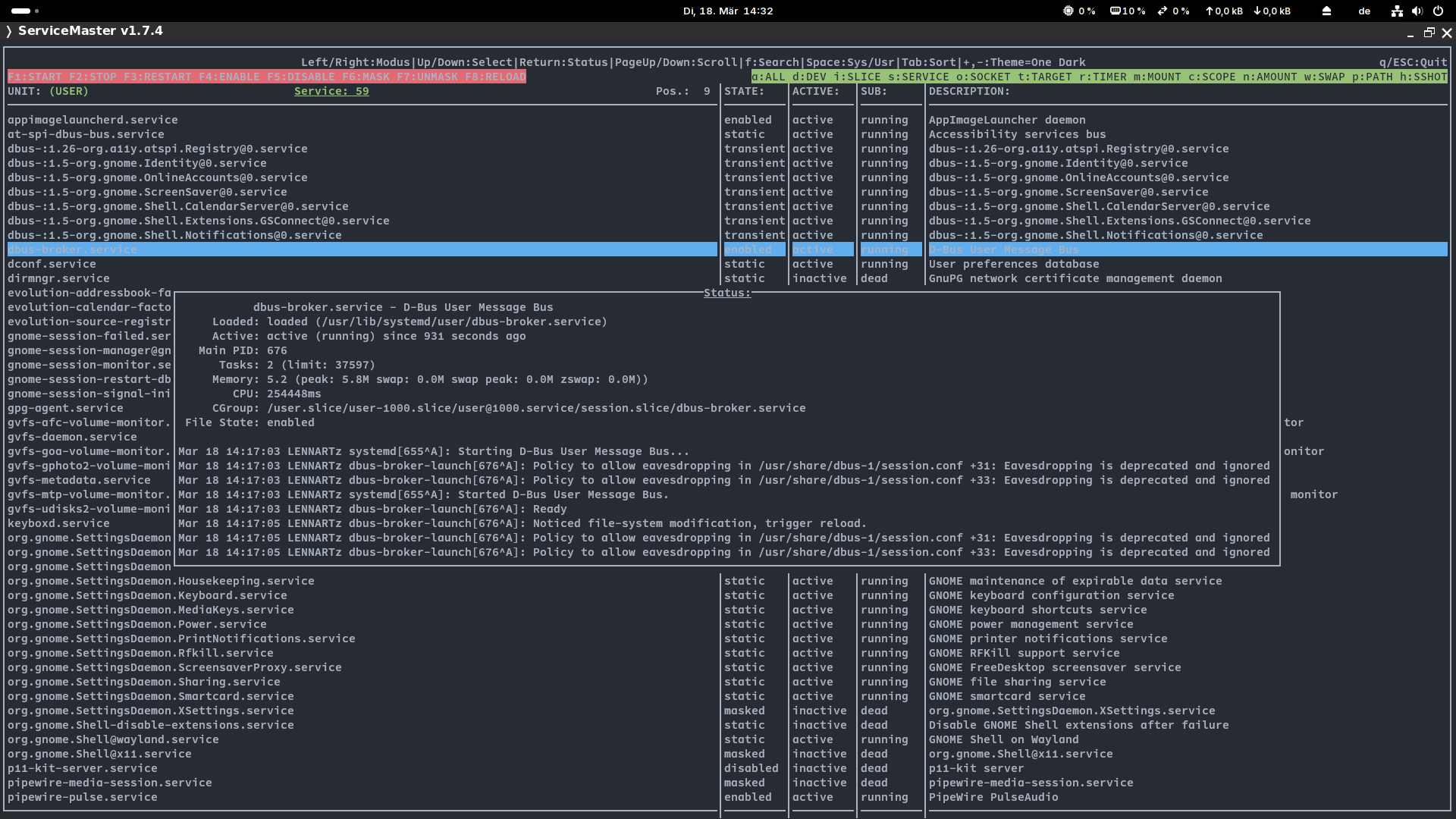
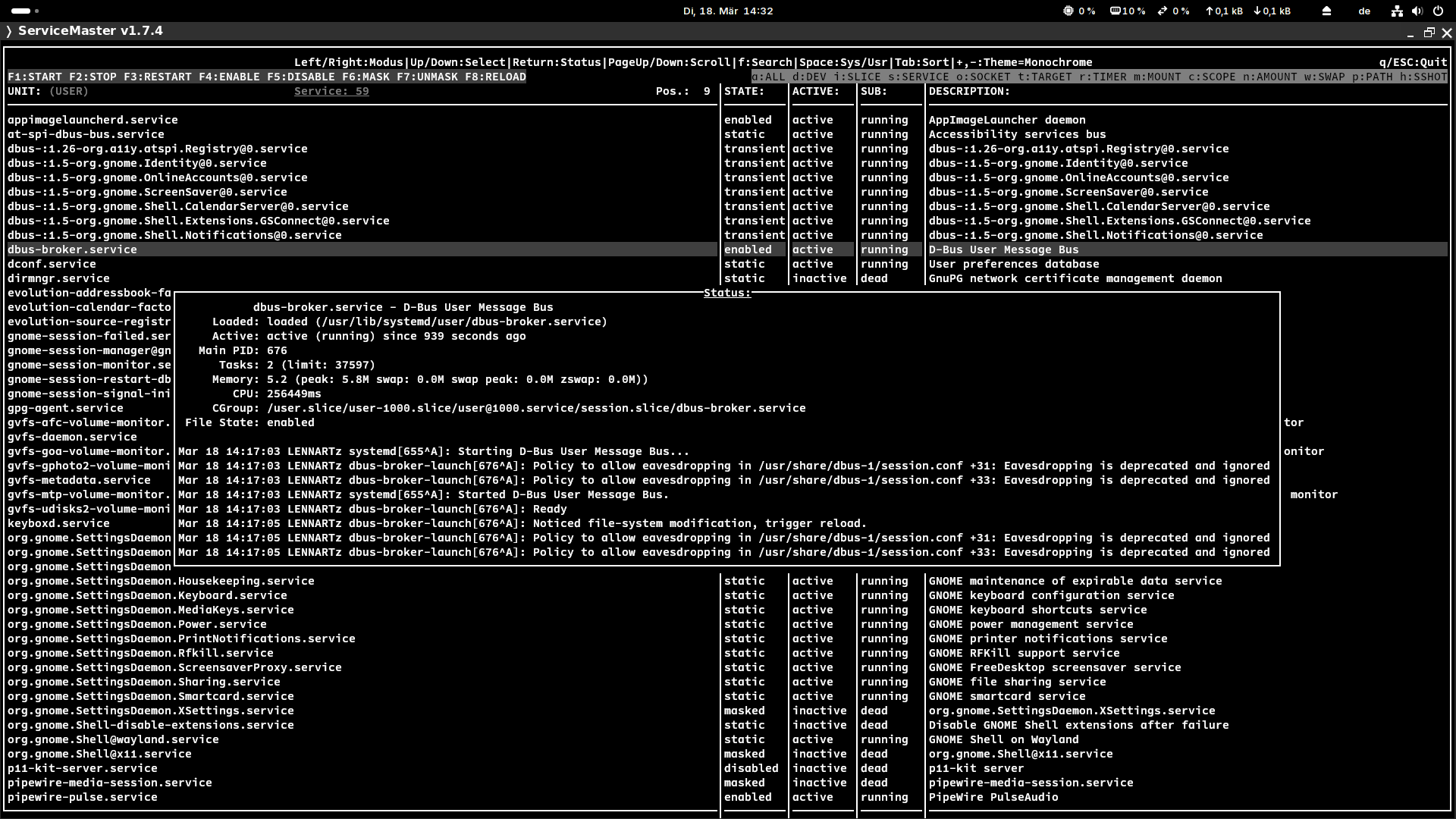
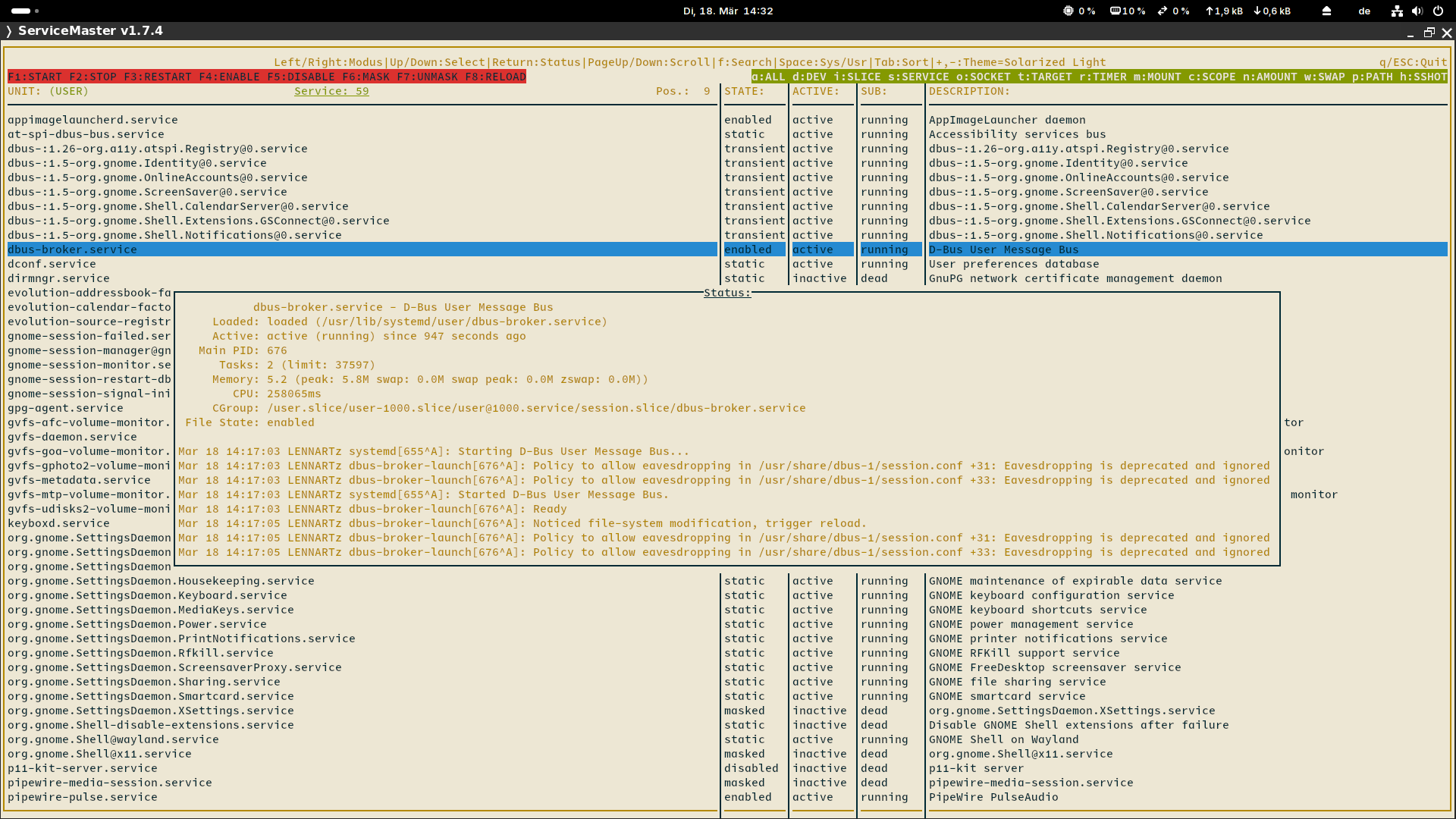
Screenshots with 10 different colorschemes (Kitty terminal, Nerd Fonts)
Schrill: 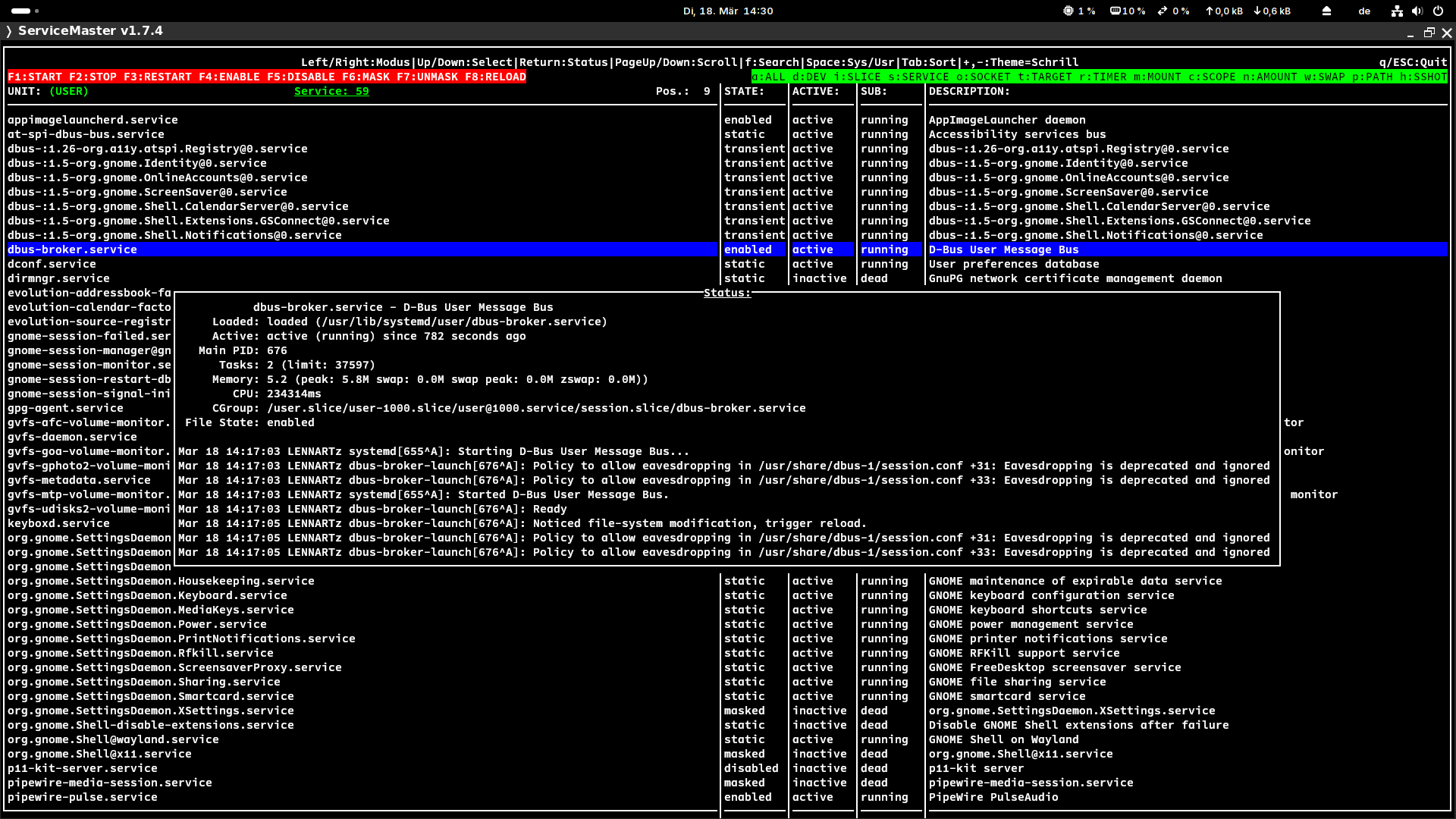 Nord:
Nord: 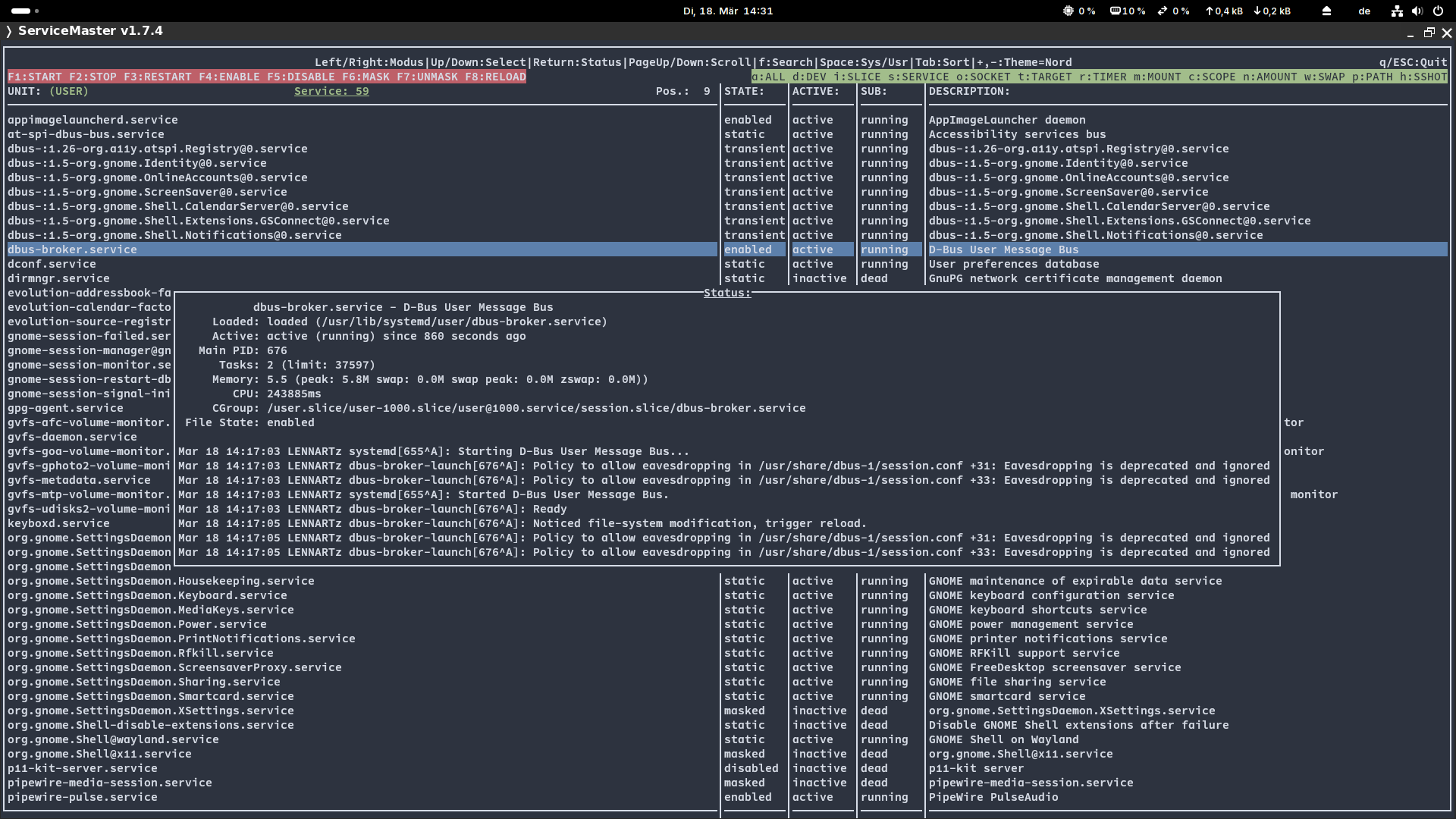 Solarized Dark:
 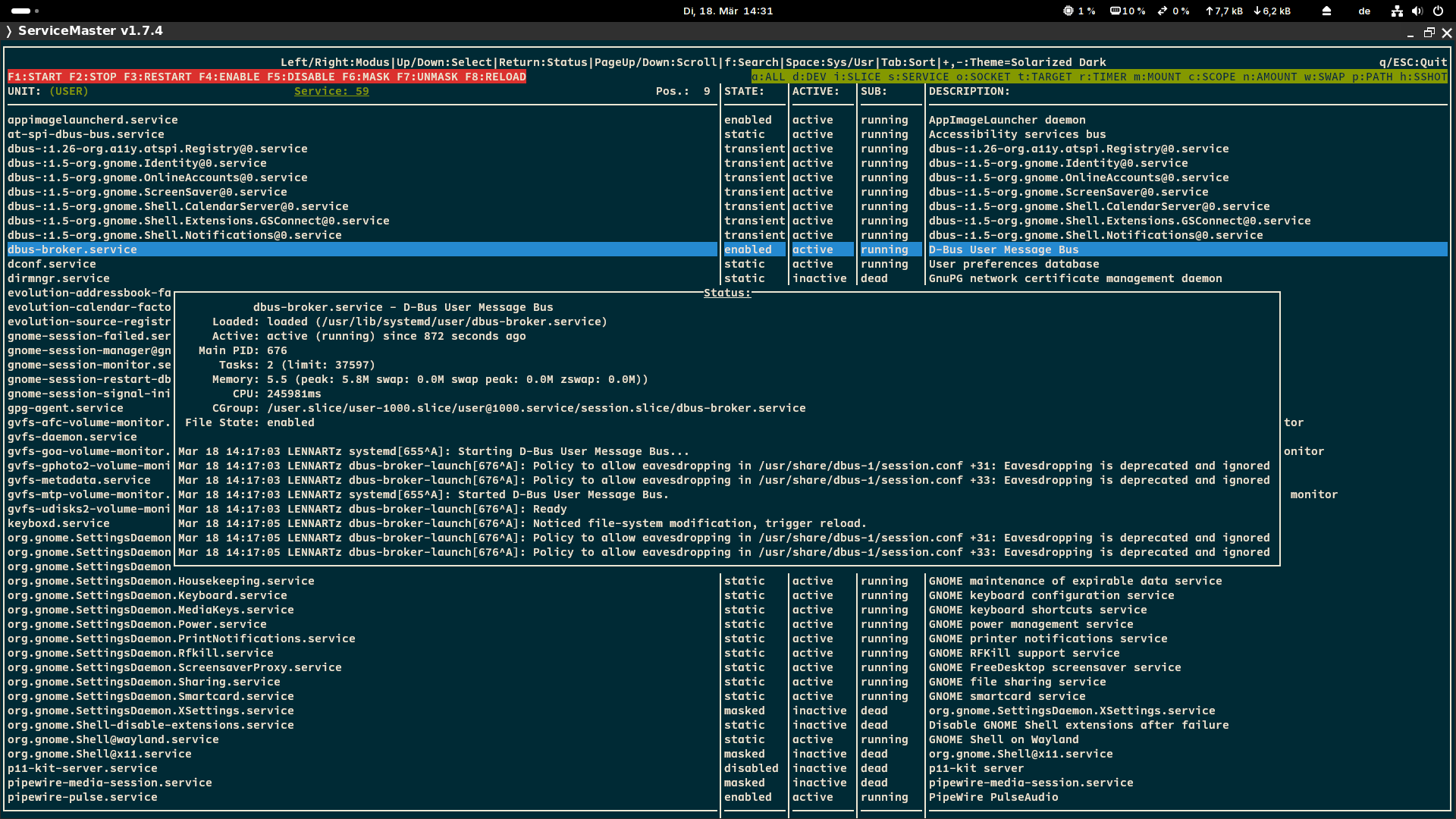 Dracula:
 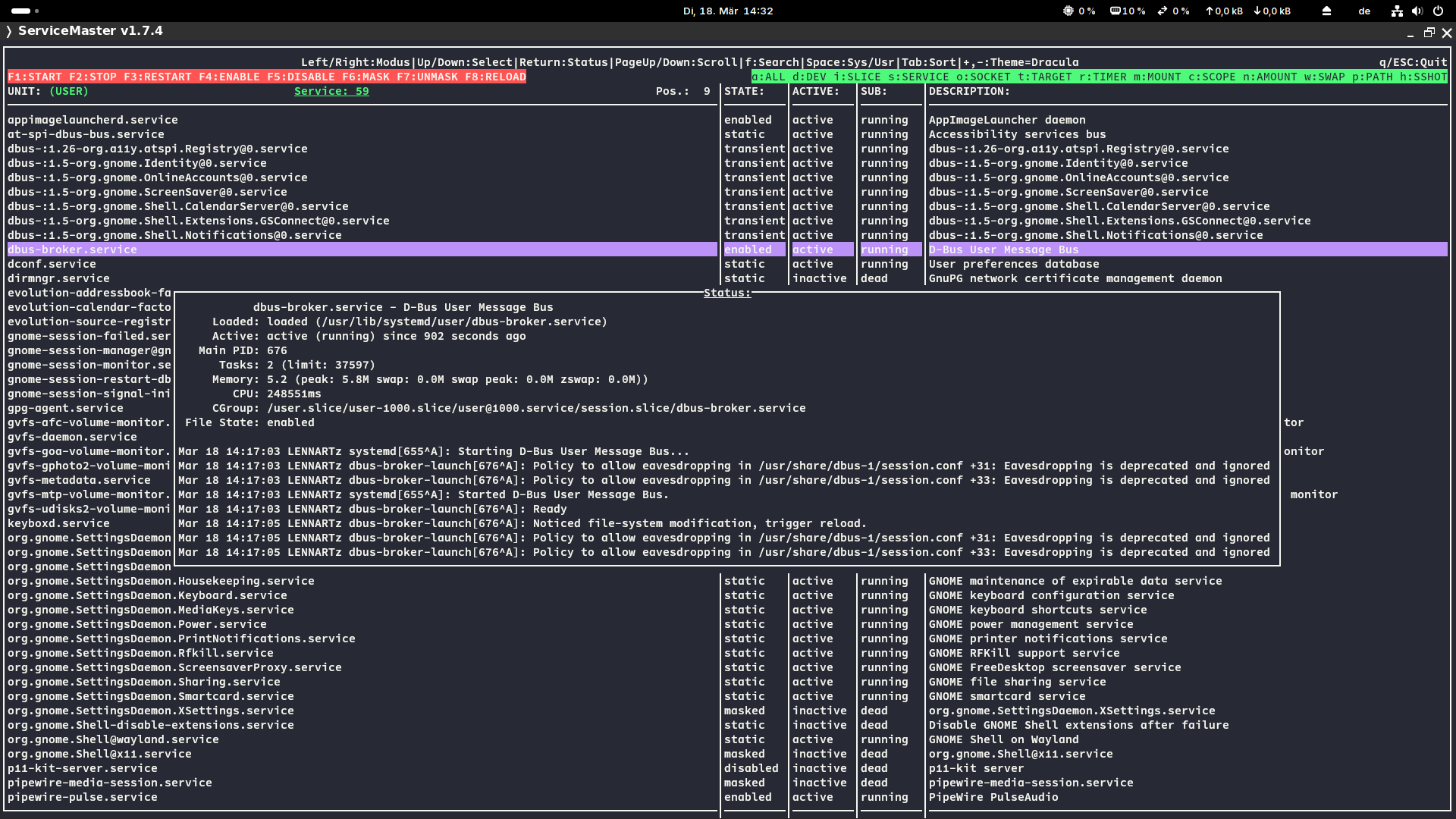 Monokai:
  Gruvbox Dark:
  One Dark:
  Monochrome:
  Solarized Light:
  Material: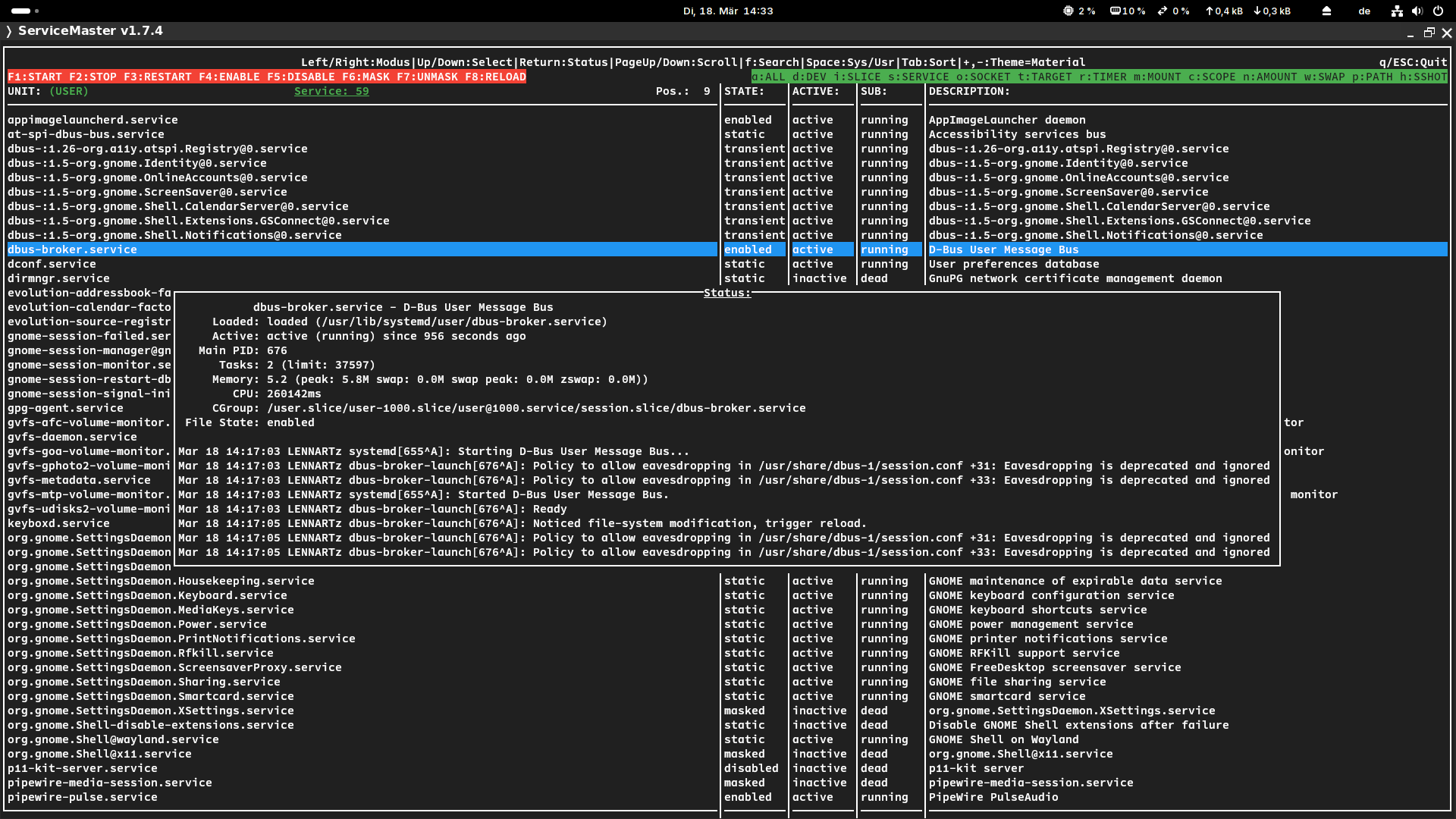
Logo