
Summarize Kubernetes RBAC roles for the specified subjects.
kubectl-rolesum (ex-bindrole)
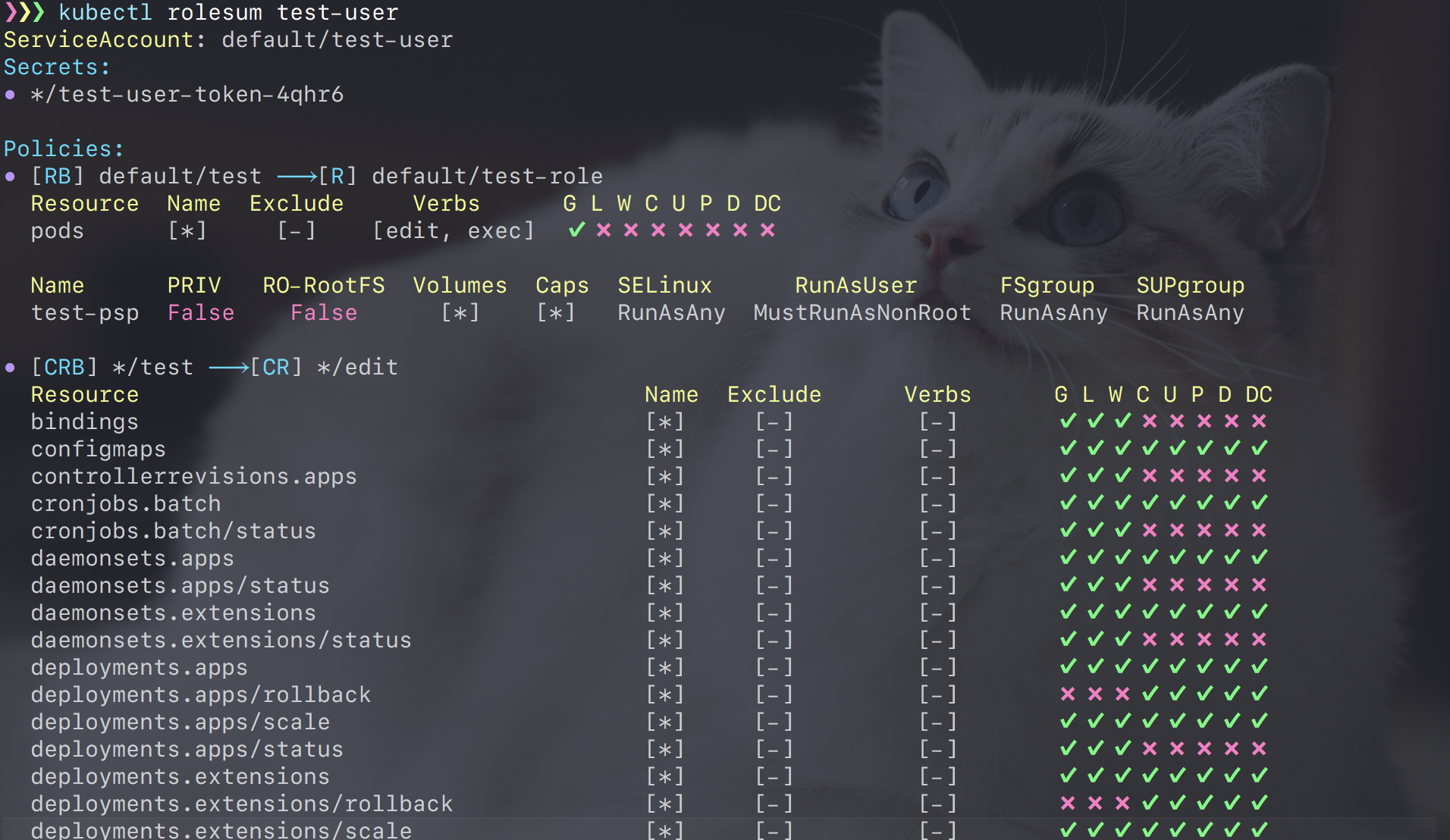
Summarize RBAC roles for the specified subject (ServiceAccount, User and Group).
Installation
krew
krew is a package manager for k8s plugins. Please see krew document for more detail.
kubectl krew install rolesumHomebrew (for MacOS)
rolesum supports homebrew :beer:
brew install Ladicle/kubectl-bindrole/kubectl-rolesumBinaries
The easiest way is to download binary from the release page. You can also download this repository and install it using Makefile.
Usage
$ kubectl rolesum -h  # or kubectl-rolesum -h
Summarize RBAC roles for the specified subject
Usage:   kubectl rolesum [options] <SubjectName>
Examples:   # Summarize roles bound to the "ci-bot" ServiceAccount.   kubectl rolesum ci-bot
# Summarize roles bound to the "developer" Group.   kubectl rolesum -k Group developer
SubjectKinds:   - ServiceAccount (default)   - User   - Group
Options:   -h, --help                   Display this help message   -n, --namespace string       Change the namespace scope for this CLI request   -k, --subject-kind string    Set SubjectKind to summarize (default: ServiceAccount)   -o, --options                List of all options for this command   -c, --cluster-only           Ingore namespaced Roles and show only ClusterRoles       --version                Show version for this command
Use "kubectl rolesum --options" for a list of all options (applies to this command).
This command supports both kubectl-plugin mode and standalone mode.


