
A simple and easy to use HTTP based file sharing server to aid platform independent wireless file sharing between multiple devices

Sync.io


About | Features | Technologies | How to use | Download | Requirements | Starting | Screenshots | License | Author
:dart: About ##
A simple and easy to use HTTP based file sharing server to aid platform independent wireless file sharing between multiple devices
:sparkles: Features ##
:heavycheckmark: Supports Windows/Linux/Mac OS as Host :heavycheckmark: No limit on concurrent device connections\ :heavycheckmark: High speed file transmission using HTTP/1.1 protocol\ :heavycheckmark: Easily connect devices through QR code
:rocket: Technologies ##
The following tools were used in this project:
:question: How to use ##
Follow these steps to run the prebuilt executables:
- Download the Executable binary for your device
- Connect all the devices to the same network (Hotspot also works)
- Run the file by clicking it or run
in terminal in the download directory.\./Sync.io-...
sudo or Administrator priviledges
- Visit the Url displayed in terminal after running the program using
Cmd+click orCtrl+click - Generate and Scan QR code to connect multiple devices, alternatively type in the Url from previous step in a browser
:arrow_down: Downloads ##
The executable binaries are available for:
- MacOS (Intel)
- MacOS (Apple Silicon)
- Linux (amd64/x86_64)
- Linux (arm64)
- Windows (amd64/x86_64)
- Windows (arm64)
:whitecheckmark: Requirements ##
Before starting, you need to have Git and Golang installed to clone and build the Project.
:checkered_flag: Starting ##
# Clone this project
$ git clone https://github.com/KhushalJangid/sync.io
Access
$ cd sync.io
Install dependencies
$ go get .
Run the project
$ go run main.go
Build for all supported platforms
$ chown +x build.bash
$ ./build.bash
Build for your platform
$ go build .
:whale: Docker ##
You can also run Sync.io using Docker Compose. Follow these steps:
- Make sure you have Docker and Docker Compose installed on your machine.
- Clone the repository:
$ git clone https://github.com/KhushalJangid/sync.io
$ cd sync.io- Build and run the Docker container using Docker Compose:
$ docker-compose up --build -d- Open your browser and navigate to
http://localhost:8080to start using Sync.io.
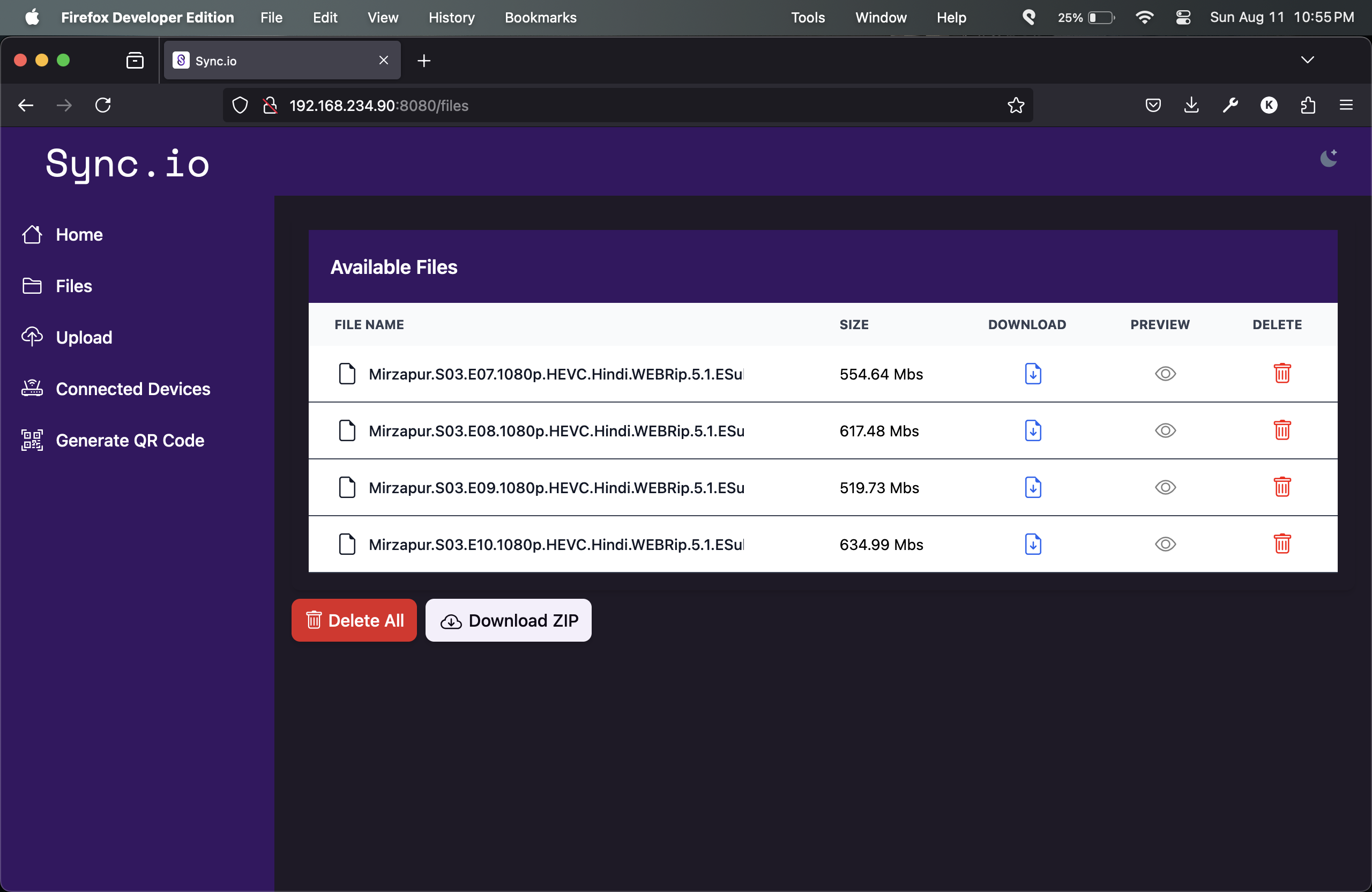
:fireworks: Screenshots ##
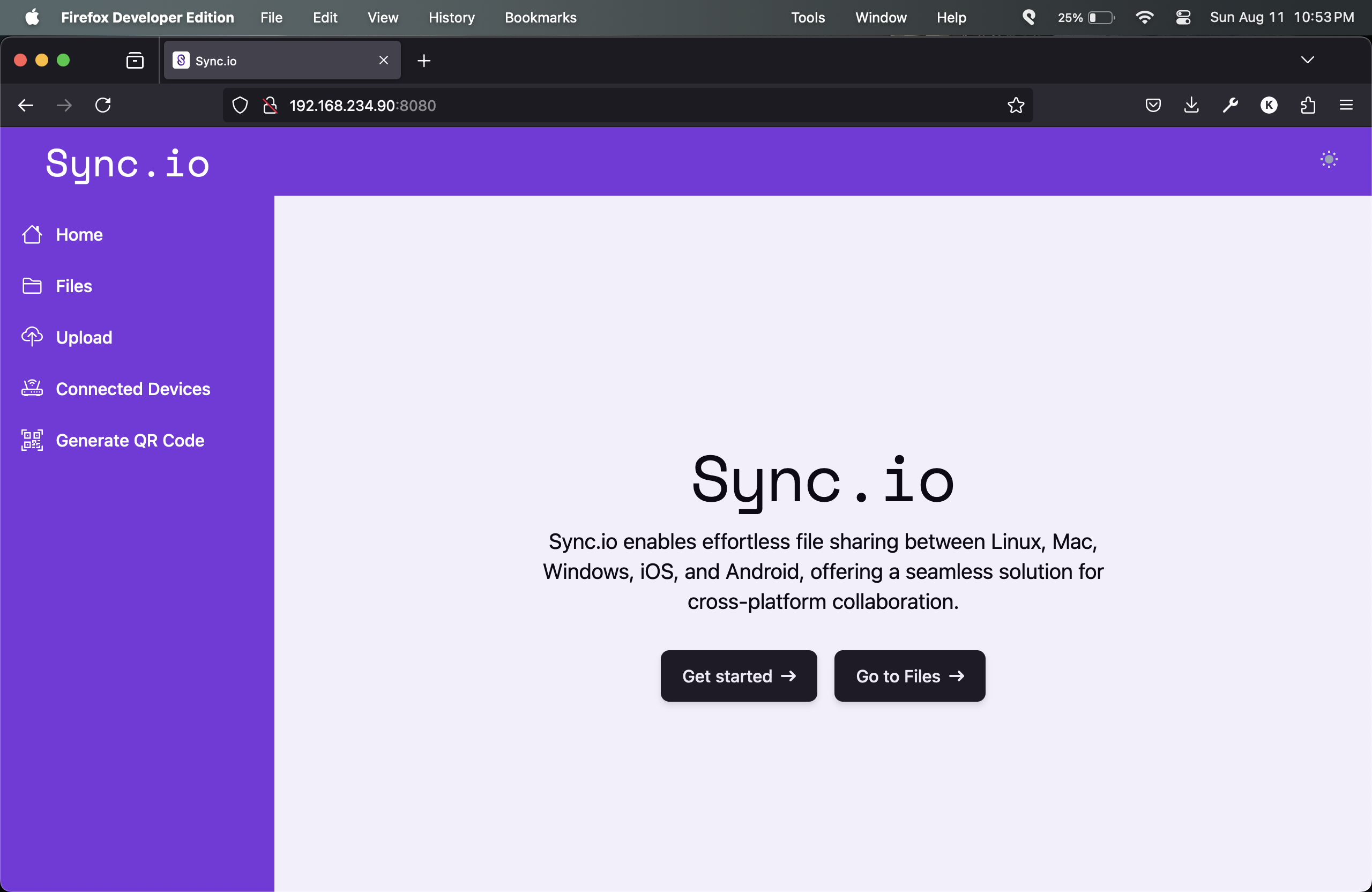
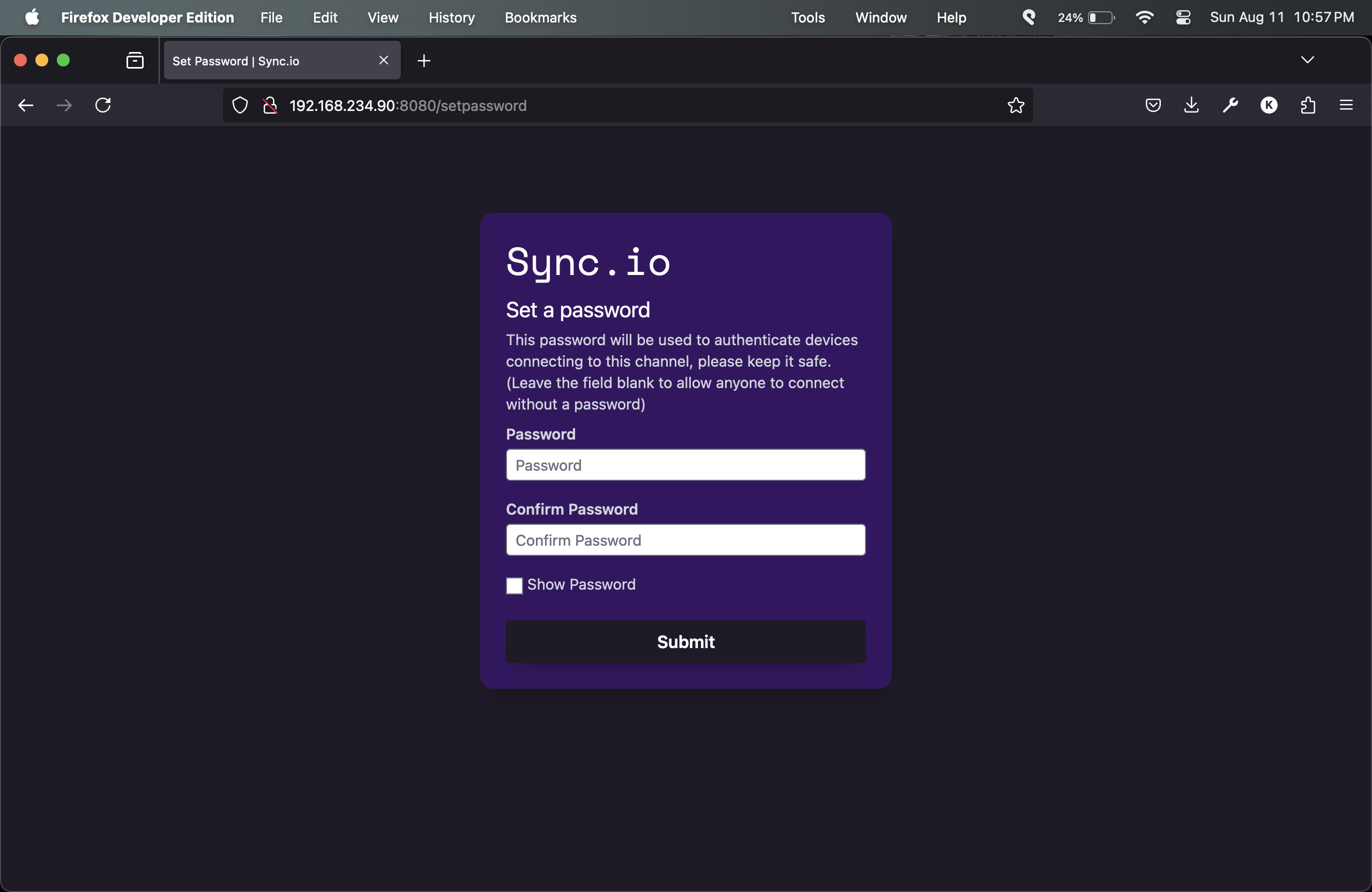
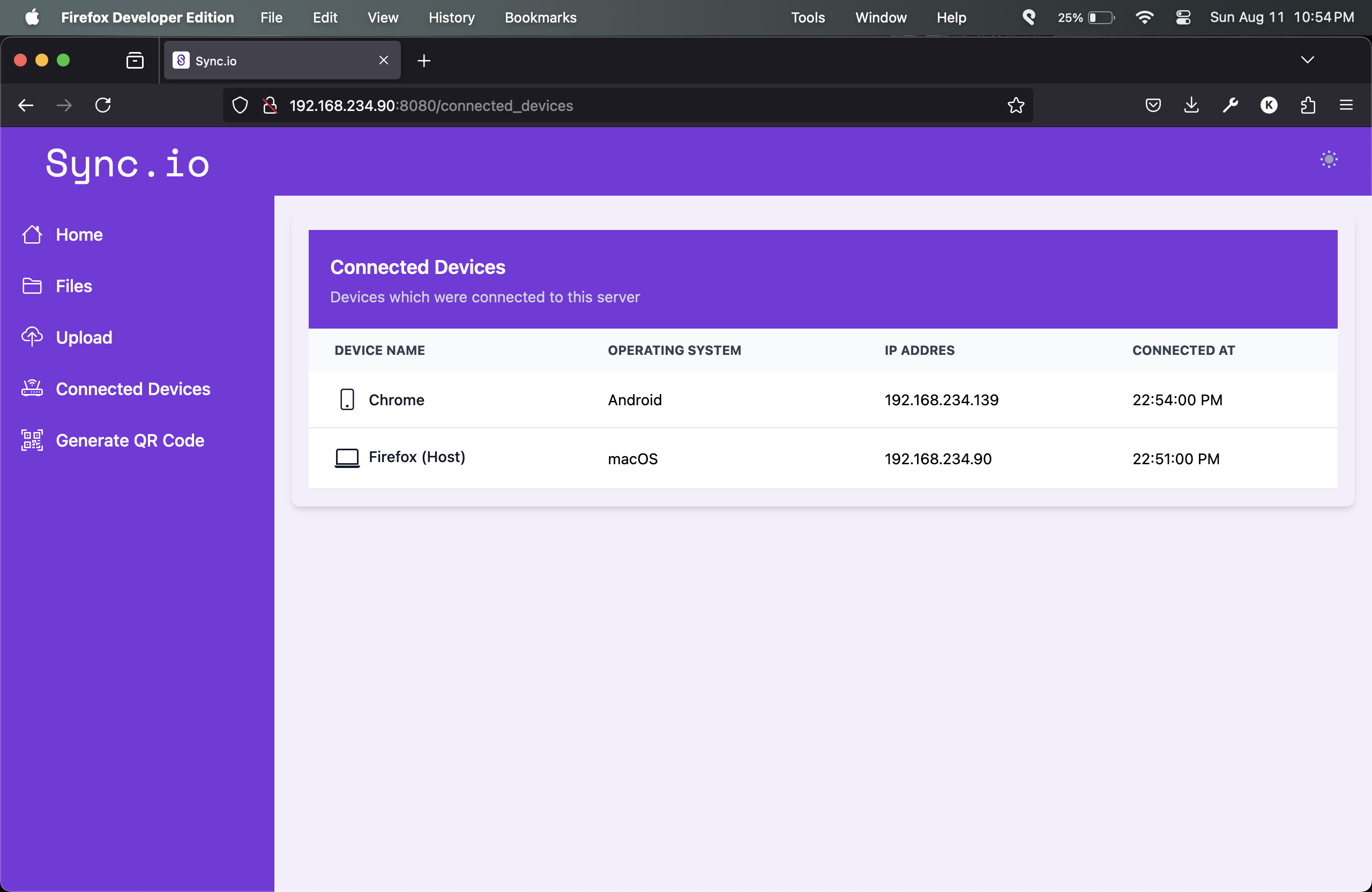
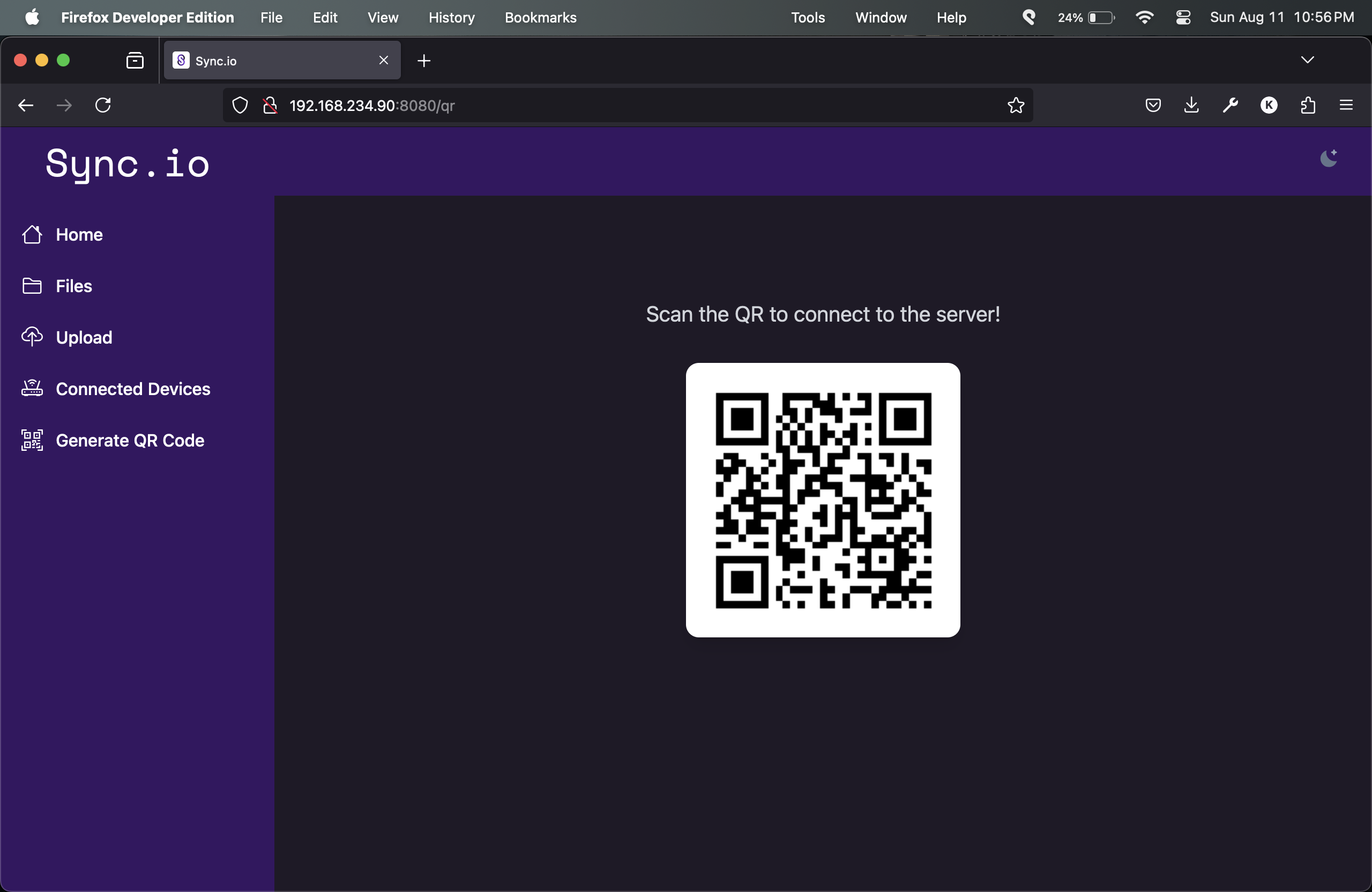
:memo: License ##
This project is under license from MIT. For more details, see the LICENSE file.
Made with :heart: by Khushal Jangid


