
:zap: :zap: 𝘋𝘦𝘦𝘱 𝘙𝘓 𝘈𝘭𝘨𝘰𝘵𝘳𝘢𝘥𝘪𝘯𝘨 𝘸𝘪𝘵𝘩 𝘙𝘢𝘺 𝘈𝘗𝘐
Last updated May 12, 2026
176
Stars
42
Forks
1
Issues
0
Stars/day
Attention Score
60
Language breakdown
Python 100.0%
▸ Files
click to expand
README
T-1000 Advanced Prototype




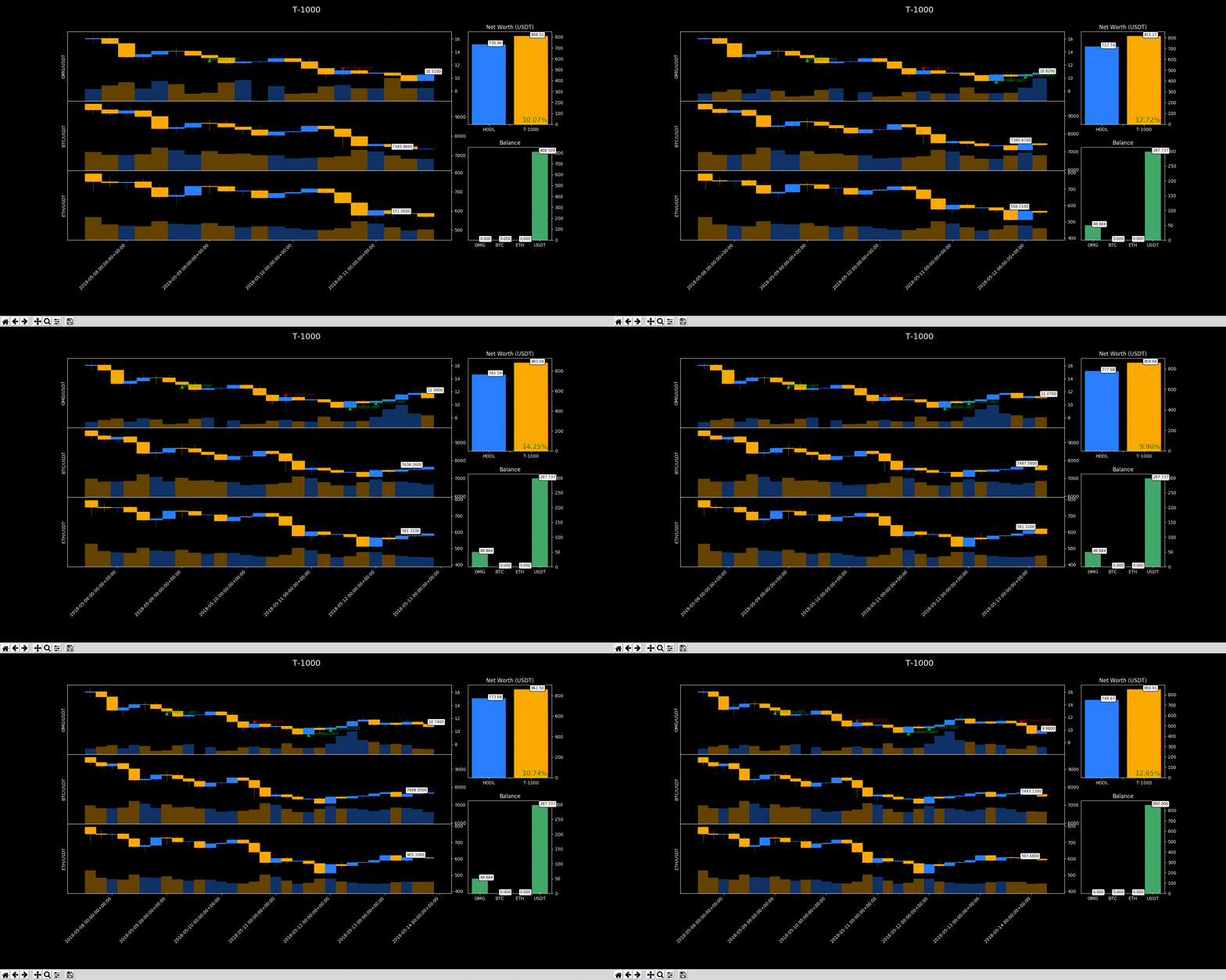
Deep reinforcement learning multi-agent algorithmic trading framework that learns to trade from experience and then evaluate with brand new data
*
Prerequisites
- Miniconda or Anaconda
*
Setup
Ubuntu
# paste your API Key on .env
cp .env.example .env
make sure you have these installed
sudo apt-get install gcc g++ build-essential python-dev python3-dev -y
create env
conda env create -f t-1000.yml
activate it
conda activate t-1000
*
Usage
On command line
# to see all arguments available
$ python main.py --help
to train
python main.py -a btc eth bnb -c usd
to test
python main.py /
    --checkpointpath results/t-1000/model-hash/checkpoint750/checkpoint-750
On your own file
# instatiate the environment
T_1000 = CreateEnv(assets=['OMG','BTC','ETH'],
                  currency='USDT',
                  granularity='day',
                  datapoints=600)
define the hyperparams to train
T_1000.train(timesteps=5e4,
              checkpoint_freq=10,
              lr_schedule=[
                  [
                      [0, 7e-5],  # [timestep, lr]
                      [100, 7e-6],
                  ],
                  [
                      [0, 6e-5],
                      [100, 6e-6],
                  ]
              ],
              algo='PPO')
Once you have a sattisfatory reward_mean benchmark you can see how it performs with never seen data
# same environment
T_1000 = CreateEnv(assets=['OMG','BTC','ETH'],
                  currency='USDT',
                  granularity='day',
                  datapoints=600)
checkpoint are saved in /results
it will automatically use a different time period from trainnig to backtest
T1000.backtest(checkpointpath='path/to/checkpoint_file/checkpoint-400')
*
Features

- state of the art agents
- hyperparam grid search
- multi agent parallelization
- learning rate schedule
- result analysis
"It just needs to touch something to mimic it." - Sarah Connor, about the T-1000
*
Monitoring
Some nice tools to keep an eye while your agent train are (of course) tensorboard, gpustat and htop
# from the project home folder
$ tensorboard --logdir=models
show how your gpu is going
$ gpustat -i
show how your cpu and ram are going
$ htopCredits
*To do
- [ ] Bind the agent's output with an exchange place order API


