
A personal blog powered by rust-lang and actix-web
Last updated Mar 9, 2025
47
Stars
10
Forks
13
Issues
0
Stars/day
Attention Score
8
Language breakdown
Rust 71.6%
HTML 19.8%
CSS 7.8%
PLpgSQL 0.8%
Shell 0.1%
▸ Files
click to expand
README

About this project
There're two branches, the master uses actix-web 2.0, branch v1.0 uses actix-web 1.x, branch v0.7 uses actix-web 0.7.x.BTW, I'm literally not that good at front-end.
Thanks to these resources
- ### Front-End
- I abandoned bootstrap to build the front-end, written it from zero, but still kind of ugly.
- Showdown for rendering markdown.
- Jquery
- Js.cookie(for cookies handling)
- ### Back-End
- The blazingly fast asynchronous web framework based on Rust: actix-web
- Database ORM based on Rust as well: diesel
- HTML template engine(rust based): tera
Requirements
- Better use stable rust. (2018 edition, though travis compiles the project on nightly and beta one)
- Postgresql. (11.x, I didn't try on 9.x or 10.x)
Deployment(rust, postgresql and diesel_cli already installed)
- Download the repo
git clone https://github.com/Dengjianping/Actix-Blog.git- Create a database in postgresql, remember the name for next operation.
- Modify the .env file, add following configuration.
DATABASEURL=postgres://[yourname]:[passowrd]@localhost/[database_name]- Install dieselcli with the following command.
cargo install diesel_cli --no-default-features --features "postgres"- Create these related tables, make sure 4 tables created and named comments/contacts/posts/users in database.
cd actix_blog
migration,
diesel migration setup- Configure the project. There's a actix_blog.toml file in root folder, give the actual values to it.
- Build the project.
cargo run --releaseHow to tun test
- Modify database url for testing in file .env.
TESTDATABASEURL=postgres://[yourname]:[passowrd]@localhost/[databasename]- Migration. The following command will generate all tables the project needs.
diesel --database-url postgres://[yourname]:[passowrd]@localhost/[databasename] migration run- Run test.
cargo testTips: All test cases are under src/test.
Glance
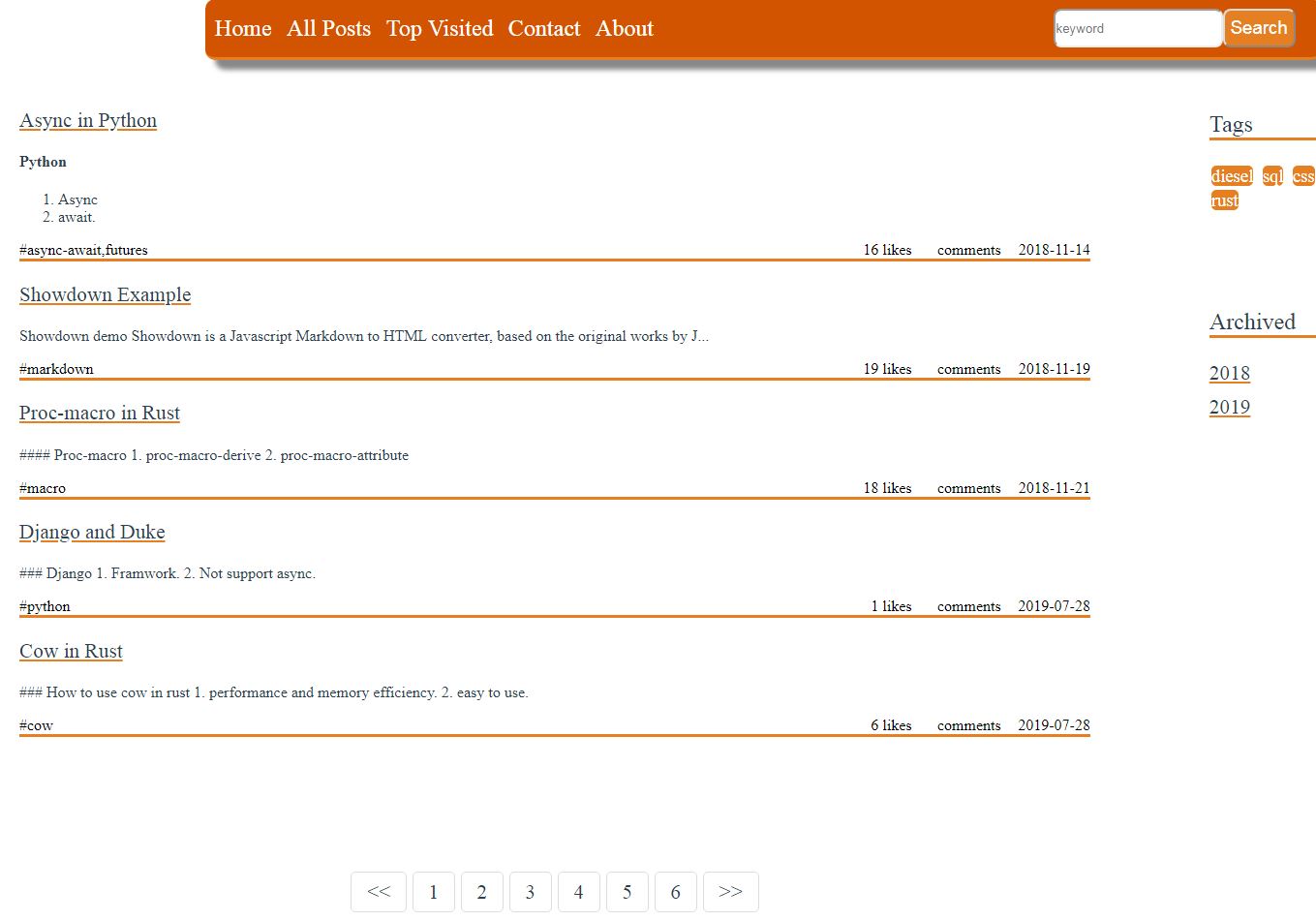
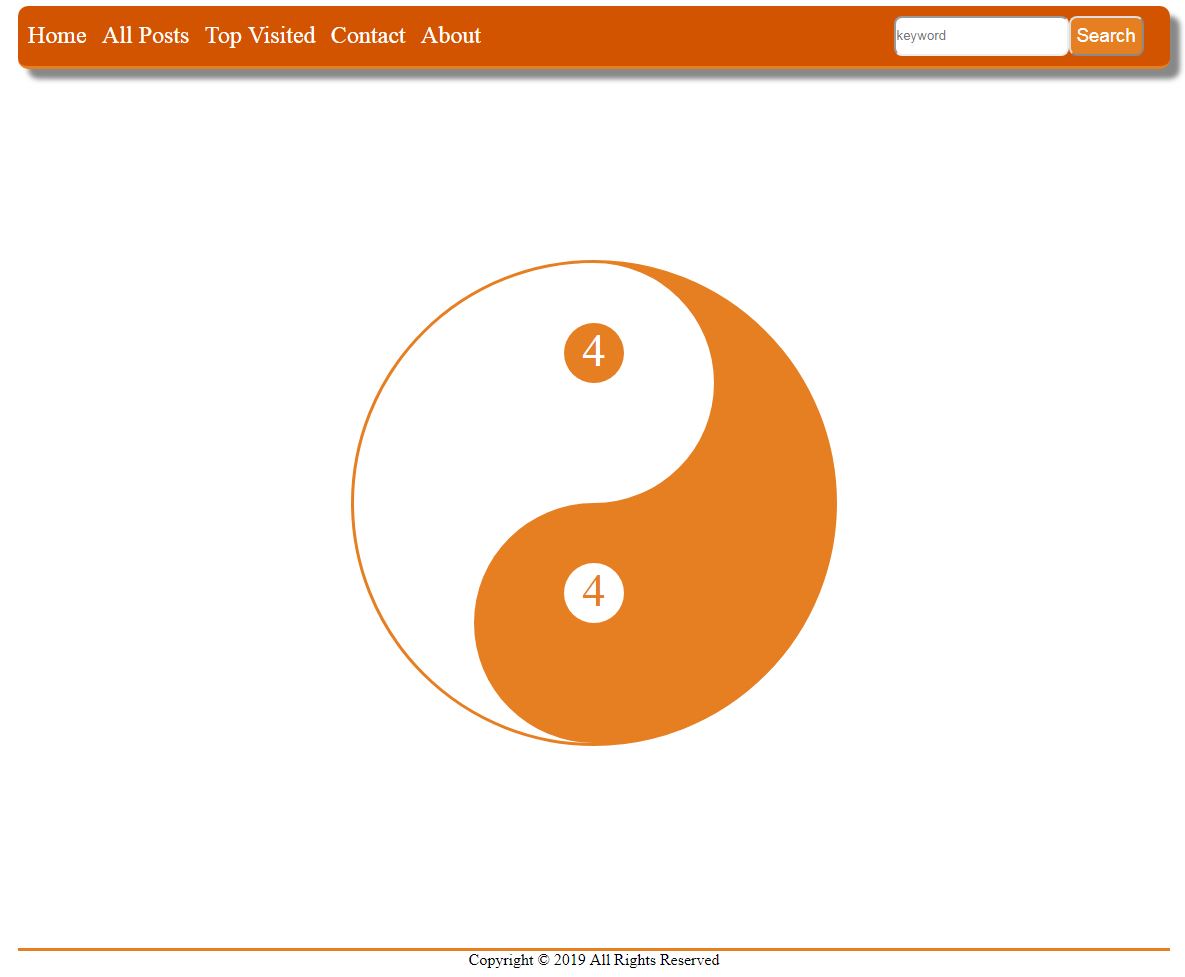
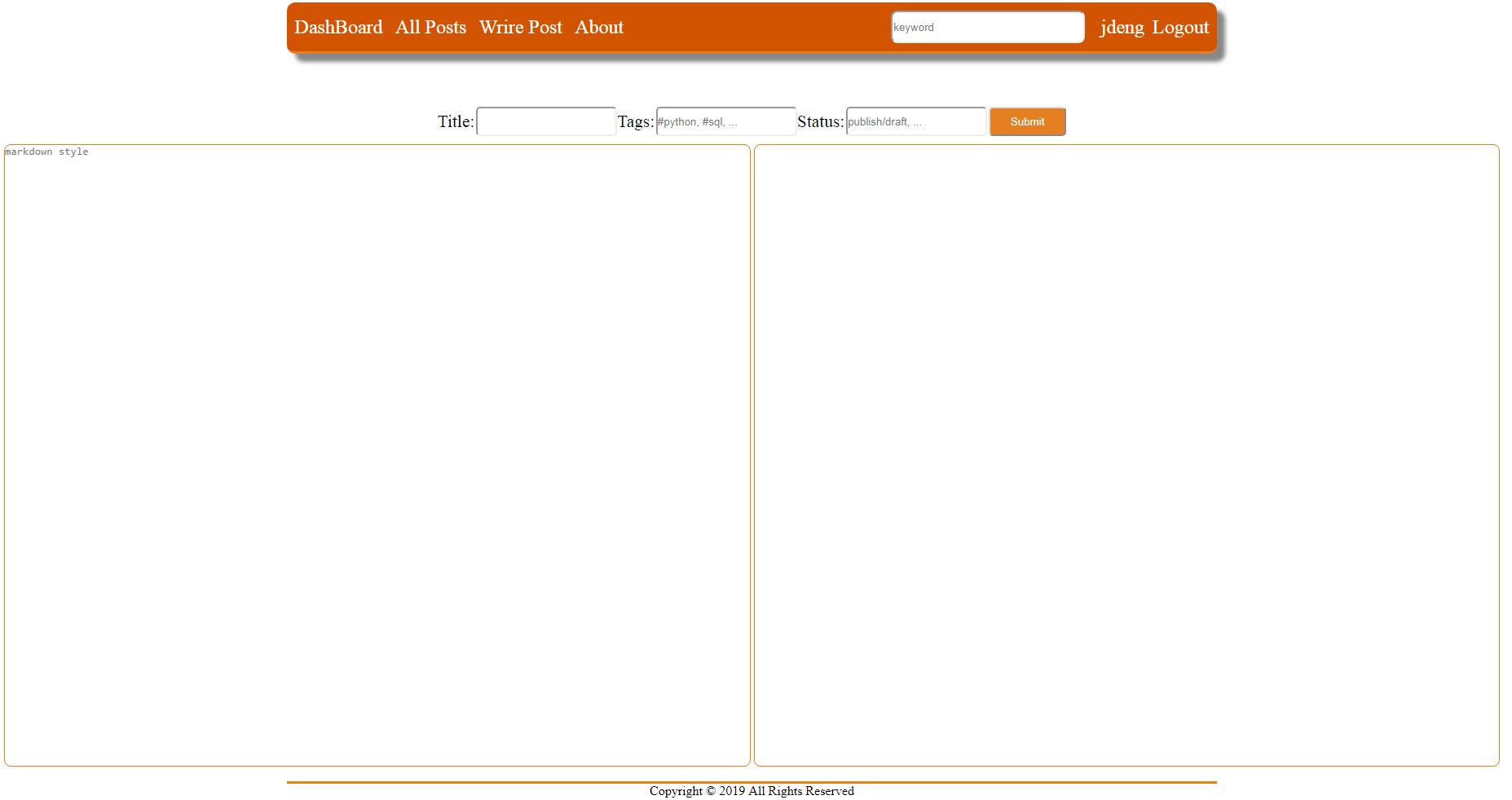
Features
- Sign-in/out
- Password resetting
- Register
- Comment system(ajax)
- Use likes(ajax)
- Category
- Search
- Basic admin privileges
- Markdown supporting.
- HTTP2(s) Support(not default)
cargo run --release --features "http2"https://youraddress:portnum/Future
- Redis.
- Dockerfile.
- OAuth. Allow 3rd-party user log-in, like webchat/github/google/apple... .
- The webUI may be rewritten by webassembly(I did some research, several webassembly frameworks is available now
- ...


