
introducing a portfolio as a tui app served over ssh!
ssh-portfolio





what if the internet as we knew it was different? what if the world wide web never came to be? what if... we lived in our own little ssh services? introducing a portfolio as a tui app served over ssh!
try it out:
ssh -o SendEnv=TERM_PROGRAM erica@devcomp.xyz[!TIP]
make sure you have a nerd font installed or some features may not work!
features
- about & projects tab
- wip blog powered by atproto (whitewind)
- http landing page
showcase
| desc | img | | ----------- | ---------------------------------------------------------------------------------------------------------------------------------------------------------------------------- | | about | 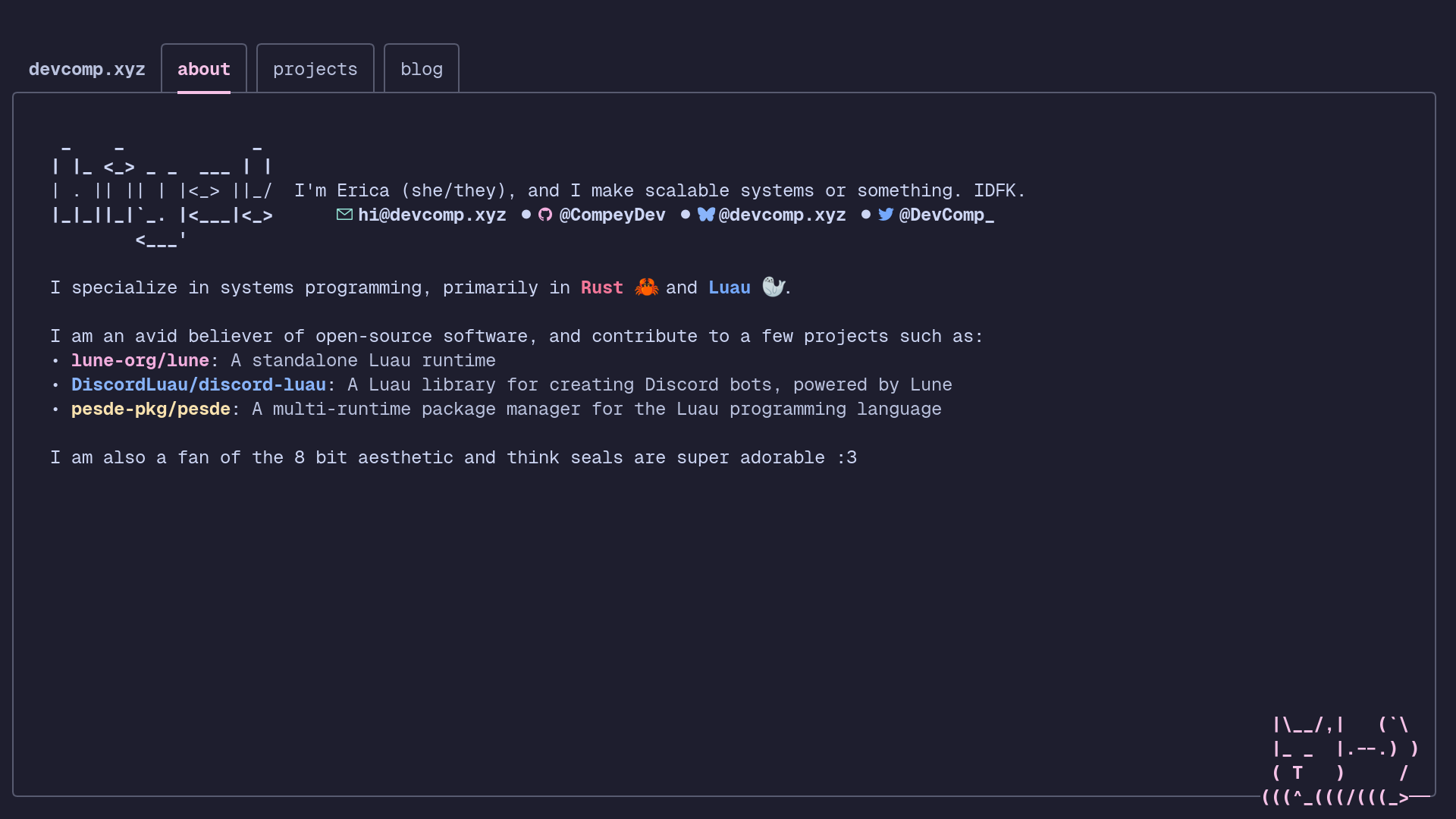 | | projects |
 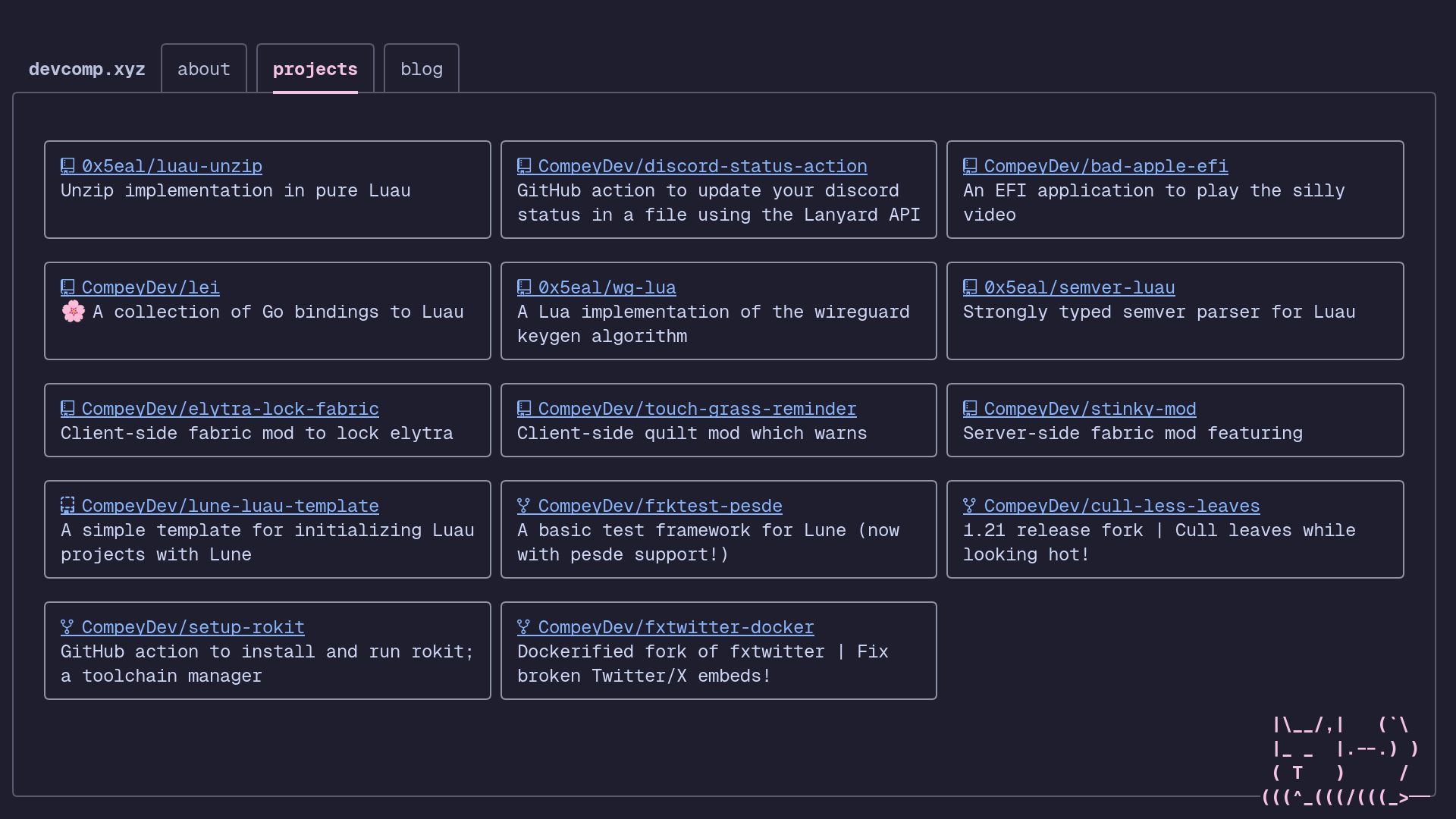 | | web landing |
 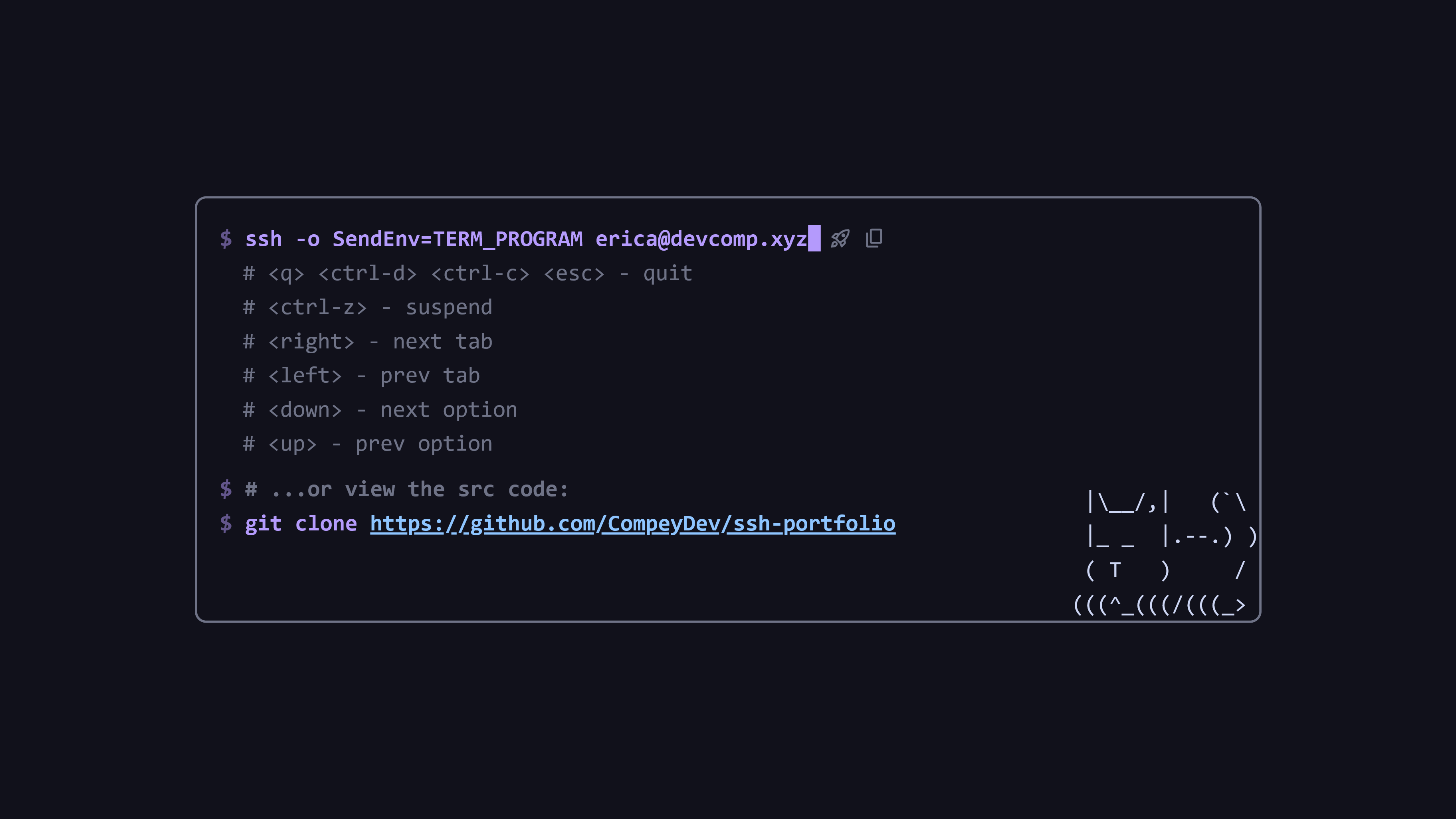 |
|
running
with cargo
you'll need to have rust installed, you can do that using rustup. then, run using:
cargo run --release --no-default-features -- --helpwith nix
the nix flake exports a package with an overridable features attribute. default.nix exports two variants using this, ssh-portfolio and ssh-portfolio-blog.
nix build --file . ssh-portflio      # without blog
nix build --file . ssh-portflio-blog # with blog
then run it:
./result/bin/ssh-portfolio --help
or with your own set of features to build for:
# assuming this is in custom.nix in the same directory as flake.nix:
{ pkgs ? import <nixpkgs> { } }:
rec {
  ssh-portfolio = (builtins.getFlake (builtins.toString ./.)).packages.${pkgs.system}.ssh-portfolio;
  ssh-portfolio-custom = ssh-portfolio.override { features = [ ... ]; };
}
with docker
build an image:
docker build -t ssh-portfolio:latest --build-arg CARGO_FEATURES= .to run it:
docker run ssh-portfolio:latest -- --helpconfiguration
configuration options can be specified within a configuration file. this file is located within your configuration directory.
- Linux:
$XDGCONFIGHOME/ssh-portfolioor~/.config/ssh-portfolio - macOS:
~/Library/Application Support/xyz.devcomp.ssh-portfolio - Windows:
%LOCALAPPDATA%\devcomp\ssh-portfolio\config
SSHPORTFOLIOCONFIG environment
variable. the name of the config file can be: config.json5, config.json,
config.yaml, config.toml, and config.ini.
the default config is as follows:
{
  "private_keys": {
    "ssh-rsa": "$DATADIR/ssh/idrsa",
    "ecdsa-sha2-nistp256": "$DATADIR/ssh/idecdsa",
    "ssh-ed25519": "$DATADIR/ssh/ided25519"
  },
  "keybindings": {
    "Home": {
      "<q>": "Quit",
      "<Ctrl-d>": "Quit",
      "<Ctrl-c>": "Quit",
      "<Esc>": "Quit",
      "<Ctrl-z>": "Suspend",
      "<right>": "NextTab",
      "<left>": "PrevTab",
      "<down>": "SelectNext",
      "<up>": "SelectPrev",
      "<enter>": "Continue"
    }
  }
}
private_keys
specifies the path to the files containing the SSH private keys to use. the following variables are expanded:
$DATA_DIR: the data directory, this can be overridden with the
SSHPORTFOLIODATA environment variable. defaults to:
- Linux: $XDGDATAHOME/ssh-portfolio or ~/.local/share/ssh-portfolio
- macOS: ~/Library/Application Support/xyz.devcomp.ssh-portfolio
- Windows: %LOCALAPPDATA%\devcomp\ssh-portfolio\data
$CONFIG_DIR: the configuration directory, as described above.$HOME: the home directory, aka~.
keybindings
specifies the keybinds! this is an object where the key corresponds to a mode and the value is an object mapping a key to an action. currently, the only mode available is Home.
these actions can be specified:
- General
Tick: do a tick
- Render: renders the tui
- Suspend: suspends
- Resume: resumes after a suspend
- Quit: quits
- ClearScreen: clears the screen
- Tabs
NextTab: go to the next tab
- PrevTab: go to the previous tab
- Selection
SelectNext: select the next item
- SelectPrev: select the previous item
- Continue: activate the currently selected item


