A Radare2 based Python module for Binary Analysis and Reverse Engineering.
Zepu1chr3

A Radare2 based Python module for Binary Analysis and Reverse Engineering.
Installation
- You can simply run this command.
pip3 install zepu1chr3How to Use
Specifying a target binary
- Description: You can specify any binary file to analysis you want. It returns a handler for target file.
import zepu1chr3
zep = zepu1chr3.Binary() target = zep.File("WannaCry.exe")
Getting symbols from target binary
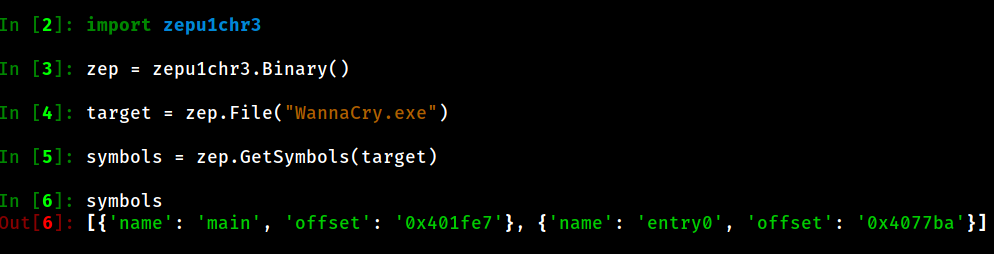
- Description: This method will give you what symbols are inside of the target file. It returns an array of symbol information.
import zepu1chr3
zep = zepu1chr3.Binary() target zep.File("WannaCry.exe") symbols = zep.GetSymbols(target)
Getting imports from target binary
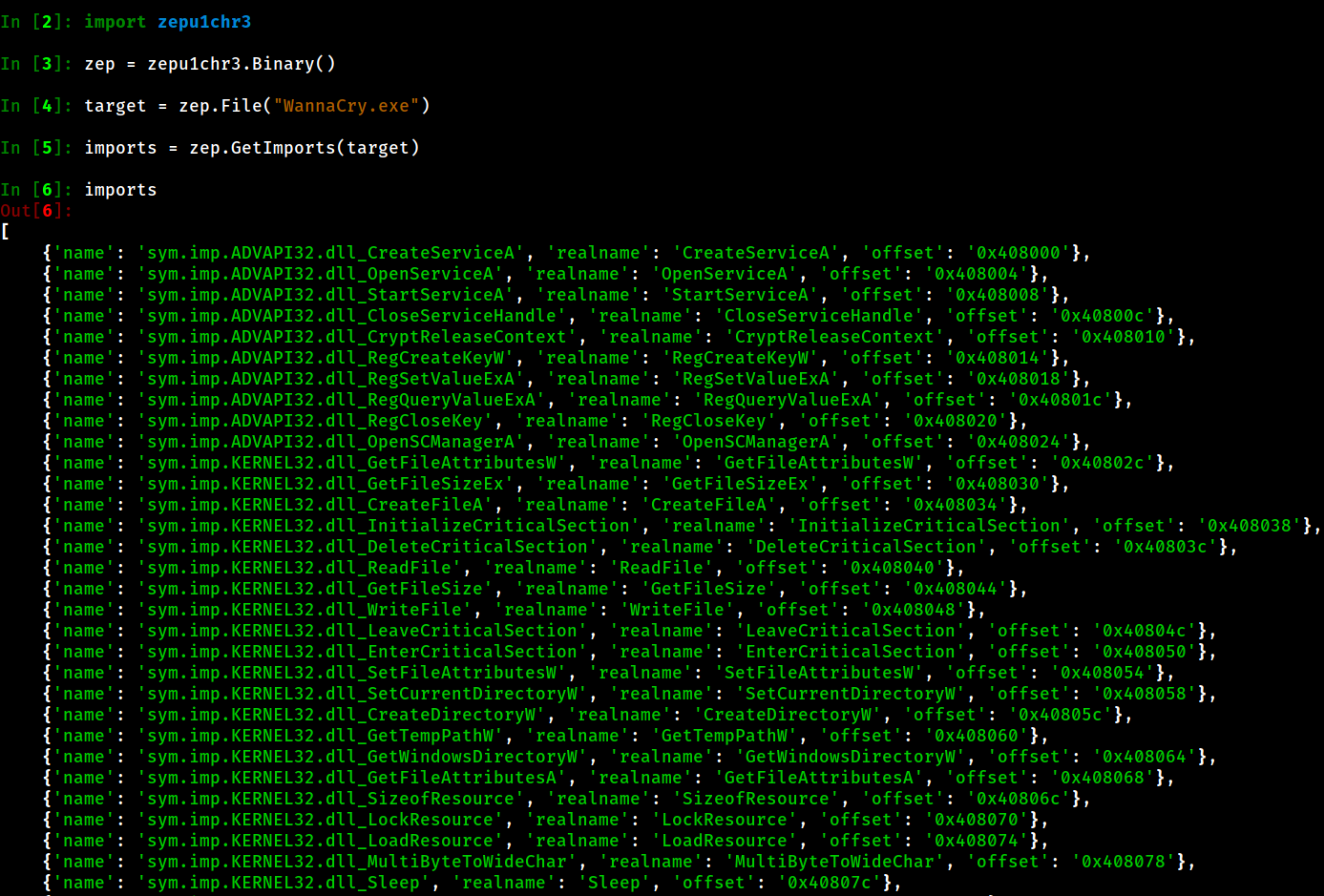
- Description: This method will give you what imports are inside of the target file. It returns an array of import information.
import zepu1chr3
zep = zepu1chr3.Binary() target = zep.File("WannaCry.exe") imports = zep.GetImports(target)
Getting functions from target binary
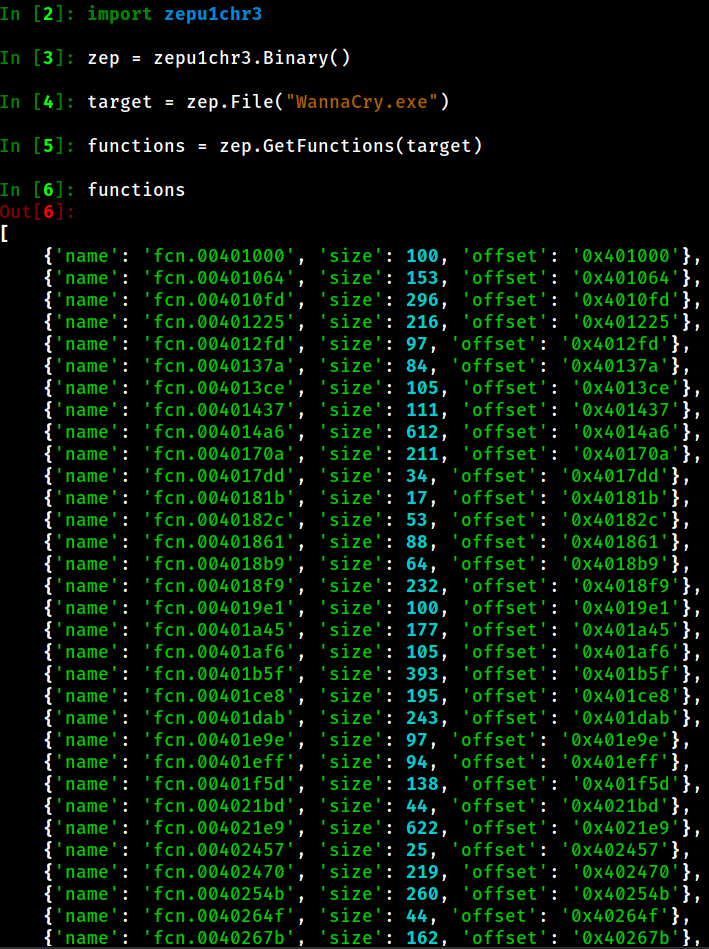
- Description: This method will give you what functions are inside of the target file. It returns an array of function information.
import zepu1chr3
zep = zepu1chr3.Binary() target = zep.File("WannaCry.exe") functions = zep.GetFunctions(target)
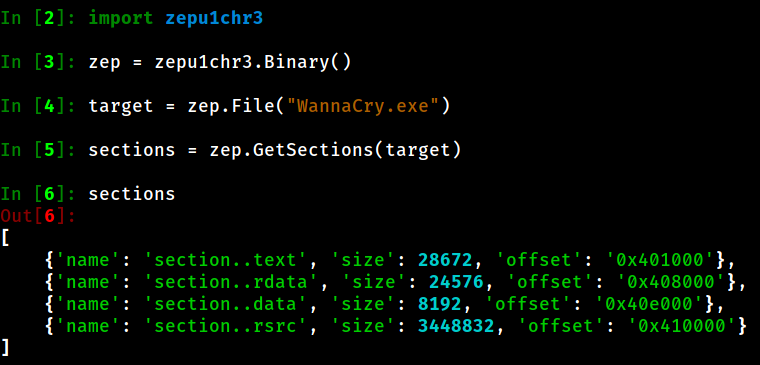
Getting sections from target binary
- Description: This method will give you what sections are inside of the target file. It returns an array of section information.
import zepu1chr3
zep = zepu1chr3.Binary() target = zep.File("WannaCry.exe") sections = zep.GetSections(target)
Disassembling functions or somethings contained in offsets
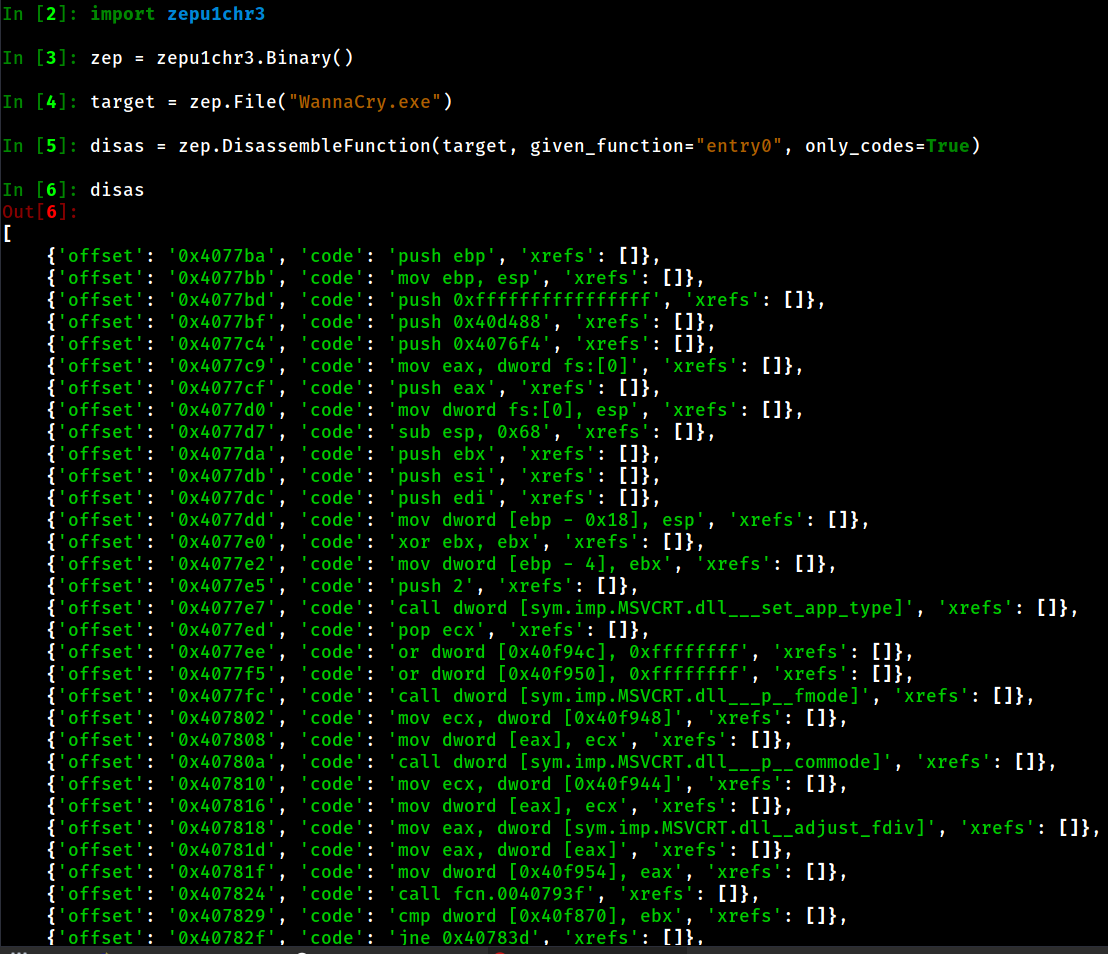
Getting informations about only machine code
- Description: This method will give you disassembled function codes if
parameter set to
import zepu1chr3
zep = zepu1chr3.Binary() target = zep.File("WannaCry.exe") disas = zep.DisassembleFunction(target, givenfunction="entry0", onlycodes=True) second = zep.DisassembleFunction(target, givenfunction="0x401000", onlycodes=True) # You can use offsets to!!
Getting every information about machine code (verbose!!)
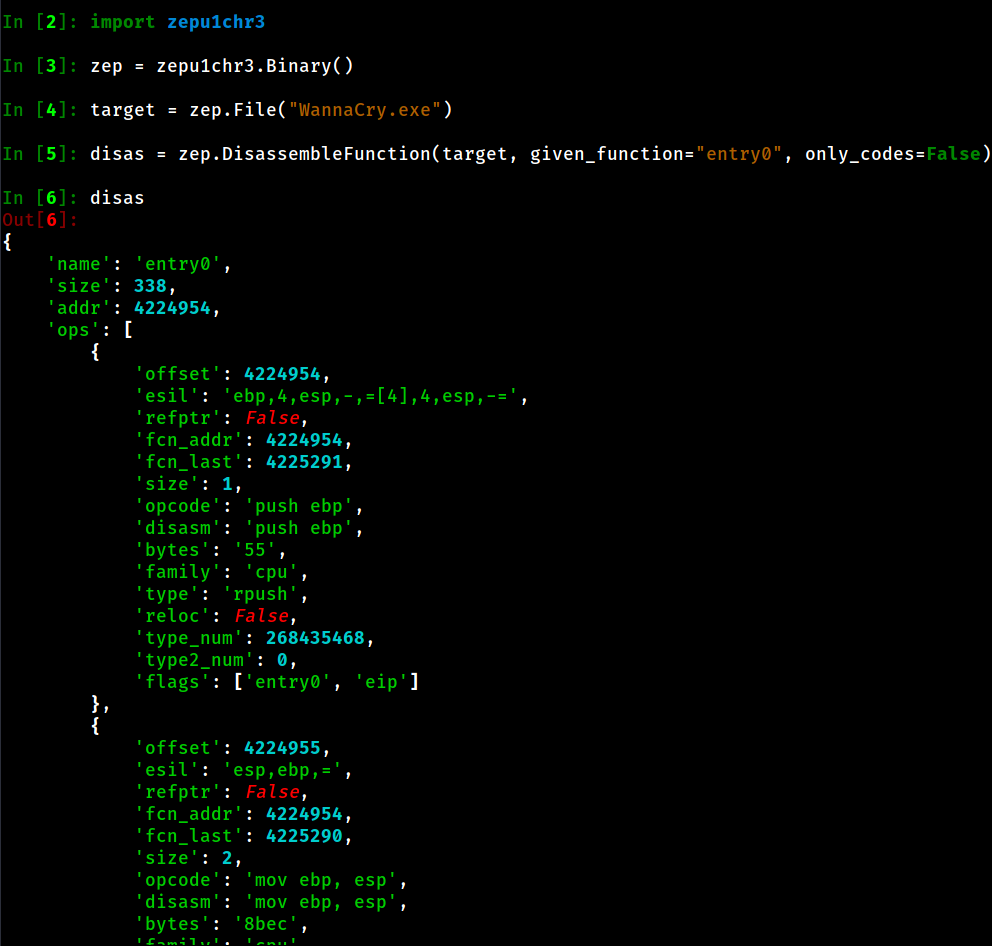
- Description: If you set
parameter as
you will get more verbose output.
import zepu1chr3
zep = zepu1chr3.Binary() target = zep.File("WannaCry.exe") disas = zep.DisassembleFunction(target, givenfunction="entry0", onlycodes=False)