
Simplistic Ethereum Block/TX Explorer that only relies on an RPC connection.
 BLAZED.sh RPC ETH Explorer
Simplistic Ethereum Block/TX/Contract Explorer that only relies on an RPC connection.
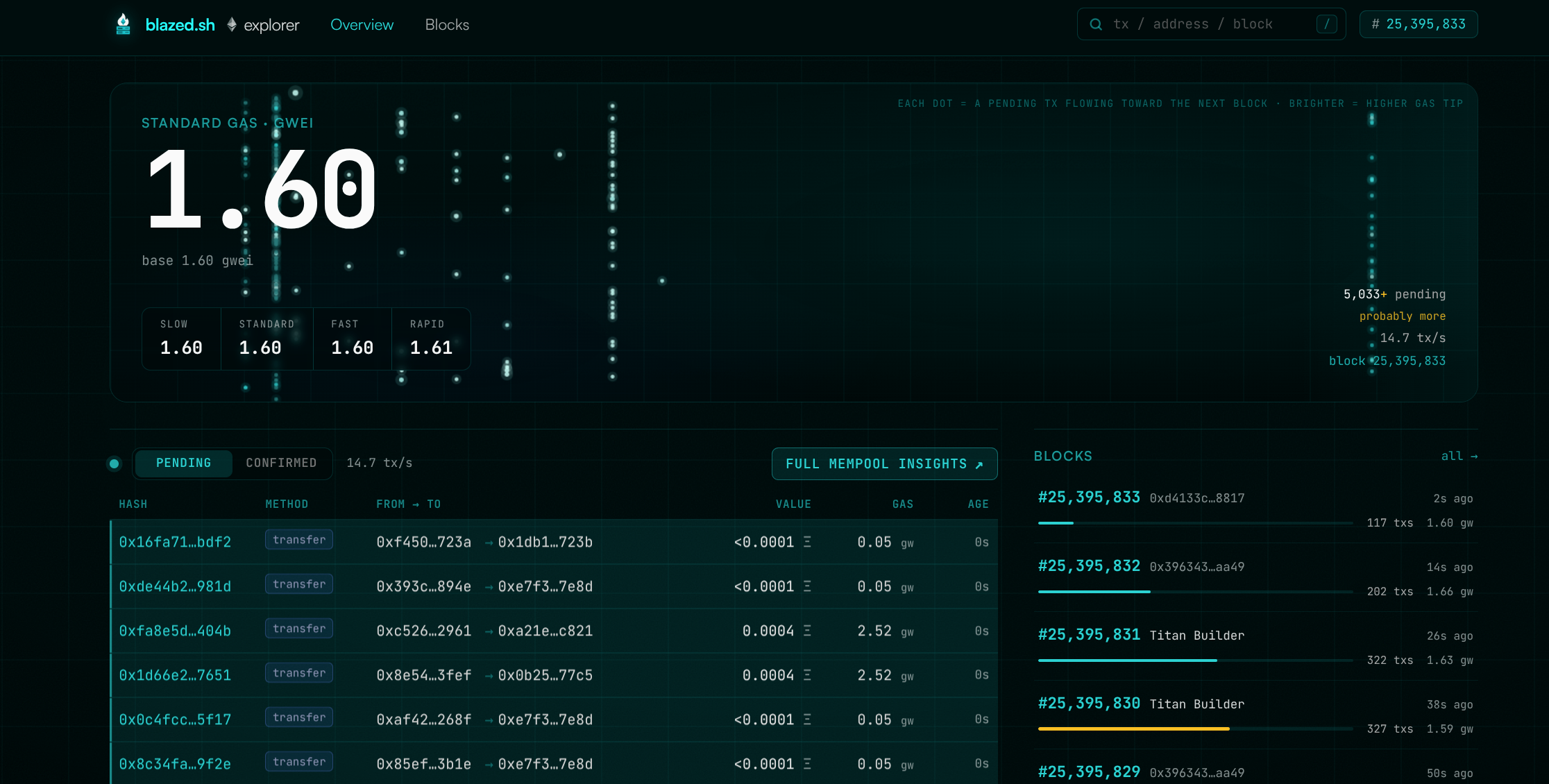 Dashboard Live mempool stream & gas |
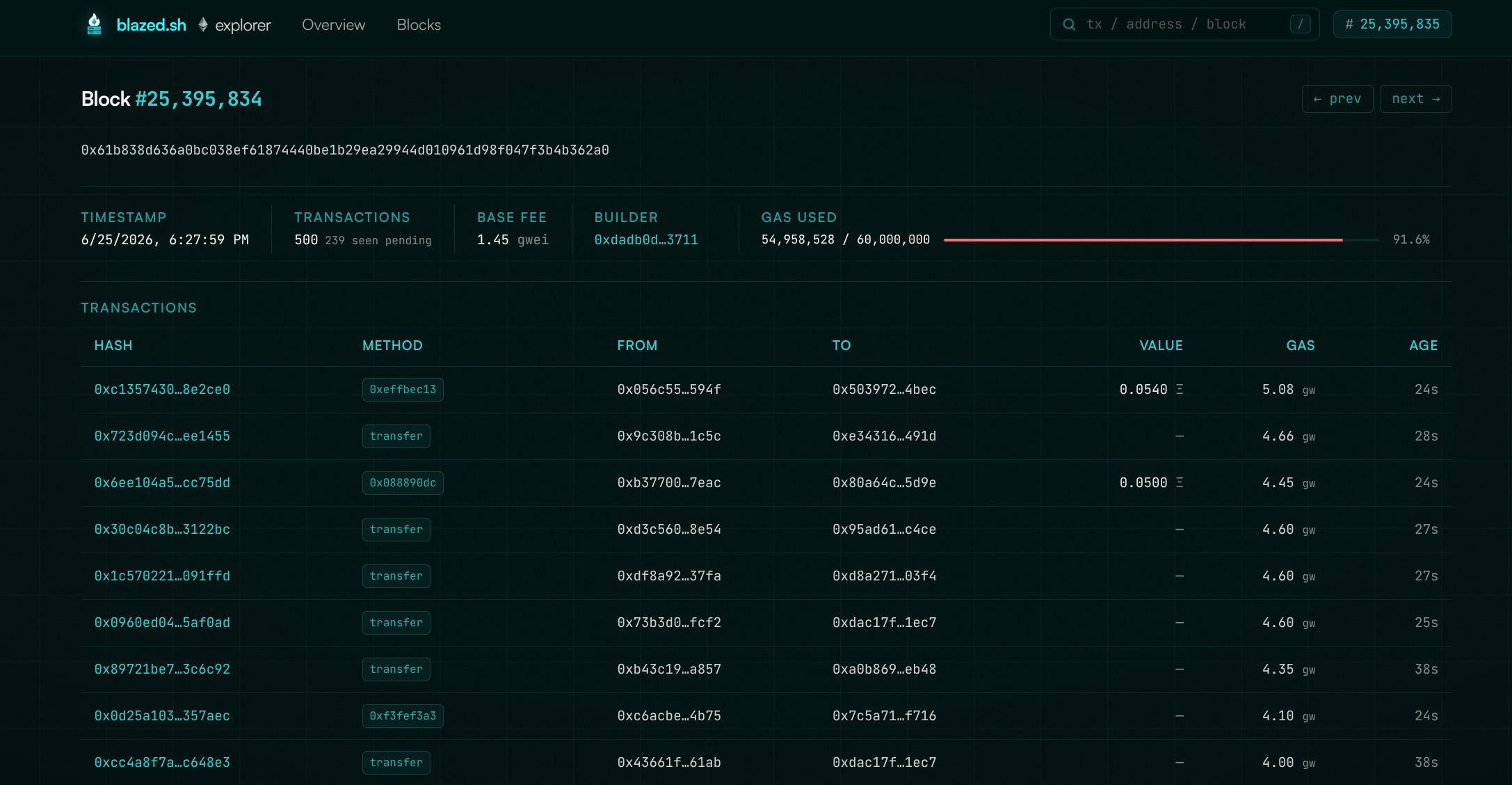 Block Full block & tx breakdown |
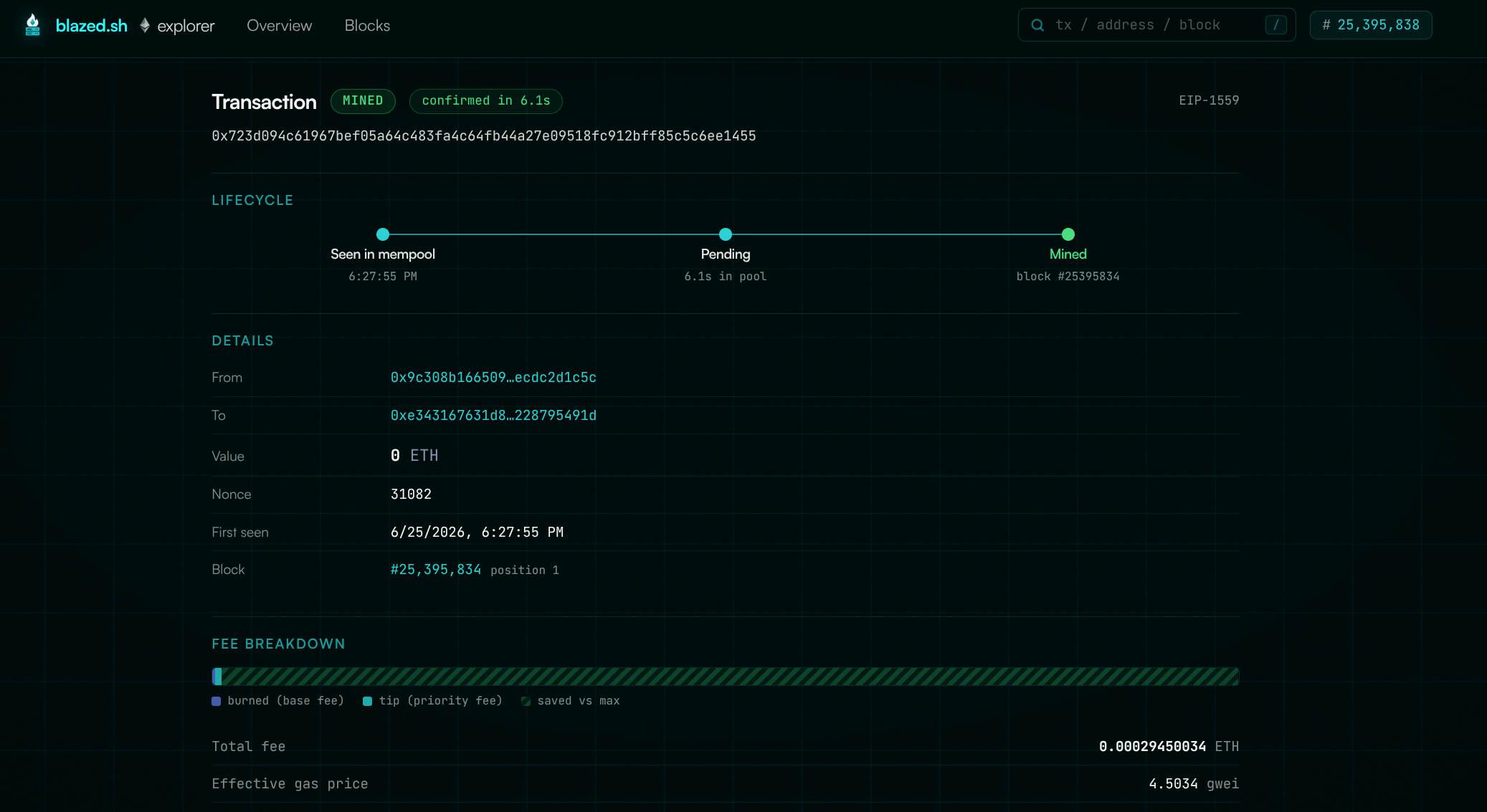 Transaction Decoded calls, logs & fees |
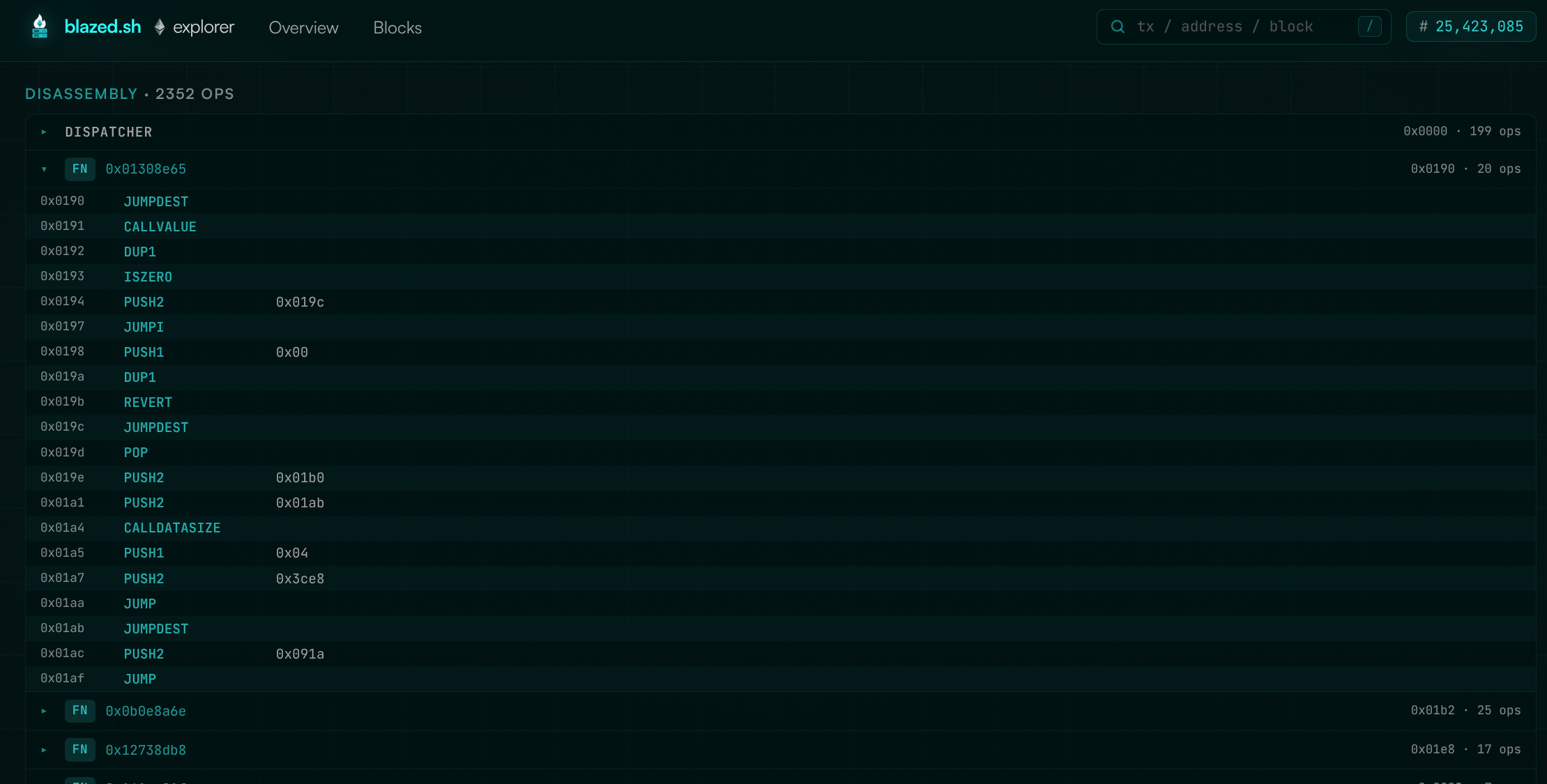 Contract EVM bytecode of contracts |
Simplistic Ethereum Block/TX/Contract Explorer Backend + Frontend that only relies on a RPC connection. Backend does the RPC requests and stores data in a simple SQLite, live data is provided via WS.
Features
- Live mempool stream over WebSocket: pending txs as they hit the pool
- Block & transaction explorer backed by SQLite
- Real-time gas tracking and mempool charts
- Search across blocks, txs and addresses
- Decoded calls, event logs and fee breakdowns
- Inspect the EVM bytecode of deployed contracts
- Single static binary with embedded frontend, no external services beyond your node
- Configurable retention with automatic pruning
Requirements
- An Ethereum node with
ethandtxpoolAPI namespaces enabled:
--http.api eth,net,web3,txpool --ws.api eth,txpool
- Go 1.23+, Node 20+
Run
cp .env.example .env   # set ETHHTTPURL / ETHWSURL
make build             # builds frontend + single static binary
./blazed-explorer
Open http://localhost:8080.
Development
make dev-server        # go backend on :8080
make dev-web           # vite dev server on :5173 (proxies /api and /ws)
Configuration (env)
| Var | Default | | |---|---|---| | ETHHTTPURL | http://127.0.0.1:8545 | node HTTP RPC | | ETHWSURL | ws://127.0.0.1:8546 | node WS RPC | | LISTEN_ADDR | :8080 | server listen address | | DB_PATH | ./explorer.db | SQLite database path | | RETENTION_HOURS | 48 | prune txs older than this | | MAX_POOL | 10000 | in-memory pending pool cap | | ALLOWORIGINS | (empty)_ | comma-separated CORS allowlist for API/WS; only needed for cross-origin frontends. * allows any | | TLSCERTFILE | (empty) | path to a TLS cert (PEM); takes precedence over ACME | | TLSKEYFILE | (empty) | path to the matching TLS private key (PEM) | | ACME_ENABLED | false | obtain a Let's Encrypt cert via manual dns-01 | | DOMAIN | (empty) | hostname for the ACME cert (required when ACME_ENABLED) | | ACMEEMAIL | (empty)_ | contact email for expiry notices (optional) | | CERT_CACHE | ./certs | dir where issued certs + account key are cached | | ACMEDNSWAIT | 600 | seconds to wait for the TXT record before validating | | ACMEDIRECTORY | (empty)_ | ACME directory URL; empty = LE production, set staging URL to test |
HTTPS
The server speaks plain HTTP by default. To serve HTTPS, either point it at your own cert:
TLSCERTFILE=/path/fullchain.pem TLSKEYFILE=/path/privkey.pem ./blazed-explorer…or let it obtain a Let's Encrypt cert via a manual dns-01 flow (no port 80 / inbound needed — the cert is bound to the hostname, so LISTEN_ADDR can be any port):
ACMEENABLED=true DOMAIN=explorer.example.com ACMEEMAIL=you@example.com ./blazed-explorerOn first run it logs a _acme-challenge.<domain> TXT record for you to create, waits ACMEDNSWAIT seconds, then validates and issues. The cert is cached in CERT_CACHE and reused on restart (re-issued within 30 days of expiry). Use the LE staging ACME_DIRECTORY while testing to avoid rate limits.
Pointing the frontend at a remote backend
By default the frontend uses same-origin relative paths, so it just works when served by the backend binary. To host the frontend separately, bake the backend location in at build time (Vite env vars, see web/.env.example):
cd web
VITEAPIBASE=https://api.example.com npm run build
VITEWSURL is optional; defaults to the WS endpoint derived from VITEAPIBASE
Then run the backend with the frontend's origin allowed for CORS:
ALLOW_ORIGINS=https://explorer.example.com ./blazed-explorer


