
GUI for Almamu/linux-wallpaperengine using Go (Backend) and Electron (Frontend) .

✦ LINUX WALLPAPER ENGINE GUI ✦
◈ A graphical user interface for managing wallpapers for linux-wallpaperengine ◈
◈ Powered by Go (Backend) and Electron (Frontend) ◈


CONTENTS
- Arch Linux (AUR) - Other Distributions - [\[Options\]](#options)[!NOTE]
This GUI will be compatible with my linux-wallpaperengine in the future.>
It's a Go implementation of Wallpaper Engine for Linux. It's still in early development. Maybe you want to check it out!
SCREENSHOTS
| Main Window | | :-----------------------------: | | 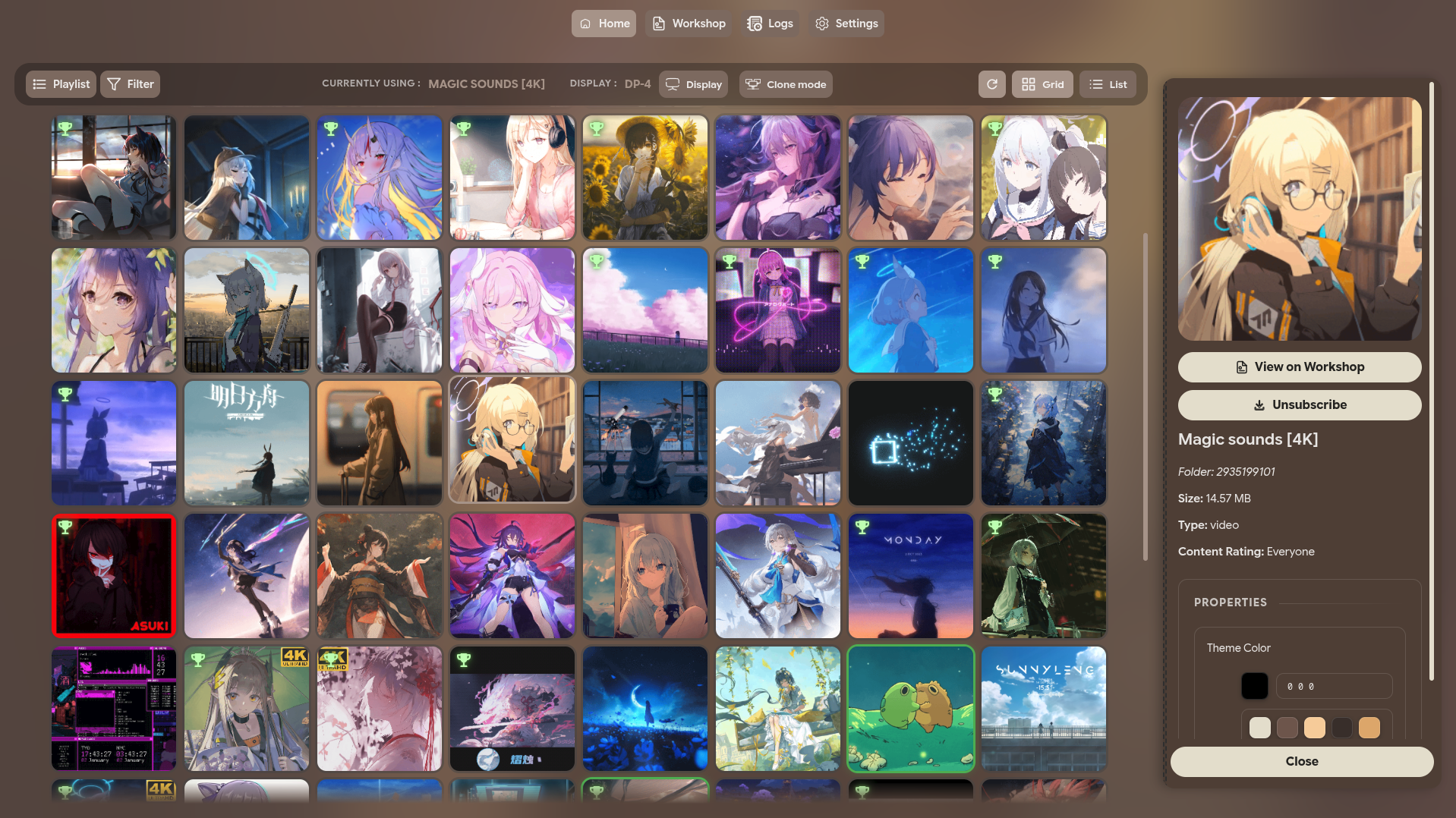 |
|
| Main Window (List) | | :----------------------------------: | | 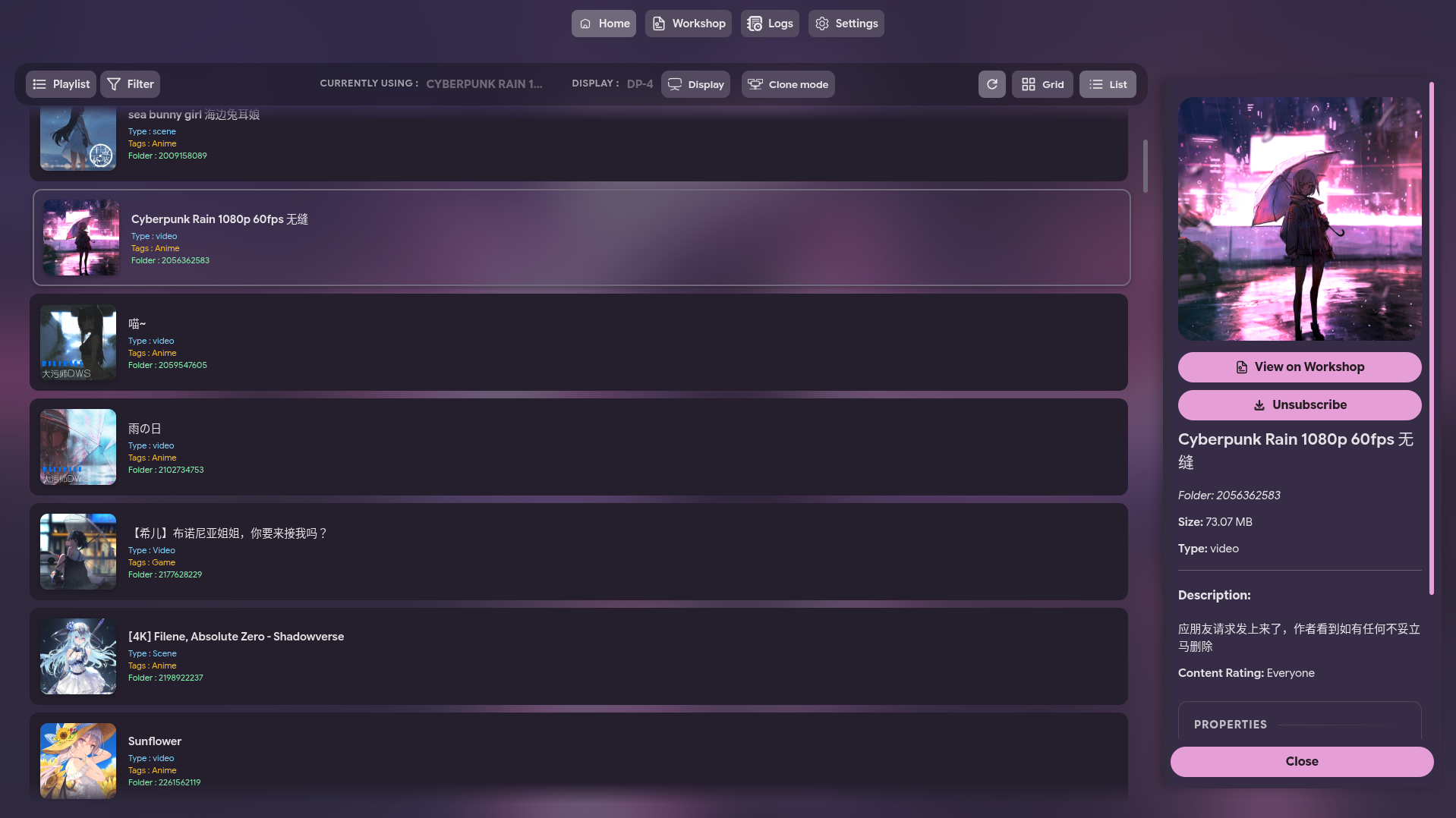 |
|
| Display Settings | | :----------------------------: | | 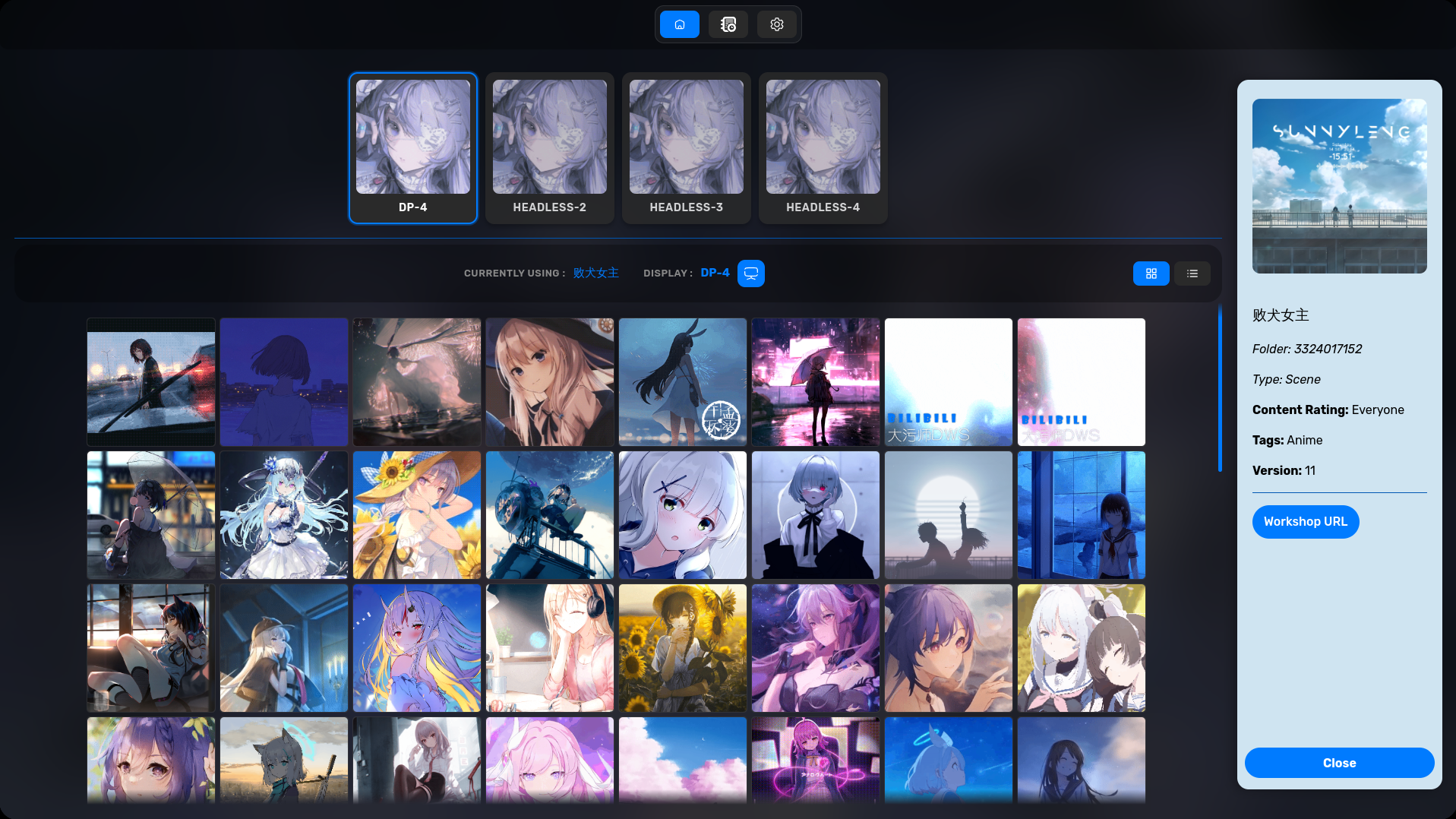 |
|
| WORKSHOP | | :-----------------------------: | | 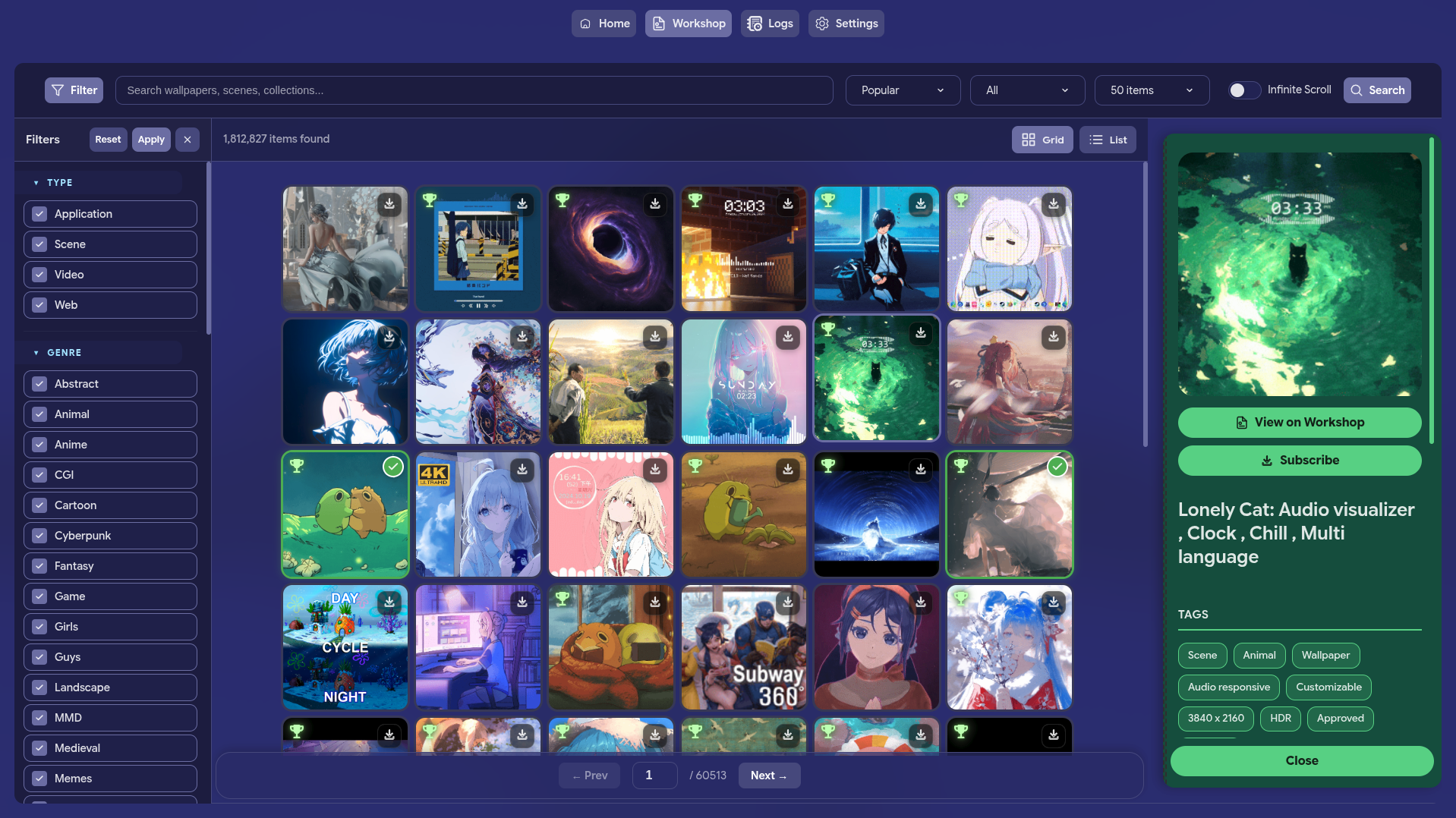 |
|
| PLAYLIST | | :--------------------------------------: | | 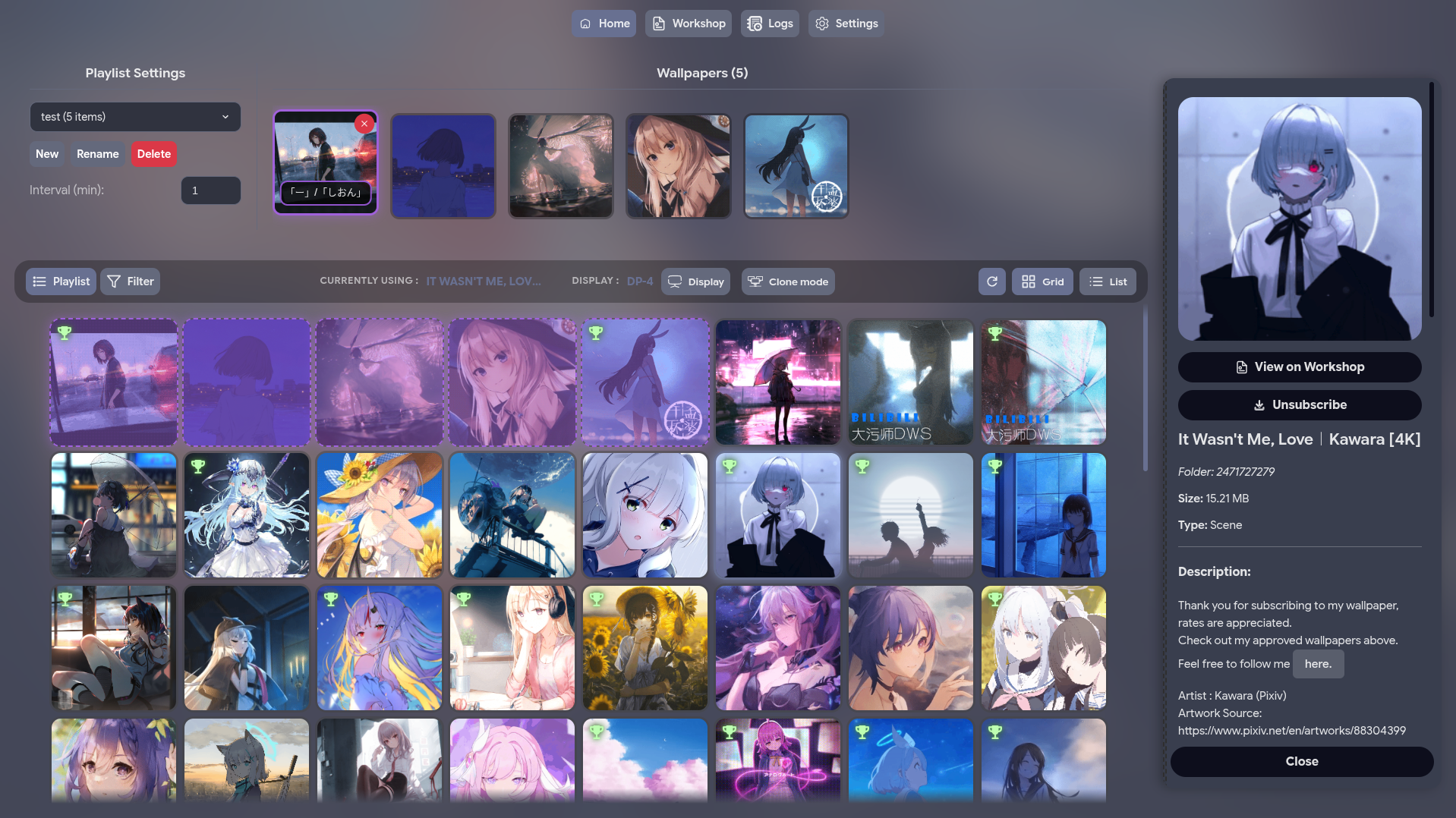 |
|
| PLAYLIST - SETTING | | :--------------------------------------: | | 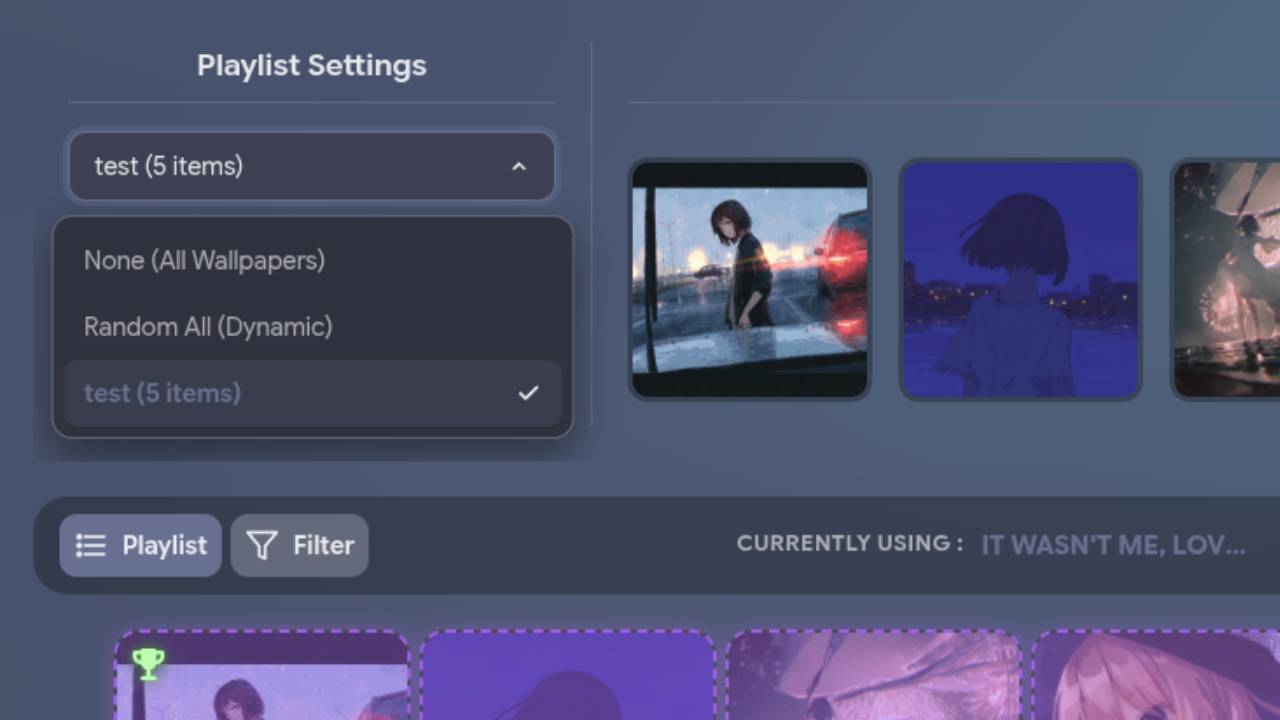 |
|
| WORKSHOP - DOWNLOADING | | :--------------------------------------: | | 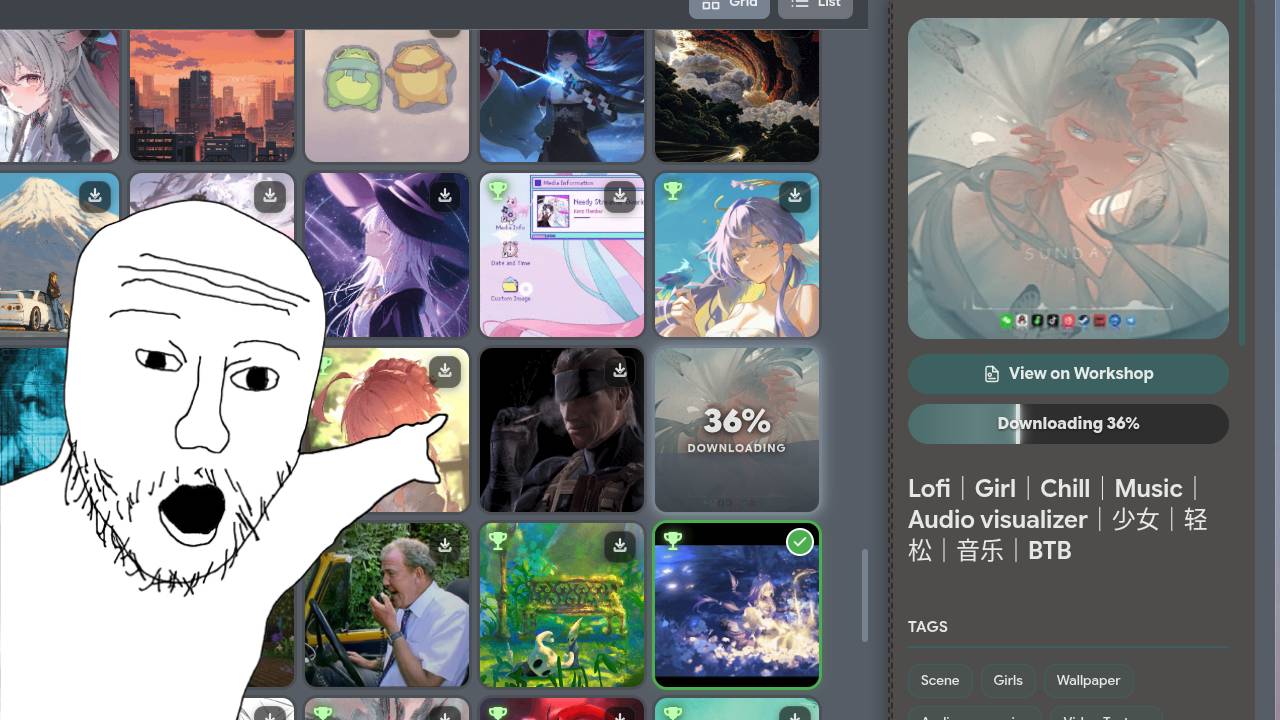 |
|
| Settings | | :----------------------------------: | | 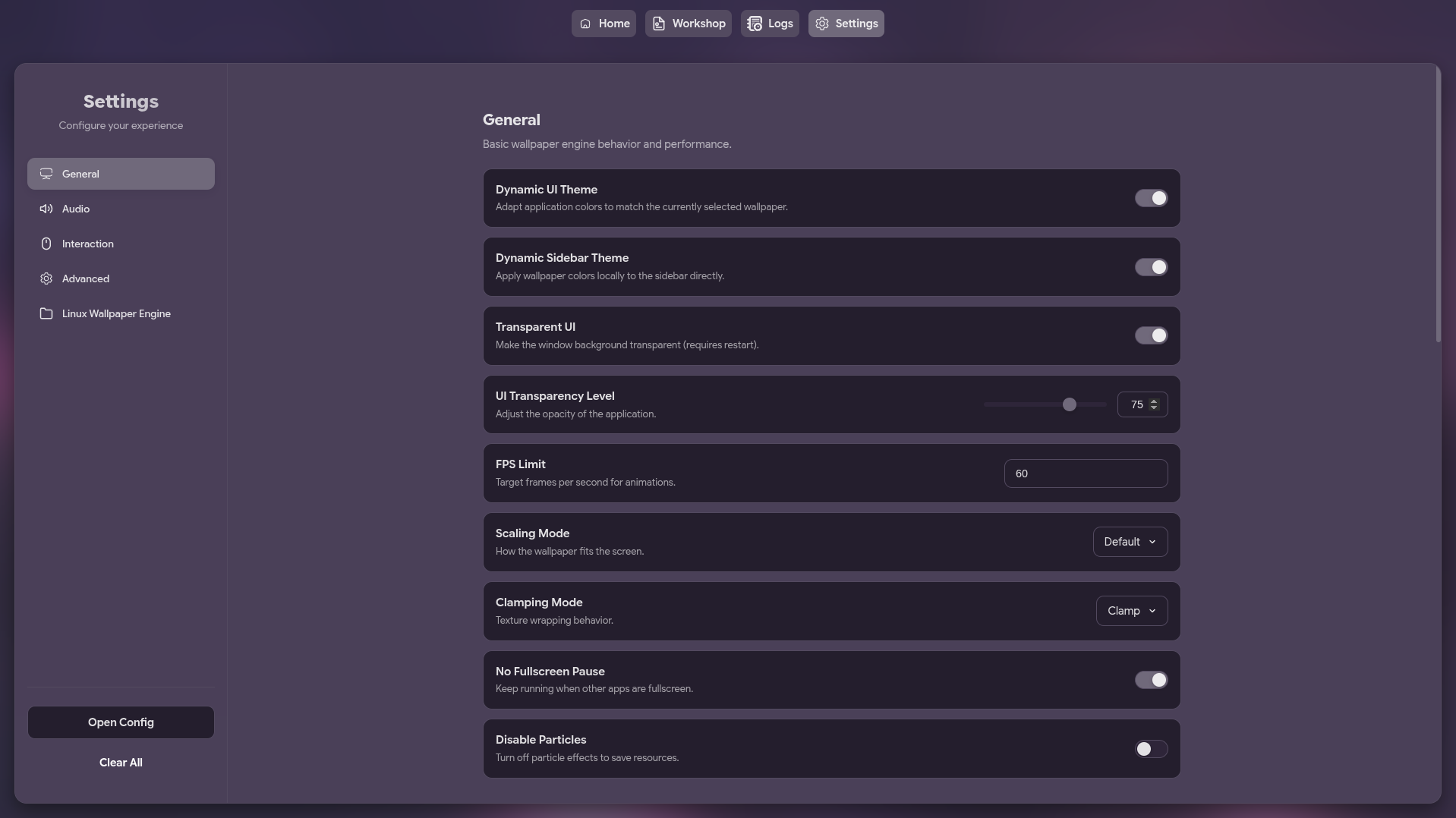 |
|
FEATURES
| Feature | Description | |---------|-------------| | Wallpaper Management | Browse and select wallpapers from your Steam Workshop content | | Steam Workshop Integration | Search and download wallpapers directly from Steam Workshop | | Playlist Support | Create and manage playlists including dynamic "Random All" | | Wallpaper Properties | Adjust individual wallpaper settings | | Multi-Monitor Support | Choose which screen to apply wallpapers to | | Auto-Save & Auto-Run | Remembers and applies last used wallpaper on startup | | Native Wayland Support | Optional native Wayland mode for fixing scaling issues | | Customizable Settings | Edit settings or raw JSON config | | System Tray | Minimize to tray for seamless background operation |
MEMORY EFFICIENCY
I know that many users are scared of Electron applications due to their reputation for being "RAM eaters". This GUI is specifically designed for maximum efficiency to address those concerns:
- Go Backend: A lightweight Go process handles the system tray, configuration, and wallpaper management.
- Electron Frontend: The Electron-based UI is only launched when needed. When you minimize the application to the tray, the Electron process is completely terminated, freeing up all the memory it was using.
PREREQUISITES
[!IMPORTANT]
This application requires linux-wallpaperengine to be installed on your system to function.
INSTALLATION
Arch Linux (AUR)
Install using your favorite AUR helper:
# Using yay
yay -S linux-wallpaperengine-gui-git
Using paru
paru -S linux-wallpaperengine-gui-git
Other Distributions
Download the latest pre-built binaries (AppImage, deb, rpm) from the Releases page.
USAGE
Launch it from your application menu or via terminal:
linux-wallpaperengine-gui [options][Options]
--minimized: Starts the application minimized in the system tray.--native-wayland: Makes electron use native Wayland instead of XWayland to solve fractional scaling issues (only works on Wayland sessions)--debug-mode: Enables debug mode for the application.
BUILD FROM SOURCE
Requirements:
- Clone & Enter:
git clone https://github.com/AzPepoze/linux-wallpaperengine-gui
cd linux-wallpaperengine-gui- Install Deps:
bun install- Build:
bun run buildThe output will be in the dist directory.
DEVELOPMENT
Run with hot-reloading:
bun run devSTONKS!
✦ Made with ♥︎ by AzPepoze ✦


