
:book: Quickly close (bdelete) several buffers at once 📕
NOTE: I'm no longer maintaining this repo. Please feel free to fork!
close-buffers.vim
This plug-in allows you to quickly bdelete several buffers at once. It is useful if you want to prune your buffer list or free up memory.
It provides a command called Bdelete that takes a single parameter specifying which buffers to bdelete. See the list of possible parameters below.
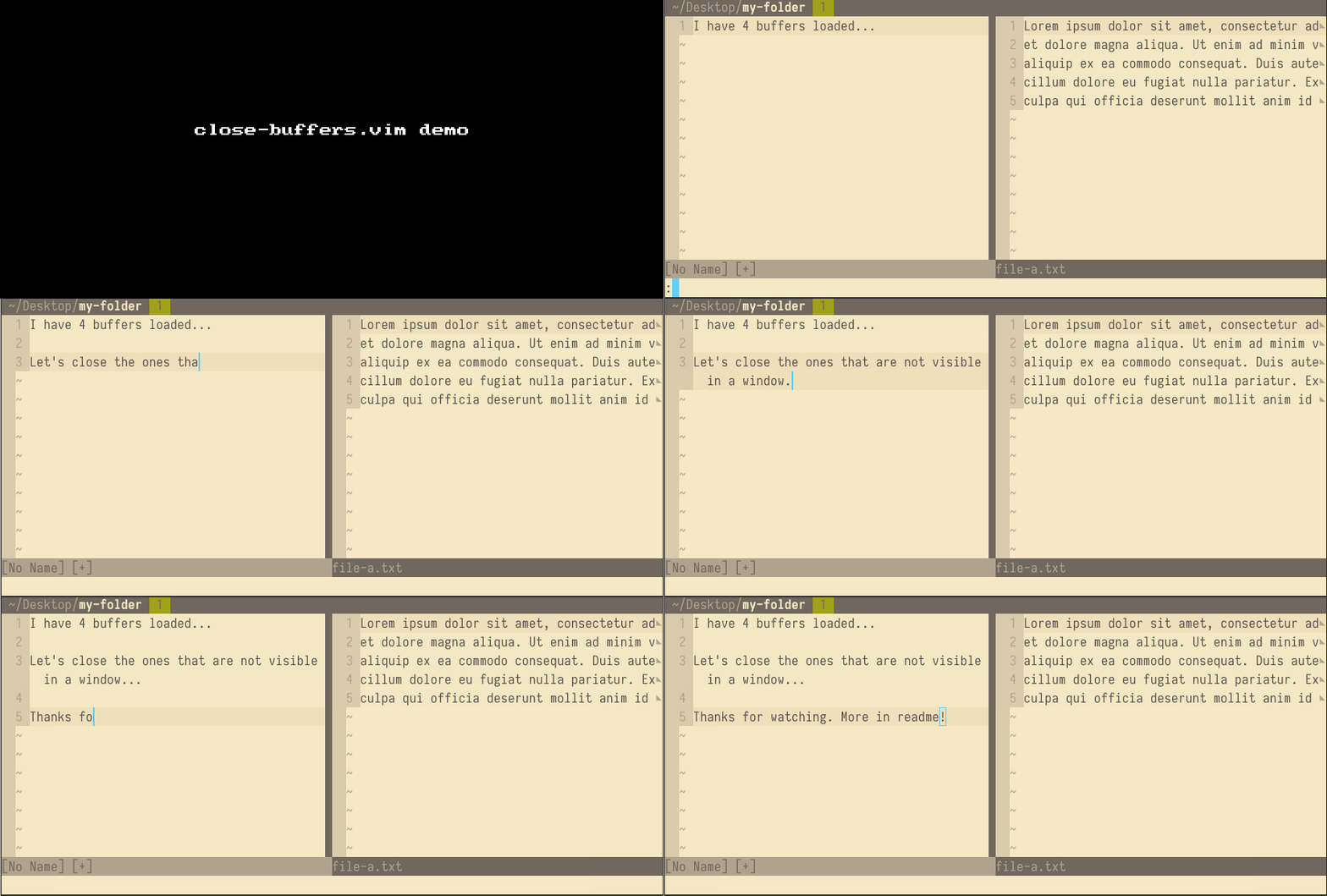
Demo Video
Commands
Command | Description | Native version -------- | ----------- | ------------------ :Bdelete other 🔥 | bdelete all buffers except the buffer in the current window | :Bdelete hidden 🔥 | bdelete buffers not visible in a window | :Bdelete all | bdelete all buffers | :bufdo bdelete :Bdelete this | bdelete buffer in the current window | :bdelete :Bdelete nameless | bdelete buffers without a name: [No Name] | :Bdelete select | Lets you interactively select which buffers to bdelete | :Bdelete menu | Lets you interactively choose one of the other commands above |
Recommended key mapping
I recommend one of the following key mappings:
nnoremap <silent> <C-q> :Bdelete menu<CR>nnoremap <silent> Q :Bdelete menu<CR>Install
You can use any plugin manager you want. Some popular options:- vim-plug:
Plug 'Asheq/close-buffers.vim' - Vundle:
Plugin 'Asheq/close-buffers.vim' - pathogen:
cd ~/.vim/bundle && git clone git://github.com/asheq/close-buffers.vim.git - Manual: Copy the files into your
.vimdirectory.
Other Info
Buffers with unsaved changes
By default,Bdelete will fail to bdelete modified buffers, i.e., buffers that have unsaved
changes.
In order to force Bdelete to bdelete modified buffers, add a bang to the end of the command, i.e., Bdelete!.
Alternatively, you can configure Vim to ask you to confirm each modified buffer that would be bdeleted. This can be done by setting the native Vim confirm option with :set confirm.
Bwipeout
If you know what you are doing, you can useBwipeout instead of Bdelete to bwipeout buffers
instead of bdelete them. The Bwipeout command has the same parameters as Bdelete.


